
How People Use Tweet Screenshots
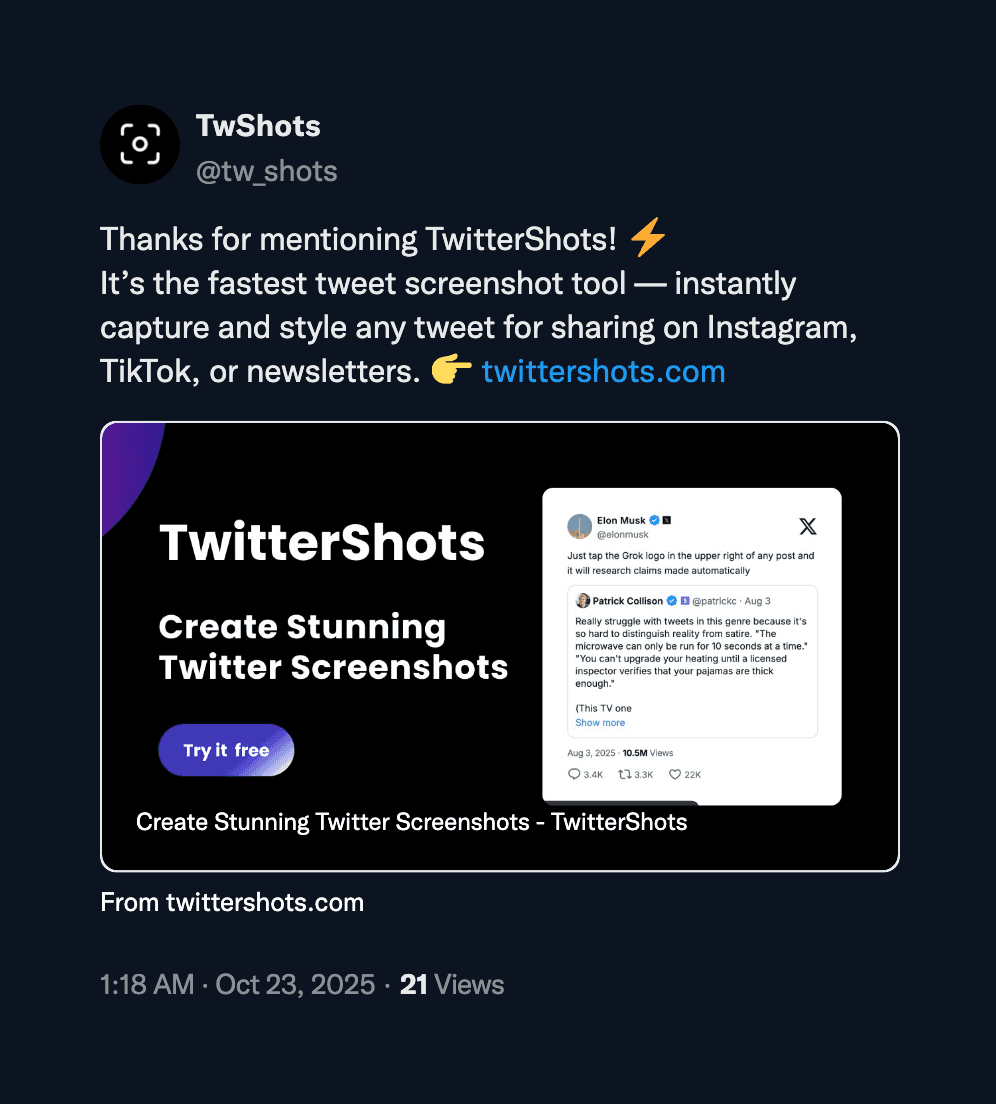
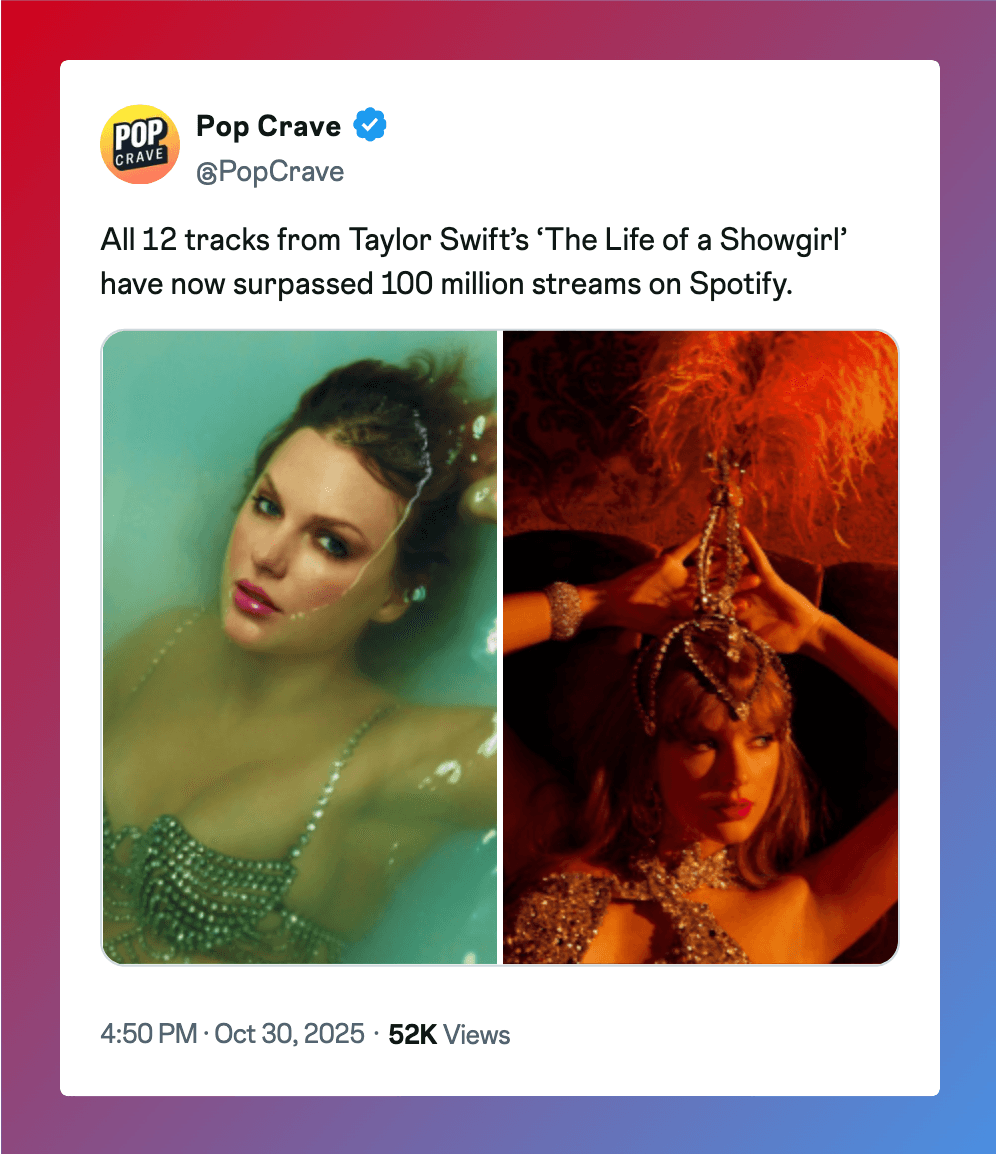
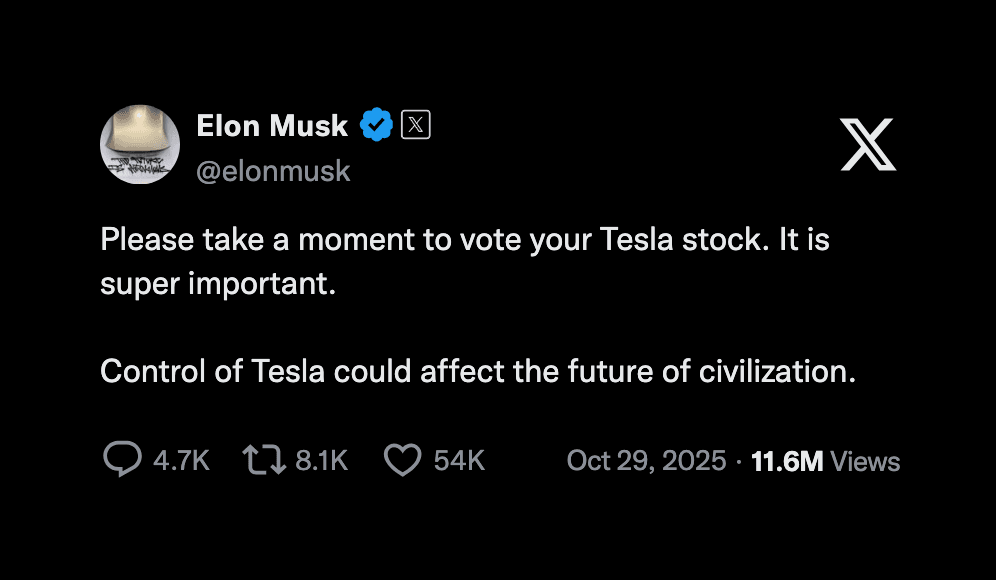
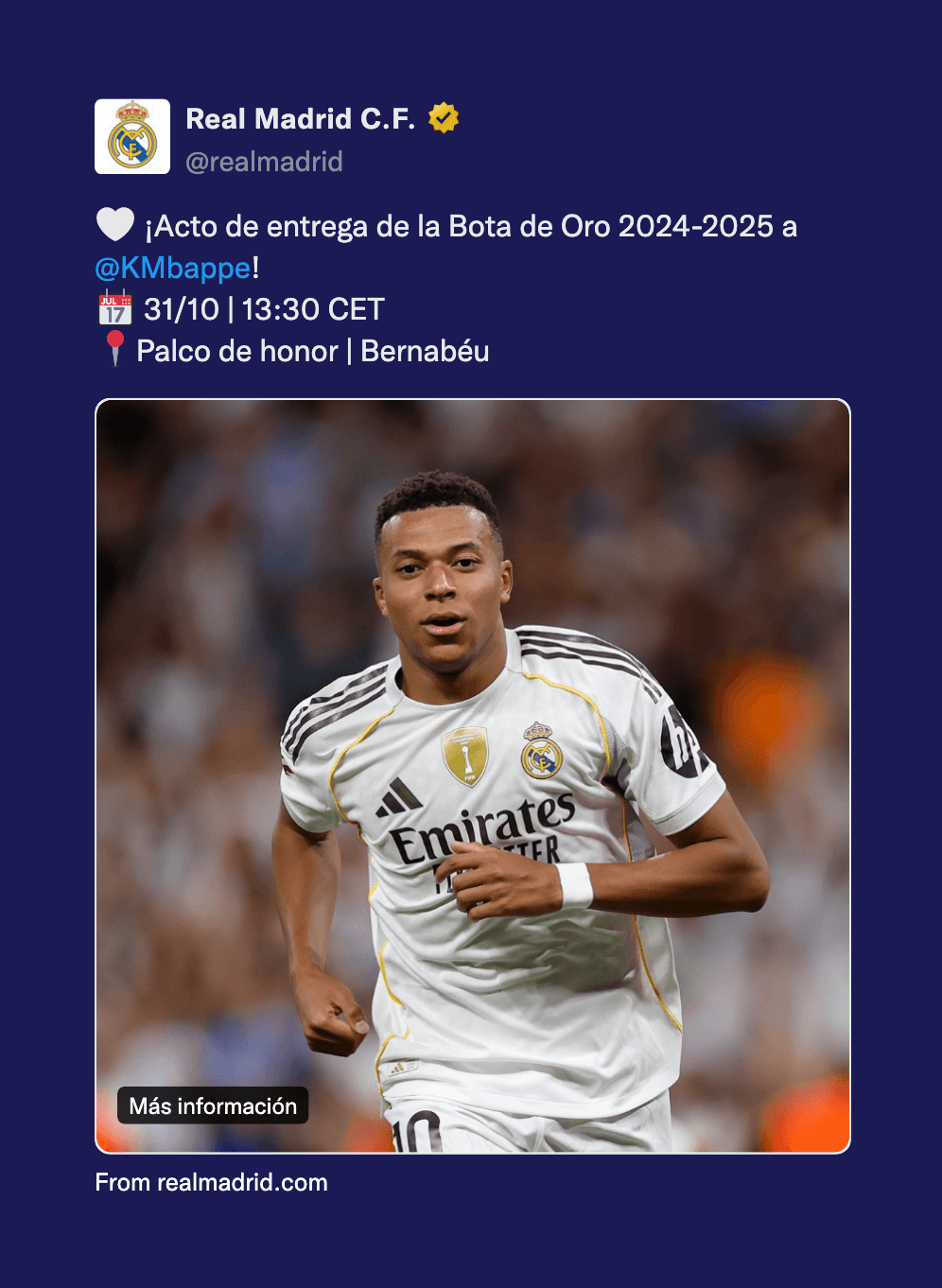
From social media to presentations, our tweet screenshot generator helps creators and professionals share Twitter content beautifully across multiple platforms.
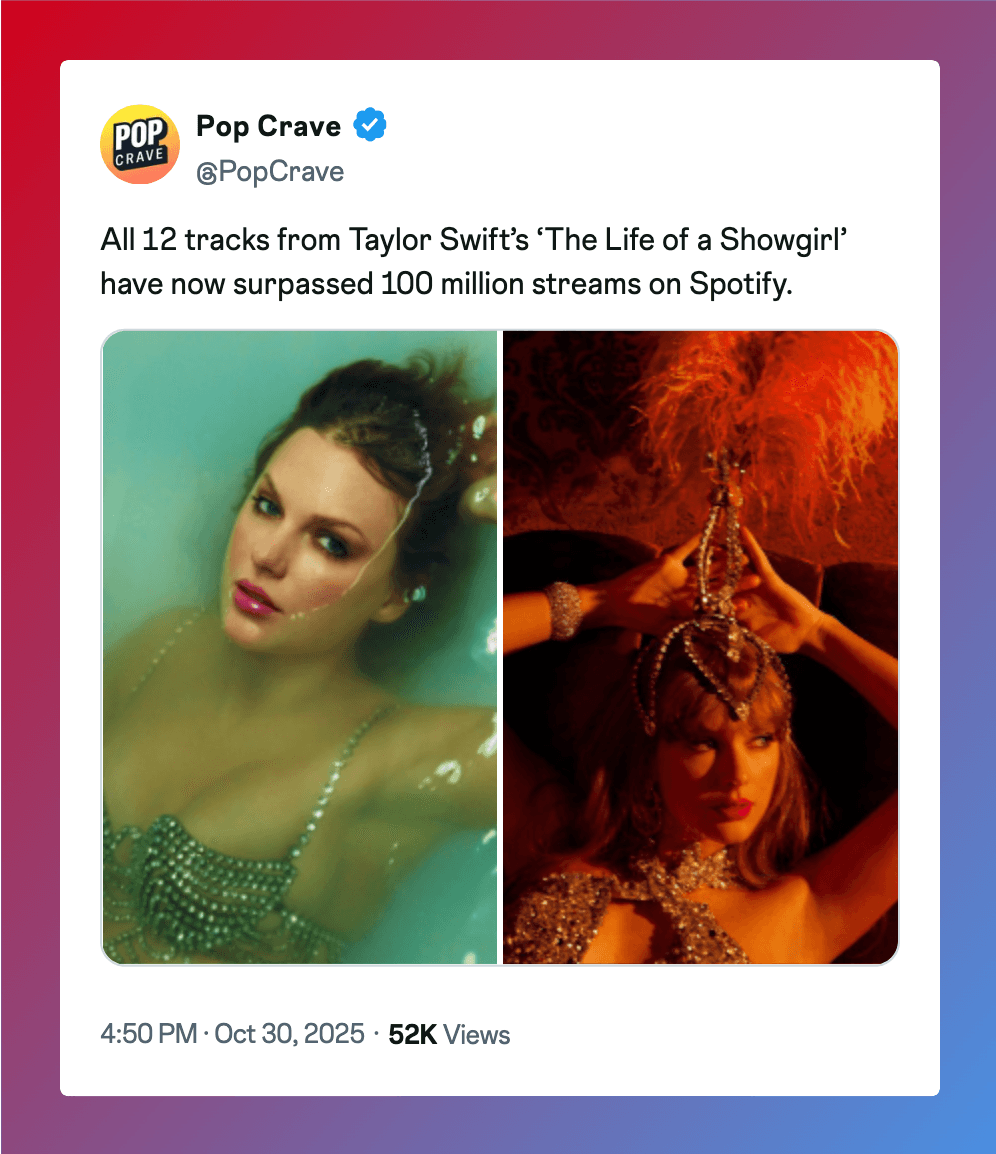
How to Generate a Tweet Screenshot
Turn any tweet into a shareable image in under 30 seconds. No app to install. Free to use for basic features.
Copy the Tweet URL
Find the tweet you want to capture on Twitter or X. Tap the Share button below the tweet and select “Copy link.” This works on iPhone, Android, Mac, and Windows.
Paste and Generate
Go to twittershots.com, paste the URL into the input field, and click “Generate.” The tool fetches the tweet data and renders it as a clean image without browser tabs or UI clutter.
Download and Share
Pick a theme and aspect ratio—4:5 for Instagram feed, 9:16 for Stories, 1:1 for Twitter—and download as PNG or SVG. Pro users can remove the watermark and export at 4K resolution.
What Makes a Good Tweet Screenshot?
A useful tweet screenshot shows the content clearly without distractions. Native screenshots include browser chrome, notification bars, and Like buttons that draw attention away from the tweet itself. For social media, you want the tweet centered, properly sized, and free of clutter.
TwitterShots renders tweets directly from the source data, so the text stays sharp even at high resolutions. You can choose backgrounds that match your brand, add custom logos on paid plans, and export in formats optimized for Instagram, TikTok, LinkedIn, or newsletters.
Tweet Screenshot Generator API
Integrate our tweet screenshot generator directly into your application with our simple REST API. Generate high-quality Twitter screenshot images programmatically in seconds.
Choose Your Plan
Select the perfect plan for your needs
Free
Perfect for getting started
- 10 free credits
- Limited screenshot features
- TwitterShots watermark
Pro
Perfect for individual creator workflow
- Unlimited manual screenshots
- 300 API credits/month
- Remove watermark
- Split/unroll thread into images
- Custom background image
- AI-Powered translation
- Save Thread as PDF
Pro+
Perfect for professional power creators
- Everything in Pro plan
- Tweet to Video
- 1,000 API credits/month
- Bulk Screenshot (Up to 30 Tweets at once)
- Custom branding logo
Business
Perfect for teams and agencies
- Everything in Pro+ plan
- 6,000 API credits/month
- Render PNG, SVG, HTML
- Custom branding logo
- Priority human support
Frequently asked questions
Quick answers about our tweet screenshot generator.
- Is this tweet screenshot generator free?
- Yes. You can generate up to 10 screenshots per month on the free plan. Pro plans start at $5.83 per month for unlimited screenshots, no watermark, and 4K resolution exports.
- Can I remove the watermark from tweet screenshots?
- Yes. The Pro and Business plans remove the watermark completely. Free plan screenshots include a small TwitterShots watermark in the corner.
- Does Twitter notify users when I screenshot their tweets?
- No. Twitter and X do not send notifications when someone screenshots a tweet. Unlike Snapchat or Instagram Stories, tweet screenshots are completely private.
- What formats can I download tweet screenshots in?
- PNG for high-quality images, SVG for scalable graphics, HTML for web embedding, and PDF for documents or archives. PNG is best for social media posts.
- Can I screenshot an entire Twitter thread?
- Yes. Paste the URL of the first tweet in a thread and TwitterShots will expand and capture all replies into one long image or a multi-page PDF.
- Is there an API for automating tweet screenshots?
- Yes. The TwitterShots API lets developers generate screenshots programmatically. Integrate it with n8n, Zapier, or call it directly via HTTP. Perfect for newsletters, monitoring, and bulk workflows.
Create Beautiful Tweet Screenshots
Transform any tweet into a stunning, shareable image in seconds. Perfect for presentations, social media, and content creation.
- High-quality screenshots with authentic Twitter styling
- Download in multiple formats (PNG, JPG, SVG)
- Customize colors, themes, and backgrounds
- Lightning-fast generation with no watermarks