Convert Tweets to Beautiful Images
A tweet to image converter turns any tweet URL into a shareable PNG, JPG, SVG, or PDF — paste and convert in seconds. No Twitter/X API key required.

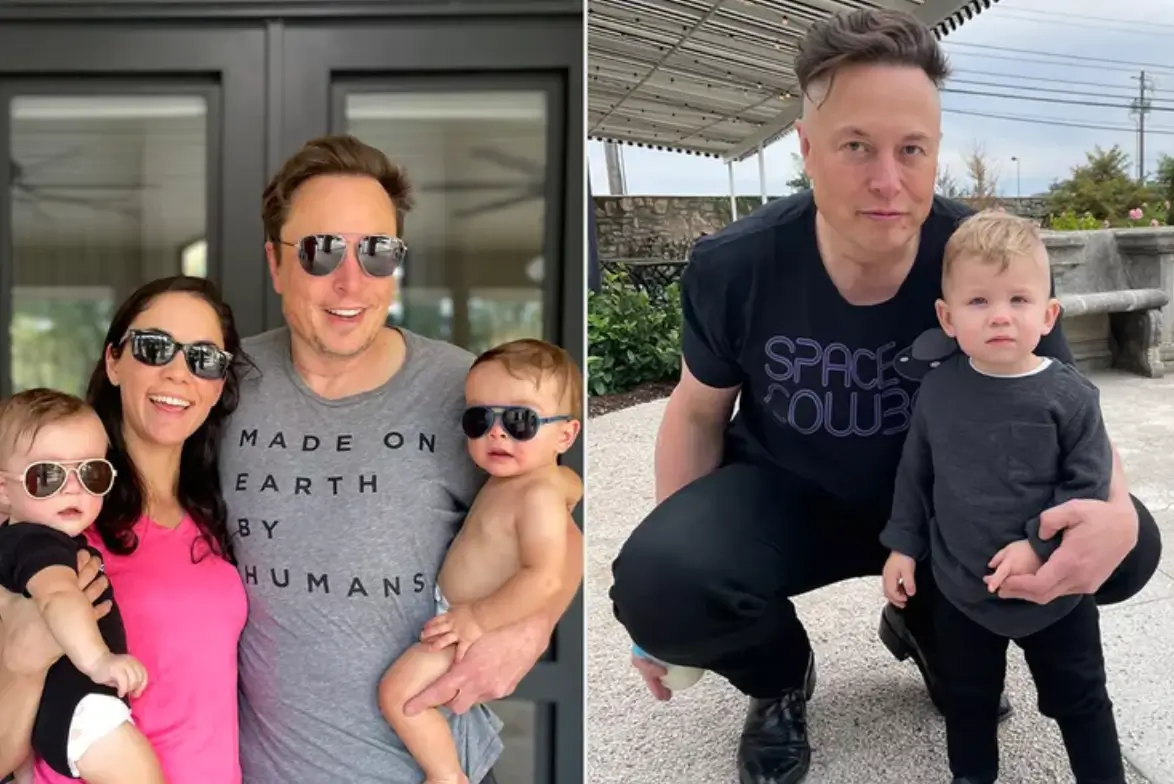
Whoever said “money can’t buy happiness” really knew what they were talking about 😔.
Everything You Need to Convert Tweets
Professional-grade tweet to image conversion with all the features you need for social media content creation.
Instant Conversion
Paste any tweet URL and get a high-quality image in under 3 seconds. No waiting, no queues.
HD Quality
Export images in up to 4K resolution. Your tweets look crisp and professional on any platform.
No Watermark
All images are clean and watermark-free, even on our free plan. Perfect for professional use.
Multiple Formats
Choose from JPG, PNG, or WEBP formats. Pick what works best for your use case.
Thread Support
Convert entire Twitter threads into a single, scrollable image or multiple individual images.
One-Click Download
Download your converted images instantly. No sign-up required for basic conversions.
Tweet to Image Converter — Free & Paid Options
A tweet to image converter turns a tweet URL into a standalone image file. Use a full tool when you need branding, threads, or batch conversion; use a lightweight free option when one PNG is enough.
| Option | Access | Bulk convert | Formats | Best for |
|---|---|---|---|---|
| TwitterShots (full converter) | Free credits / paid plans | Yes (Pro+) | PNG, JPG, SVG, PDF, HTML | Social, newsletters, teams, API |
| Lightweight free tools (e.g. 10015) | Often no signup | No / limited | Usually PNG/JPG | One-off personal converts |
| Browser extension | Install required | Rare | Varies | Frequent in-browser capture |
Batch conversion
Need many tweets as images for a newsletter or content calendar? Use bulk tweet-to-image to convert multiple URLs in one run — the main differentiator vs single-shot free converters.
No Twitter/X API key required. Paste public tweet URLs and convert.
How to Convert Tweets to Images
Three simple steps to transform any tweet into a beautiful, shareable image.
Paste Tweet URL
Copy any tweet or X post URL and paste it into our converter. Works with individual tweets, threads, and quote tweets.
Customize Image
Choose your preferred theme, adjust colors, and select the image format (JPG, PNG, or WEBP) that fits your needs.
Download & Share
Get your HD image instantly with no watermark. Share directly to Instagram, TikTok, or save for later use.
Ready to convert your first tweet?
Start Converting NowHow to Convert Tweets to Images — Complete Tutorial
Step 1: Paste Any Tweet or X Post URL
Find the tweet you want to convert on X (formerly Twitter) and copy its URL from the address bar or the share menu. The URL format is typically x.com/username/status/1234567890. Paste this URL into the converter input field at the top of the page. Our tool automatically fetches the tweet content including text, images, videos, engagement metrics, and timestamps. It works with individual tweets, full threads (paste the first tweet URL), quote tweets, and replies.
Step 2: Choose Your Theme and Format
After the tweet loads in the preview panel, customize the visual appearance to match your needs. Select from a variety of themes: dark mode for a sleek modern look, light mode for clean readability, or gradient backgrounds for eye-catching social media posts. Choose the image format that fits your workflow: PNG for lossless quality and transparency support, JPG for smaller file sizes ideal for web uploads, or WEBP for the best compression without quality loss. Adjust the aspect ratio depending on your target platform — 1:1 for Instagram feed, 4:5 for Instagram posts and carousels, 9:16 for Stories and TikTok, and 16:9 for presentations and LinkedIn.
Step 3: Download and Share Your Image
Click the download button to export your tweet as a high-resolution image. All exports are completely watermark-free, even on the free plan, so you can use them for personal or commercial purposes without restrictions. The image is rendered in HD quality up to 4K resolution, ensuring crisp text and sharp details on any screen. For Twitter threads, you can export each tweet as a separate image or combine them into a single scrollable image perfect for blog embeds. Once downloaded, share directly to Instagram, TikTok, LinkedIn, or include in newsletters and presentations.
Best Practices for Tweet Images
- For Instagram carousels, use the 4:5 ratio to maximize vertical space in the feed.
- Dark mode screenshots typically receive higher engagement on visual platforms.
- When converting threads, export as individual images for carousel posts or as a single image for blog content.
- Use PNG format when you need transparent backgrounds for design flexibility.
- Batch convert up to 30 tweets at once by separating URLs with commas in the bulk tool.
Who Uses Tweet to Image?
From individual creators to enterprise teams, thousands use TwitterShots to power their content workflow.
Content Creators
Share tweets on Instagram Stories, carousels, and posts. Perfect for meme accounts, commentary pages, and influencer content.
Social Media Managers
Create social proof graphics for campaigns. Turn customer testimonials and viral tweets into engaging visual content.
Journalists & Writers
Embed tweet images in articles, newsletters, and blog posts. Preserve the original context while maintaining visual appeal.
Developers & Agencies
API integration for automated workflows. Build tweet galleries, monitoring dashboards, and automated content pipelines.
Frequently Asked Questions
Everything you need to know about converting tweets to images.
Is the tweet to image converter free?
Yes. Free tier includes limited monthly conversions with no watermark and no credit card. Paid plans unlock unlimited converts, bulk conversion, and API credits.
What image formats and resolutions are supported?
PNG, JPG, WEBP, SVG, PDF, and HTML. Use PNG for social, JPG for smaller files, SVG for design tools, PDF for threads. HD by default; paid plans unlock up to 4K.
Do I need a Twitter/X API key to convert tweets?
No. Paste a public tweet URL into TwitterShots and convert. You do not need Twitter/X developer credentials.
Can I bulk convert tweets to images?
Yes. Pro+ includes batch conversion for newsletters and content calendars — convert many tweet URLs in one run instead of one-by-one free tools.
Can I convert Twitter threads to images?
Yes. Paste the first tweet URL and we capture the entire thread. Export each tweet as a separate image or as a single scrollable image / PDF.
Is there an API for tweet to image?
Yes. The REST API returns PNG, SVG, or HTML with an X-API-KEY. See /blog/tweet-screenshot-tool-with-api for curl and Node examples.
Still have questions? We are here to help.
Contact SupportRelated guides
Step-by-step tutorials and comparisons
Ready to Transform Your Tweets?
Join thousands of creators who use TwitterShots to convert tweets into beautiful images.
Free to use. No watermark.