For the complete documentation index, see llms.txt

What's New

New updates and improvements to TwitterShots.

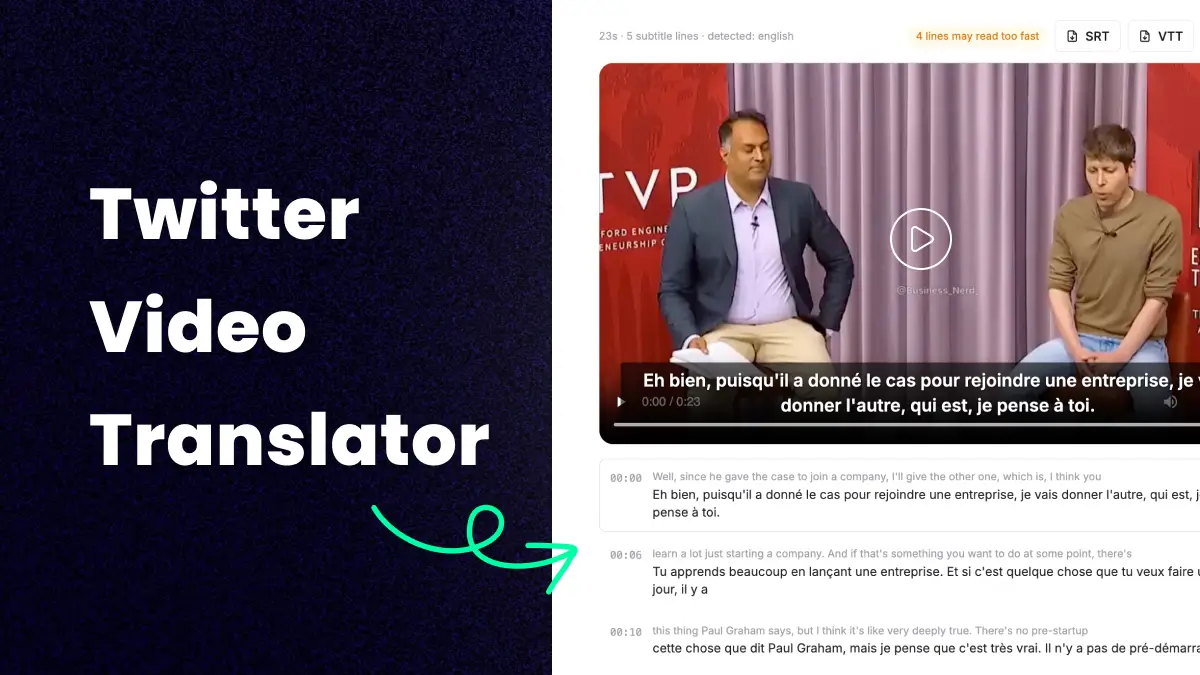
Twitter Video Translator — AI subtitles for X videos
  • twitter video translator
  • translate twitter video
  • x video translator

Paste a tweet link to translate Twitter/X videos with AI subtitles. Watch with realtime subtitles, download translated SRT/VTT files, or download the video with burned-in subtitles.

  • Watch with realtime video subtitles
  • Download translated SRT/VTT subtitle files
  • Download the video with burned-in subtitles
Learn more →
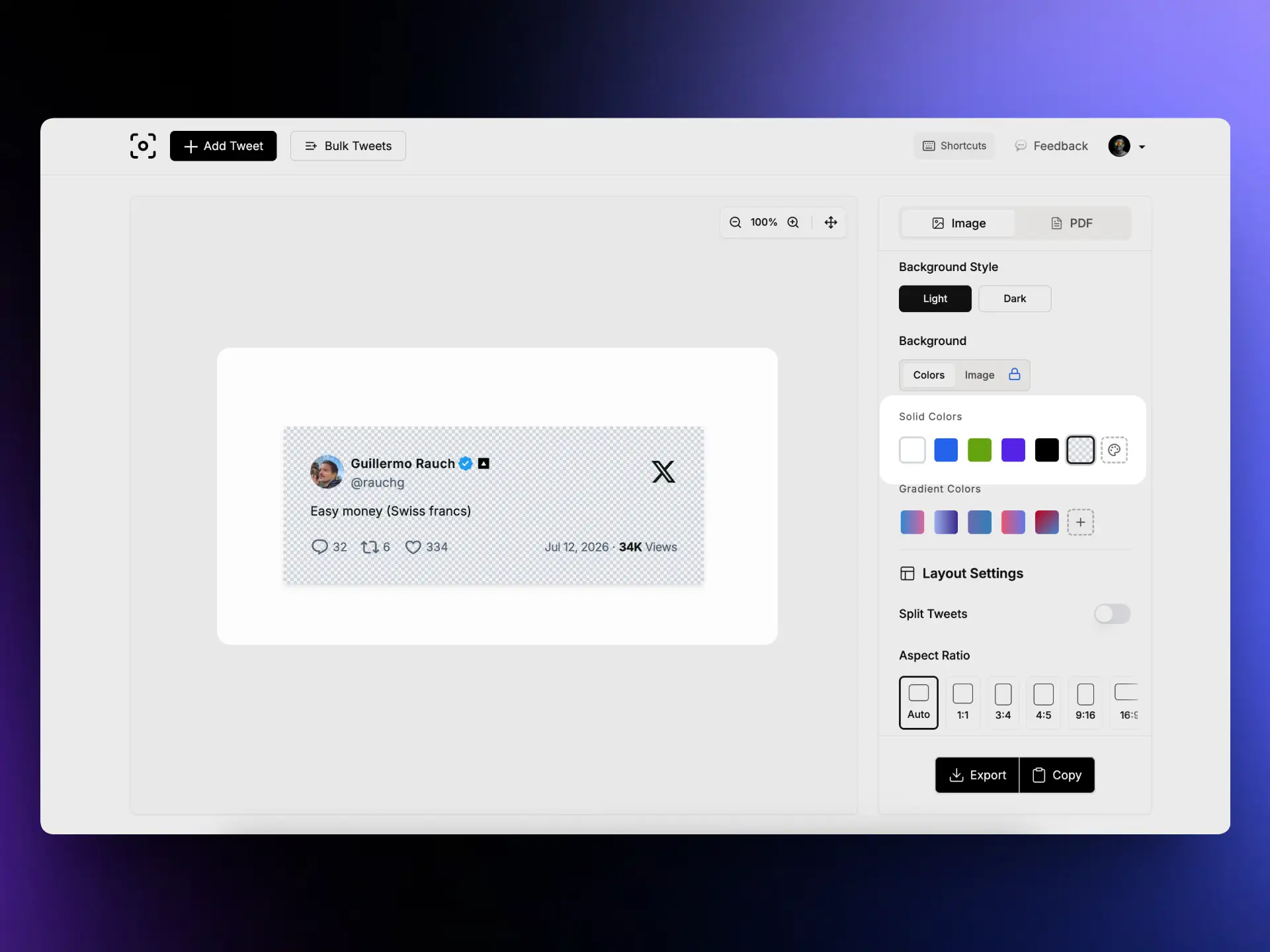
Transparent PNG tweet screenshot background on TwitterShots
  • transparent tweet screenshot
  • transparent png twitter screenshot
  • tweet screenshot overlay

Export high-quality transparent PNG tweet screenshots. Choose Transparent in Solid Colors to remove the canvas background — ideal for overlays on photos, videos, Instagram Reels, and TikTok.

Learn more →
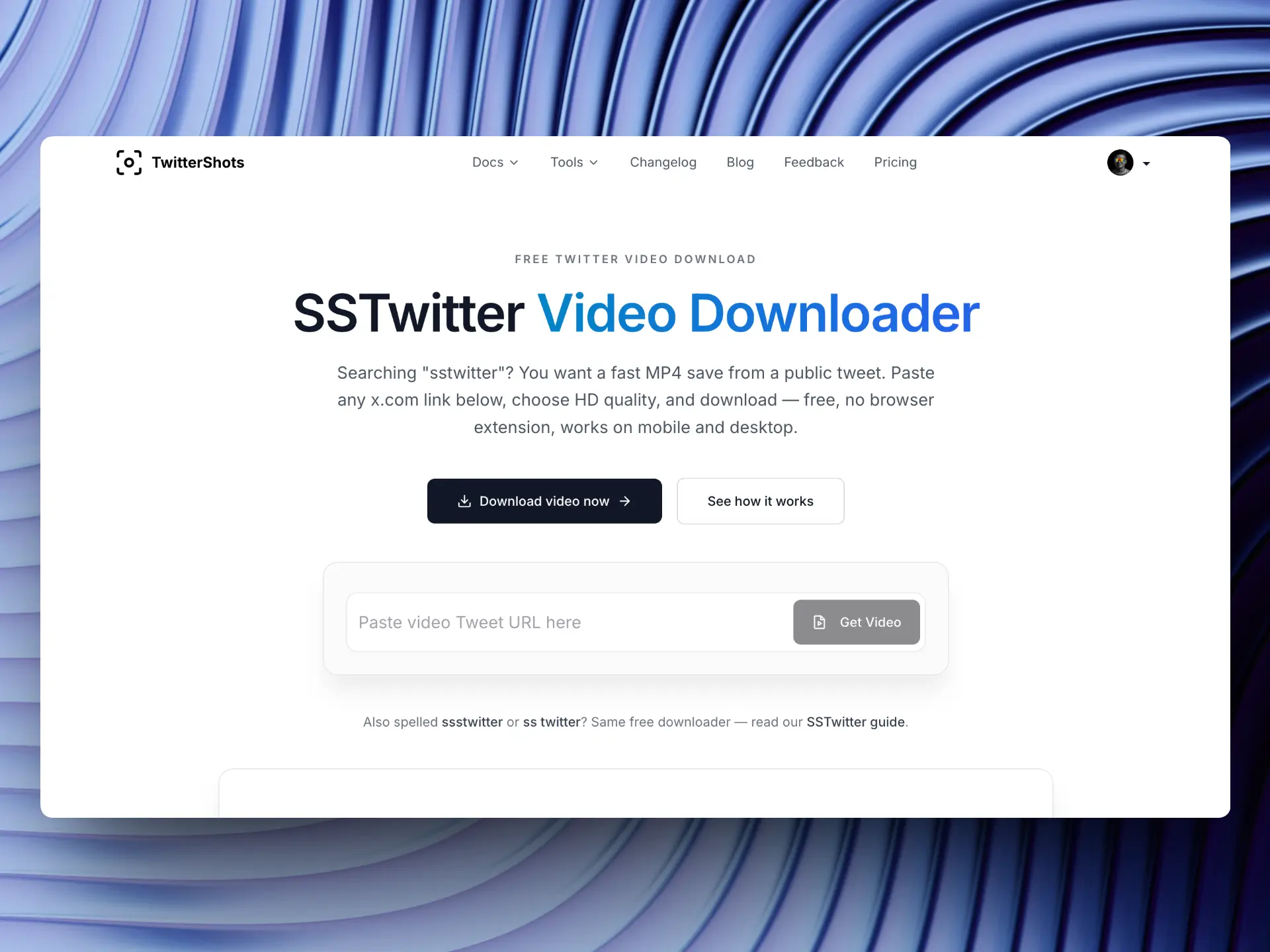
SSTwitter free Twitter video downloader on TwitterShots
  • sstwitter
  • ssstwitter
  • twitter video downloader

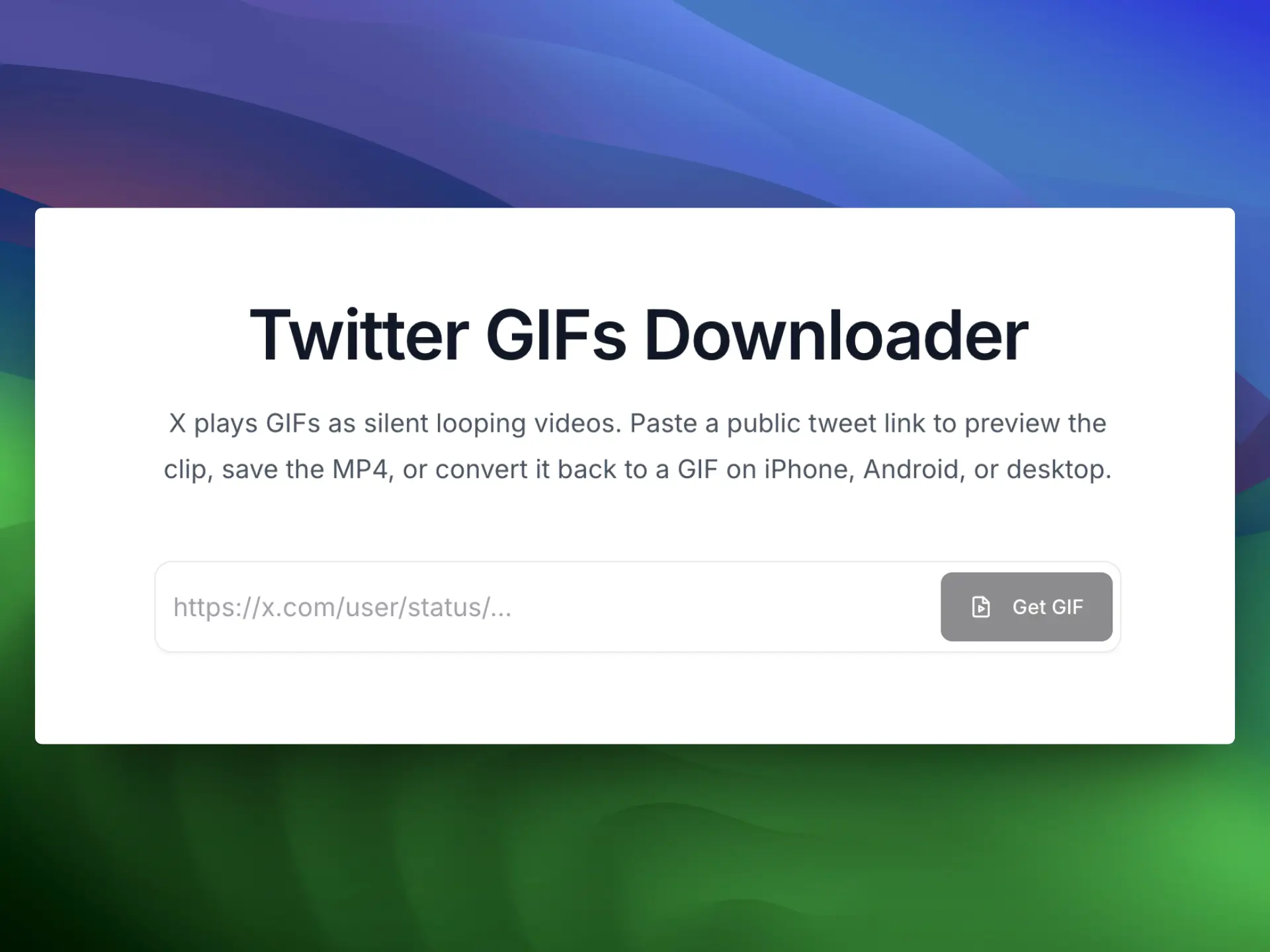
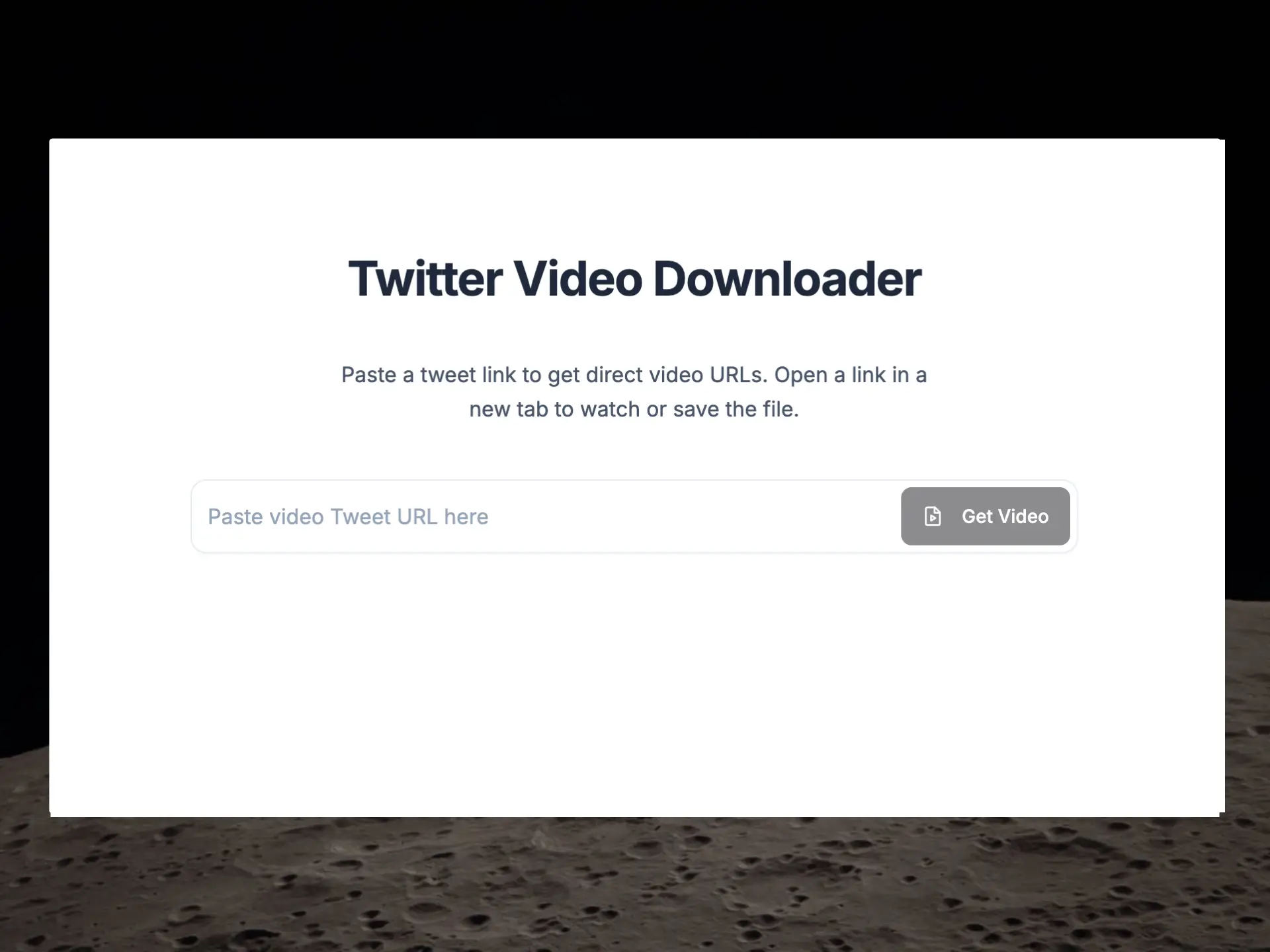
Free SSTwitter-style Twitter/X video downloader. Paste a public tweet URL, pick HD MP4 quality, and save on iPhone, Android, or desktop — no browser extension required.

Learn more →
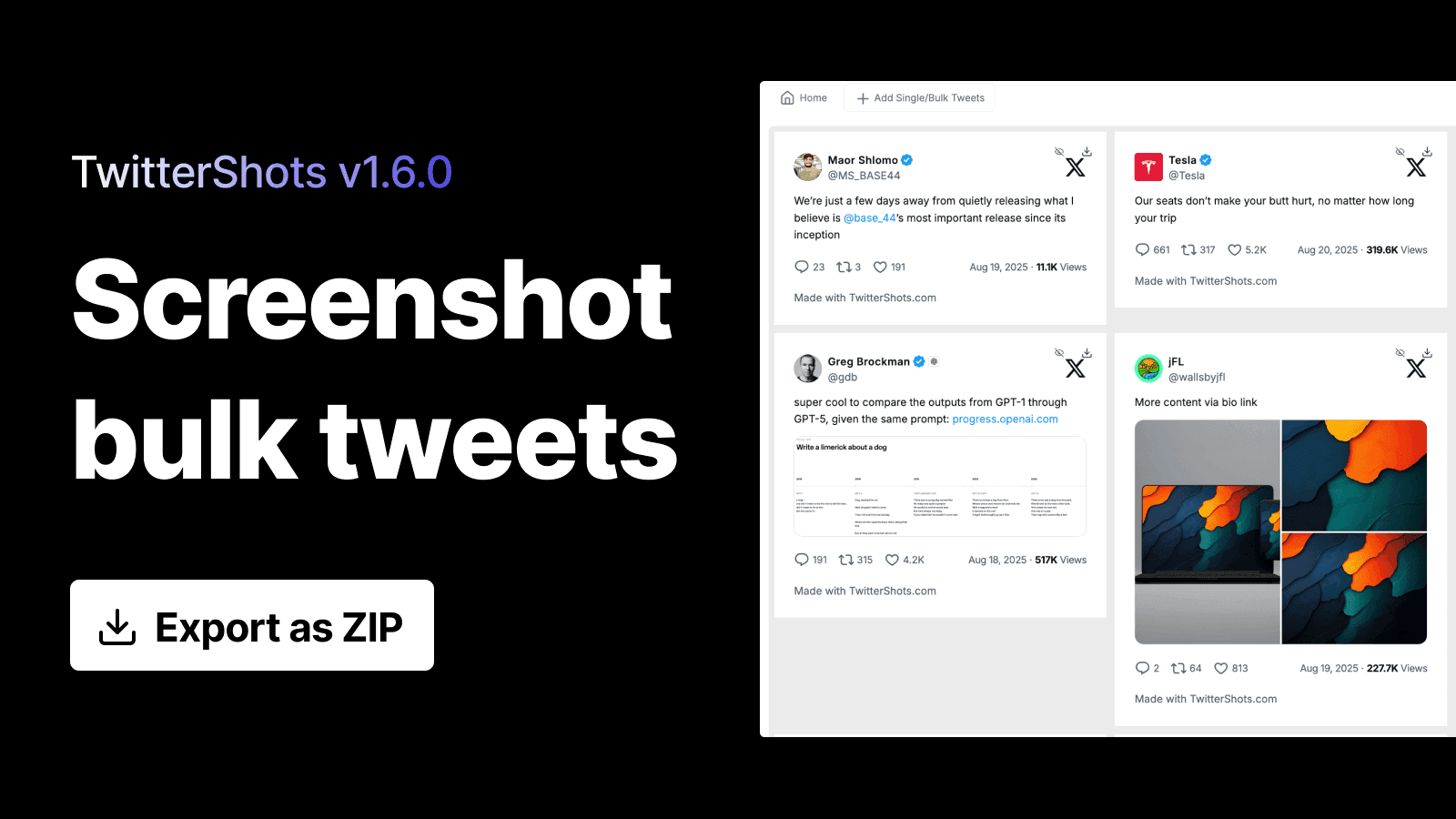
  • bulk tweet screenshot
  • bulk download naming
  • date-based versioning

Bulk PNG exports now use the same pattern as single downloads: twittershots-{username}-{statusId}.png. Bulk ZIP files add tweet count, user count, and a local timestamp so same-day repeats stay distinct. Releases also switch to date-based labels (2026.6.30) instead of v2.x semver — older v2.x entries remain in the archive.

  • Bulk PNG: twittershots-{username}-{statusId}.png; ZIP includes counts + timestamp
  • Changelog versions use date labels (2026.6.30) instead of v2.x semver
Learn more →
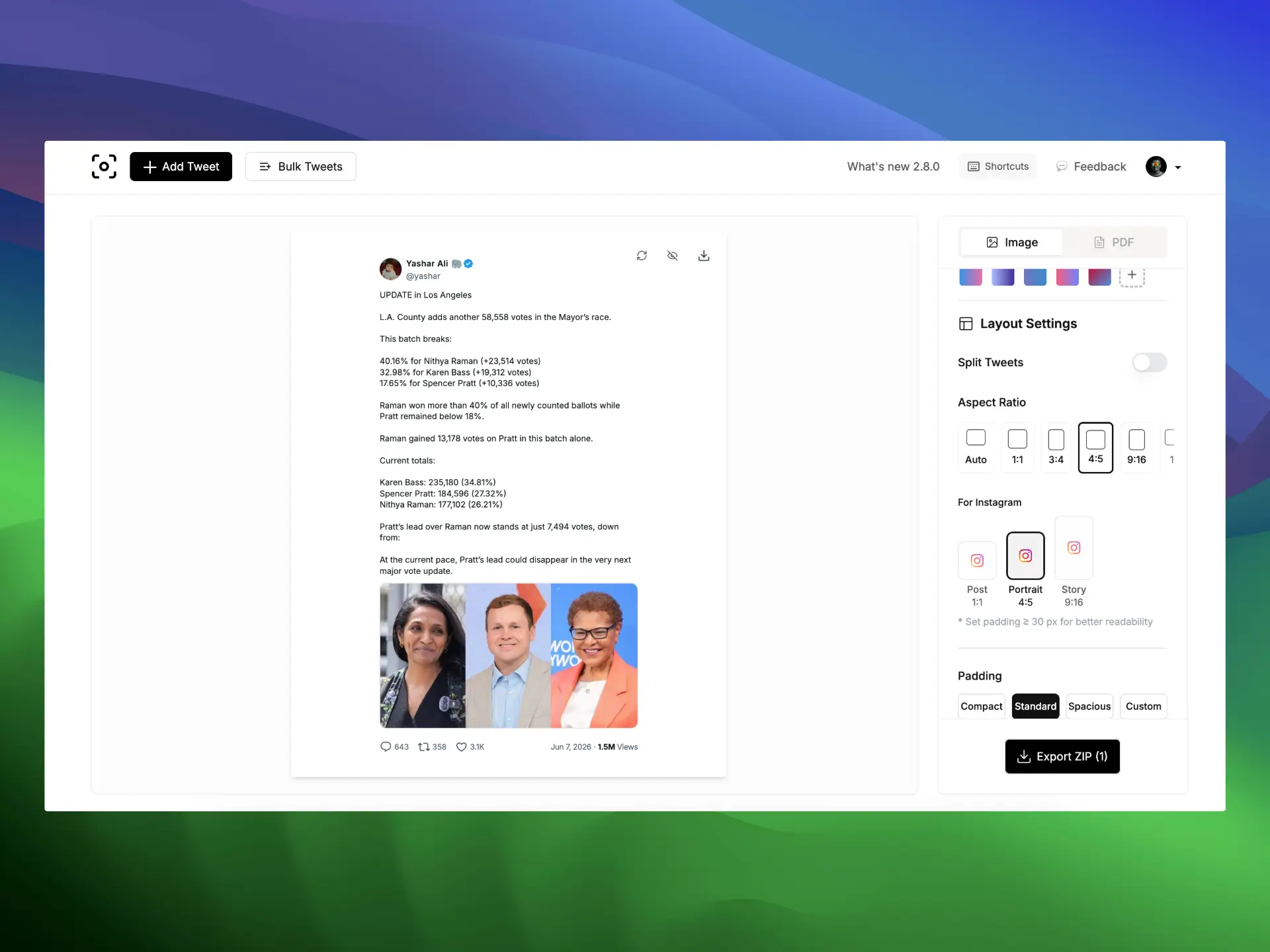
Instagram 4:5 auto scale for tweet screenshots
  • tweet to instagram 4:5
  • instagram 4:5 ratio
  • twitter to instagram post

Smarter auto-scale for Tweet to Instagram exports. Content fits the 4:5 frame while output stays at 1080×1350 — ready for Instagram feed posts without manual cropping.

Learn more →
Twitter Video Downloader on TwitterShots
  • twitter video downloader
  • download twitter video mp4
  • x video downloader

Paste a tweet link and get direct MP4 URLs. Pick your preferred quality, open the video on X, and save it locally — no browser extension required.

Learn more →
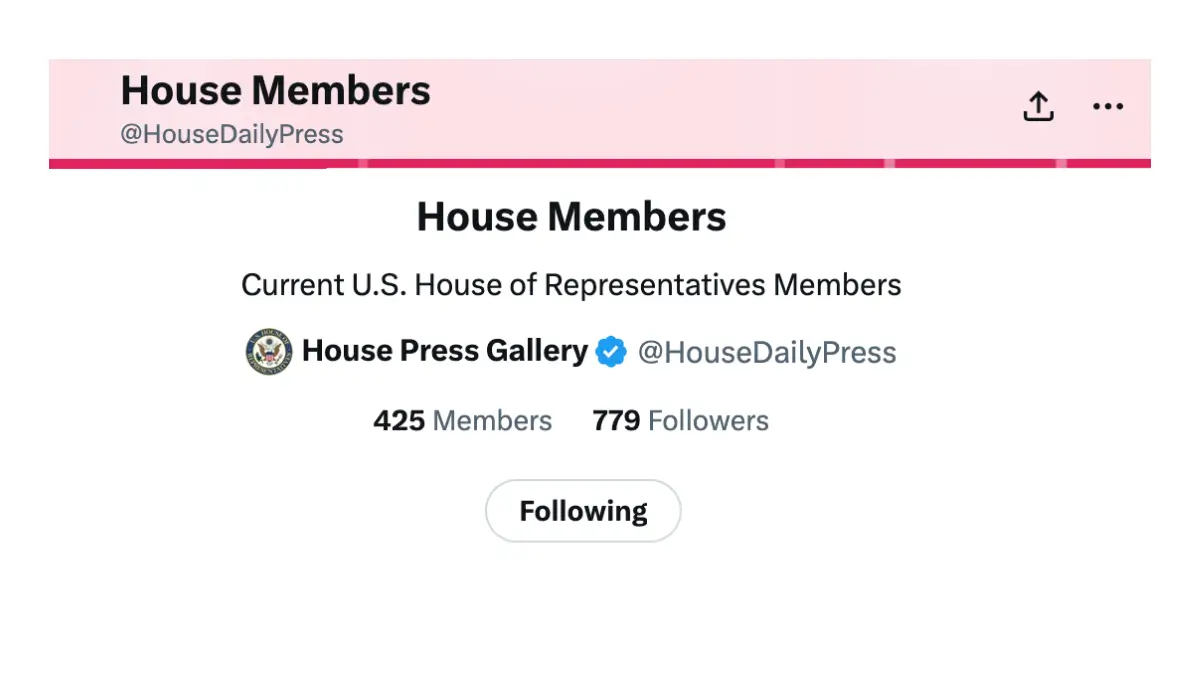
House on X — U.S. House representatives official X handles
  • house on x
  • us house x handles
  • congress twitter tracker

Every U.S. House member's official X handle in one searchable directory. Find representatives by name, state, or handle, read recent posts, and screenshot any tweet.

  • Search by name, state, or handle
  • Read recent posts from representatives
  • Screenshot any tweet in one click
Learn more →
Going Full-Time on TwitterShots
  • twittershots pricing
  • twittershots pro

TwitterShots is now a full-time company. The free plan has been removed so we can invest in reliability, new tools, and long-term support for creators and teams.

Learn more →
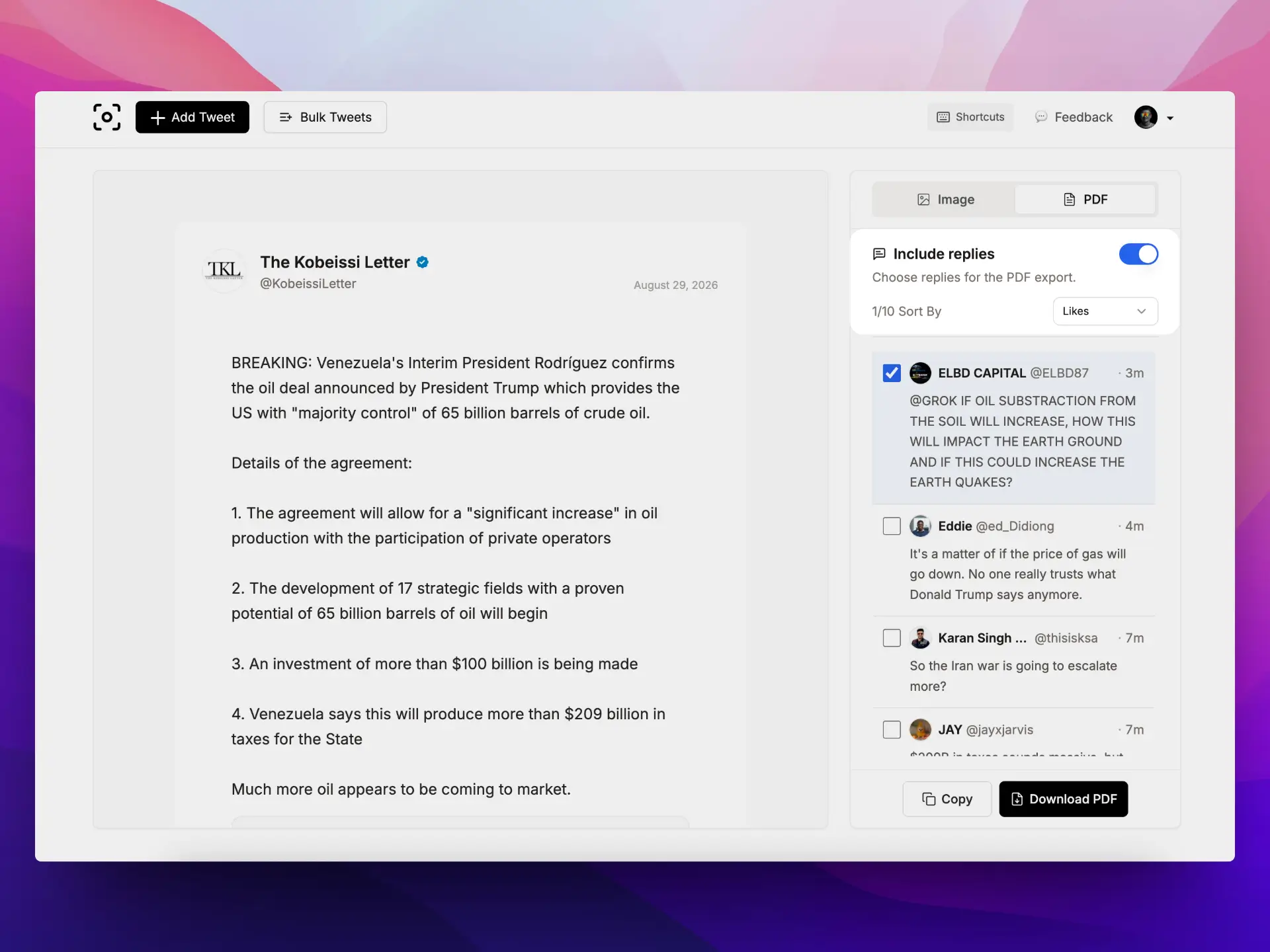
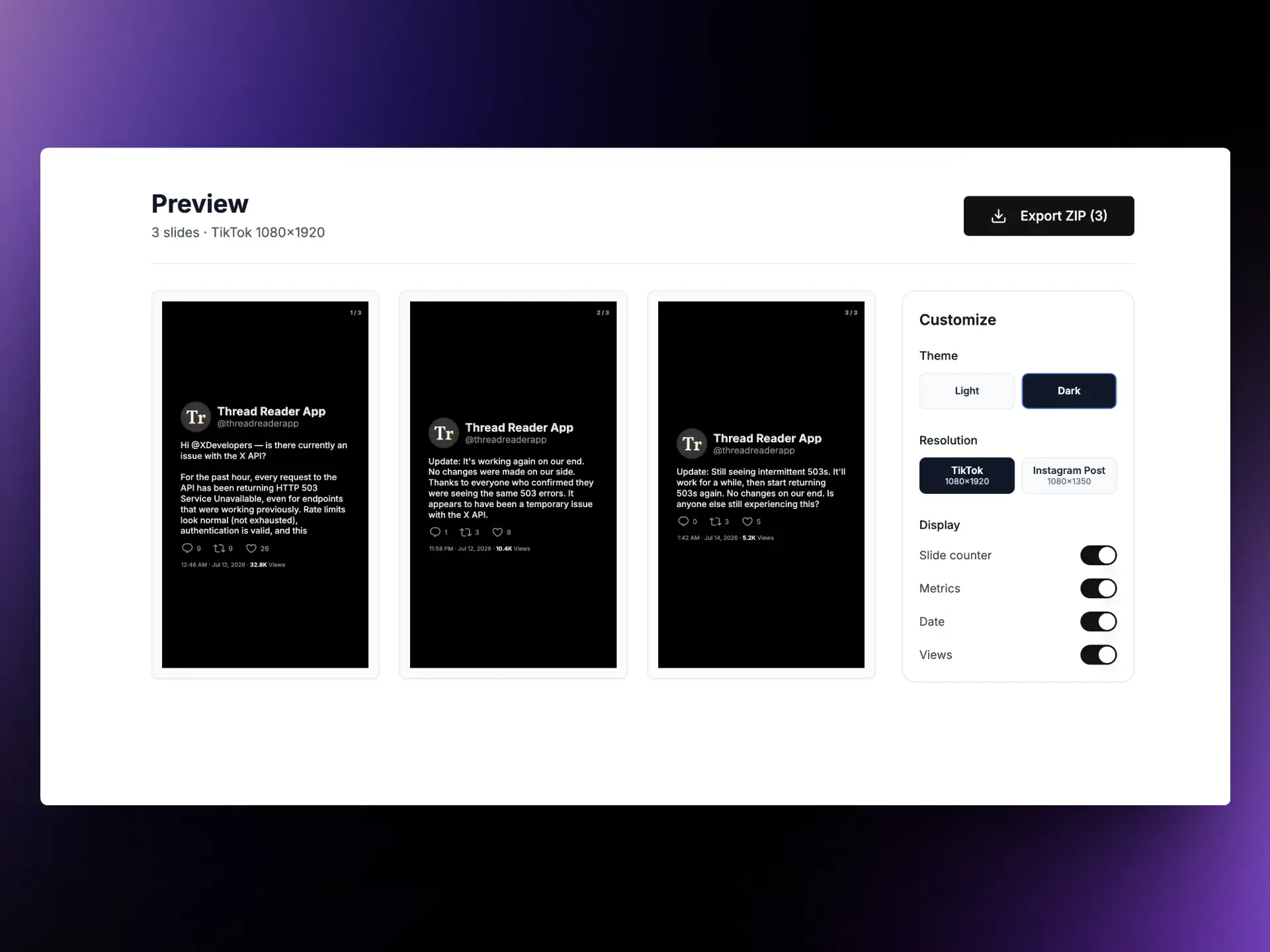
Thread to PDF export on TwitterShots
  • twitter thread to pdf
  • export twitter thread pdf
  • thread reader

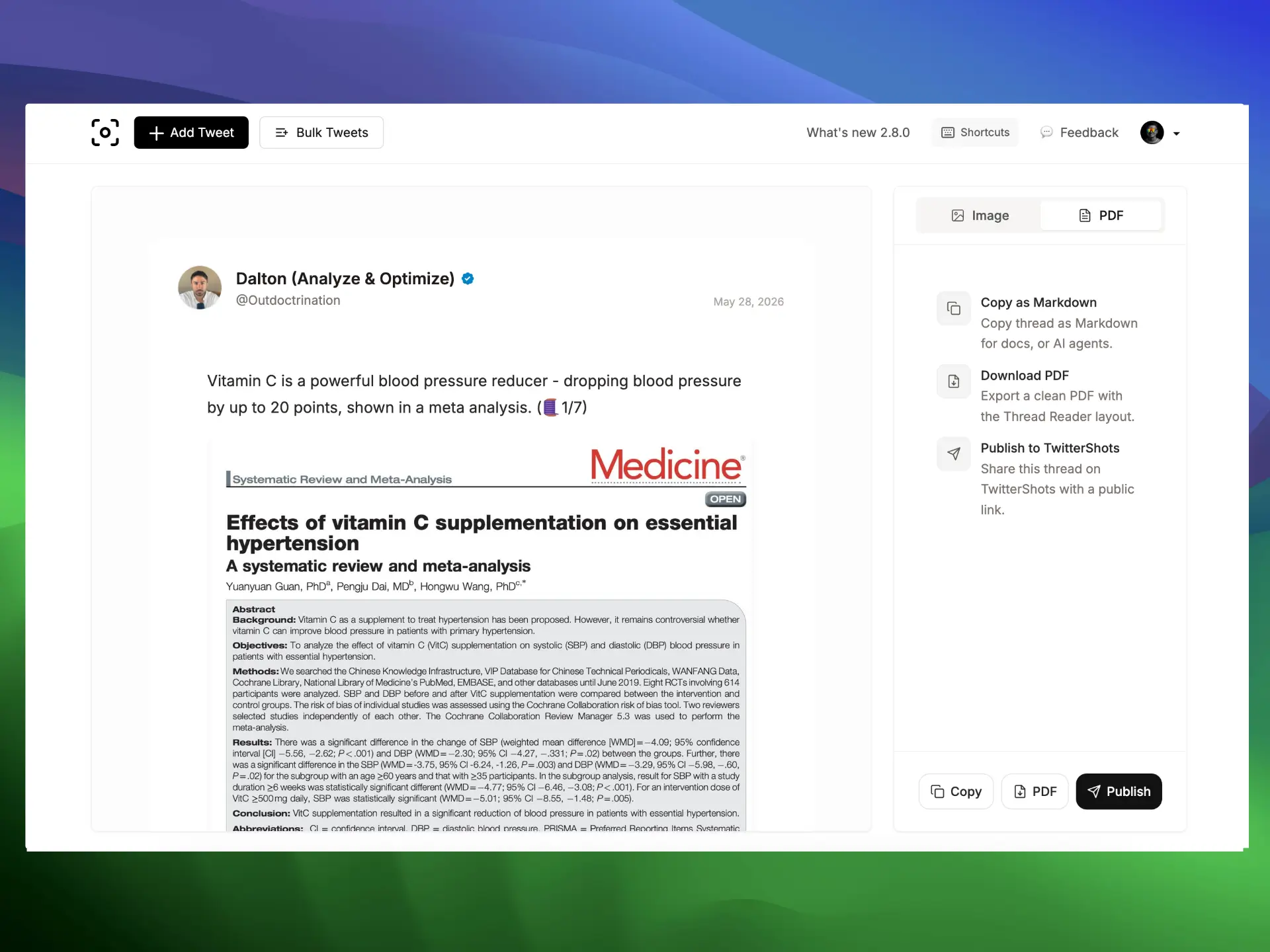
Cleaner thread PDF layout with improved typography and spacing. Copy threads as Markdown, export to PDF, or publish directly to TwitterShots from the Thread Reader.

Learn more →
Green screen remover on TwitterShots
  • green screen remover
  • chroma key online
  • remove green screen

Chroma key green screen removal runs entirely in your browser. Export transparent WebM video with no upload and no login required.

Learn more →
Best Twitter screenshot maker tools comparison
  • best twitter screenshot maker
  • twitter screenshot tool comparison

New comparison guide covering TwitterShots, Pikaso, PostSpark, and more — for tweet screenshots, bulk export, and thread handling.

Learn more →
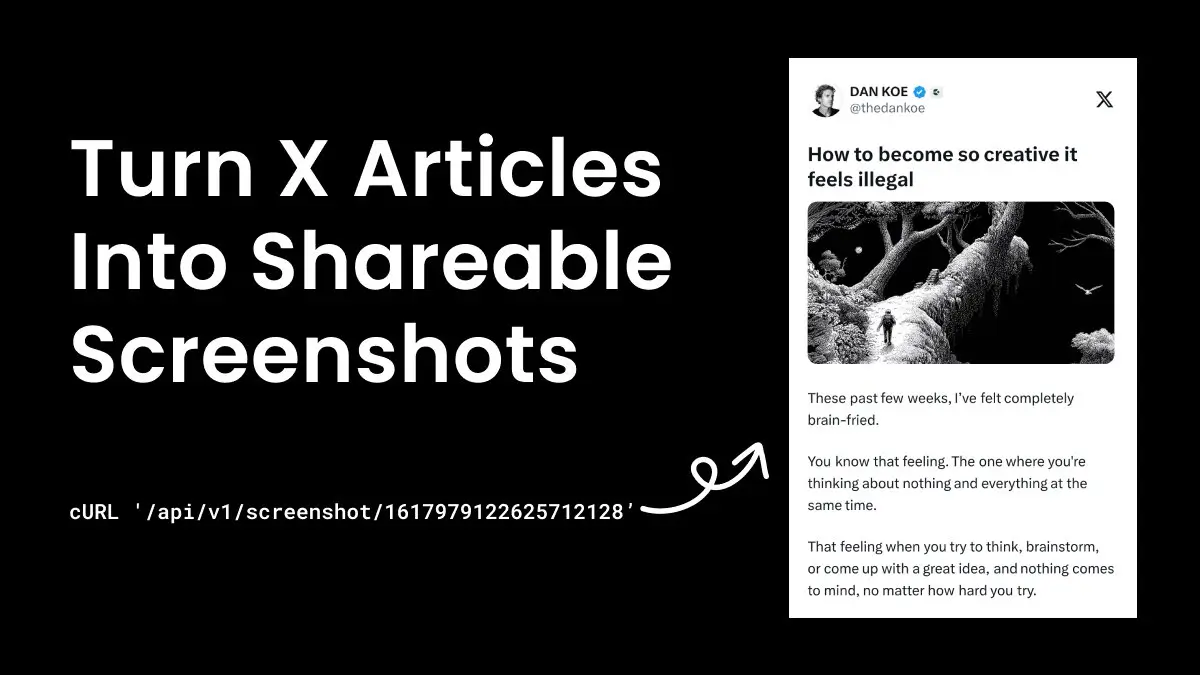
Twitter article to image via Screenshot API
  • twitter article screenshot api
  • tweet article to image

Screenshot API responses can now include article preview images, making it easier to capture long-form Twitter articles programmatically.

Learn more →
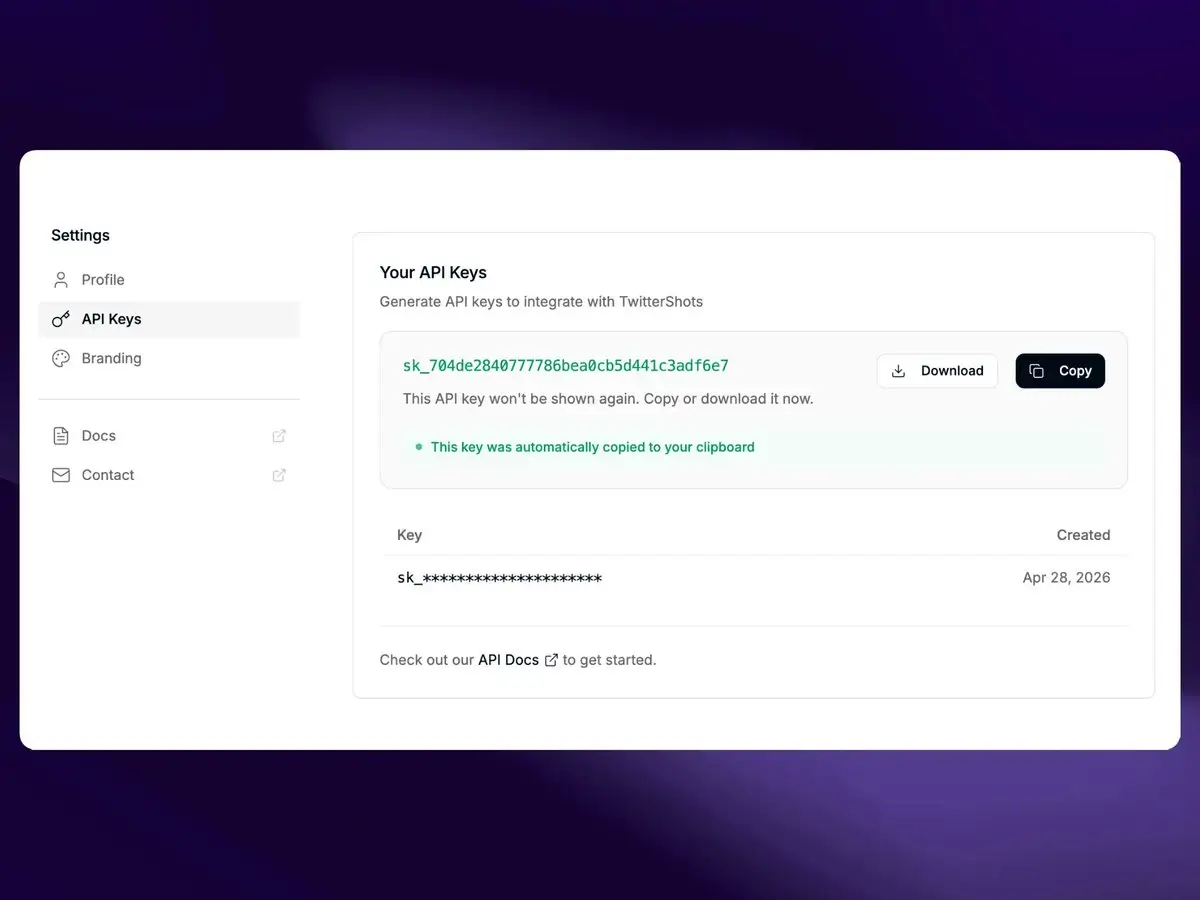
Improved API key creation on TwitterShots
  • twitter screenshot api key
  • create api key twittershots

Creating and managing API keys is faster and clearer, so developers can start generating tweet screenshots with fewer steps.

Learn more →
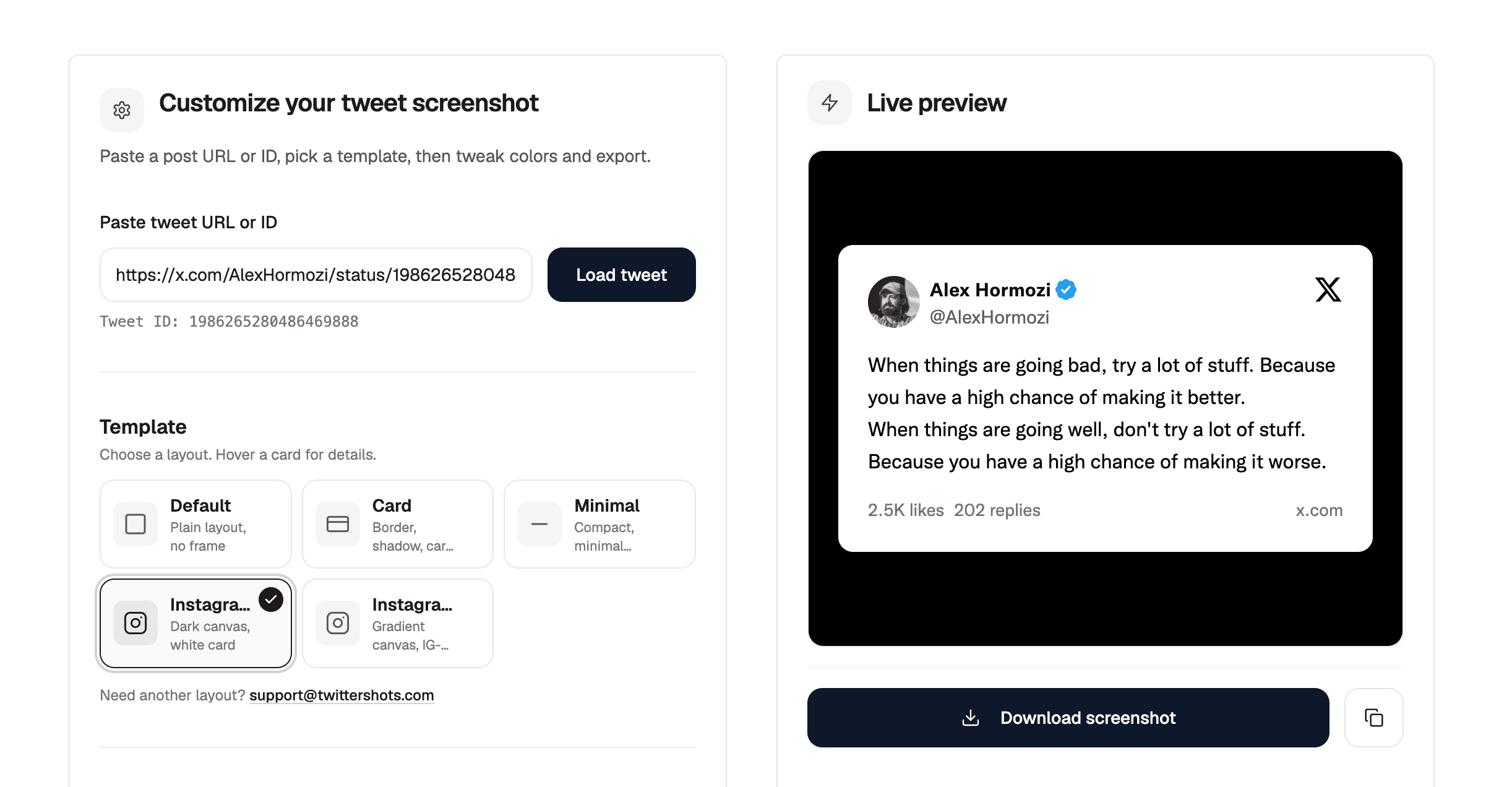
Redesigned Tweet to Instagram on TwitterShots
  • tweet to instagram
  • twitter to instagram post

Tweet to Instagram gets a refreshed layout and export flow for turning tweets into Instagram-ready posts with better framing and controls.

Learn more →
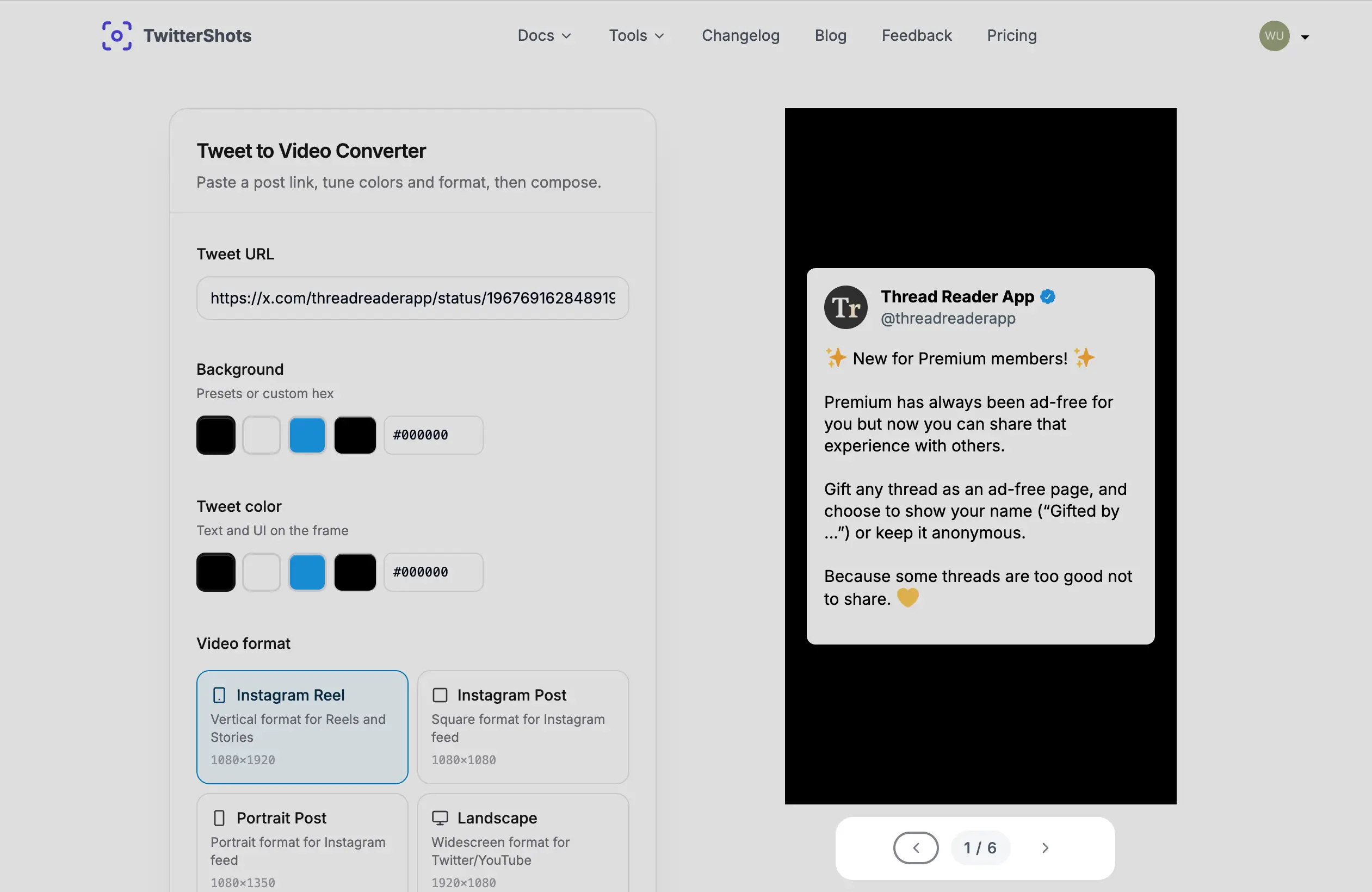
Thread to Video on TwitterShots
  • thread to video
  • tweet to video
  • twitter thread video

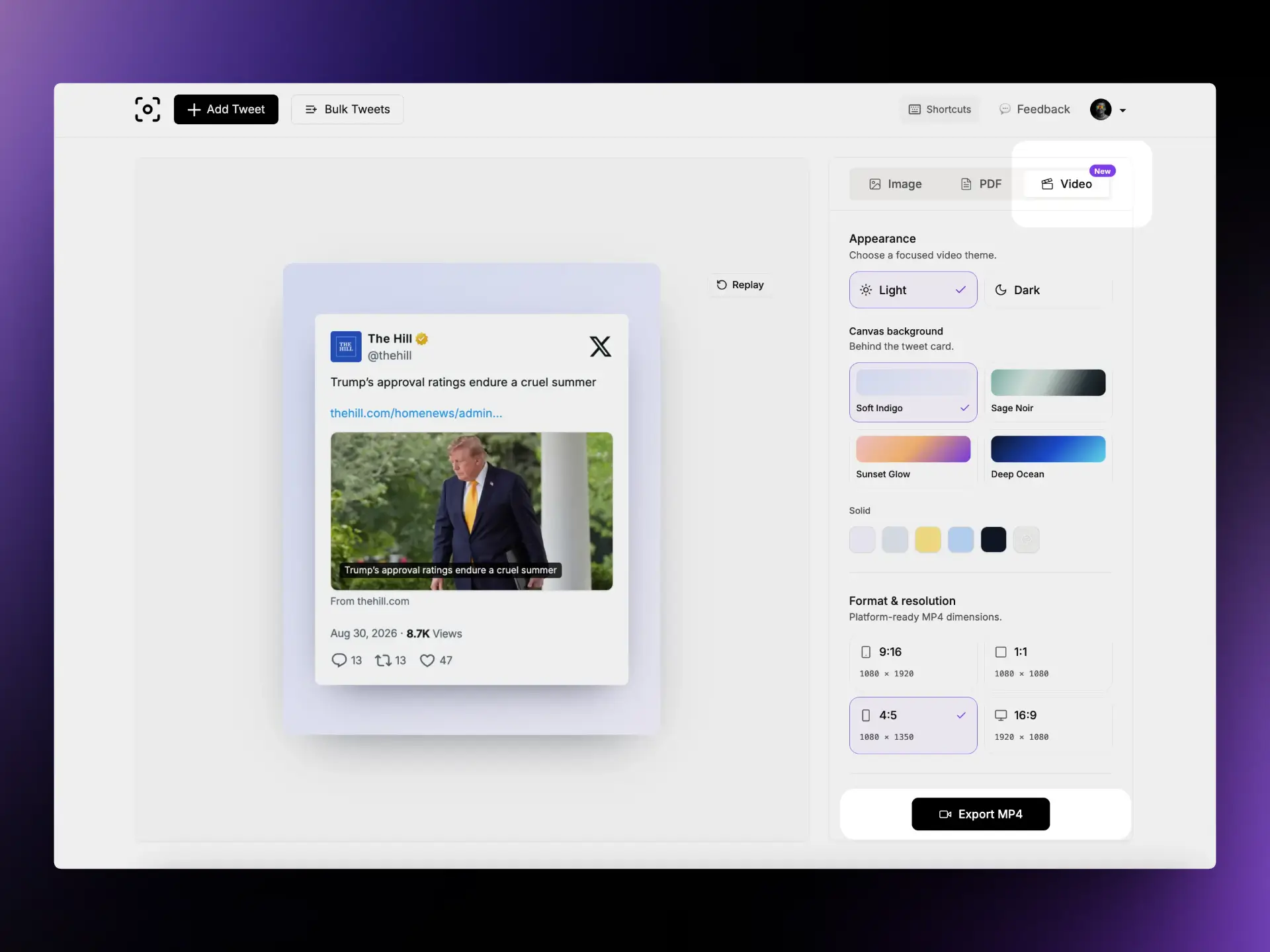
Thread to Video now has a clearer thread layout and a quick switch to video mode for turning tweet threads into short-form video content.

Learn more →
Tweet to Markdown via TwitterShots Content API
  • tweet to markdown api
  • twitter content api
  • x post markdown

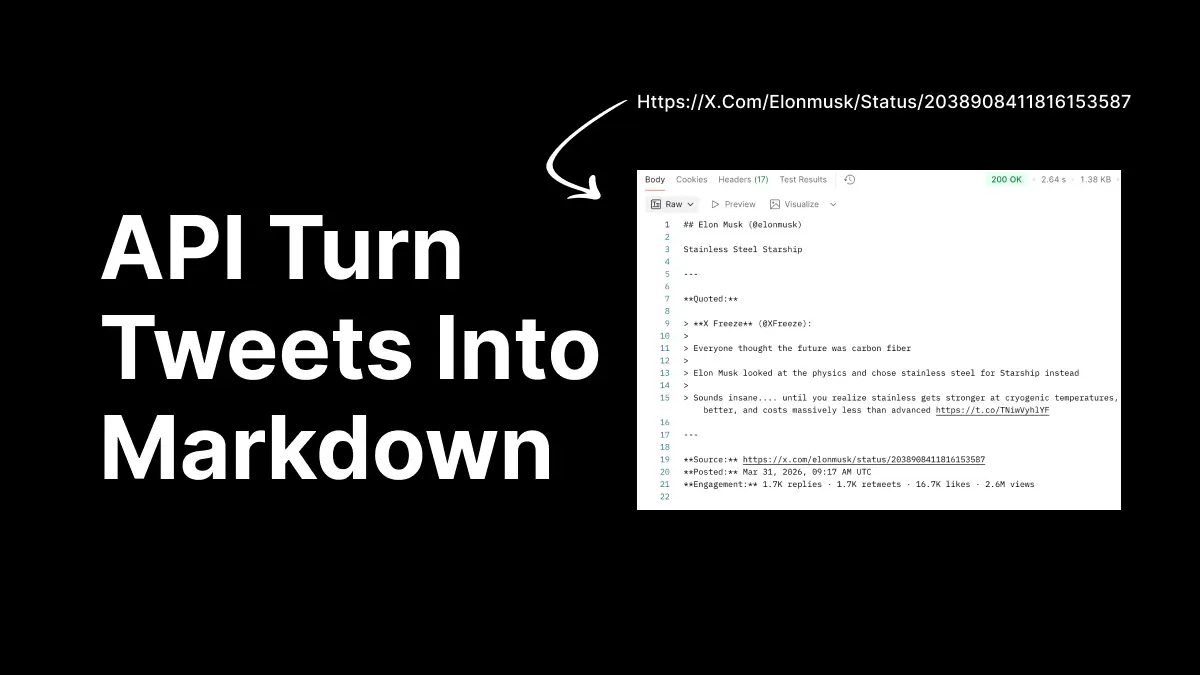
Extract tweet content as clean Markdown via REST API. Built for docs pipelines, automation workflows, and AI agents that need structured tweet text.

Learn more →
Redesigned TwitterShots documentation site
  • twittershots documentation
  • tweet screenshot api docs

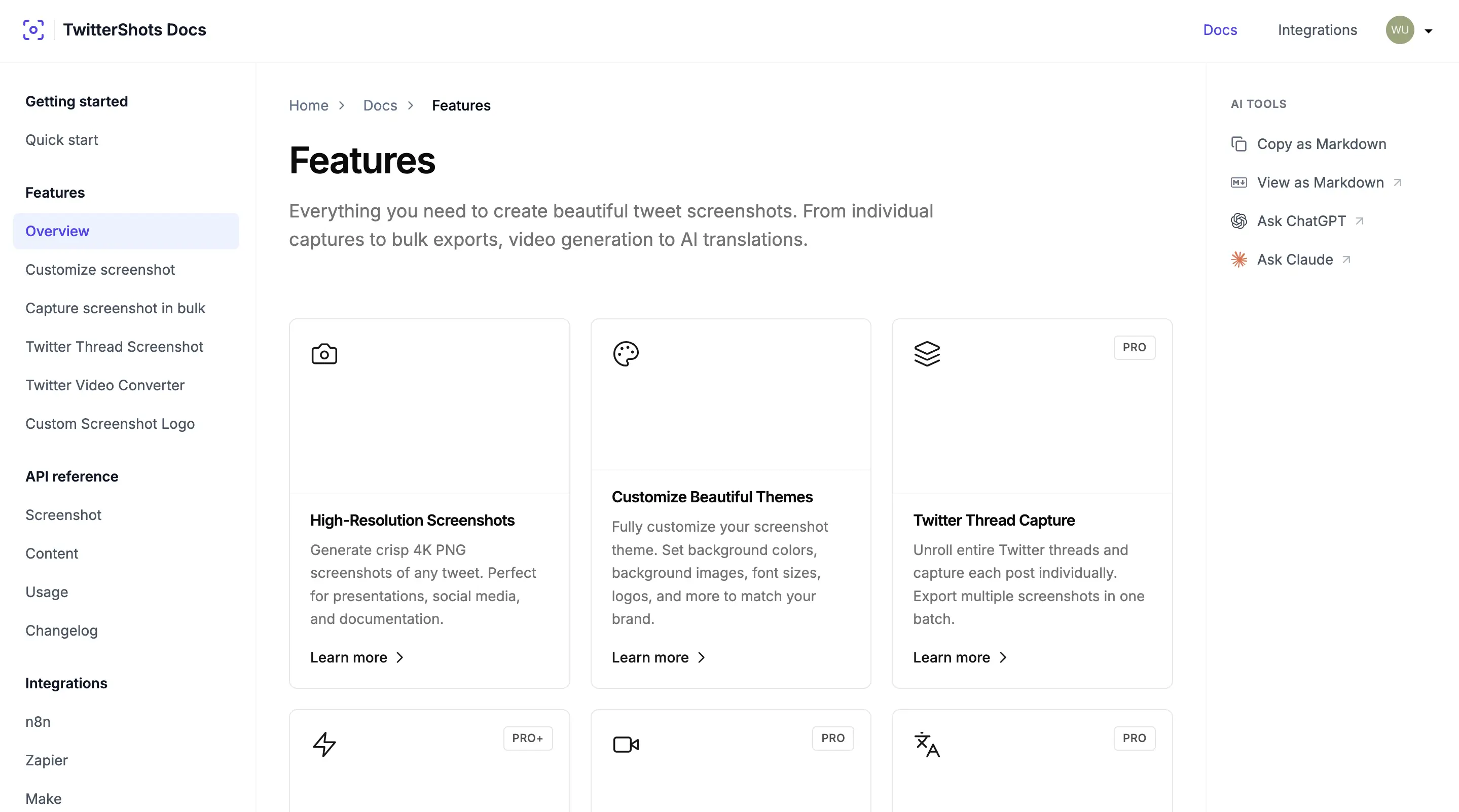
Documentation refreshed with clearer navigation, view-as-Markdown, and Ask ChatGPT / Ask Claude shortcuts. LLMs and scripts can fetch Markdown sources directly.

  • View any doc page as Markdown
  • Ask ChatGPT and Ask Claude from the docs
  • Fetch sources like /docs/api.md for LLM workflows
Learn more →
Screenshot Skills for AI Agents
  • twitter screenshot ai agent
  • cursor tweet screenshot skill

Install TwitterShots Screenshot Skills for Cursor, Claude, and other AI coding assistants. Paste a tweet URL and let your agent generate a screenshot.

Learn more →
TwitterShots $500 MRR milestone
  • twittershots mrr
  • indie saas growth

New blog post on hitting $500 MRR — growth notes, lessons learned, and what it means for TwitterShots as a product.

Learn more →
Format tweet timestamps with UTC offset in screenshots
  • tweet screenshot timezone
  • twitter api timezone offset

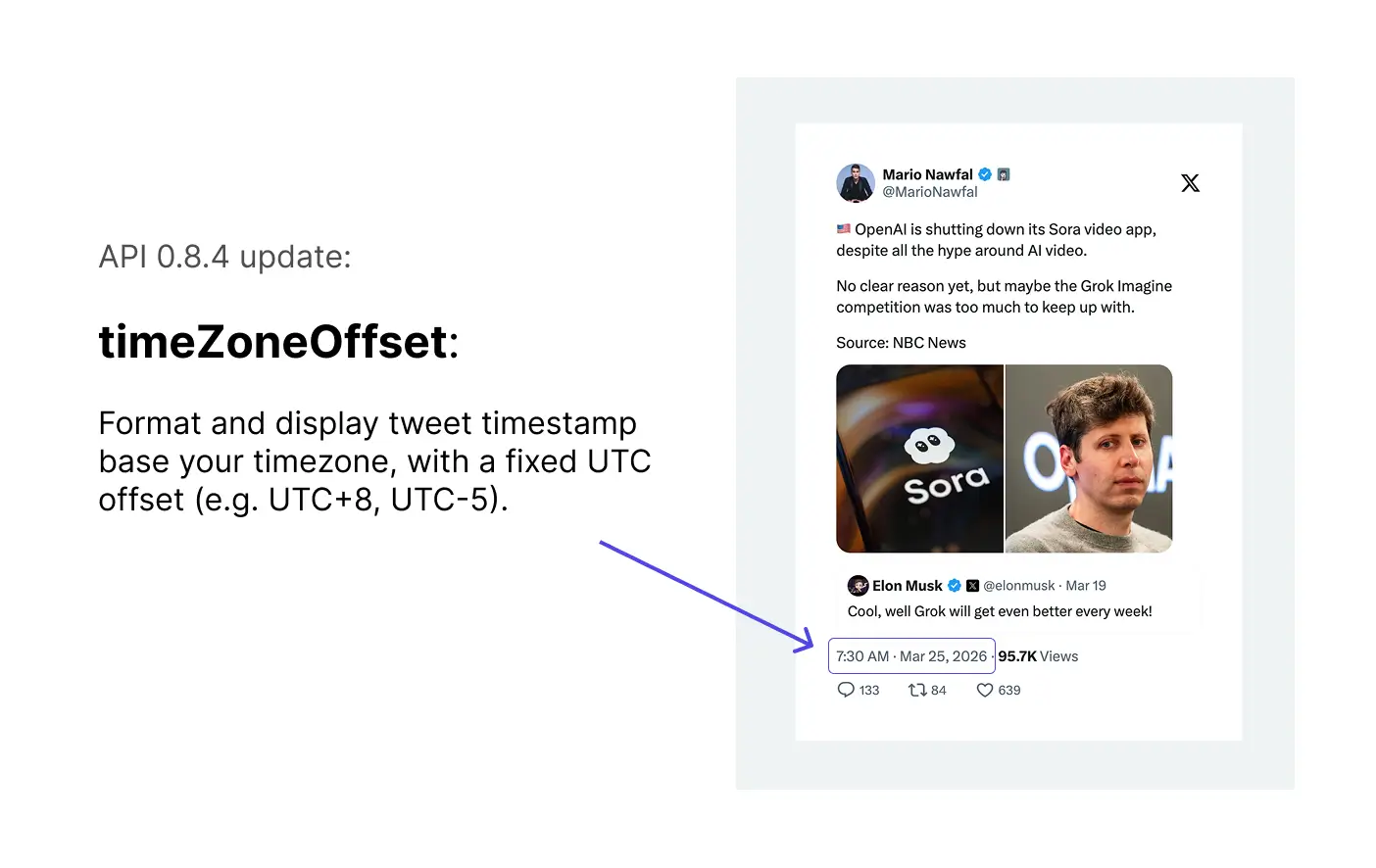
Optional API parameter to format tweet timestamps with a fixed UTC offset — for example UTC+8 or UTC-5 — so screenshots match your audience's local time.

Learn more →
Twitter Screenshot API returnType update
  • twitter screenshot api buffer
  • screenshot api response format

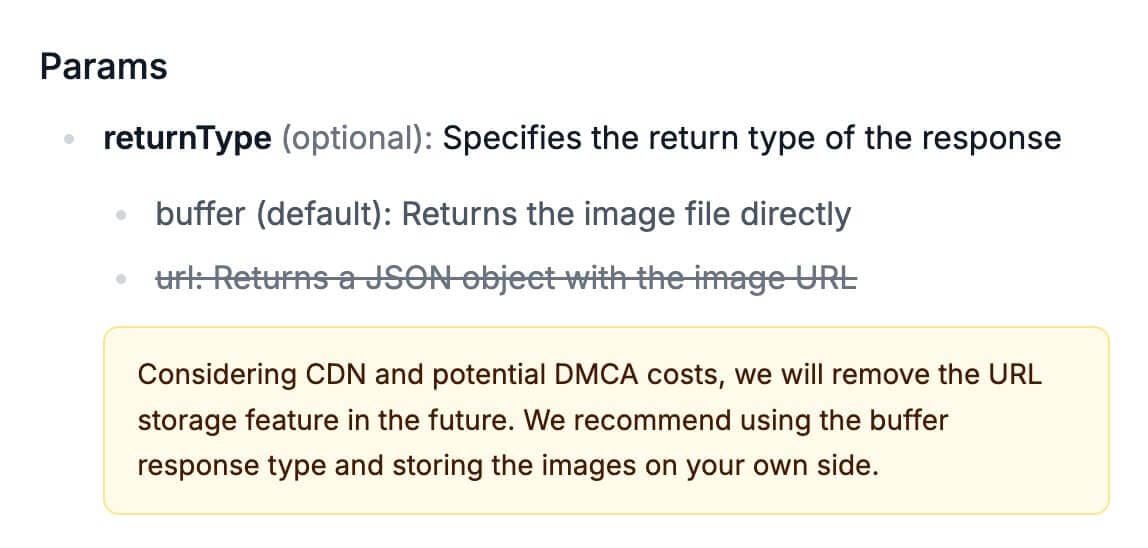
The returnType parameter now clearly specifies screenshot response format. Use url for a JSON image URL or buffer to receive image bytes directly. We recommend buffer and self-hosted storage going forward.

  • url — returns a JSON object with the image URL
  • buffer — returns image bytes (recommended for production)
  • URL storage on our CDN will be phased out over time
Learn more →
Improved Twitter screenshot quality on TwitterShots
  • twitter screenshot quality
  • high quality tweet screenshot

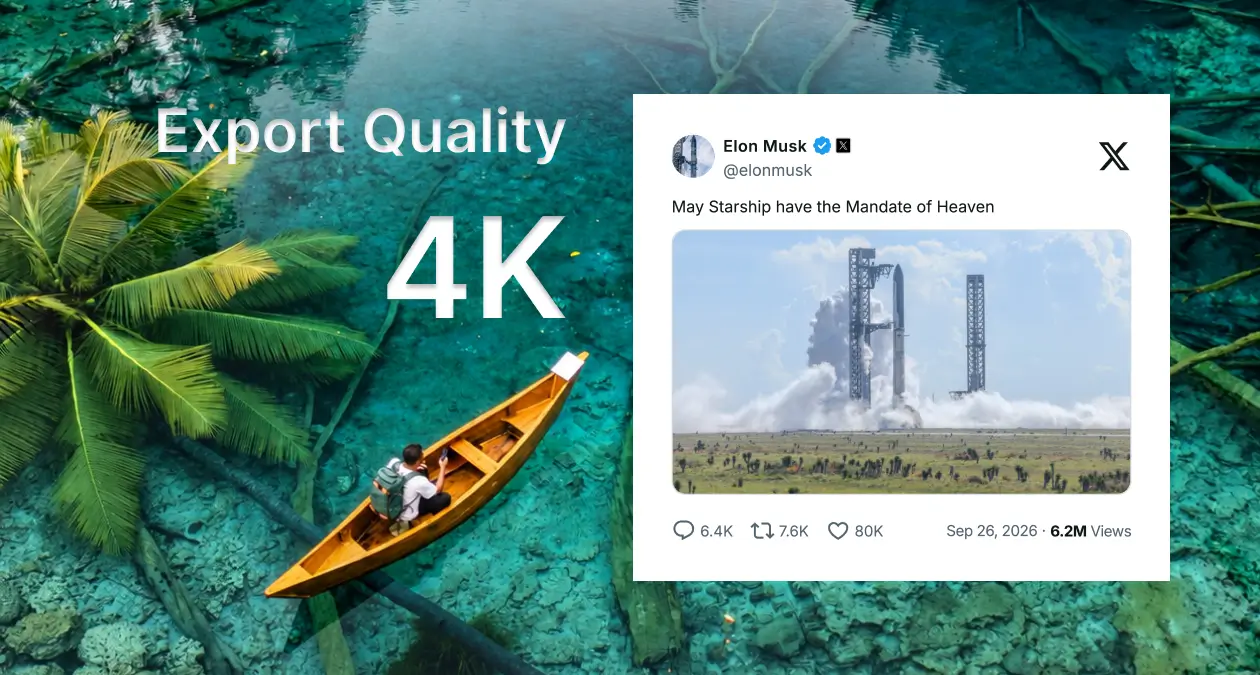
Better rendering quality for tweet screenshots, now backed by Windows server infrastructure for more consistent output across themes and media types.

Learn more →
Screenshot tweet with hidden single image
  • hidden image tweet screenshot
  • collapsed image tweet

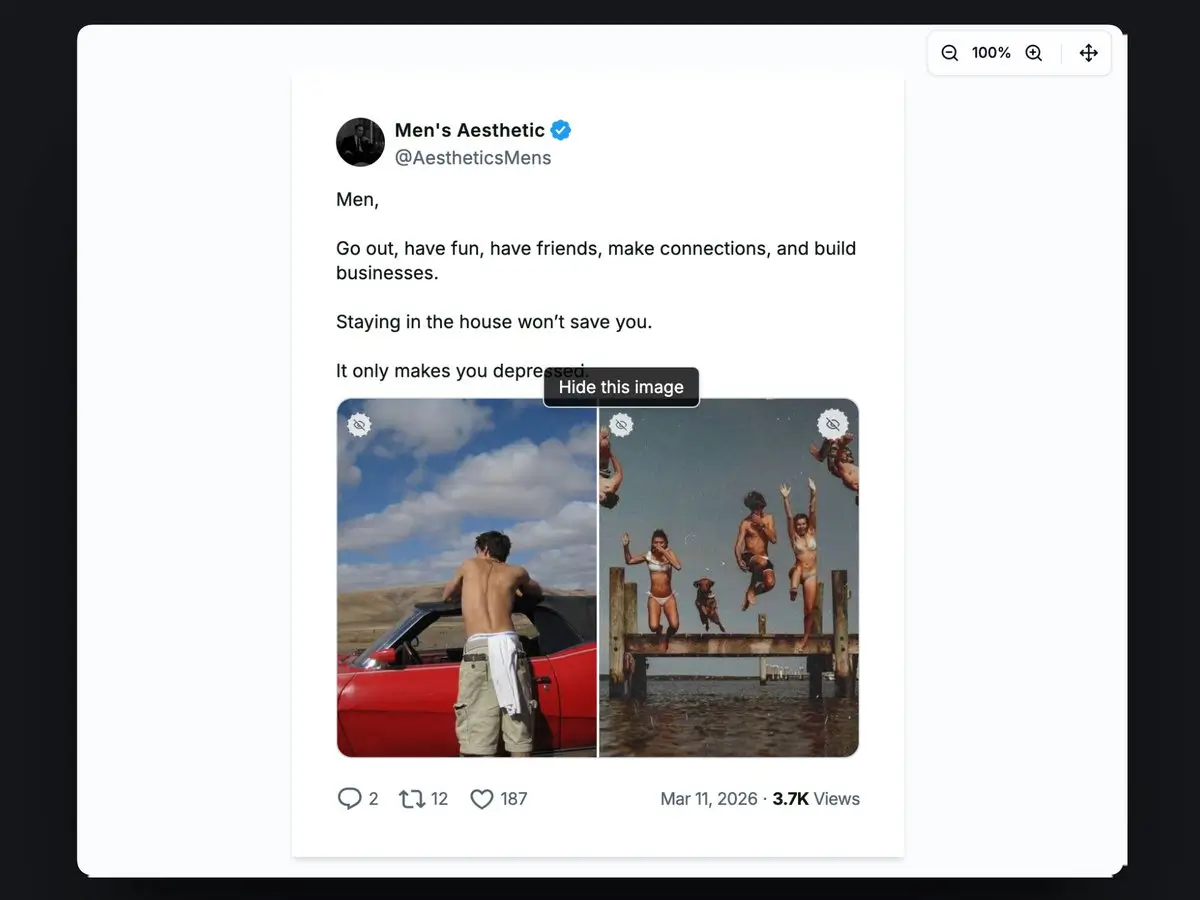
Capture tweets where the image is collapsed or hidden by default. TwitterShots now renders hidden single-image tweets correctly in screenshots.

Learn more →
Custom branding logo on Twitter screenshots
  • custom logo tweet screenshot
  • twitter screenshot branding

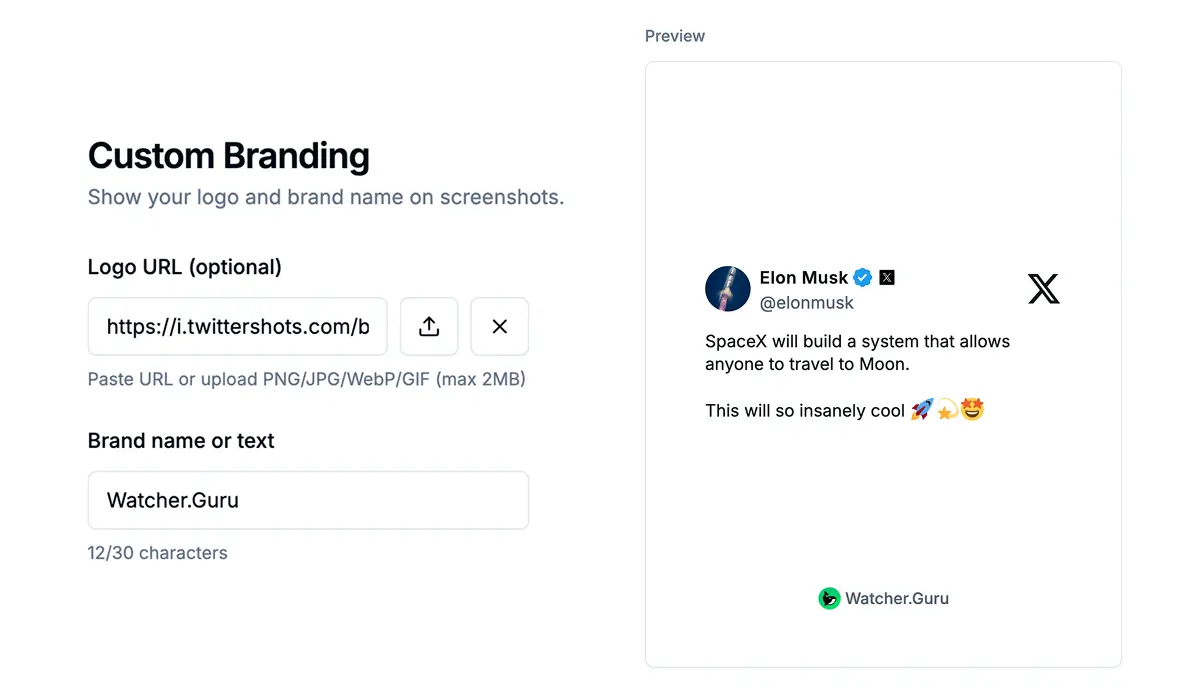
Pro+ users can add a custom branding logo to tweet screenshots for a more professional, on-brand look across social posts and newsletters.

Learn more →
API Quota Upgrades
  • twitter screenshot api quota
  • twittershots api limits

Increased API quota limits for every plan so teams can automate more tweet screenshots each month.

  • Free: 50 one-time screenshots
  • Pro: 300 screenshots per month
  • Pro+: 1,000 screenshots per month
Learn more →
Twitter X Thread Reader on TwitterShots
  • twitter thread reader
  • x thread unroll
  • thread to pdf

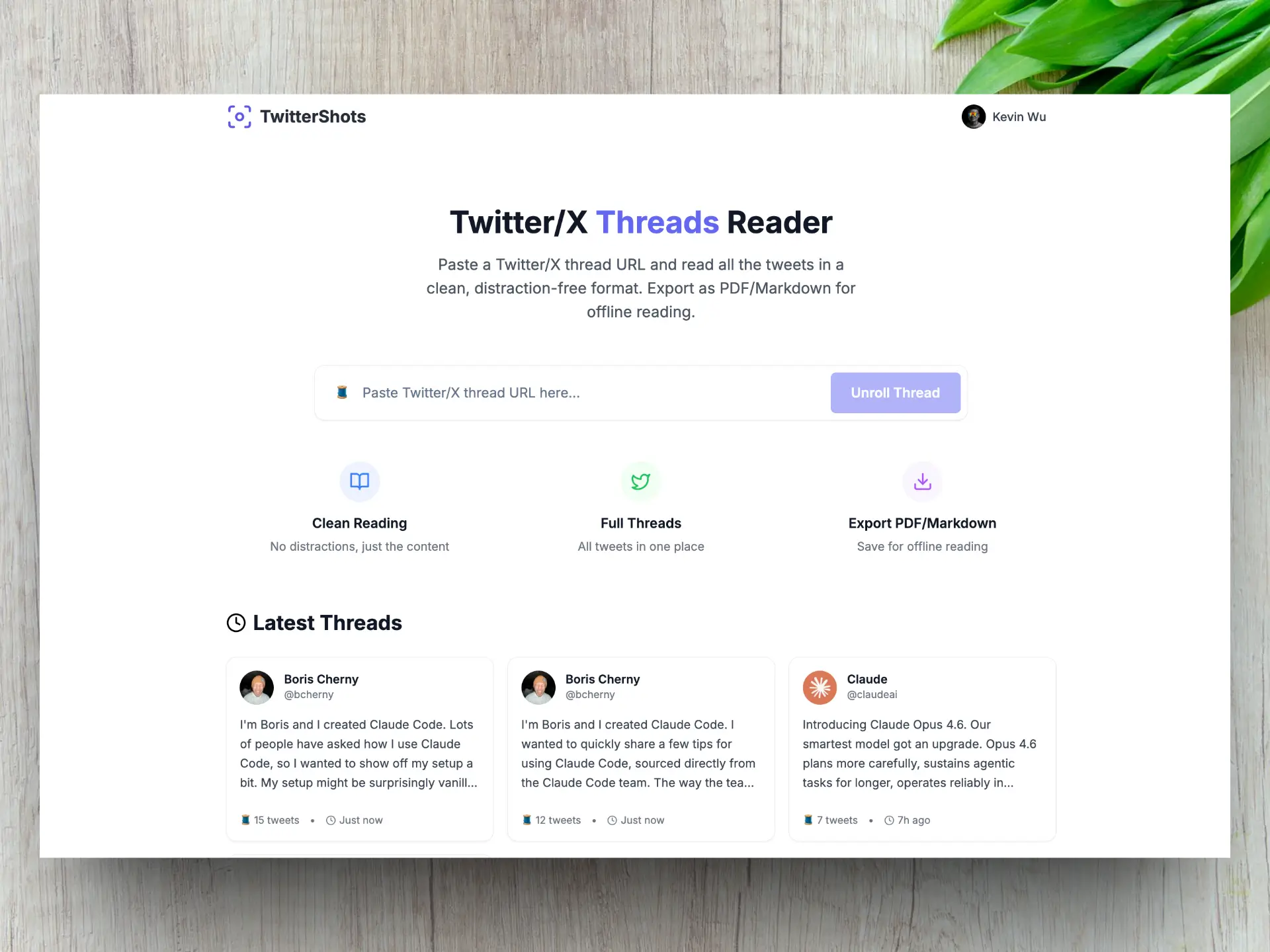
Read Twitter threads in a cleaner, focused view. Export threads to PDF or Markdown, or publish them to TwitterShots for sharing.

  • Export threads to PDF
  • Export threads to Markdown
  • Cleaner, focused reading experience
Learn more →
Zoom and reposition Twitter screenshot framing
  • twitter screenshot reposition
  • adjust tweet screenshot

Zoom and drag to adjust screenshot framing before export. Get the perfect crop for Instagram, newsletters, and social posts.

Learn more →
YouTube Preview Optimization
  • youtube preview twitter screenshot
  • tweet youtube card screenshot

Improved YouTube link preview rendering inside tweet screenshots for more accurate, polished embed cards.

Learn more →
API v0.8.1
  • twitter screenshot api width height
  • x-quota-remaining header

New Screenshot API parameters for layout control and quota visibility. Customize content area dimensions and track remaining calls via response headers.

  • width — customize tweet content area width (default 410px)
  • height — customize tweet content area height (default auto)
  • X-Quota-Remaining header — track remaining API calls
Learn more →
API Quota Upgrades
  • twitter screenshot api free tier
  • twittershots pro api quota

Updated API limits for Free and Pro plans to support more automated screenshot workflows.

  • Free: 50 one-time screenshots
  • Pro: 300 screenshots per month
Learn more →
TwitterShots integrations with n8n, Zapier, and Make

Certified and verified integrations for Zapier and Make, plus an n8n node. Automate tweet screenshots in workflows like TweetHunter → Google Drive or RSS → Instagram.

Learn more →
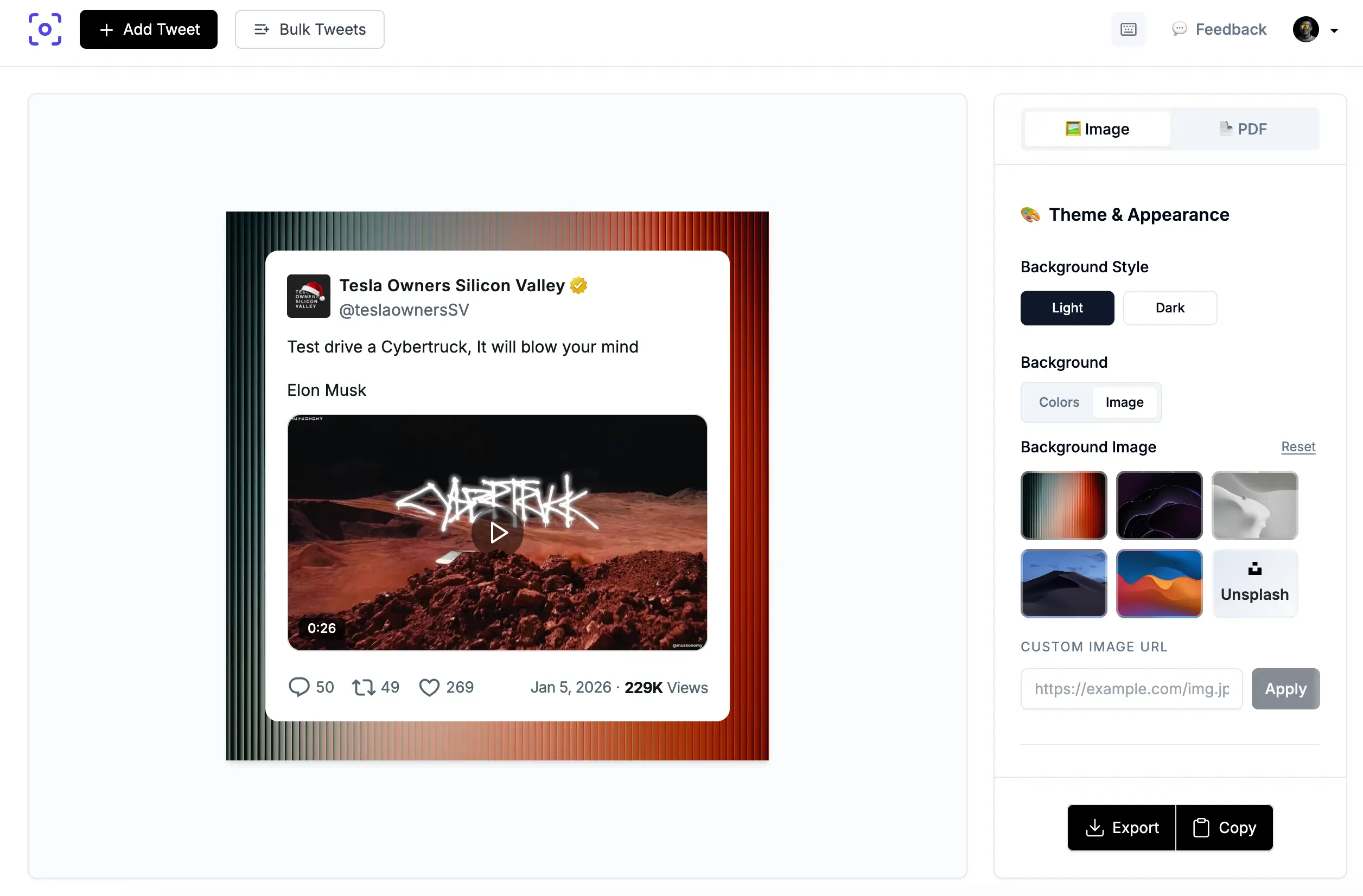
Tweet screenshot with background image

Add Unsplash backgrounds or custom image URLs behind tweet screenshots. API v0.7.0 supports background images in programmatic requests.

Learn more →
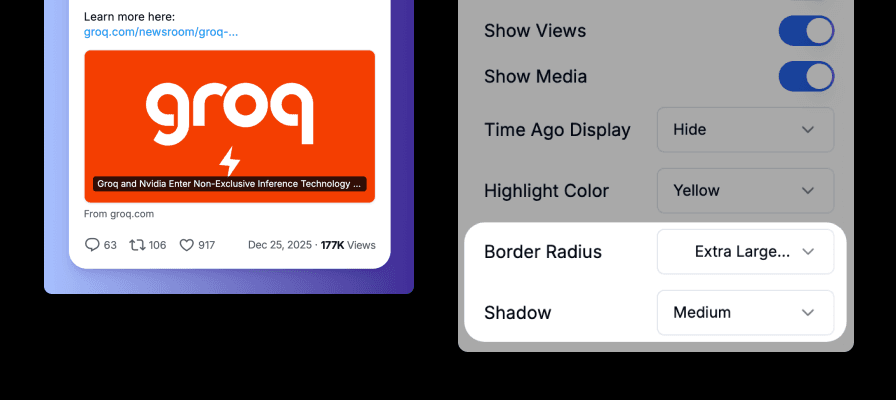
Tweet screenshot with rounded corners and shadow

Fine-tune screenshot appearance with rounded tweet corners and customizable CSS drop shadows.

Learn more →
Screenshot MCP Server Integration

Integrate TwitterShots into AI workflows via MCP Server for automated tweet screenshots with Claude and other assistants.

Learn more →
API v0.4.1 and n8n Node

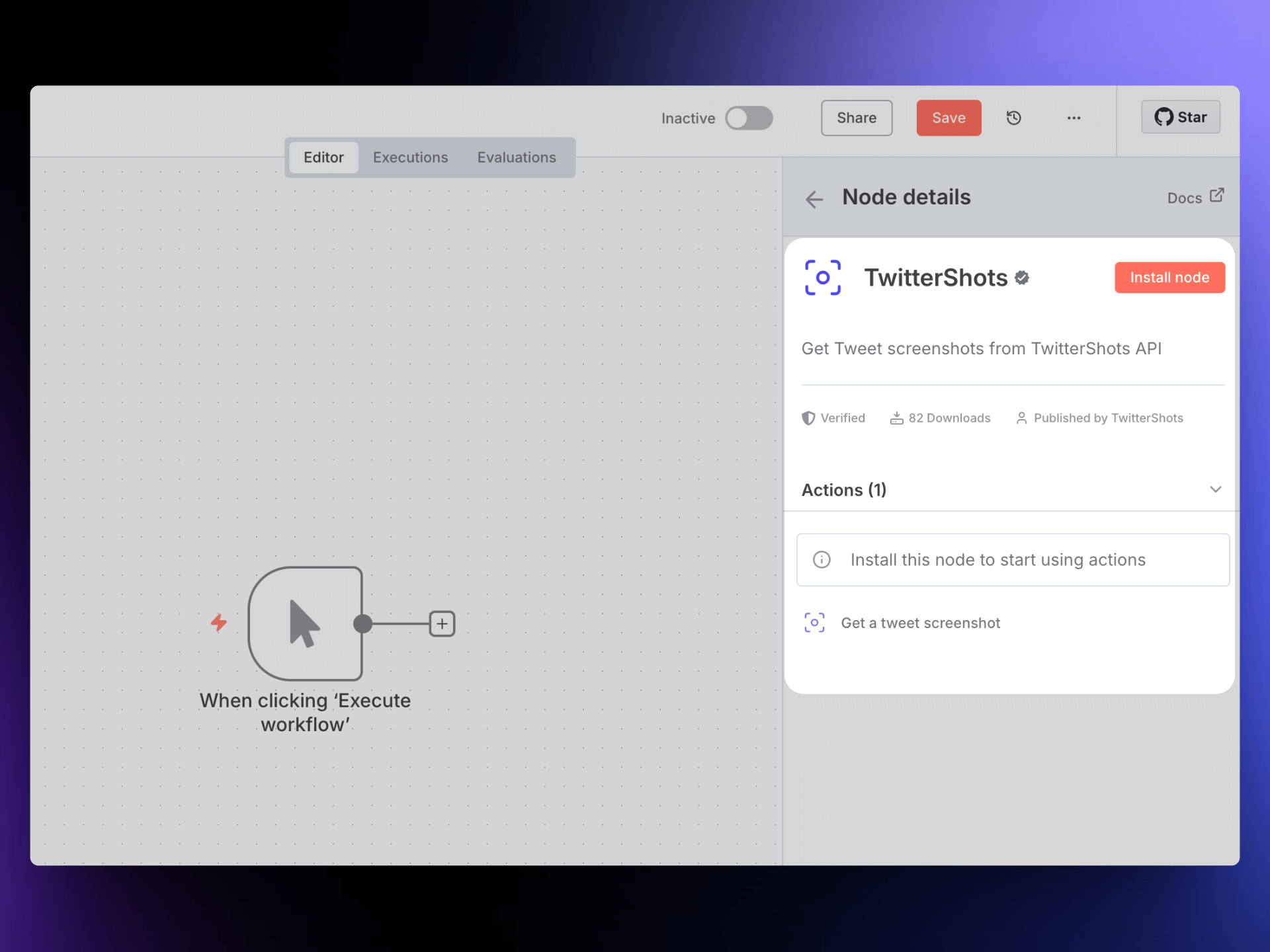
Latest API with improved customization. The n8n X screenshot node is live on n8n.io.

Learn more →
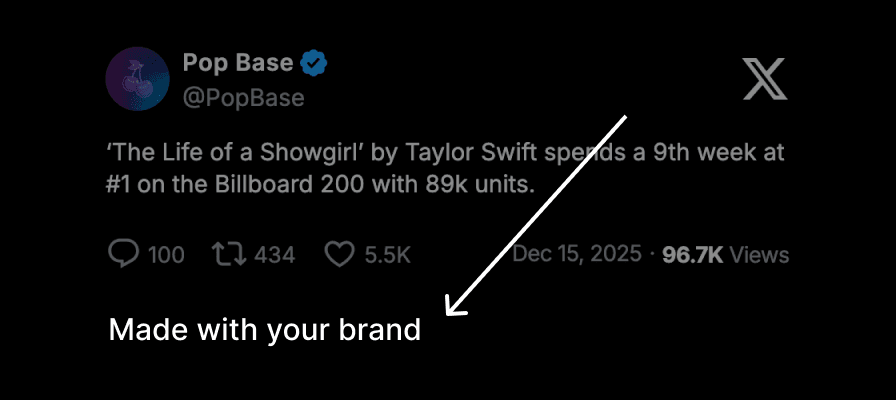
Custom branding tweet screenshot

Pro+ and Business plans support custom branding text at the bottom of screenshots.

Learn more →
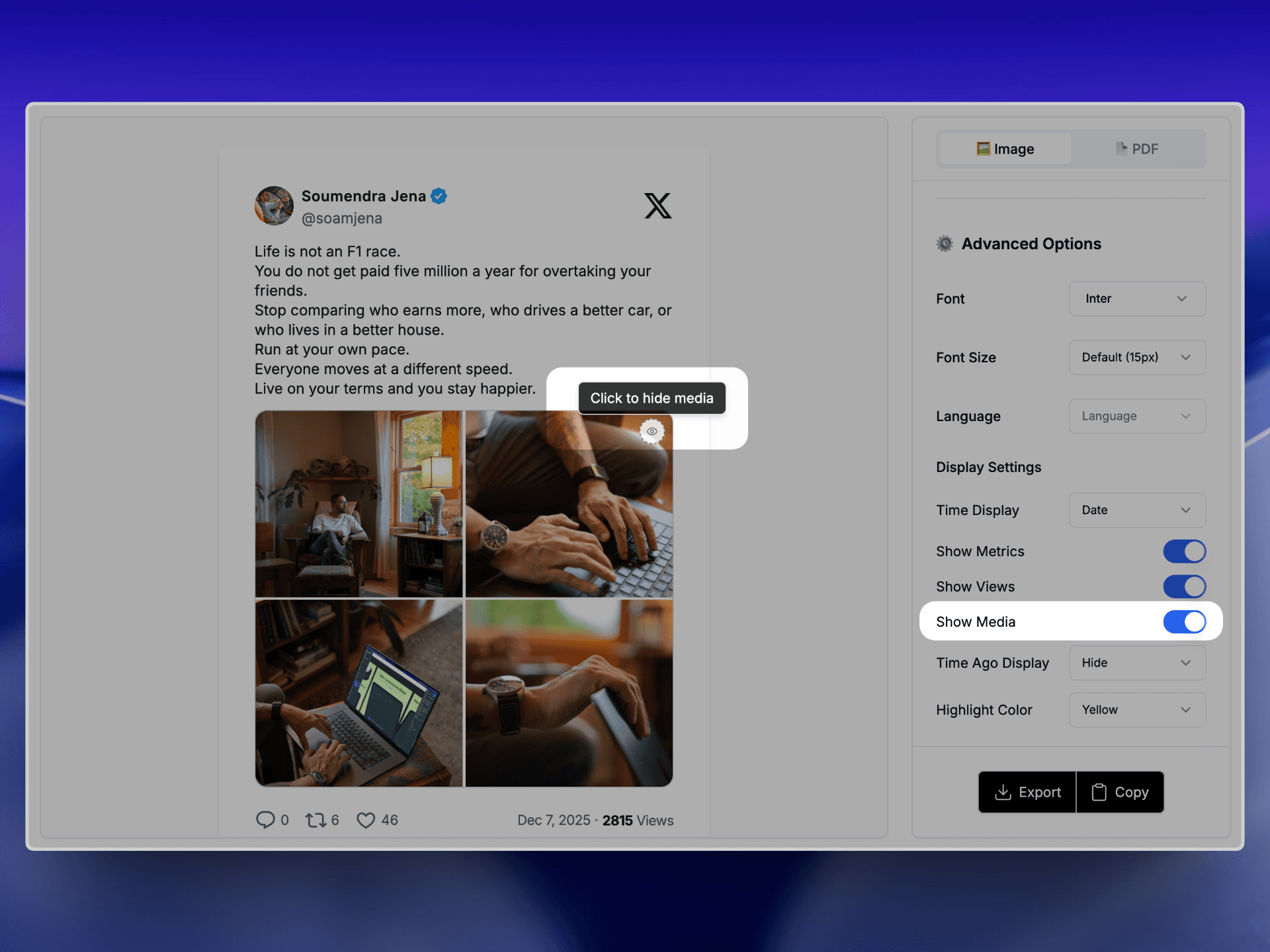
Clean tweet screenshot without media

Hide media and images in screenshots for cleaner, text-focused outputs.

Learn more →
API returnType Support

New returnType parameter returns image files or hosted image URLs in API responses.

Learn more →
TwitterShots Chrome Extension

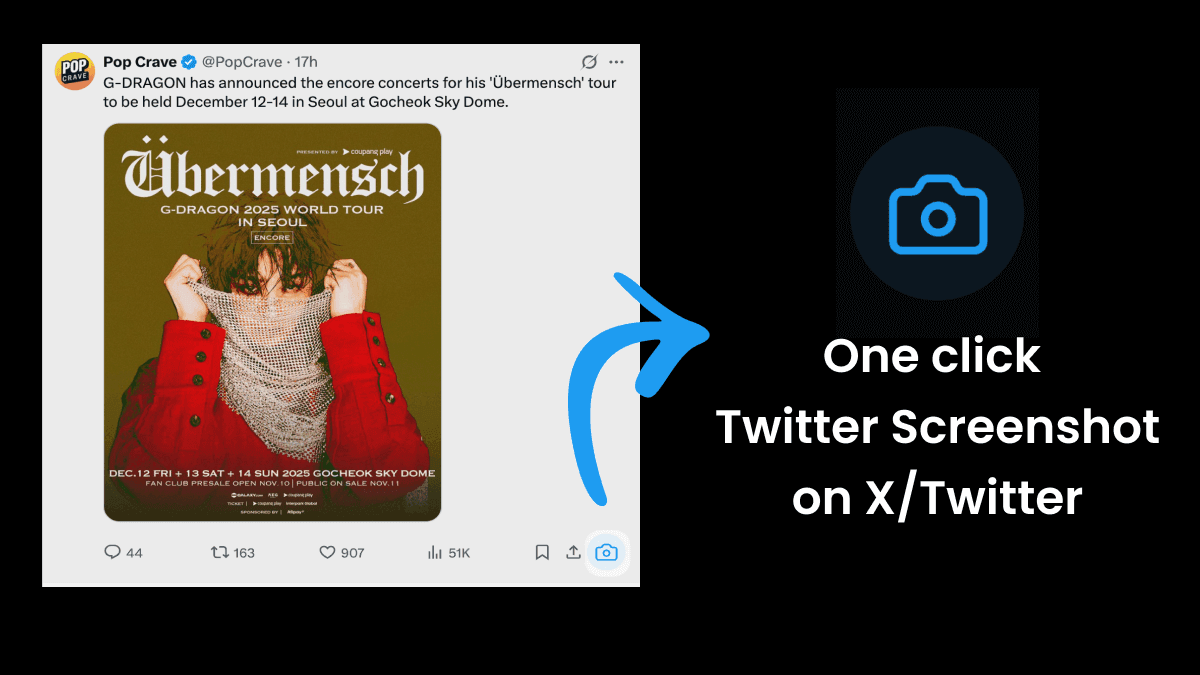
Capture tweet screenshots directly on Twitter/X with one click — no copy-paste or tab switching.

Learn more →
Thread to TikTok slideshow

Convert threads into 9:16 slideshow images for TikTok, Instagram Stories, and YouTube Shorts.

Learn more →
Tweet to Instagram templates

Four templates — Instagram Gradient, Story, Minimal, and Card — for turning tweets into Instagram posts.

Learn more →
Customizable Font Size and 9:16 Video

Adjust font sizes 12–24px and create vertical videos for TikTok, Reels, and Shorts.

Learn more →
Twitter Screenshot Telegram Bot

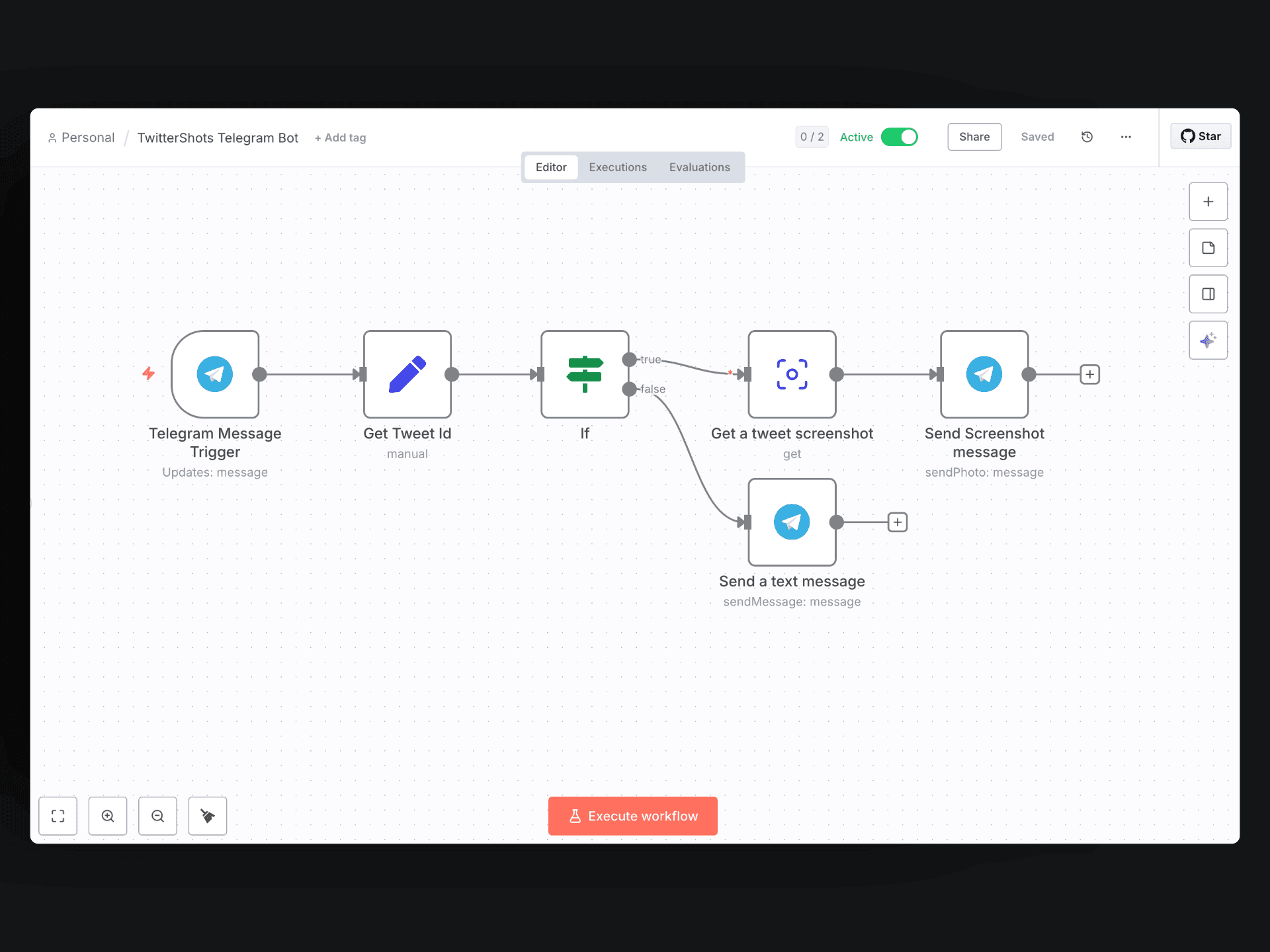
Automate tweet screenshots in Telegram using the TwitterShots API and n8n.

Learn more →
Convert tweets to video

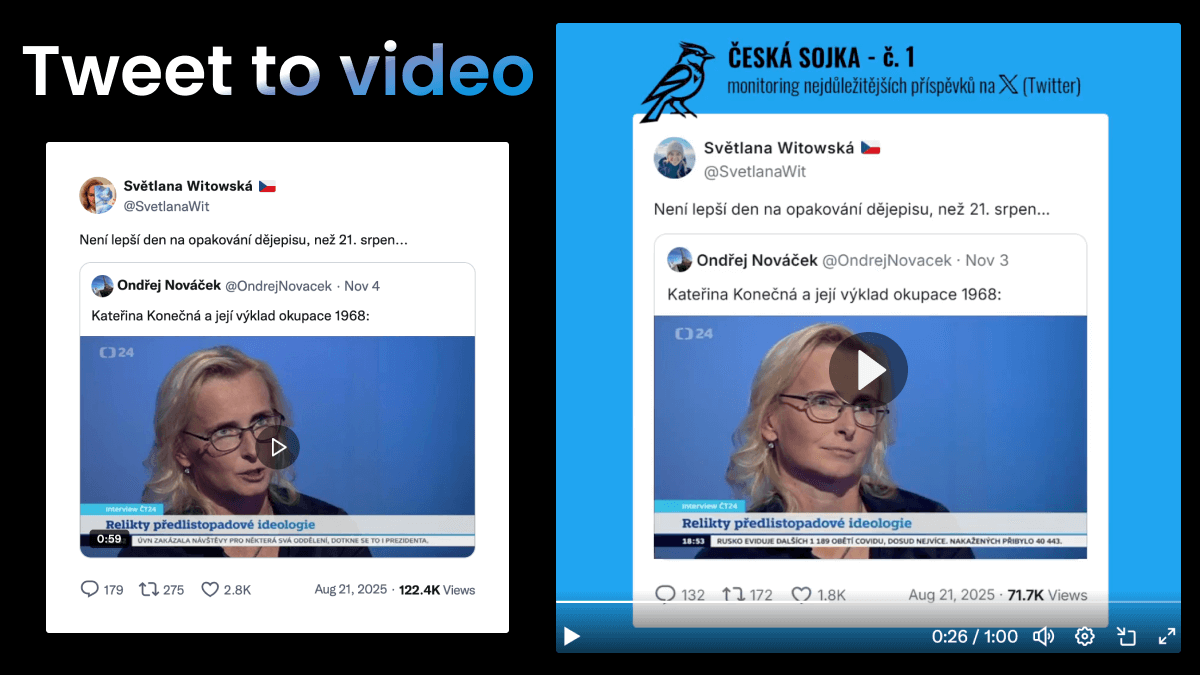
Turn any tweet into a short video for Instagram Reels, TikTok, and YouTube Shorts.

Learn more →
Screenshot tweet n8n workflow

Official TwitterShots node is live on n8n.io for no-code screenshot automation.

Learn more →
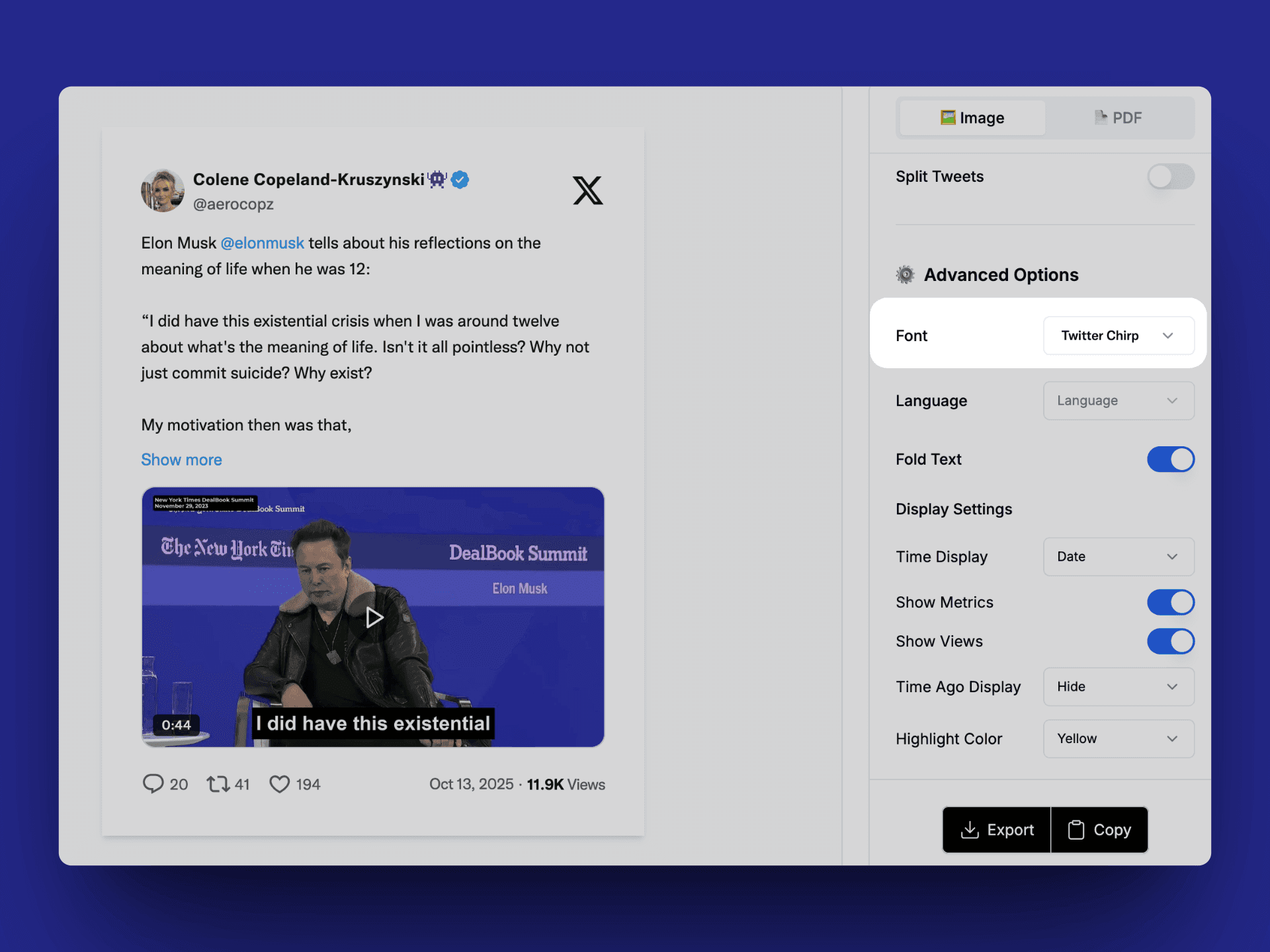
Twitter Chirp font in screenshots

Tweet screenshots now use the official Twitter Chirp font for a more authentic look.

Learn more →
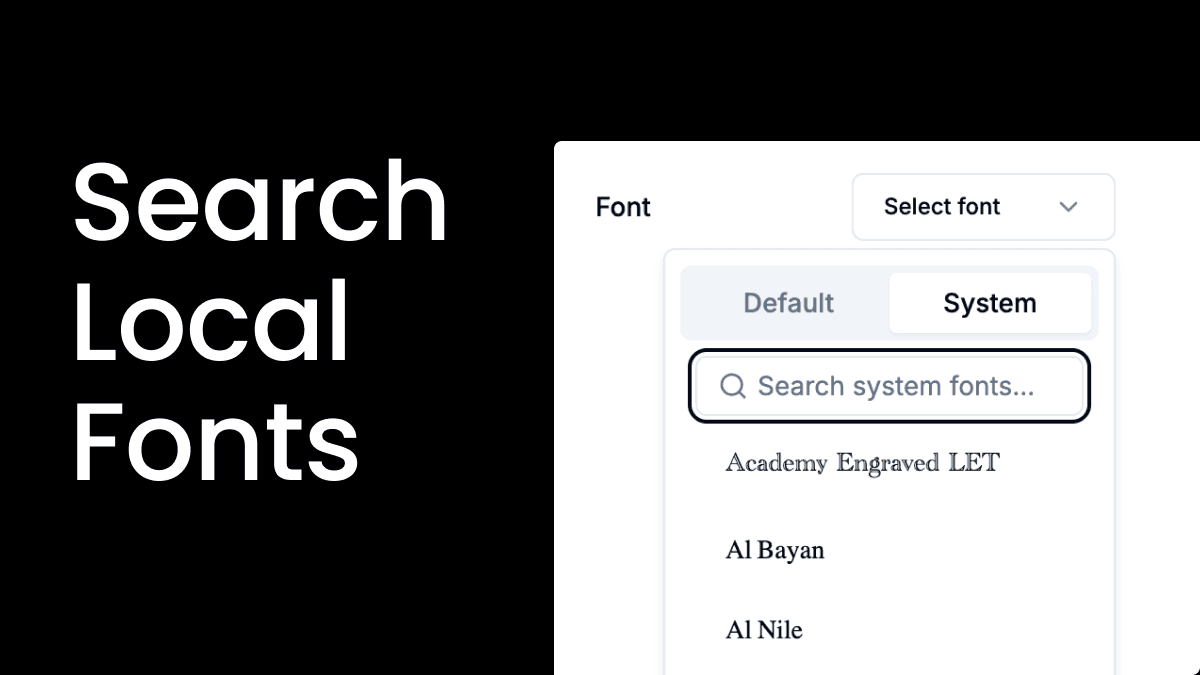
Font search for tweet screenshot

Search system fonts quickly instead of scrolling through long font lists.

Learn more →
Thread to PDF Improvements

Fixed blank content when converting threads to PDF. New Save PDF uses the browser print dialog.

Learn more →
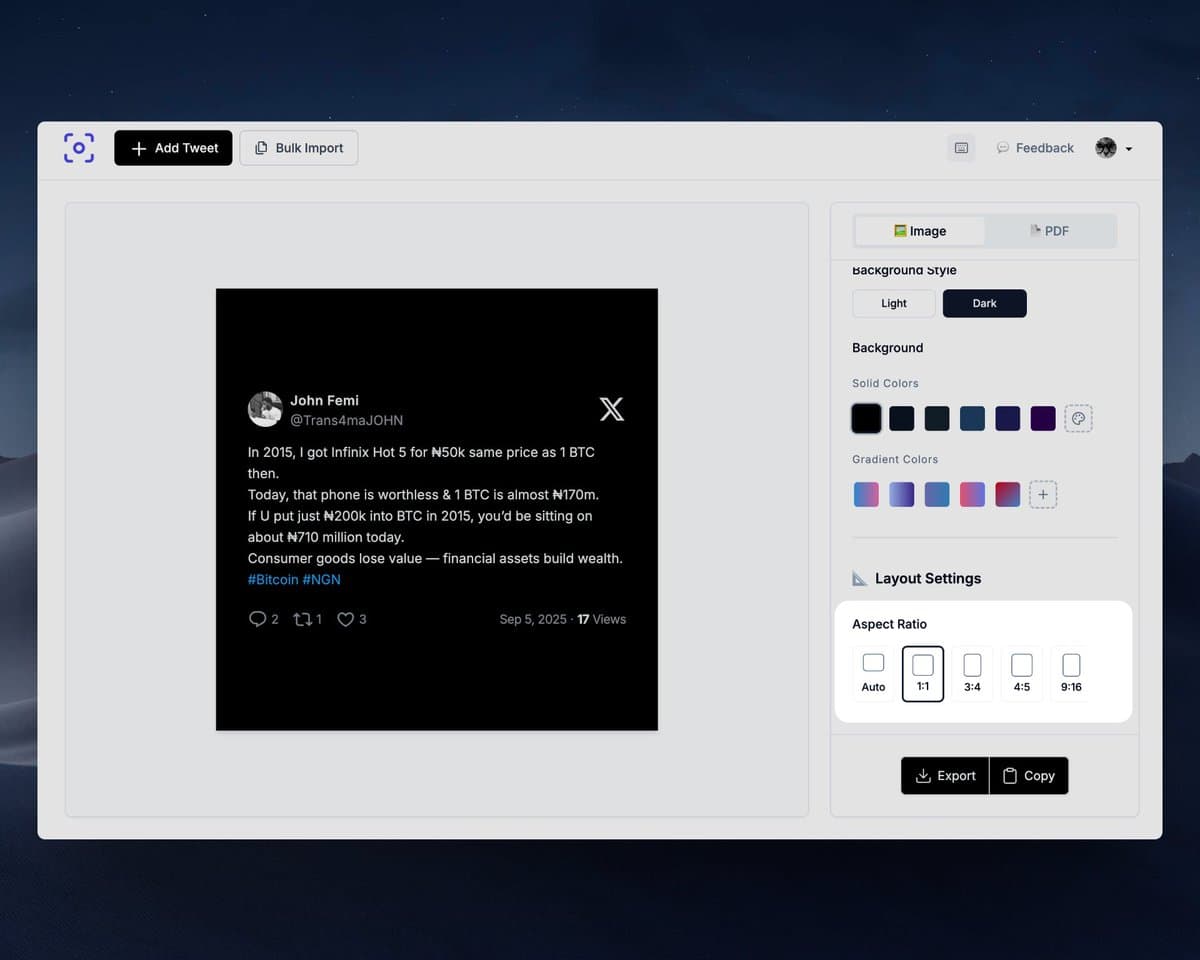
Tweet screenshot size for Instagram and TikTok

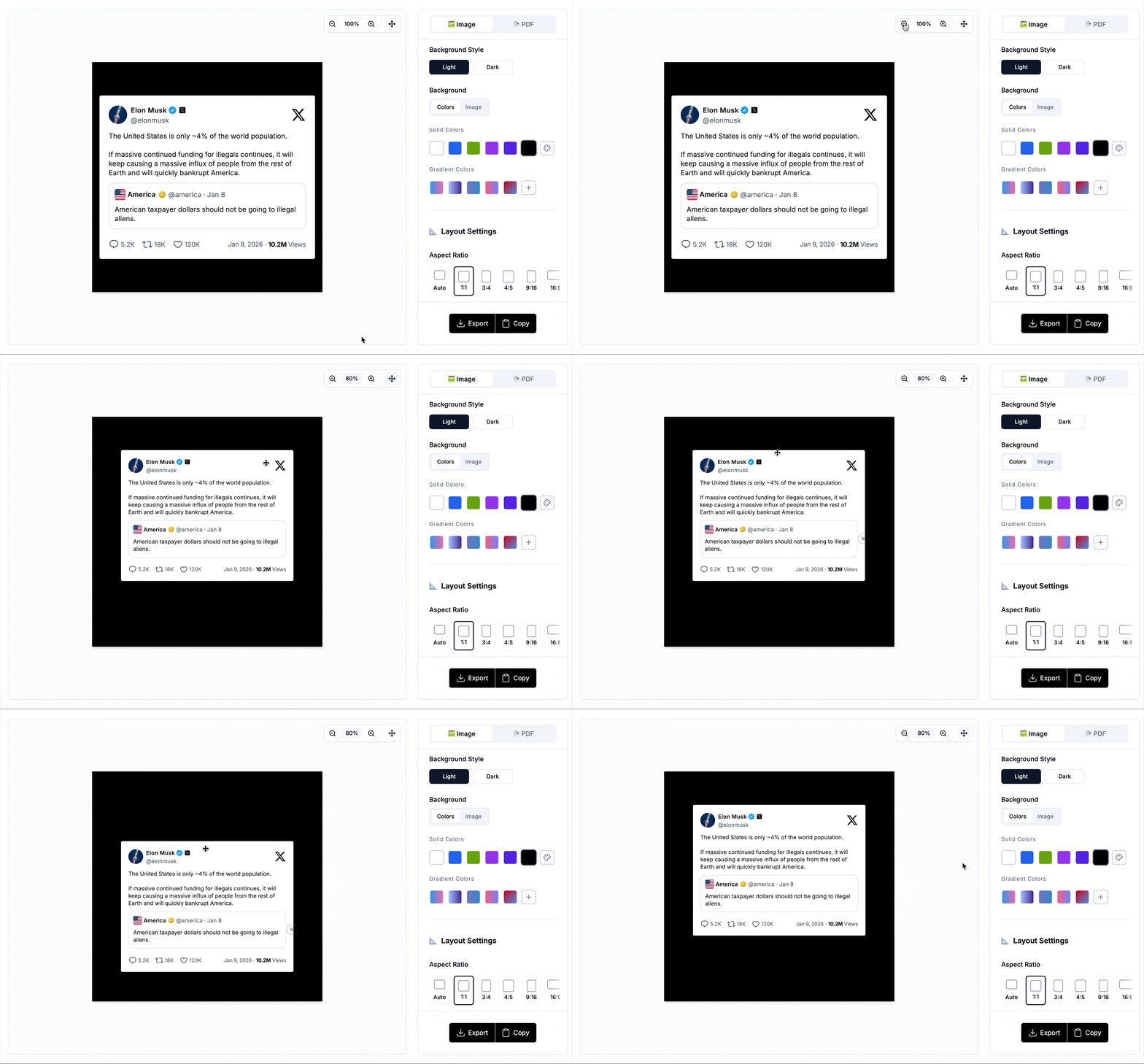
Set 1:1, 3:4, 4:5, or 9:16 aspect ratios for Instagram, TikTok, and Stories without cropping.

Learn more →
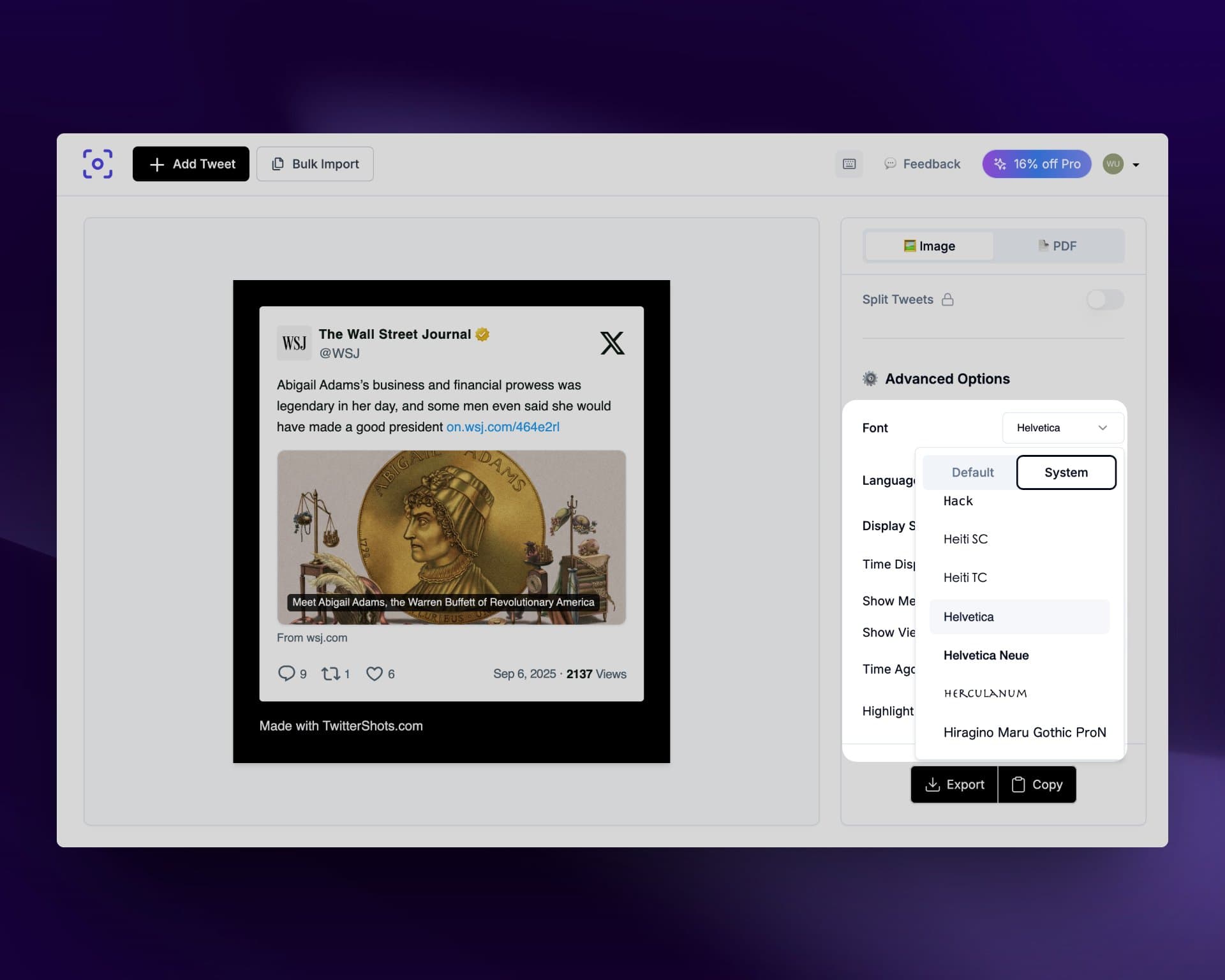
Custom font support

Load any system font for personalized, on-brand tweet screenshots.

Learn more →
New TwitterShots UI

Organized settings, more customization, streamlined workflow, and saved preferences in local browser.

Learn more →
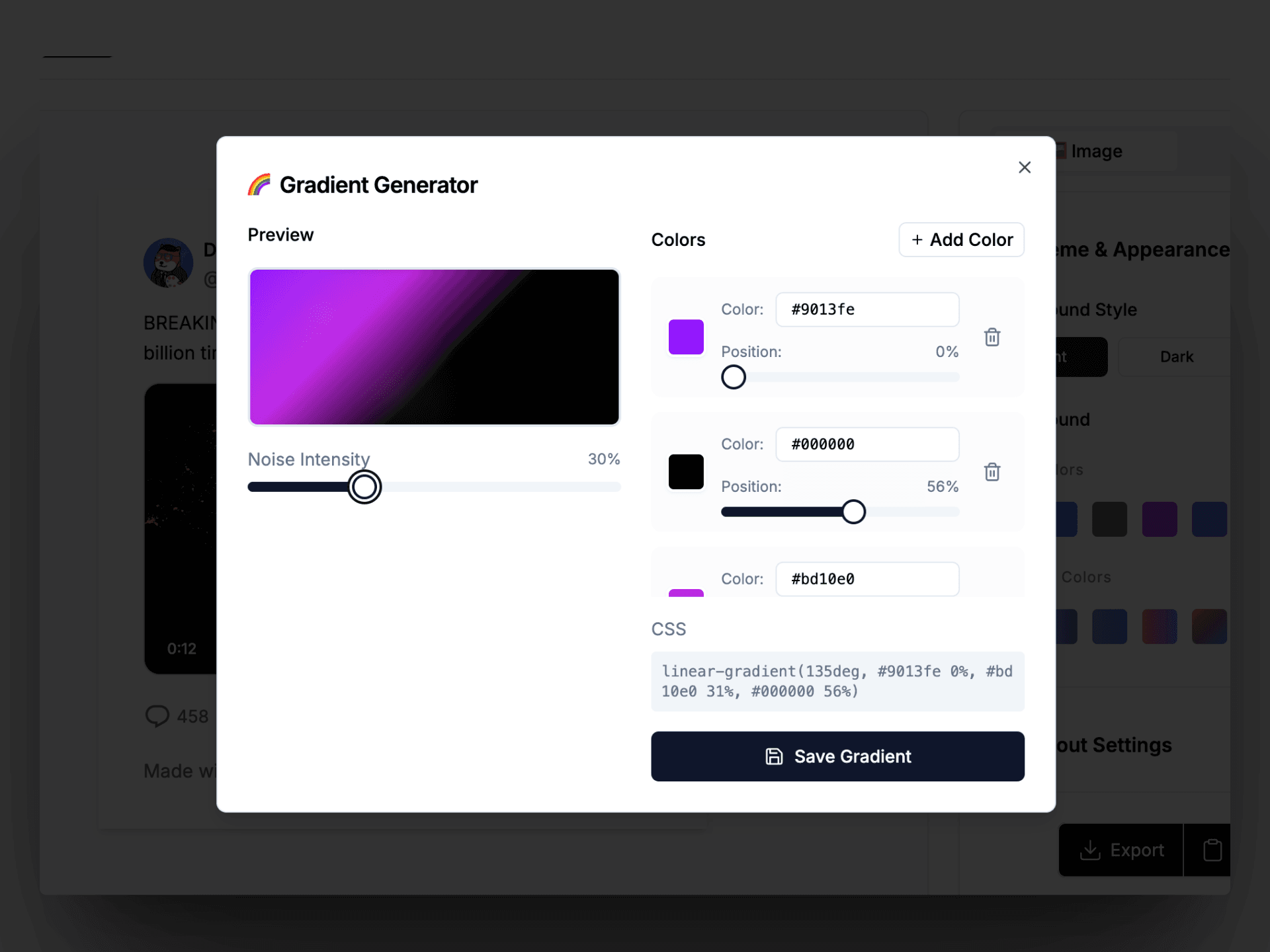
Gradient background generator

New Pro+ tier for power users. Free CSS gradient generator for screenshot backgrounds.

Learn more →
Bulk tweet screenshot export

Paste up to 50 tweet URLs and download all screenshots in a single ZIP file.

Learn more →
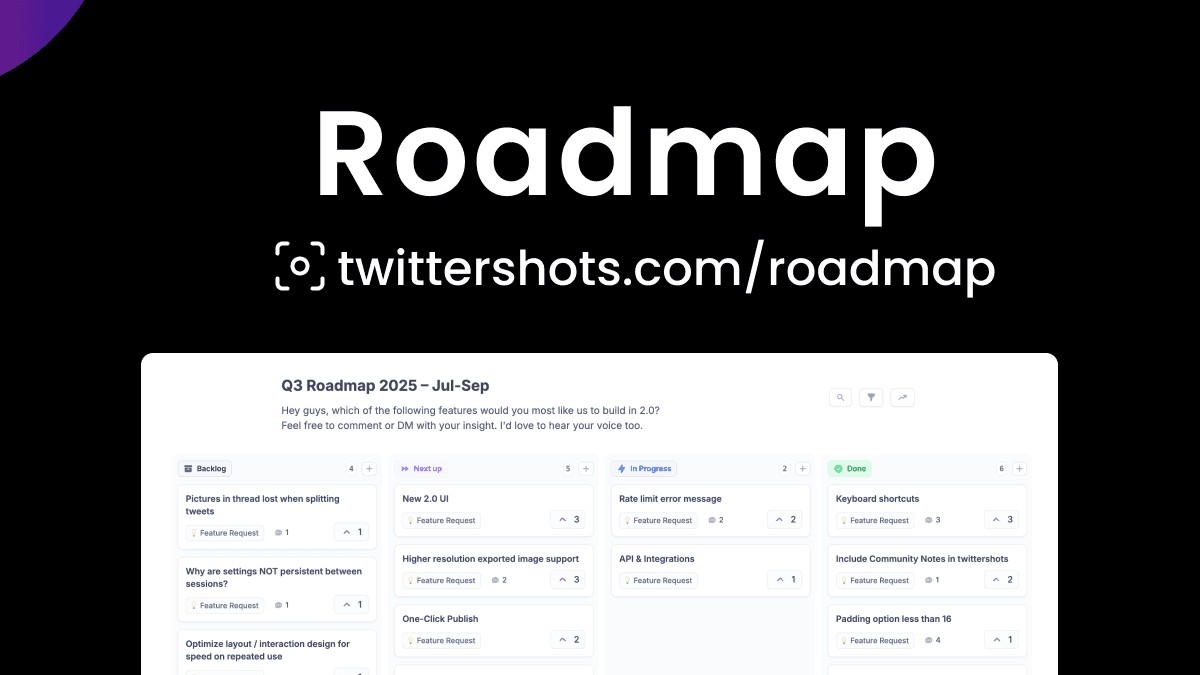
TwitterShots 2.0 roadmap

Public roadmap page for transparency. Share feedback via Featurebase or survey.

Learn more →
n8n TwitterShots integration

Automate tweet screenshots in n8n without code. Open-source node on GitHub.

Learn more →
Quota Usage API

Check remaining API quota and limits with a single endpoint.

Learn more →
Trusted Twitter screenshot tool

Support for verified and business/government badges in screenshots and API responses (v0.2.1).

Learn more →
Streamlined Tweet Input

In-page loading without full page reloads. Optimized padding and new hero section with examples.

Learn more →
Twitter Screenshot API bot

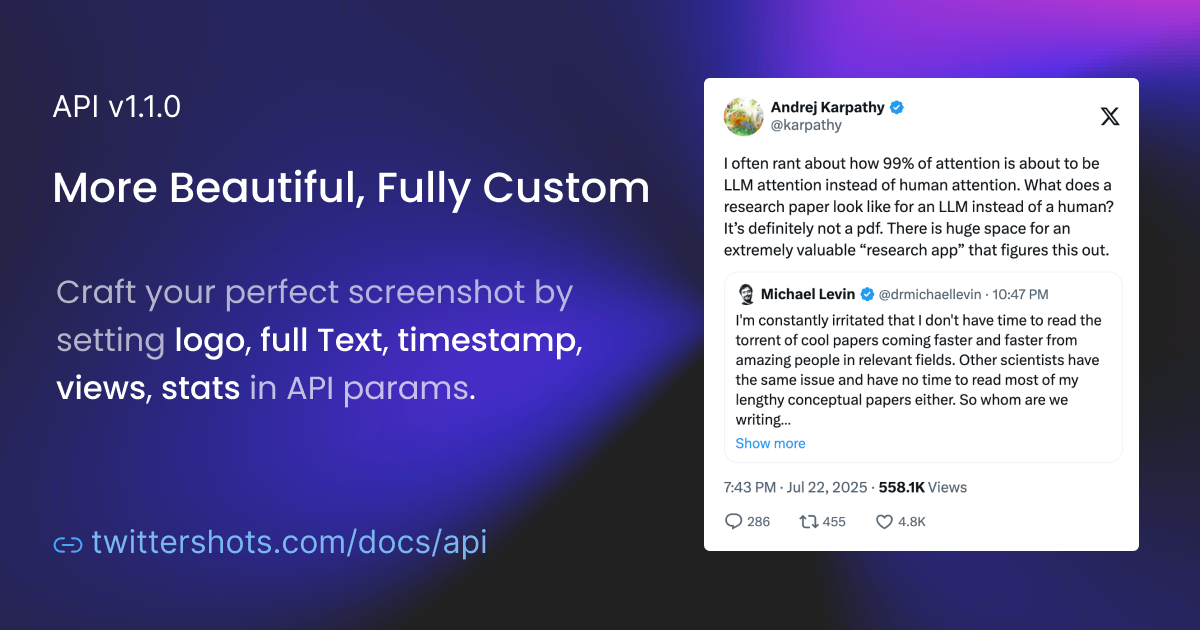
Control logo, collapsed text, timestamps, view counts, and engagement stats in a single API call for brand-ready screenshots.

  • logo: x, bluebird, or none
  • showFullText, showTimestamp, showViews, showStats toggles
Learn more →
Quoted Tweets and Badges

Quoted tweets render with proper indentation and media. Badge support for verified accounts.

Learn more →
Twitter Screenshot API

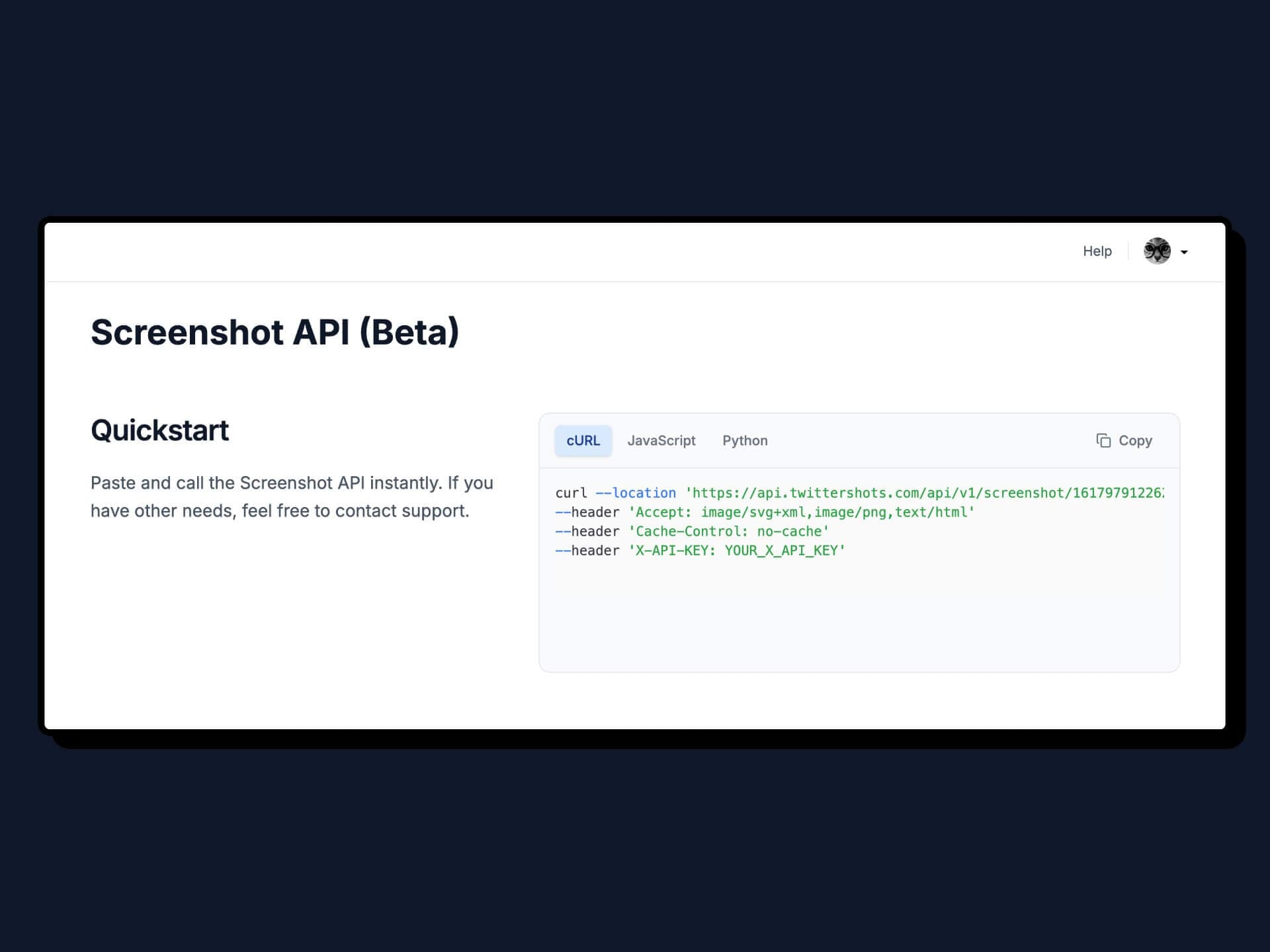
Turn any tweet into an image with one API call. PNG/SVG/HTML formats, themes, and fast response times.

Learn more →
Copy page as Markdown for LLM

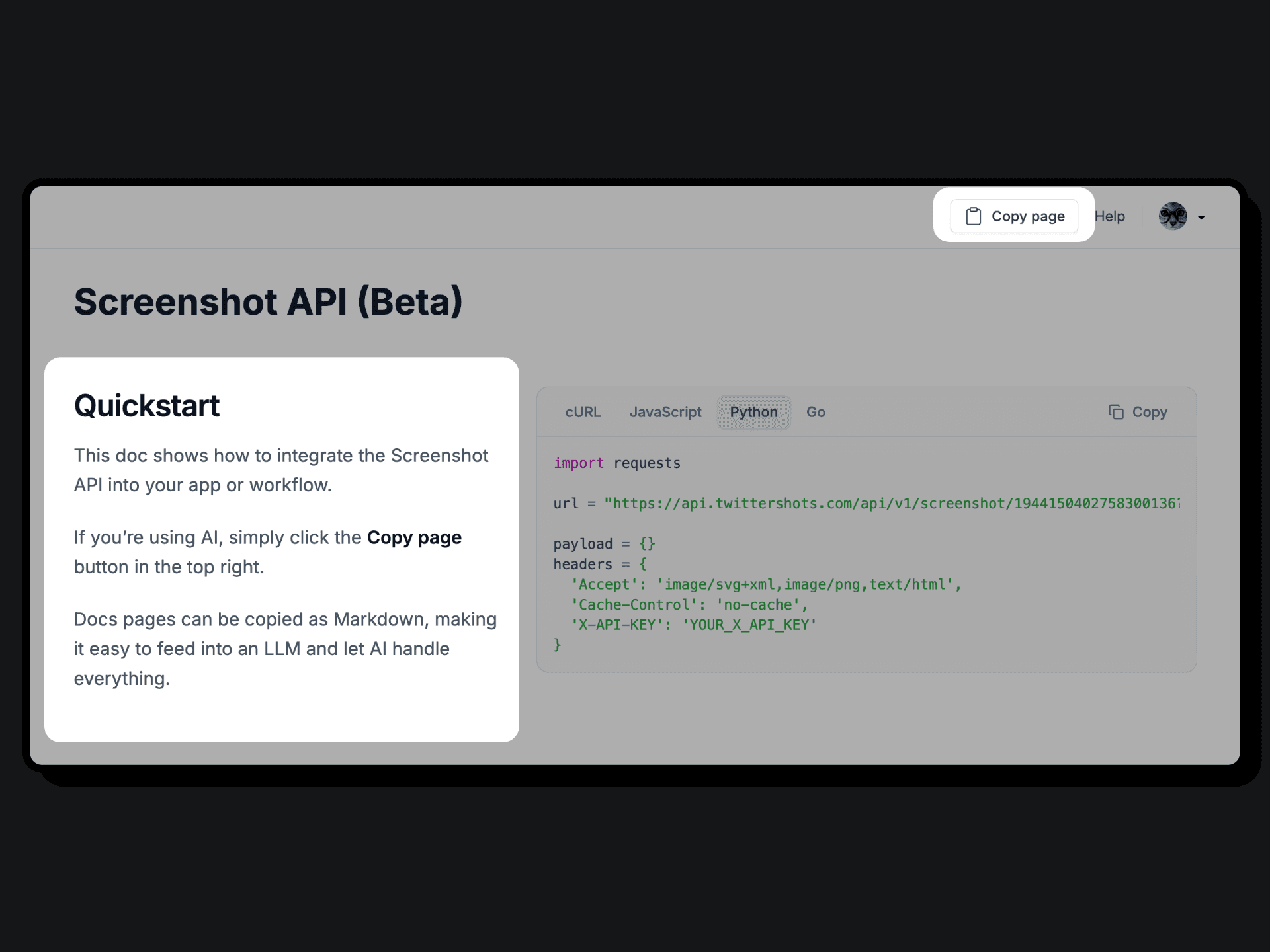
Shortcuts: N, E, C, T, ?. API docs support Copy Page as Markdown for AI workflows.
Learn more →
Highlight tweet post screenshot

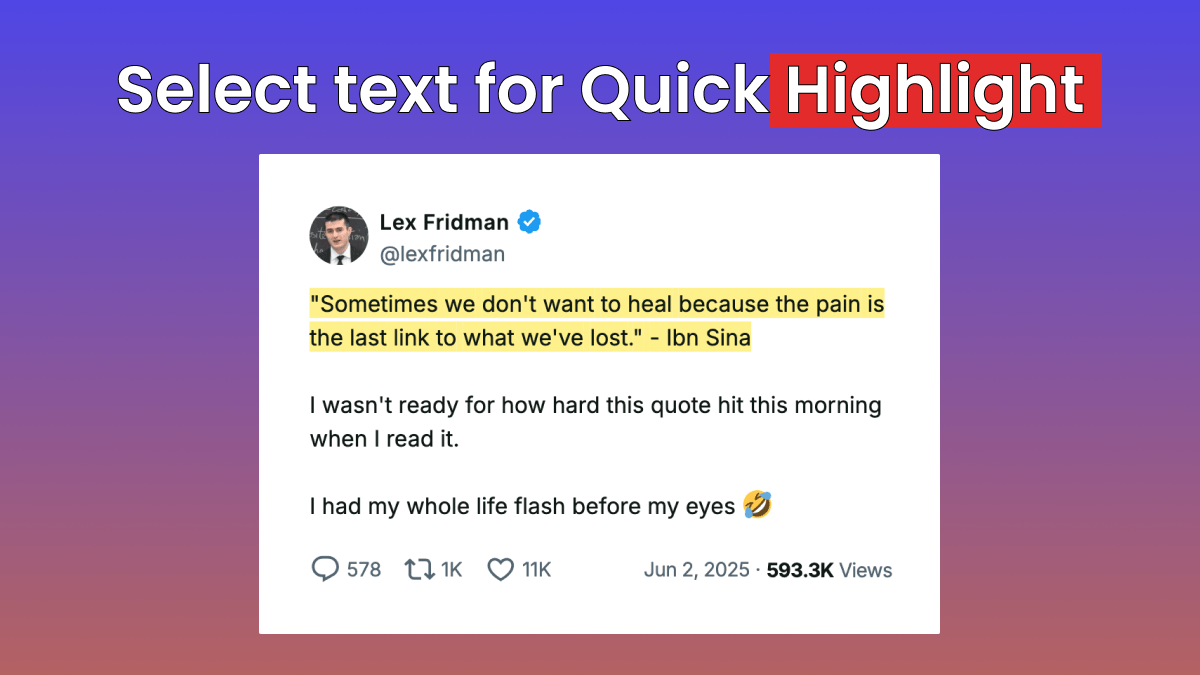
Select and highlight text in tweet screenshots with customizable highlight colors.

Learn more →
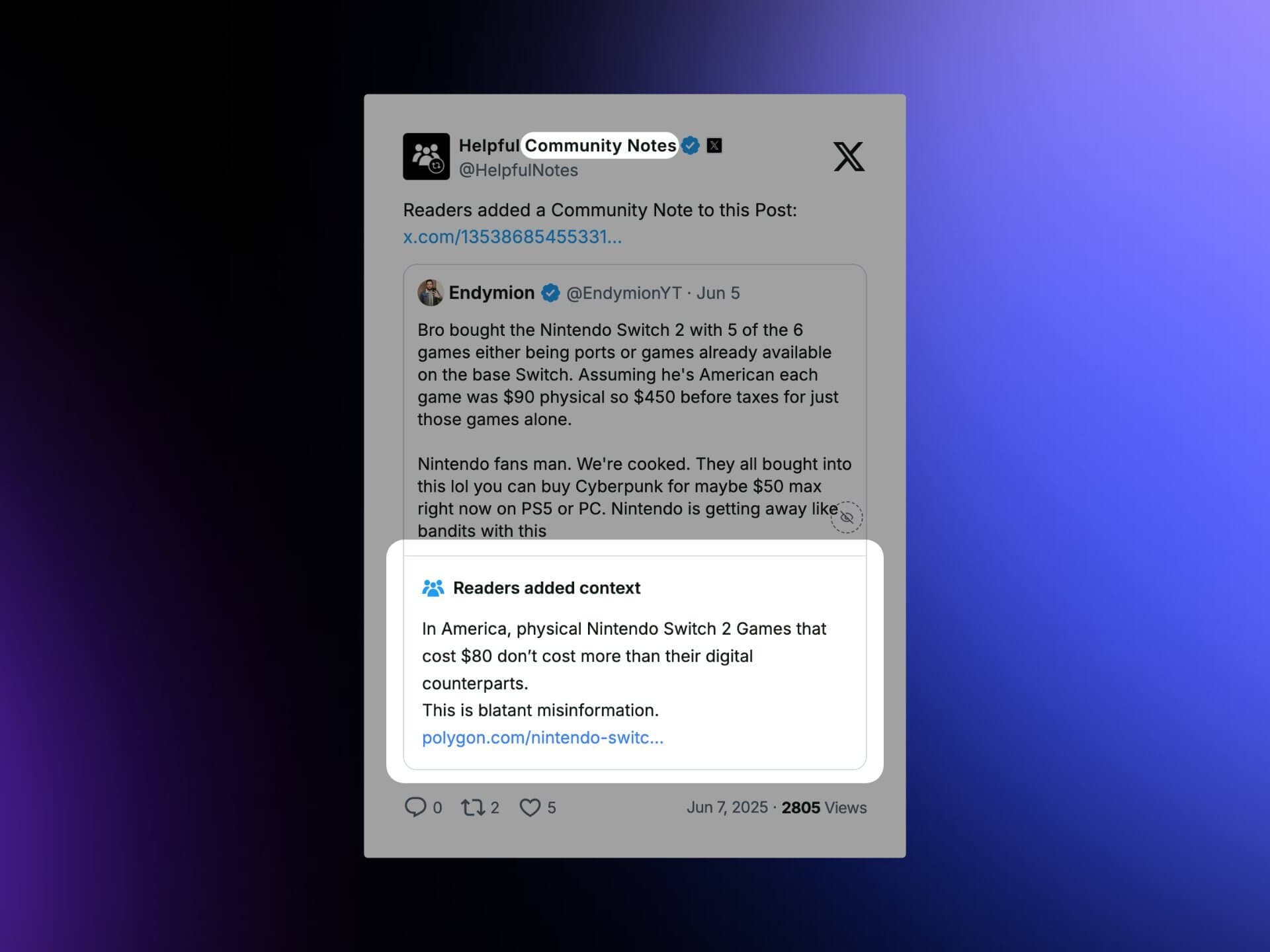
Community notes in tweet screenshot

Display Community Notes on misleading posts in screenshots.

Learn more →
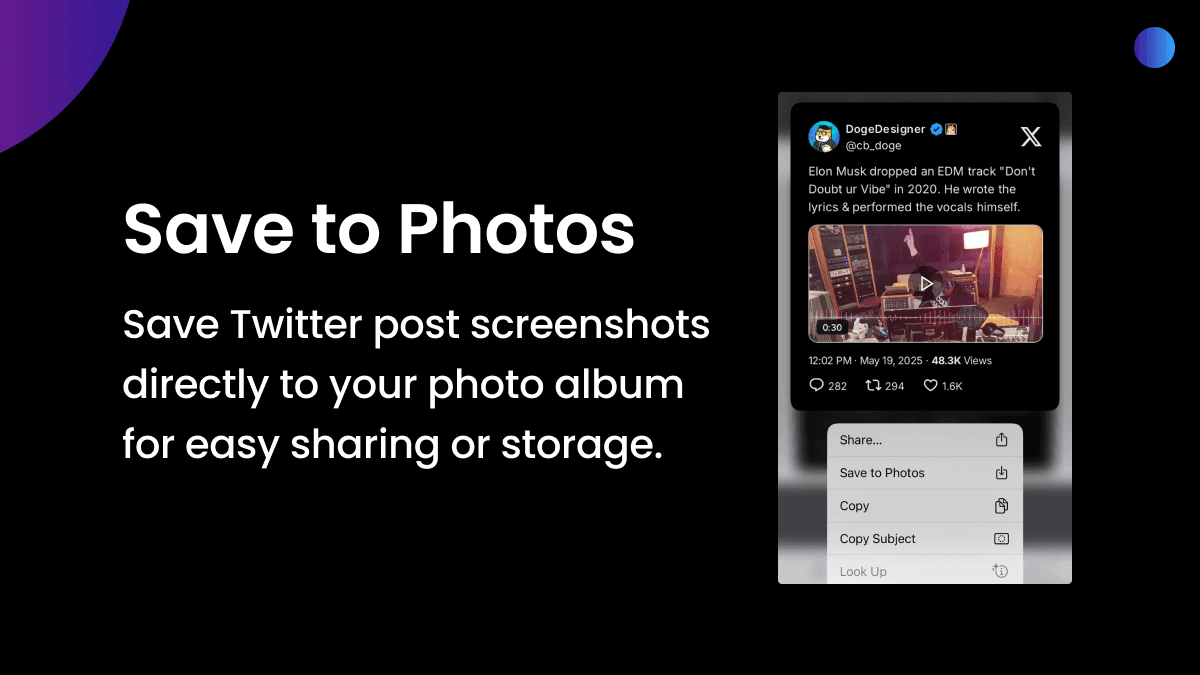
Save screenshot on mobile

Save button on mobile to share screenshots to other apps or save to photo album.

Learn more →
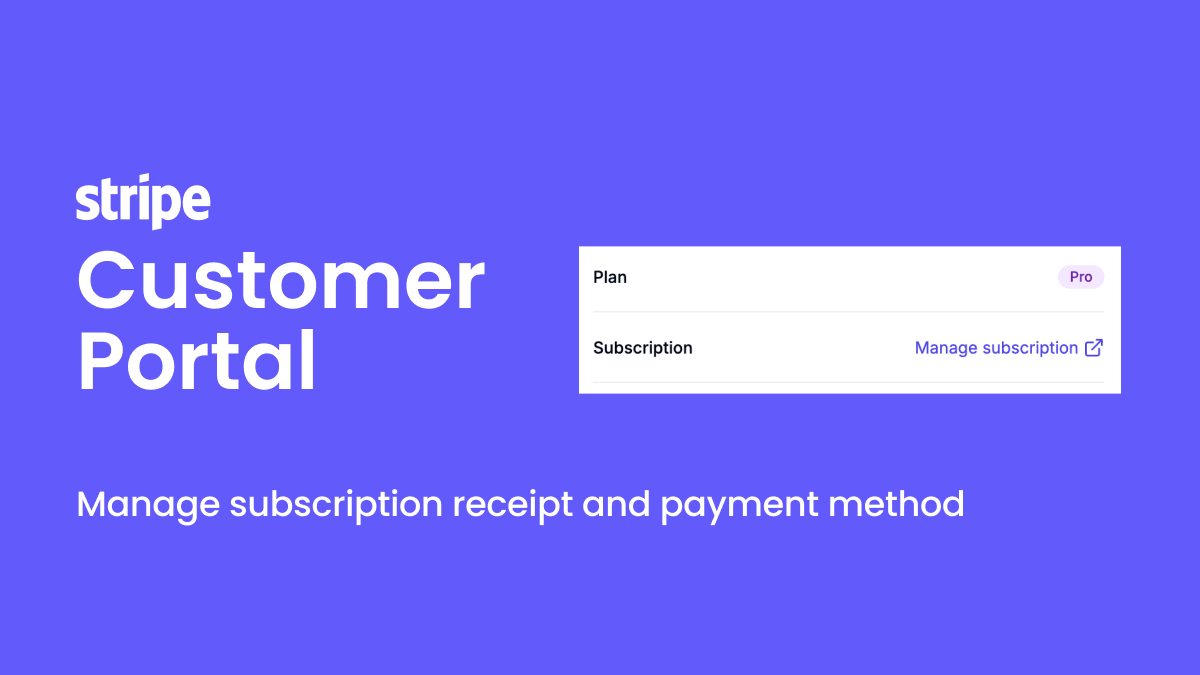
Stripe customer portal

Customers manage subscriptions independently via Stripe customer portal.

Learn more →
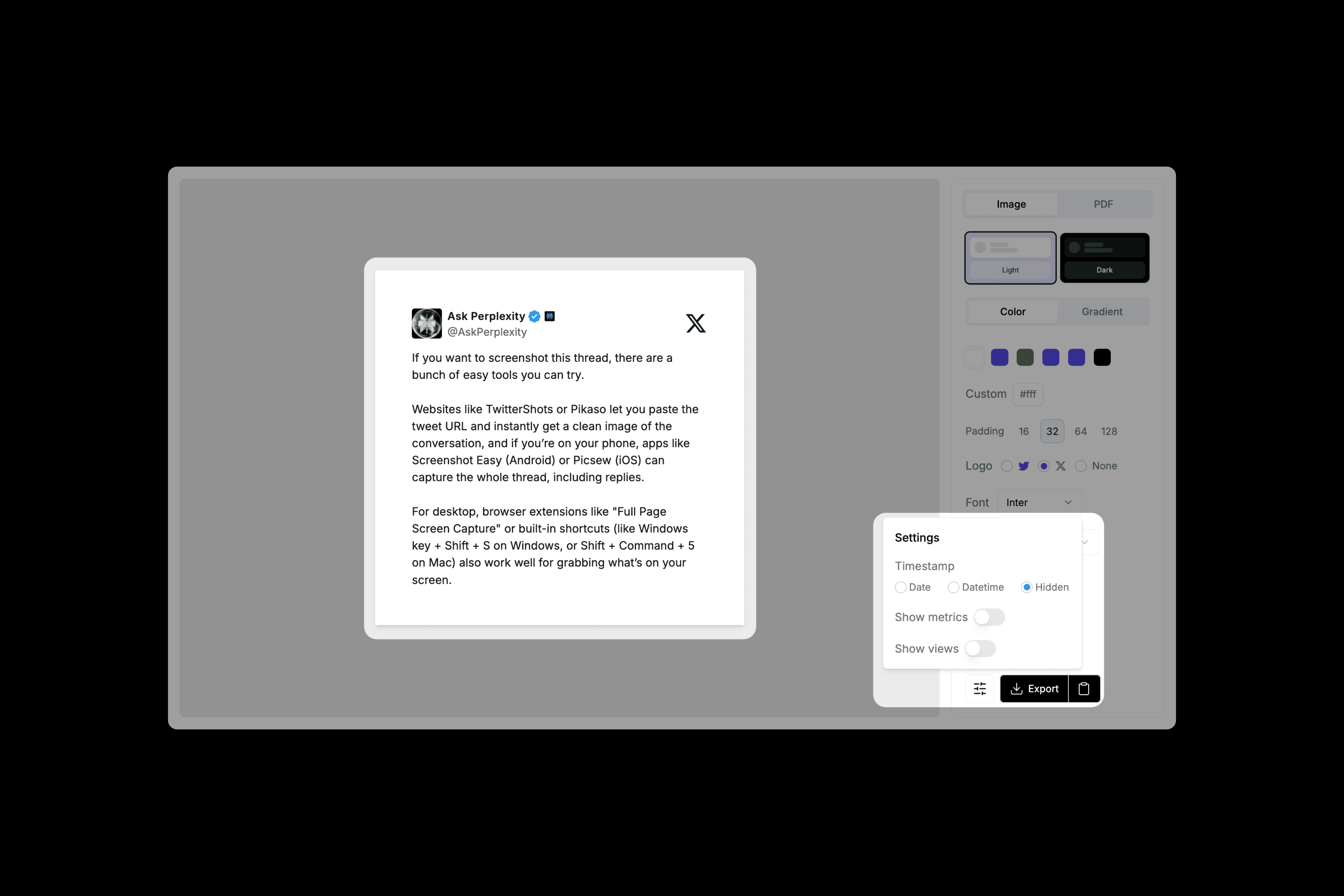
Clean Twitter screenshot

Hide timestamps and metrics for clutter-free screenshots. Preferences auto-save.

Learn more →
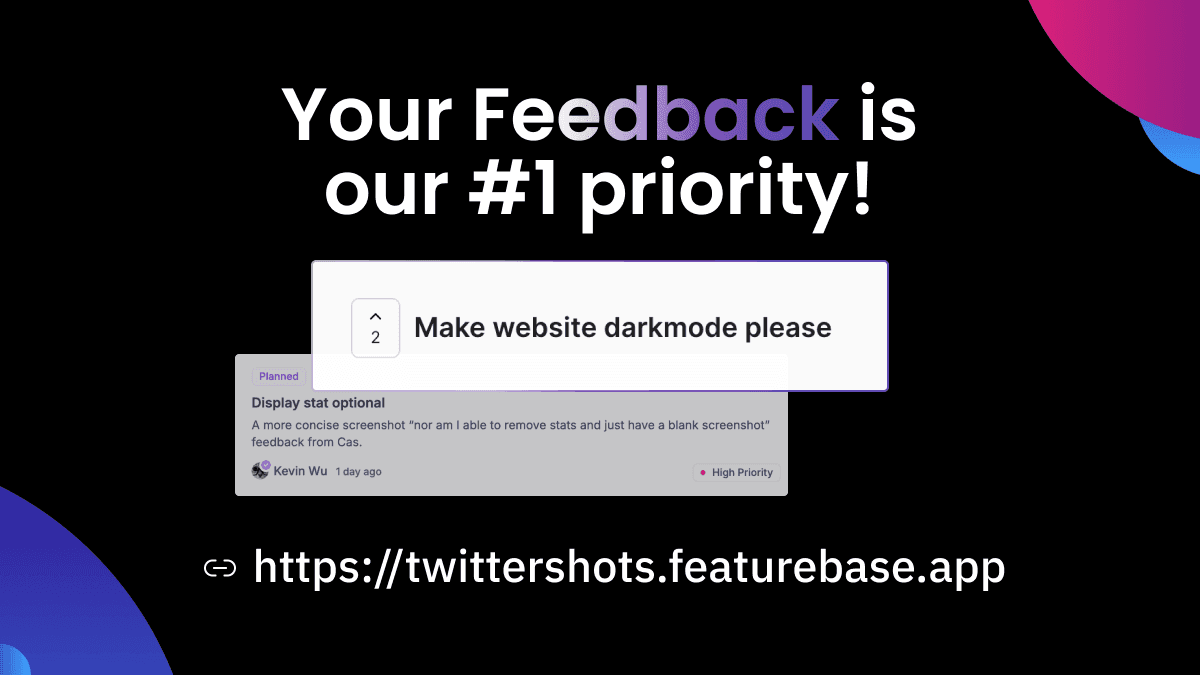
TwitterShots feedback hub

Share feedback and feature requests at TwitterShots Feedback — every suggestion is read.

Learn more →
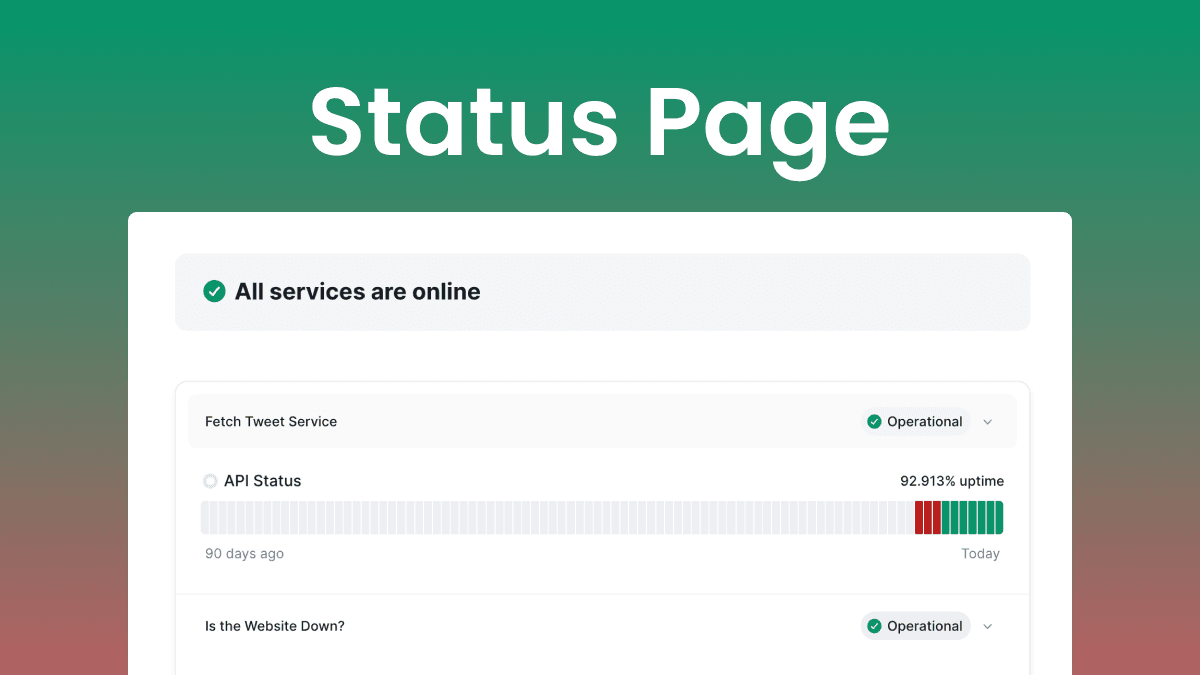
Twitter API status page

Real-time monitoring of TwitterShots features, Twitter API health, and uptime.

Learn more →
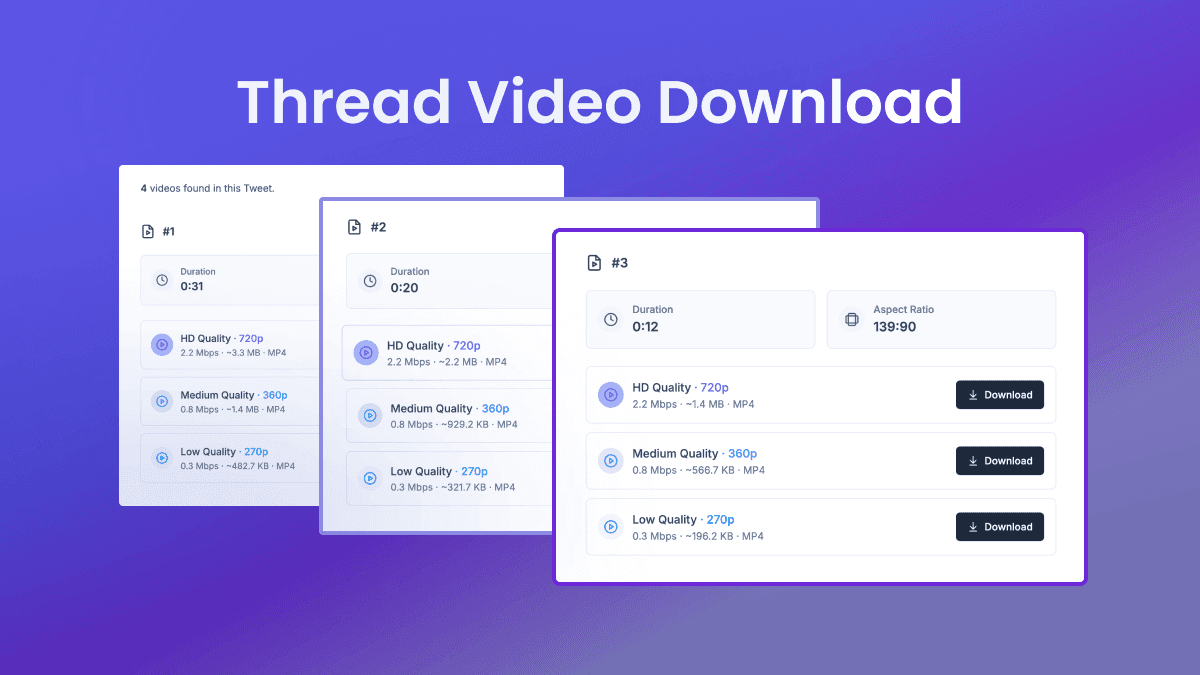
Thread video downloader

Download videos from entire Twitter threads. Show translations only or original plus translation.

Learn more →
Screenshot API

Programmatically generate tweet screenshots for automation and integrations.

Learn more →
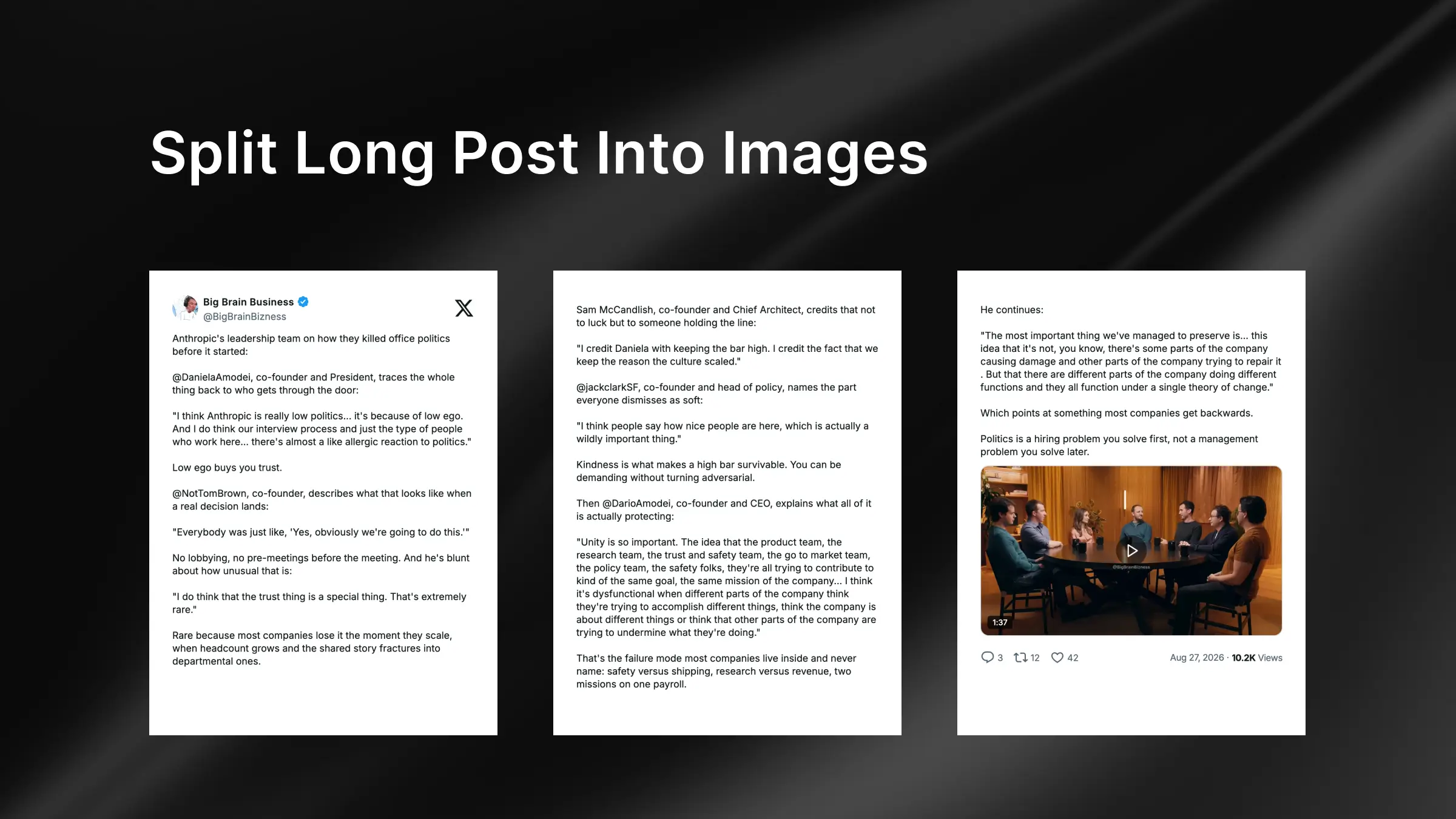
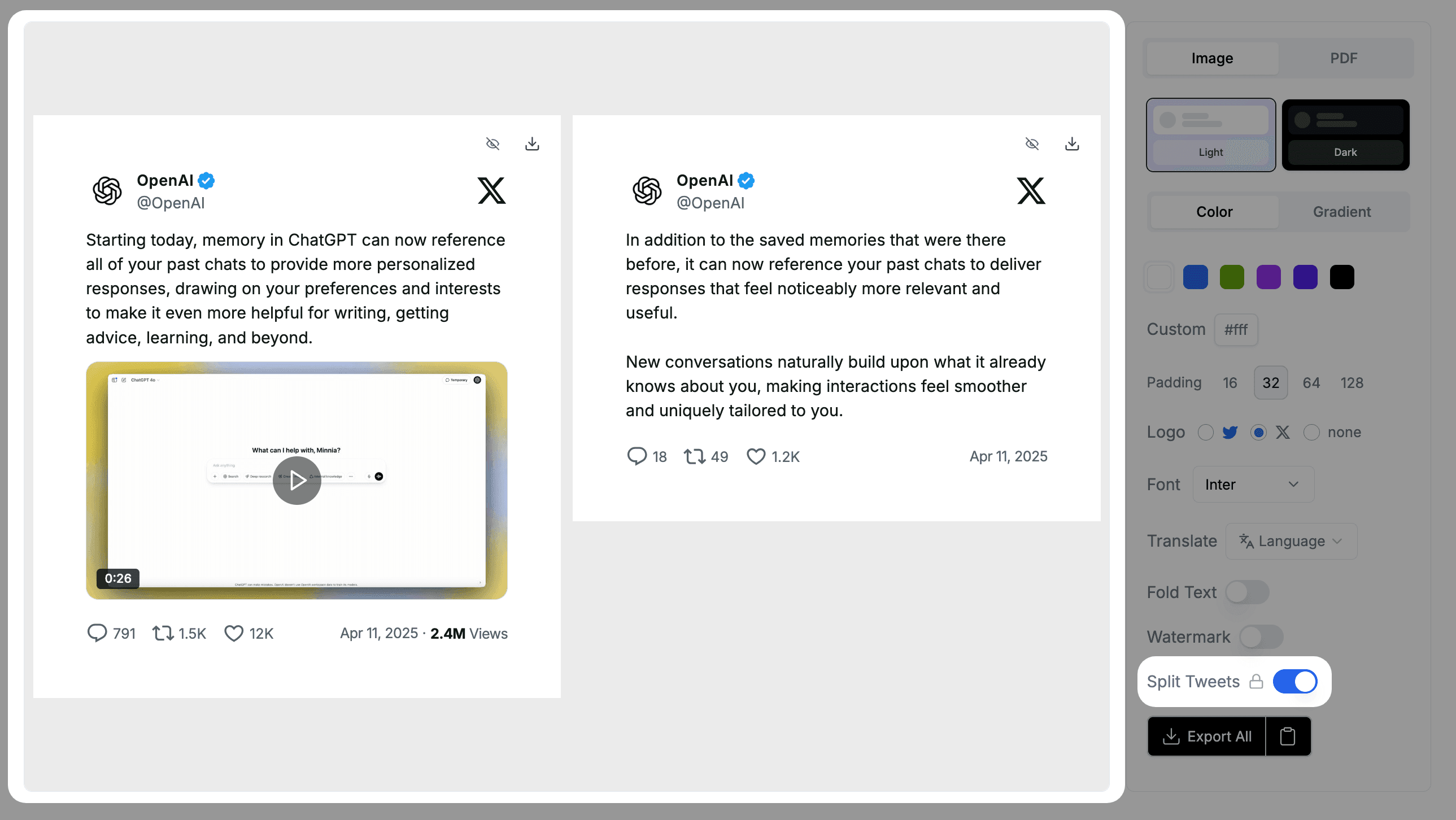
Thread splitting

Split long threads into individual tweet screenshots with one click.

Learn more →
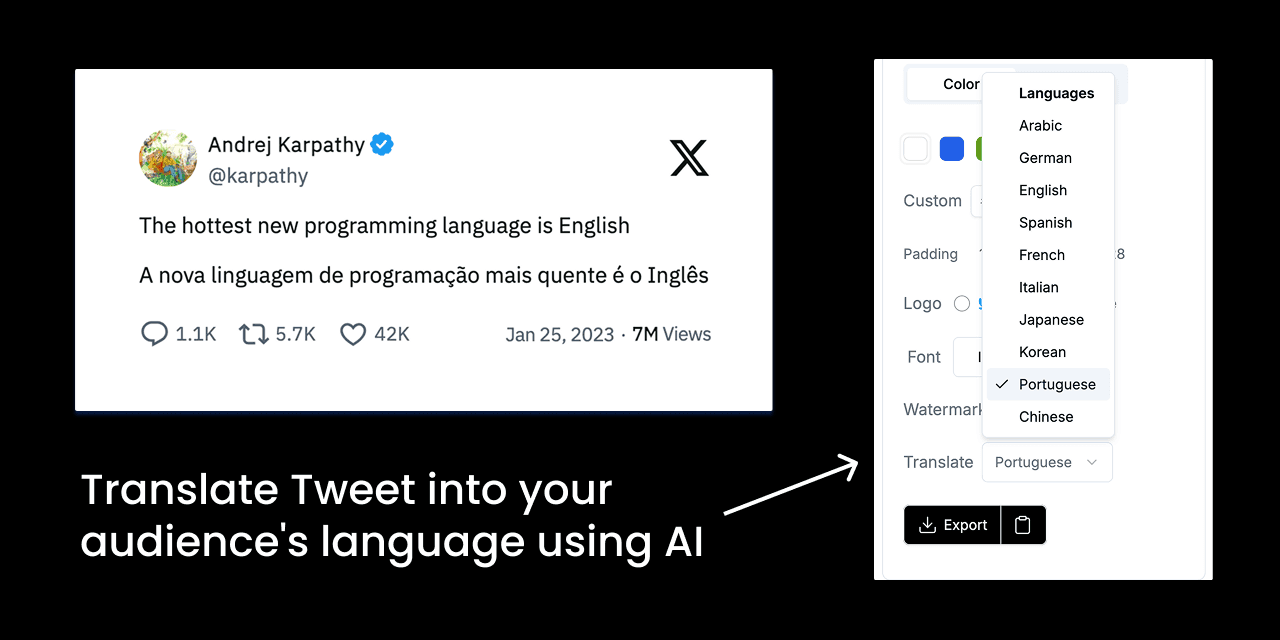
AI tweet translation
Auto-translate tweets into your audience's language with one tap.

Learn more →
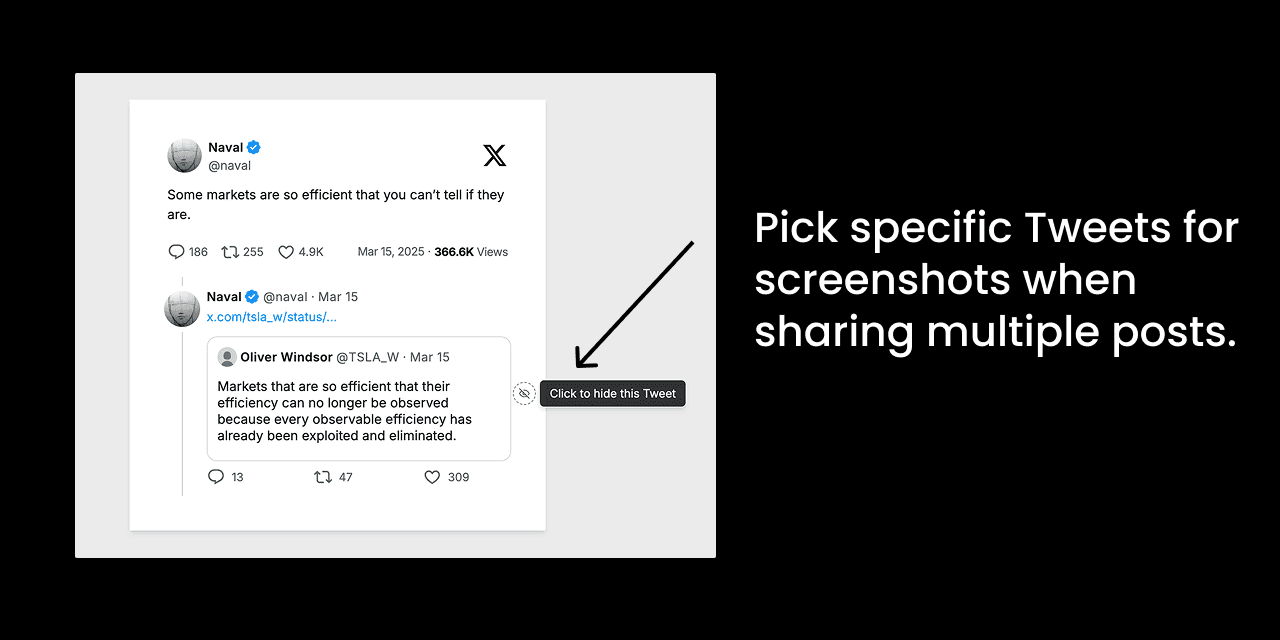
Pick tweet screenshots

Display Grok conversation cards. Pick specific tweets when capturing multi-tweet threads.

Learn more →
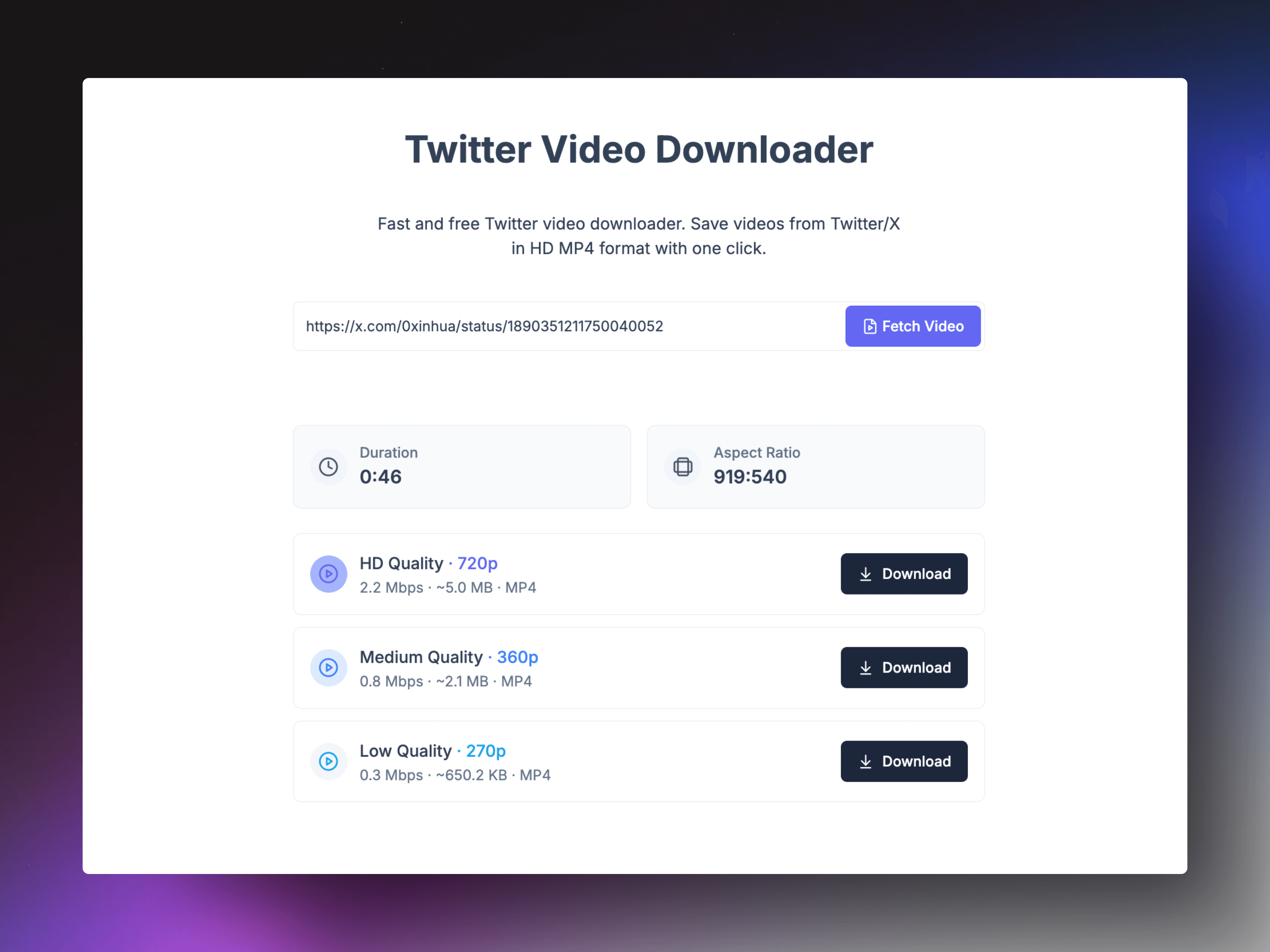
Twitter video downloader

Download Twitter video from tweets in HD MP4 with a single click.

Learn more →
TwitterShots dark theme screenshot

Get Twitter-like dark mode screenshots with Dim and Lights out themes in one click.

Learn more →
LLMO Blog Post

New article on LLM optimization and getting your tweet screenshot tool mentioned by AI.

Learn more →
Twitter screenshot shortcuts

iOS Shortcuts integration for quick screenshot capture in the X app.

Learn more →
Homepage and Layout Refresh

New homepage, left-right screenshot layout, fixed long thread display and mobile padding.

Learn more →
Multi-Image Layout Fix

Three- and four-image tweets no longer stretch — layouts render complete and balanced.

Learn more →
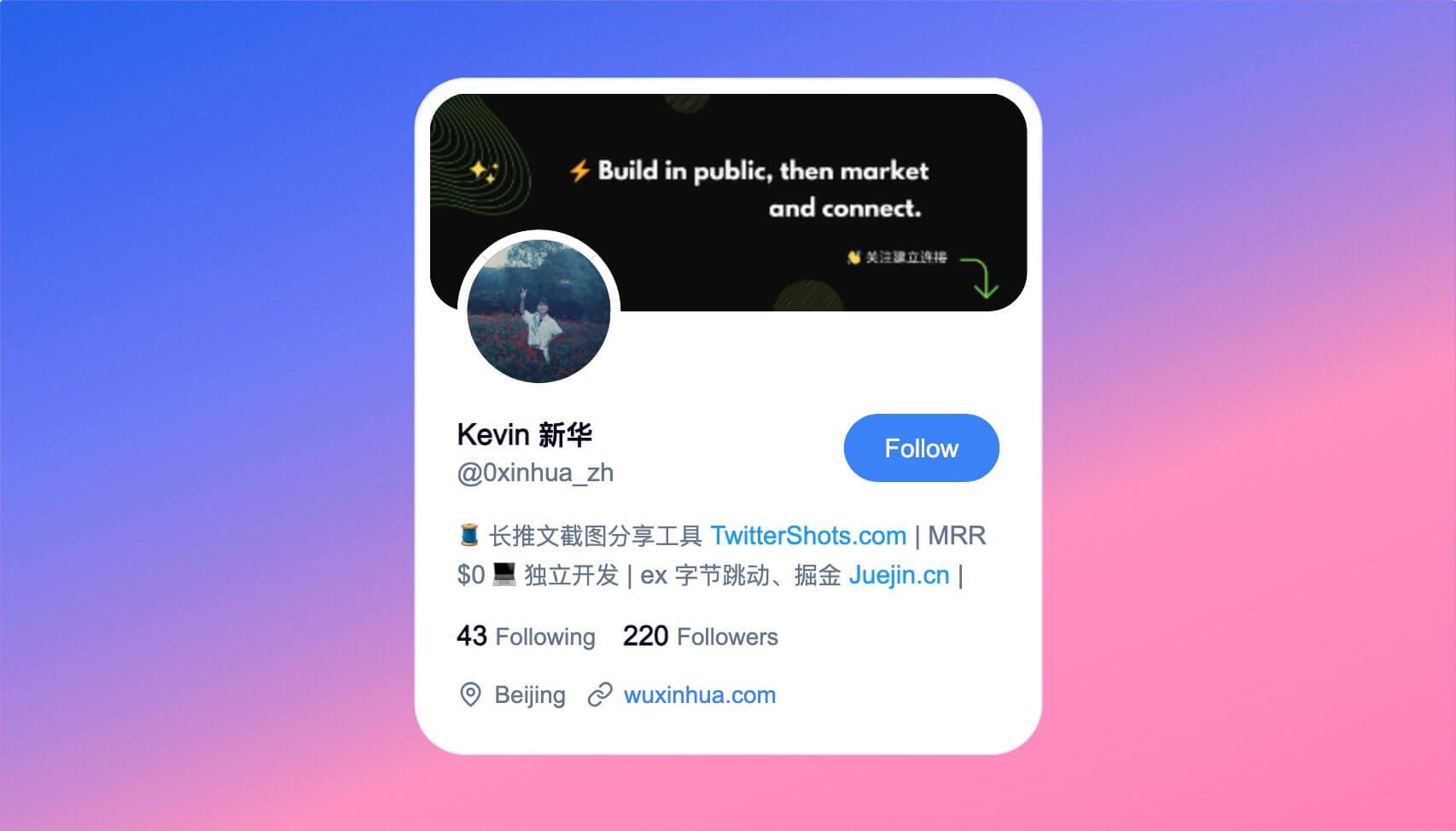
X profile sharing card

Premium plan launched. Enter any profile URL to generate an X avatar sharing card.

Learn more →
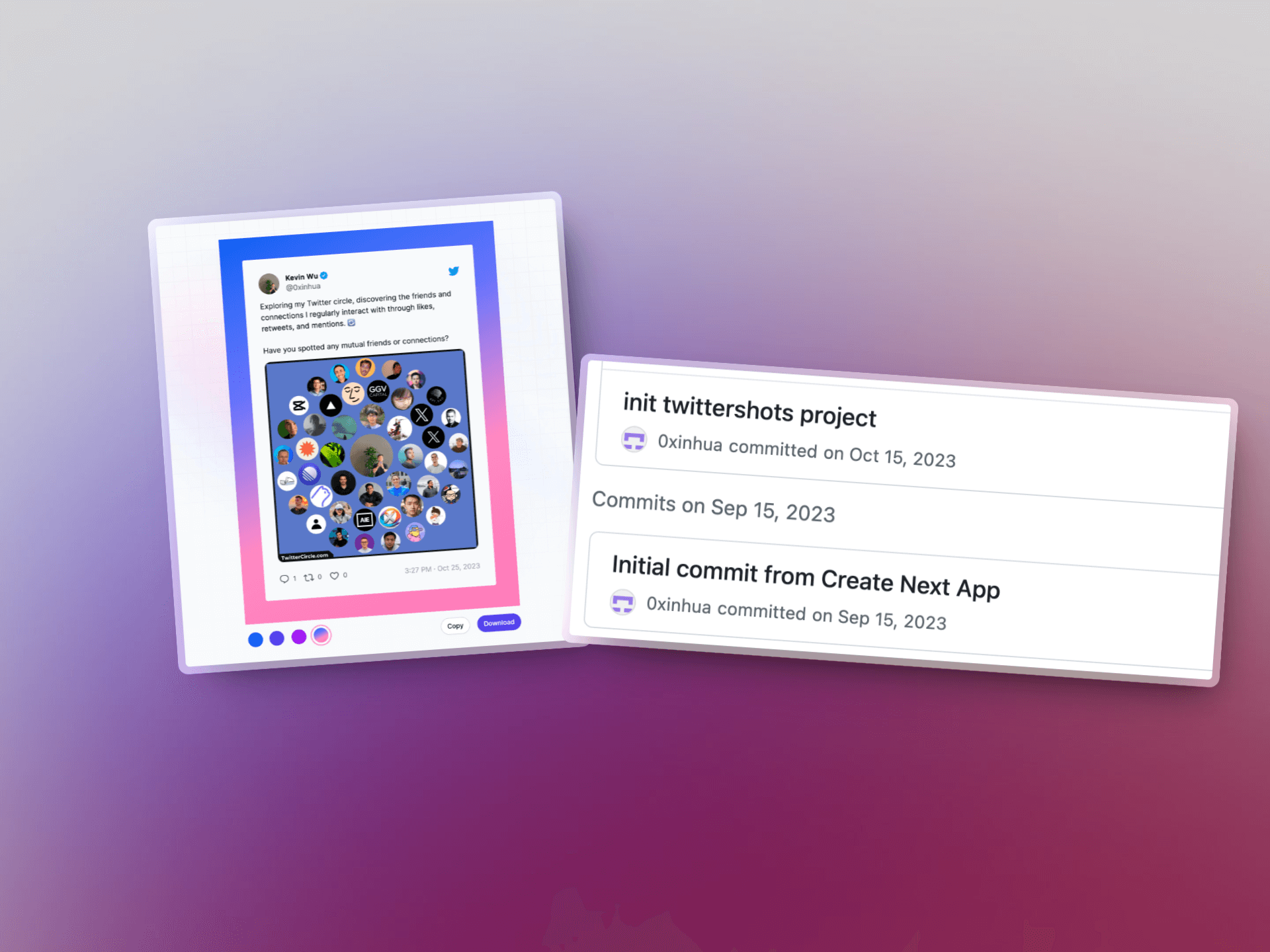
TwitterShots v0.1.0 launch

Paste a tweet URL and get a share-worthy screenshot. Supports quoted tweets, threads, articles, link previews, polls, and cards.

Learn more →
Why TwitterShots Exists

Built after existing tools broke with API changes or failed on long threads — a simpler way to capture and share tweet moments.
Learn more →