Popular
Minimal Tweet to Instagram Post

By Kevin Wu
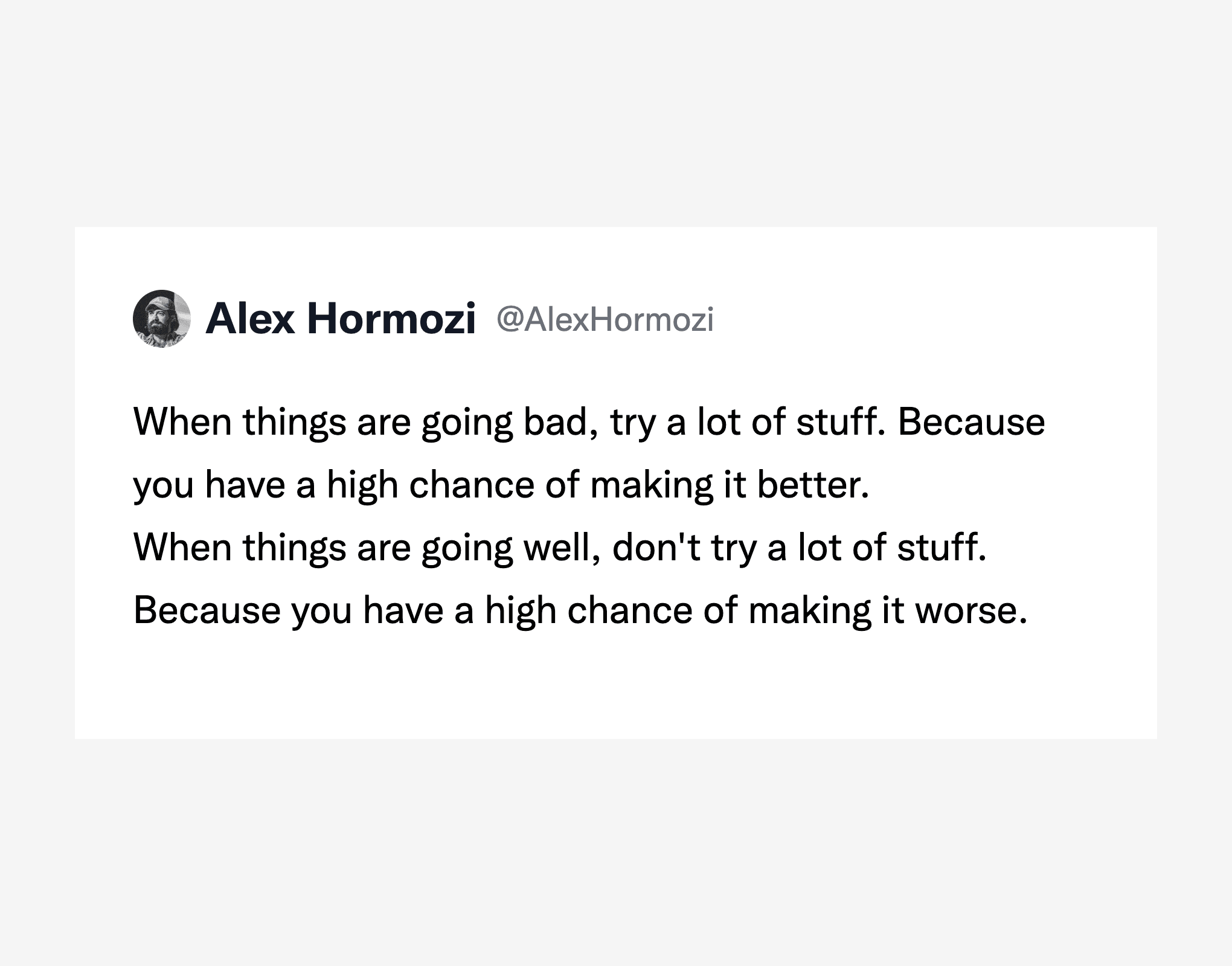
Flat layout with little chrome. Suited when the quote should read first and the frame stays quiet.
Paste an X post URL, pick a template, then export a PNG sized for feed or Story. No design tool required.
Trusted by 22938+ real content creators
Paste a post URL or ID, pick a template, then tweak colors and export.
Tweet ID: 1986265280486469888
Choose a layout. Hover a card for details.
Need another layout? support@twittershots.com
Export size for feeds and stories.
Hides likes, reposts, replies, and views in the export.
Preview updates as you change settings.
Three starting points in the generator: minimal feed card, Story-style frame, or gradient canvas. Pick one below and scroll to customize.
By Kevin Wu
Flat layout with little chrome. Suited when the quote should read first and the frame stays quiet.
By Kevin Wu
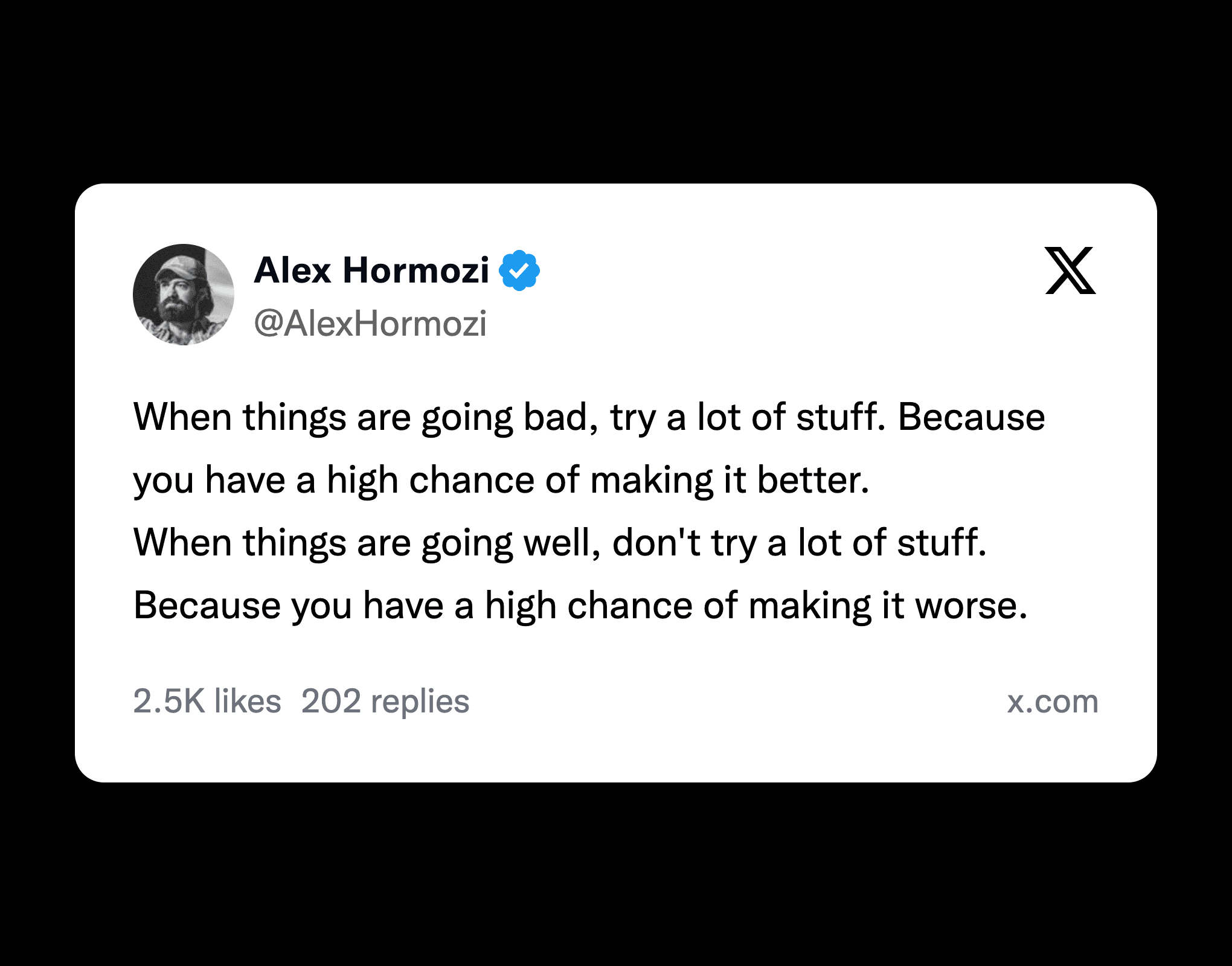
9:16-friendly: light card on a dark field. Built for Stories and vertical crops.
By Kevin Wu
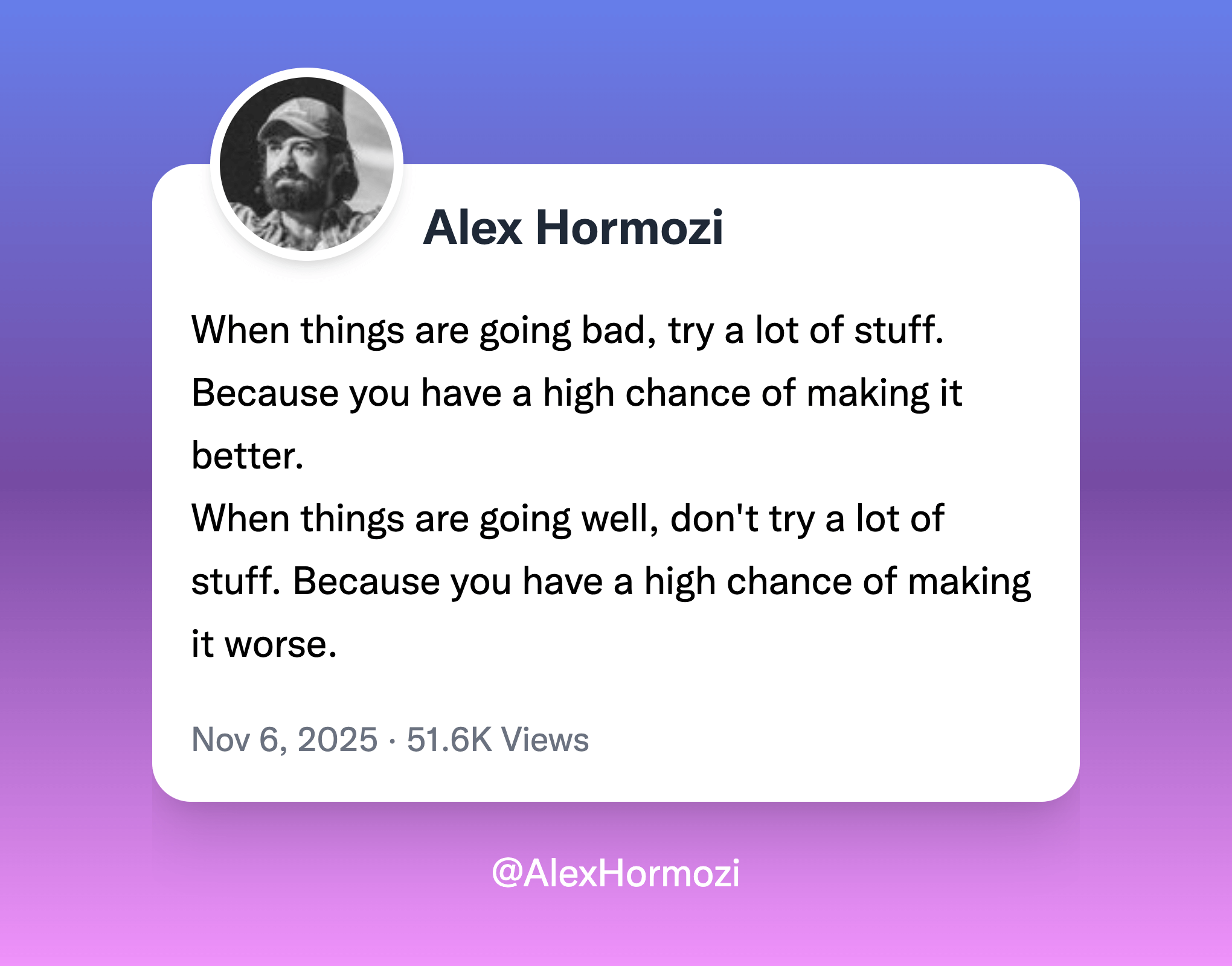
Full-frame gradient behind the post. Pair with the color controls in the generator.
One tool for screenshot-style tweet images: templates, colors, ratios, and export. Below is what matters for turning posts into Instagram-ready assets.
Paste an X post URL, choose a layout, download a PNG. Core flows stay free so you can try before you upgrade.
Work through multiple posts in one session: same controls, repeat exports, less tab switching.
Switch templates, then tune type size, text and frame colors, and aspect ratio for feed or Story crops.
Automate captures with the TwitterShots API when you outgrow one-off screenshots.
Raster output suited for Instagram: high enough resolution for typical feed and Story use.
Frame the shot, save the file, upload where you post. No lock-in to a single network.
Load the post, see the preview update as you change options, then export when it looks right.
Turn posts that already performed on X into assets formatted for Instagram’s feed or Stories.
Everything you need to know how to turn tweets to instagram post. Can't find the answer you're looking for? Please chat to our friendly team.
TwitterShots is a powerful tool for generating high-quality tweet screenshots.
TwitterShots offers most of TweetPik features such as tweet screenshots and custom themes. The biggest difference is that TweetPik is no longer actively maintained, and TwitterShots is way cheaper and provides more templates and API access with better customer support.
TwitterShots provides similar screenshot capabilities to Orshot but with enhanced features including Instagram post templates, bulk processing, AI translation, and comprehensive API access.
TwitterShots offers more comprehensive tweet screenshot features compared to PostSpark, including multiple template options, thread handling, and API integration.
To use the Twitter screenshot API, sign up for a free account and grab a API KEY, send GET request to the API endpoint with the tweet's statusId.
TwitterShots.com is one of the best free twitter screenshot tools available. It offers high-quality screenshot generation, multiple templates, custom themes, and thread unrolling capabilities. Unlike many competitors, TwitterShots provides free API access for developers and continues to add new features regularly.
Frame a tweet, match your brand colors, export a PNG, then upload to Instagram.
Same workflow for one post or many: paste a URL, tweak the template, download when it looks right.