How to Easily Capture Bulk Tweet Screenshots for Your Newsletter

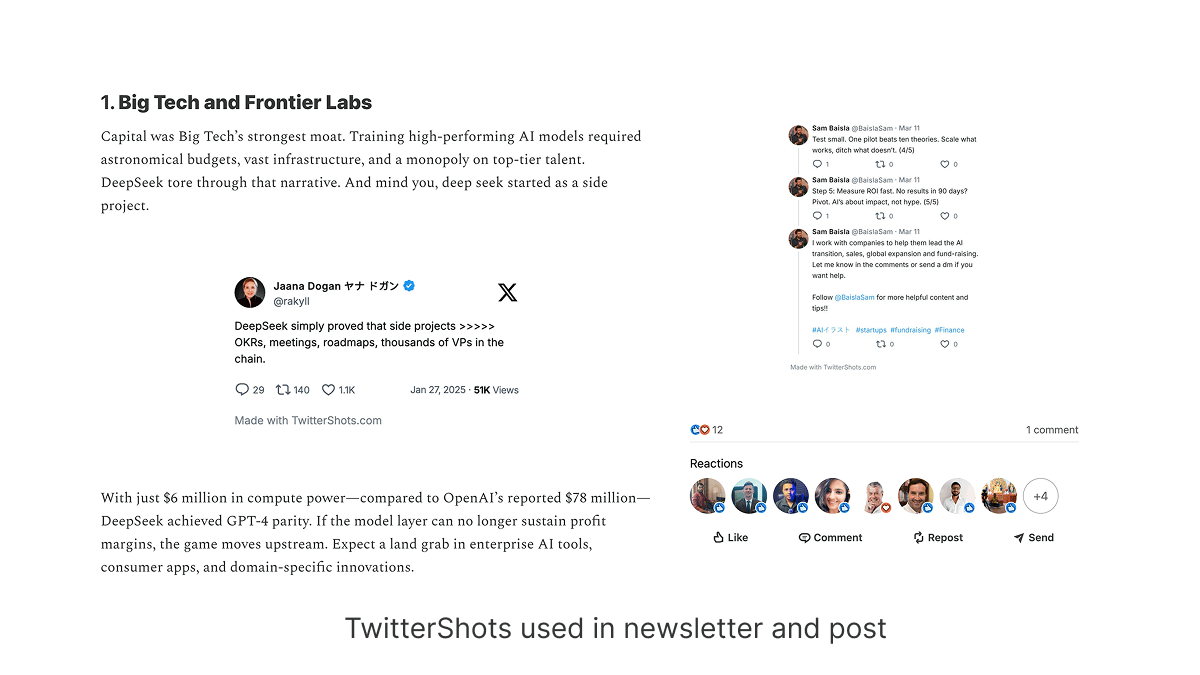
A newsletter roundup often needs several public X posts in the same issue. Capturing each one on a phone leaves different crops, dimensions, and interface elements. The bulk screenshot tool lets you prepare a matching set of images from multiple post links.
When a batch helps
- Weekly roundups: Keep several quotes or updates in one visual style.
- Event recaps: Prepare a set of public posts without repeating the same styling steps.
- Community highlights: Give reader posts consistent dimensions before placing them in your email editor.
Use the single-post generator when you only need one image. If you are planning the whole email, see the newsletter screenshot guide for advice on placing images and links in a message.
How to prepare a newsletter batch
- Collect the URLs of the public X or Twitter posts you want to quote. Check that each link opens and that you have permission to reuse the content in your newsletter.
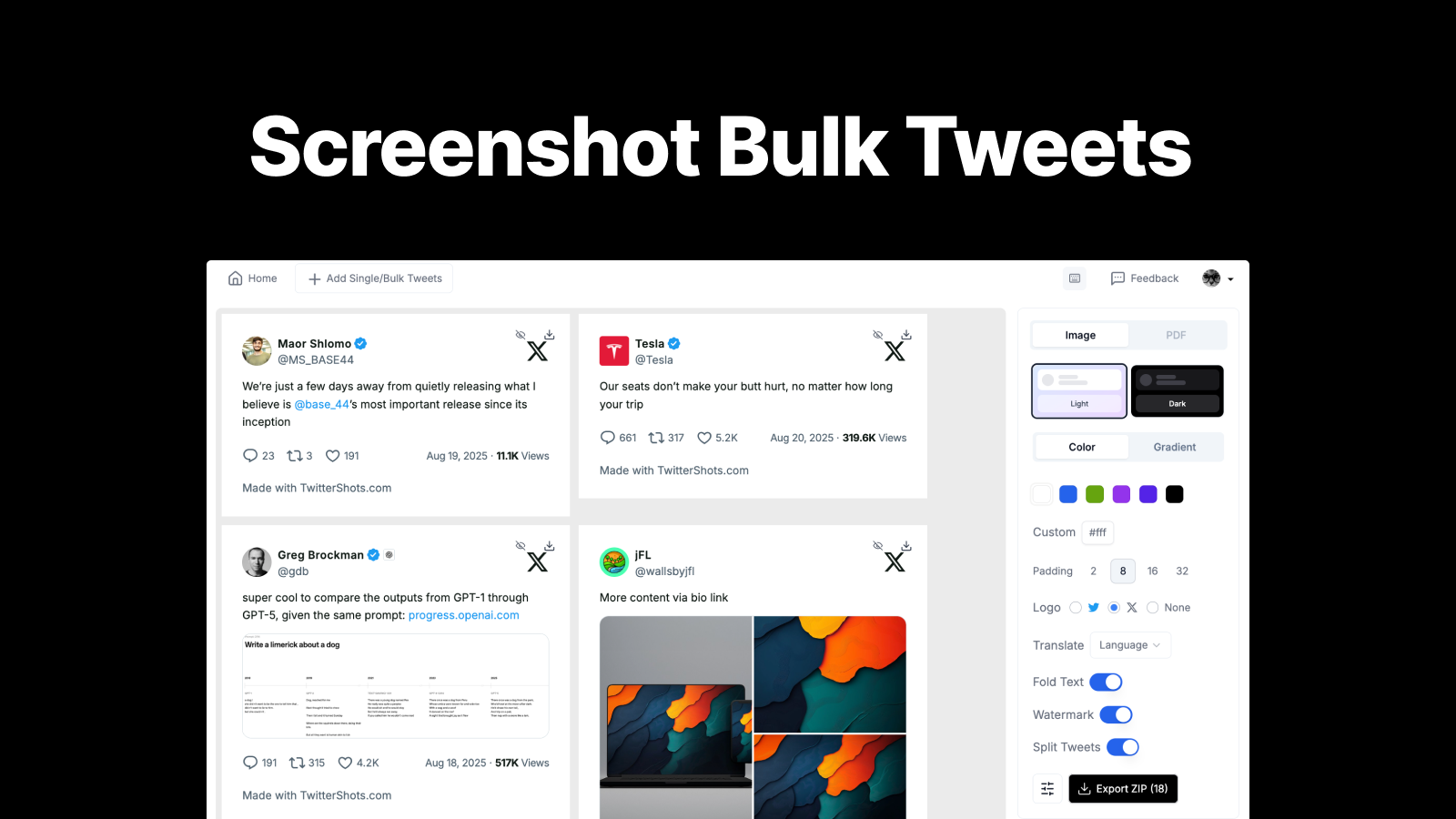
- Open Bulk Screenshot X Posts and paste one URL per line. The tool accepts up to 30 post URLs in one batch.
- Choose one theme and layout for the batch. Preview long posts and media so important text is not clipped.
- Generate the screenshots, review each image, and export the PNG files. Bulk ZIP download is available on Pro+ and Business; the free screenshot allowance does not include ZIP export.
- Add the images to your newsletter editor and include a link to each original post nearby. Give images useful alt text for readers who cannot see them.
Before you send
Send yourself a test email. Check image width on mobile, whether the post text remains readable, and whether every source link works. Screenshots preserve the appearance of a post at capture time; they do not prove that the post is still available or that its content has not changed since capture.
Create a matching set of tweet screenshots
Prepare public X posts for a newsletter with shared styling and individual PNG exports. ZIP export is available on Pro+ and Business.
- Up to 30 public post links per batch
- Shared theme and layout controls
- PNG images for newsletter editors
- ZIP export on Pro+ and Business