Export 4K Tweet Screenshots
Summary
Users asked for sharper tweet screenshots, so TwitterShots now supports 4K PNG export. Set Export Quality to 4K (auto scale) before downloading your image.
How to export in 4K
Open a tweet in the screenshot editor. Under Display Settings, choose 4K (auto scale) from Export Quality, then click Export.
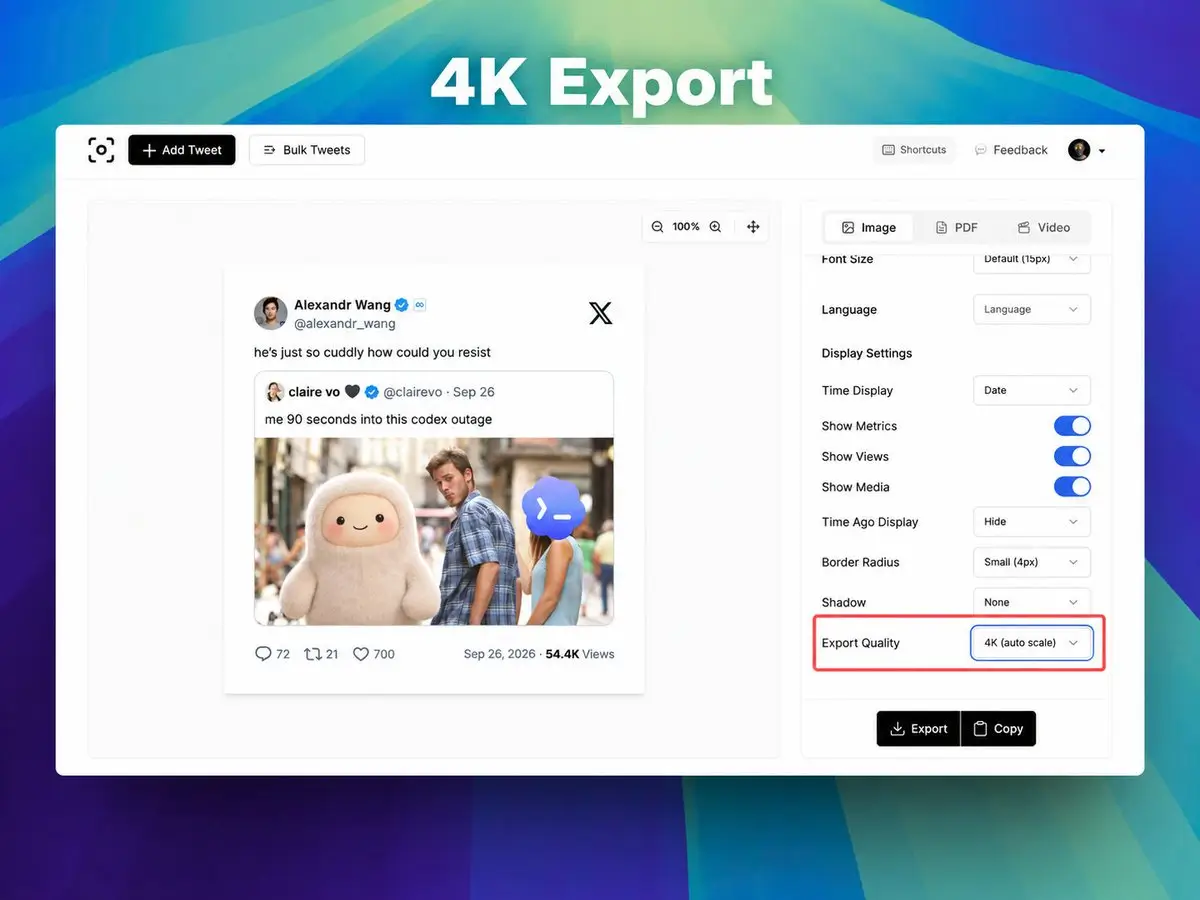
The 4K setting keeps your chosen aspect ratio and produces a PNG with its longest edge at least 3840 pixels. Standard (2×) is still available in the same menu.