Sponsor TwitterShots
Summary
Sponsor TwitterShots gives teams two ways to reach TwitterShots users: a sponsored tweet in the homepage Hero or a blog review written after hands-on product testing. Both options identify the sponsorship clearly.
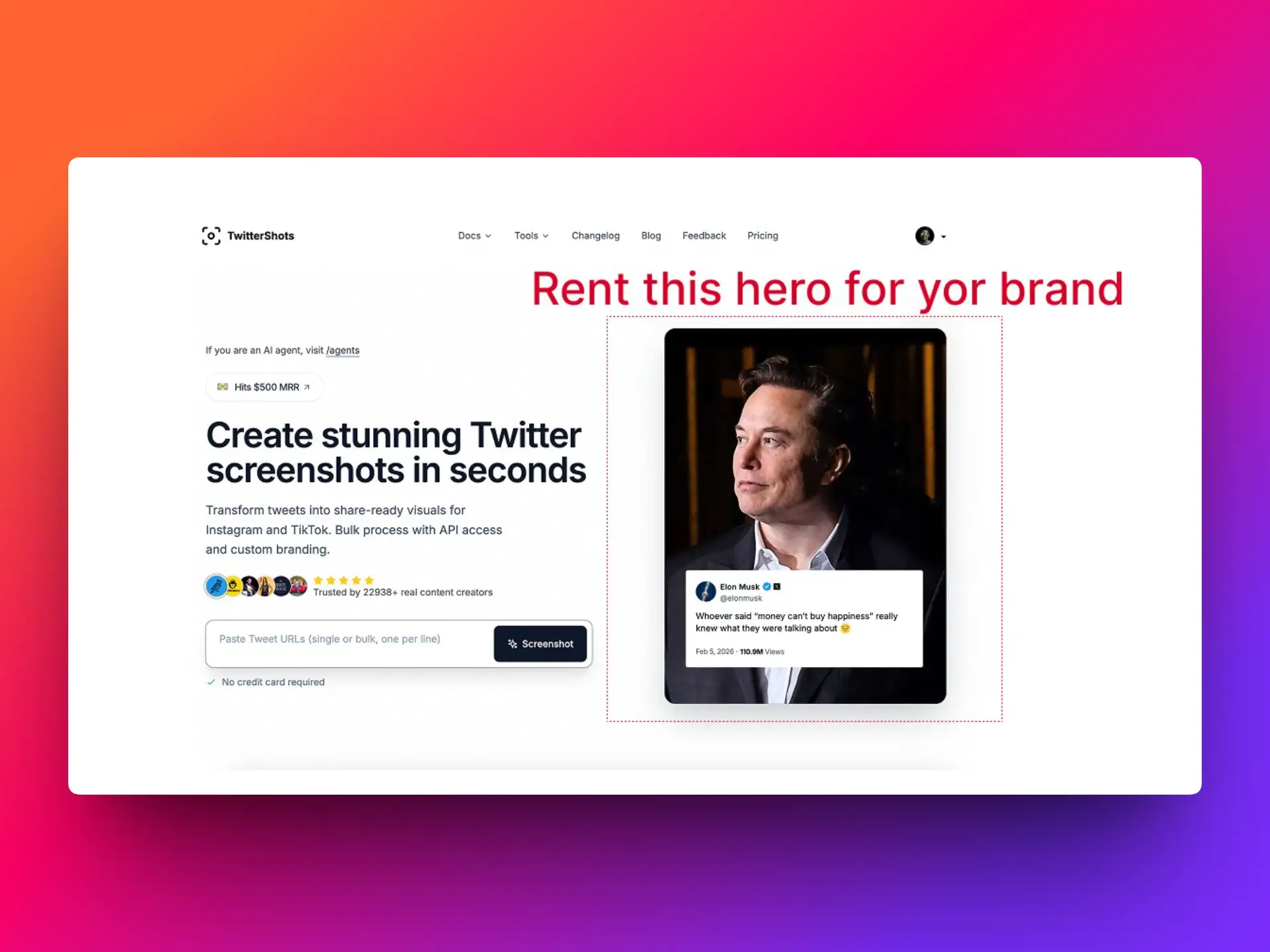
Homepage Hero Tweet Sponsorship
Put a tweet screenshot at the top of the TwitterShots homepage. The placement carries a Sponsored label and links directly to the original post on X. The sponsor page explains the placement and monthly price.
Honest Product Review
Request a blog article about your product. The TwitterShots maker tests it, describes real use cases, strengths, and areas for improvement, and discloses the sponsorship. Product links in the article are marked as sponsored. See the review option for details and its one-time price.
How to get started
- Open Sponsor TwitterShots.
- Review the examples and compare the two options.
- Choose an option and continue to checkout. The team will contact you to collect the tweet or product details and confirm the schedule.