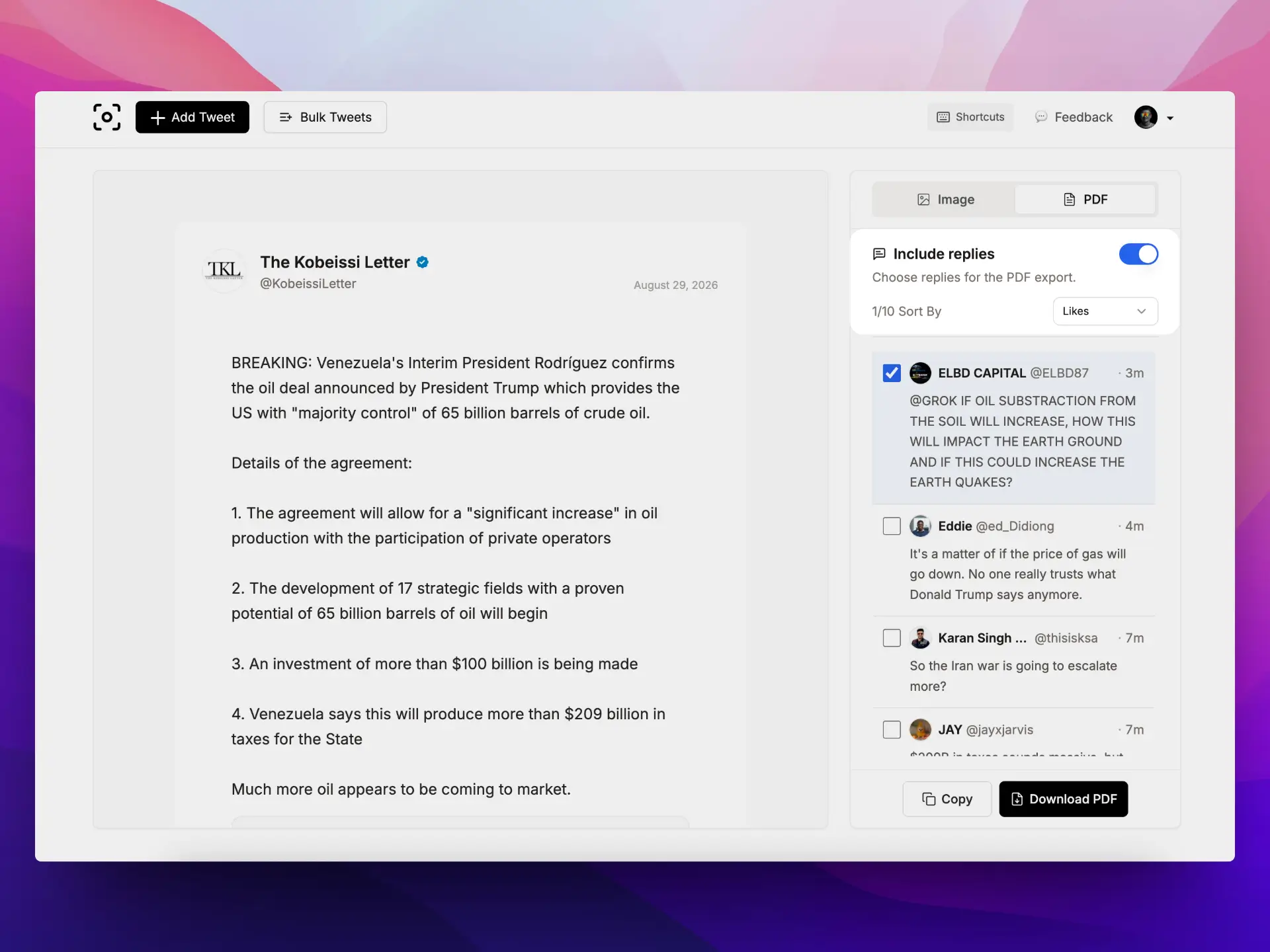
Pick Replies for Thread to PDF Export
Summary
Select the replies that add useful context, preview them with the original post, and export the complete conversation as Markdown or PDF.
Pick Replies for Thread to PDF Export
Turn on Include replies, sort the available responses, and choose exactly which replies belong in your thread to PDF export. The selected conversation appears in the live preview and is included when you copy Markdown or download the PDF.
- Sort top-level replies by relevance, recency, or likes
- Select only the replies that add useful context to the thread
- Copy the conversation as Markdown or download it as a PDF