Best Tools to Repurpose Tweet to Instagram & TikTok

If you want to grow on Instagram or TikTok, you don't always need to create new content from scratch.
One of the most effective strategies is turning your best tweets into visual instagram posts.
However, a raw screenshot looks unprofessional.
You need a tool that adds the right background, theme, padding, and consistent branding.
Here's quick comparison:
| Tool | API Support | Batch Mode | Browser Plugin | Full Customization | Best Use Case |
|---|---|---|---|---|---|
| TwitterShots | Yes | Yes | Yes | Yes | Branding & design control |
| TweetPik | Yes | No | No | No | Developer automation |
| Orshot | Yes | No | Yes | No | Marketing automation |
| PostSpark | No | No | Yes | Yes | Quick mockups |
| Publer | No | No | No | No | Simple & free |
TwitterShots
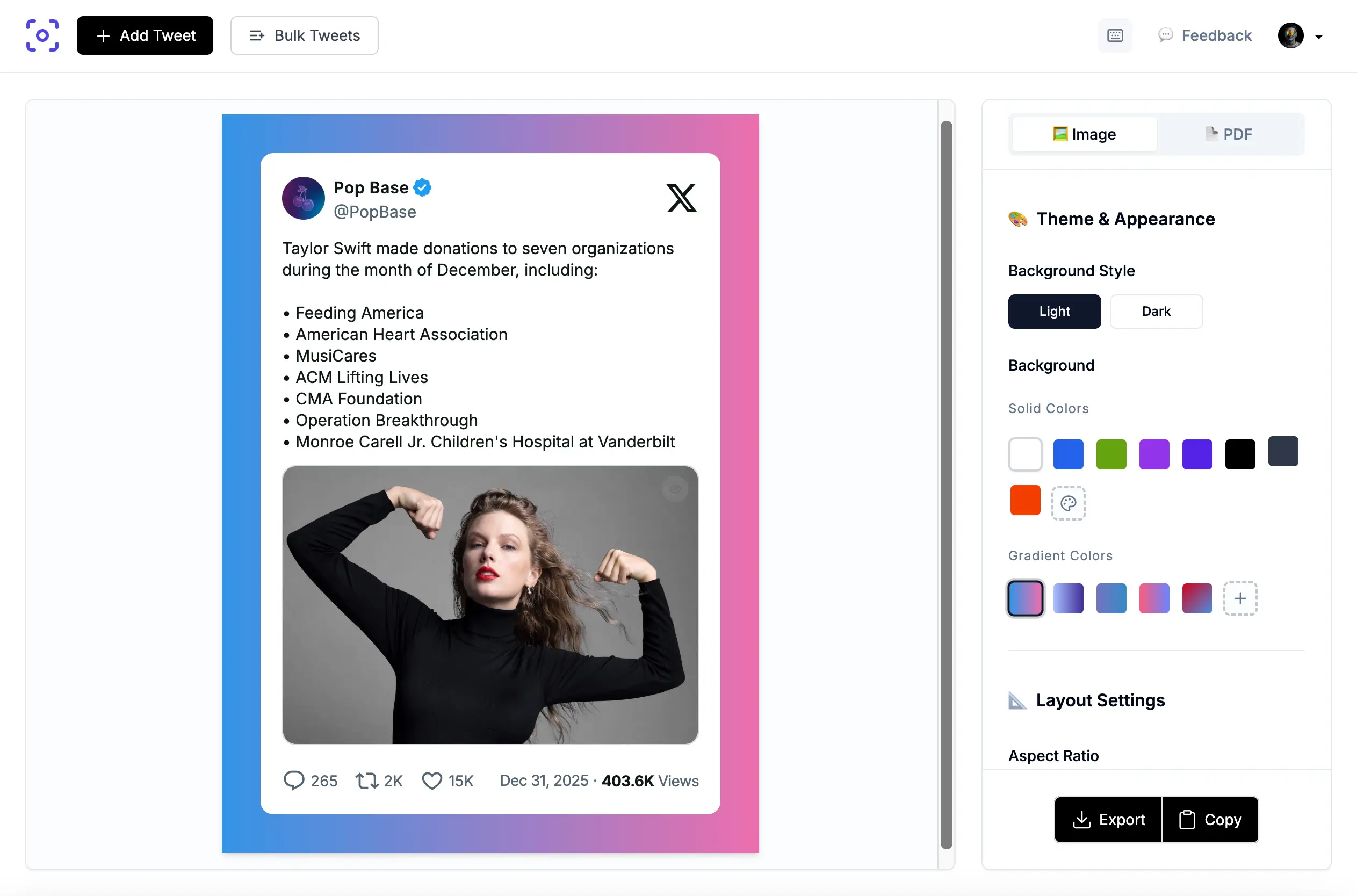
Best for: Creators who want full design control and branding consistency.
What I like:
- Granular controls: Adjust corner radius, shadows, padding, and fonts to match your brand exactly
- Multiple aspect ratios: Switch between 1:1 (Instagram feed) and 9:16 (Stories/TikTok) instantly
- Real-time preview: See changes as you make them, which saves a lot of time
- API access: Great for teams that need to automate the process, checkout tweet screenshot api
What could be better:
- Free version includes a watermark (removed in paid plans)
My take: If you're serious about maintaining consistent branding across platforms, this is worth the investment. The API alone makes it valuable for content teams.
TweetPik
Best for: Developers and high-volume automation.
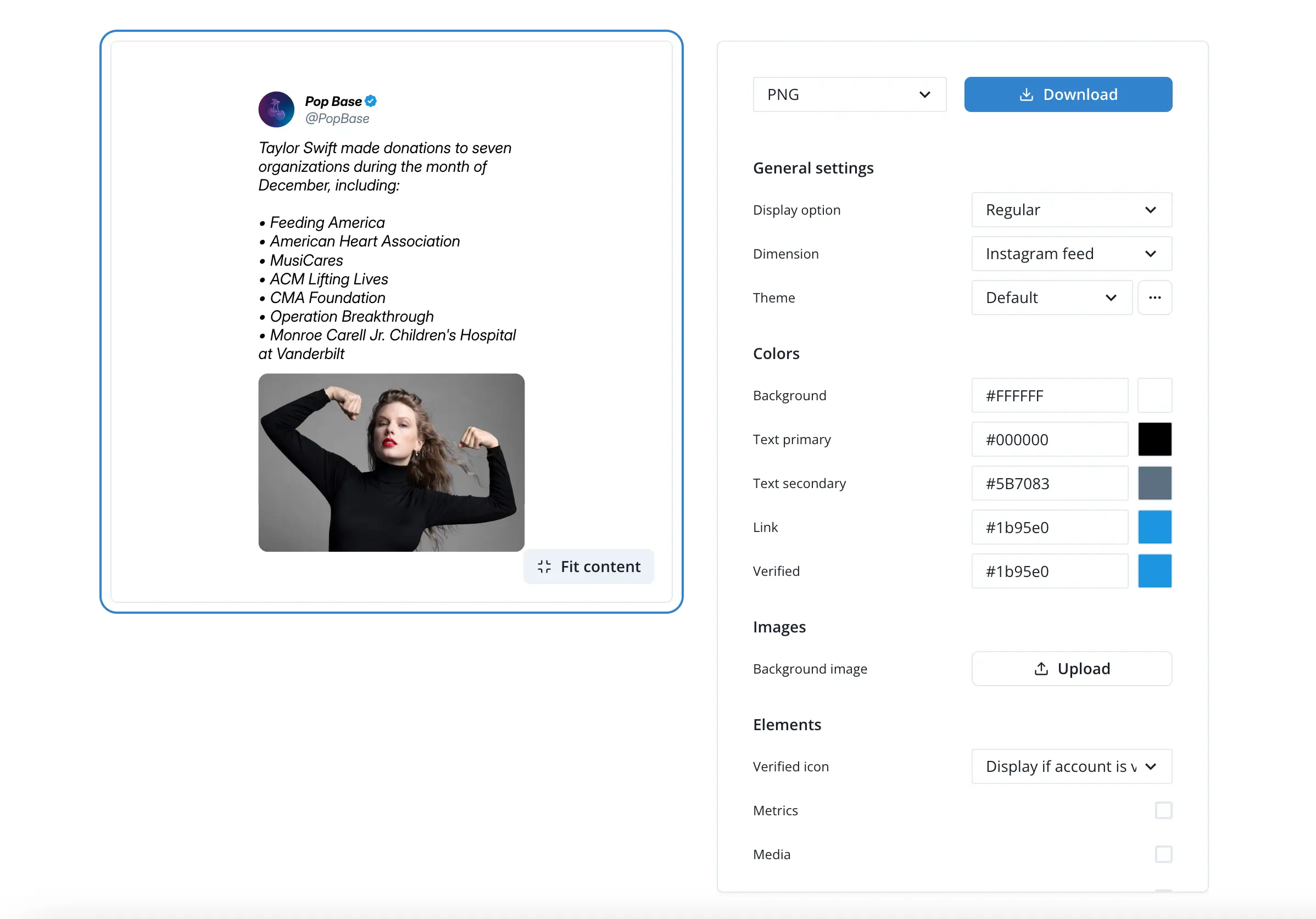
TweetPik is part of the Tweet Hunter ecosystem, built specifically for efficiency and automation.
I like it much, but it's no longer actively maintained.
-
Pros:
- API Support: Powerful API perfect for developers building automated content workflows
- Ecosystem Integration: Works seamlessly with Tweet Hunter and Zapier workflows
- Clean Design and settings: 2 theme chooses and toggle metrics (likes/retweets) and timestamps on or off
-
Cons:
- Limited customization options compared to dedicated design tools
- No longer actively maintained, which may affect long-term reliability
-
Verdict: Great for developers who need API access, but limited for design customization.
Orshot
Best for: Marketing teams that need visual automation at scale.
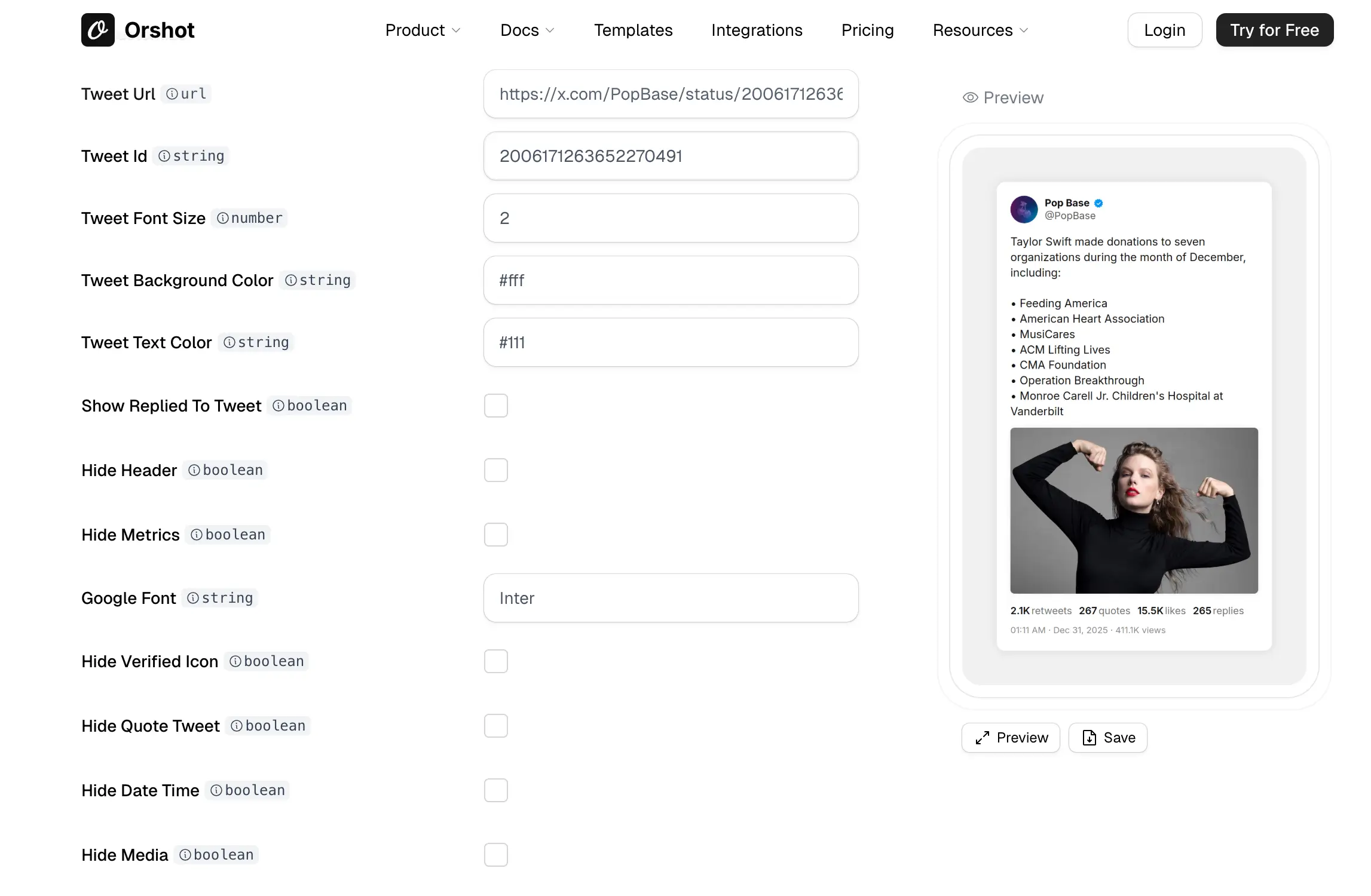
Orshot is impressive—it's not just a screenshot tool, it's a full visual automation platform.
I tested it for a single tweet, it works smoothly.
What I like:
- Powerful automation: Deep API and Zapier integration for workflows
- Smart design dashboard: you can design your elements
- Generous free tier: 60 free renders let you test before committing
- Advanced options: Supports border, background removal etc.
What could be better:
- Interface can feel overwhelming if you just need a quick screenshot
- More complex than necessary for one-off use cases
My take: If you're running automated social media campaigns or need to generate hundreds of images, Orshot is powerful. Overkill for occasional use.
Generous Free Tier: Offers 60 free renders to start, which is perfect for testing your automation before paying.
PostSpark
Best for: Quick, simple screenshot generation with device mockups.
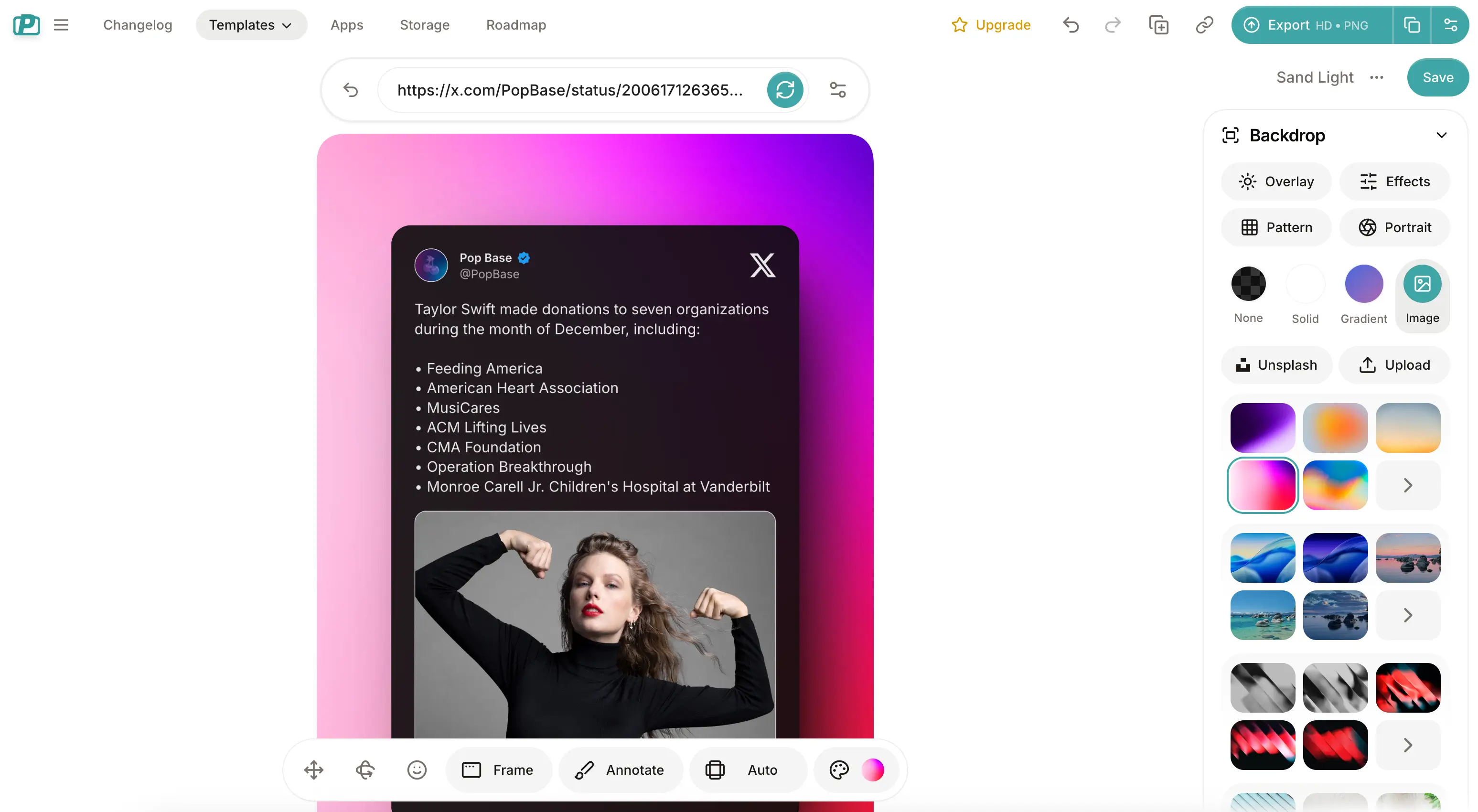
PostSpark's X-post Generator is straightforward—paste a link, get a screenshot. What makes it stand out is the device mockup feature.
What I like:
- Super fast: Just paste a Twitter URL and you're done
- Device mockups: Choose from devices (iPhones, Android, etc.) for realistic previews
- Browser extension: Convenient for quick captures
- Modern templates: Good selection of preset styles
What could be better:
- Limited customization options
- No API for automation
My take: Great for quick, one-off screenshots when you need something fast.
The device mockups are a nice touch if you're showcasing how content looks on mobile.
Publer
Best for: Social media managers who already use Publer for scheduling.
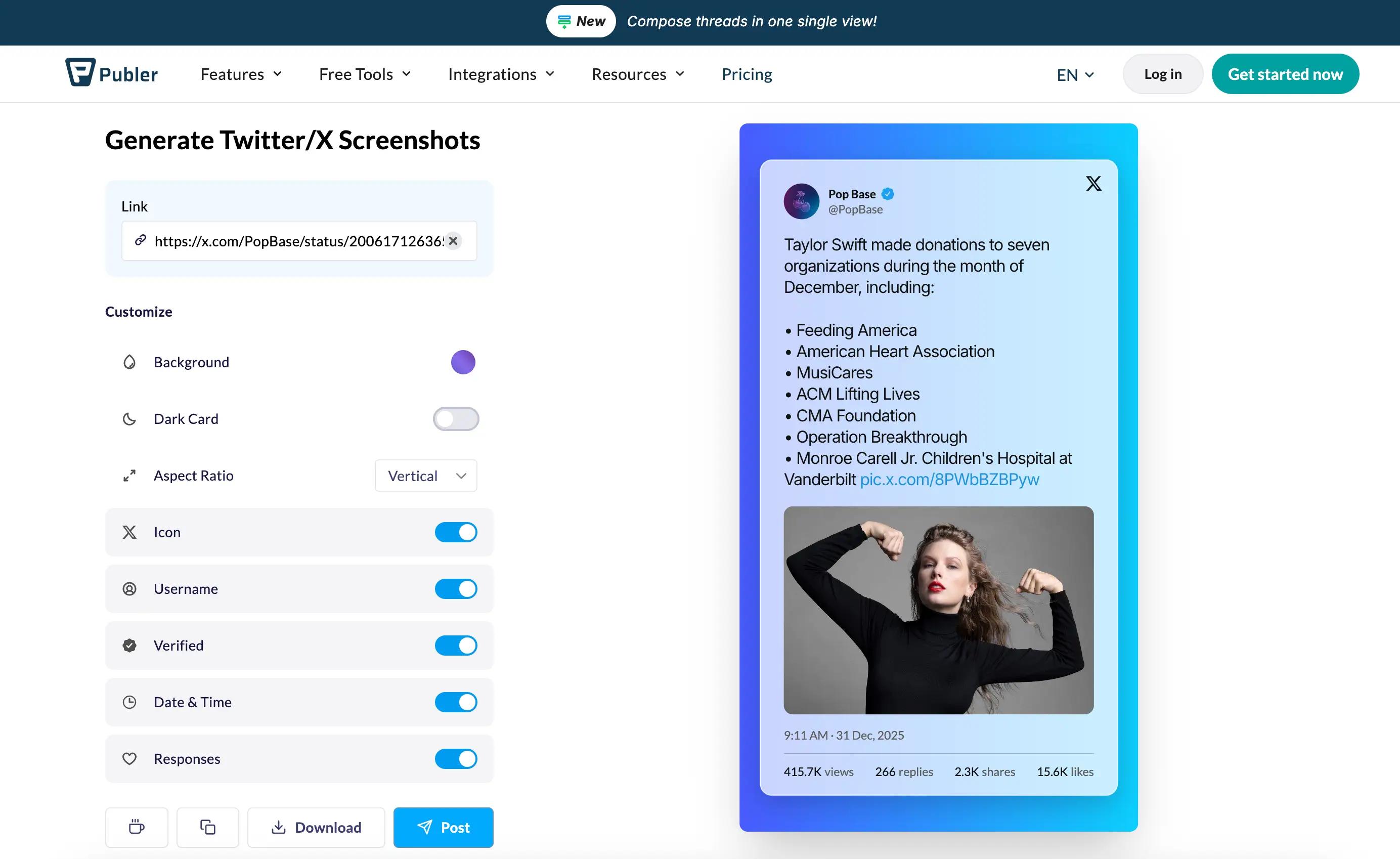
Publer offers a free Twitter screenshot tool as part of their social media management platform. It's basic but functional.
What I like:
- free: No watermarks or hidden fees
- Integrated workflow: If you use Publer for scheduling, you can generate and schedule in one place
- Simple interface: Easy to use, no learning curve
What could be better:
- Very basic design options, useful if you're already in the Publer ecosystem
- No API or advanced features
My take: Publer is good tool for social media management, it also provides tweet screenshot tool for free.
Hope these reviews help you find the best tool to turn tweets to Instagram or TikTok posts.
Feel free to try twittershots.com.
Best Twitter Screenshot Tools Here
TwitterShots offers fast, high-quality tweet screenshots with full branding and API—ideal for creators, marketers, and teams.
- Thread PDF Export
- Custom Theme Design
- Screenshot API
- Bulk Tweet Screenshot
- High image Quality