Free X Image Splitter
Slice a wide image into 20 equal vertical strips for X (Twitter).
Images stay in your browser
Preview
- 01
- 02
- 03
- 04
- 05
- 06
- 07
- 08
- 09
- 10
- 11
- 12
- 13
- 14
- 15
- 16
- 17
- 18
- 19
- 20

- Always free
- No login required
- No image storage
Viral Examples
Sample layouts for a continuous image made from vertical slices.
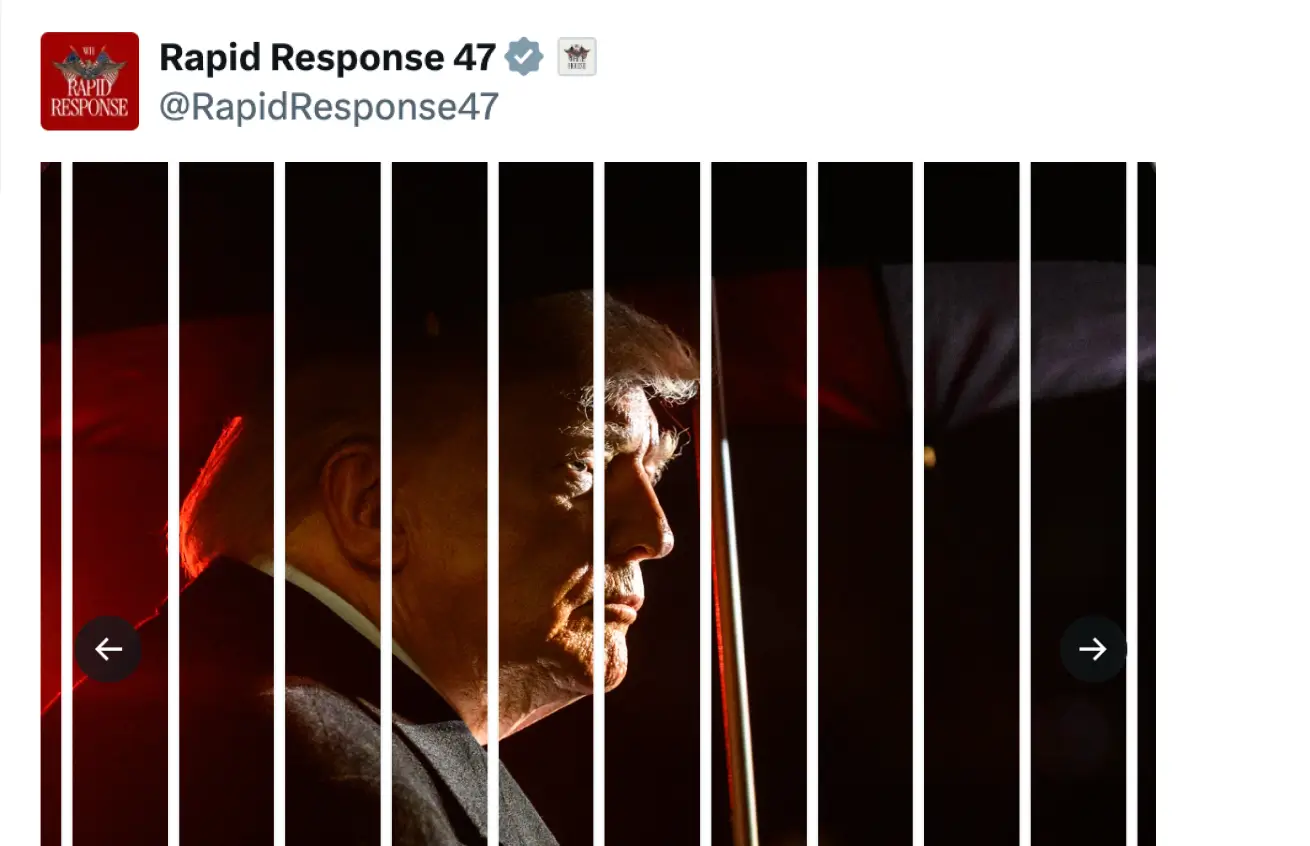

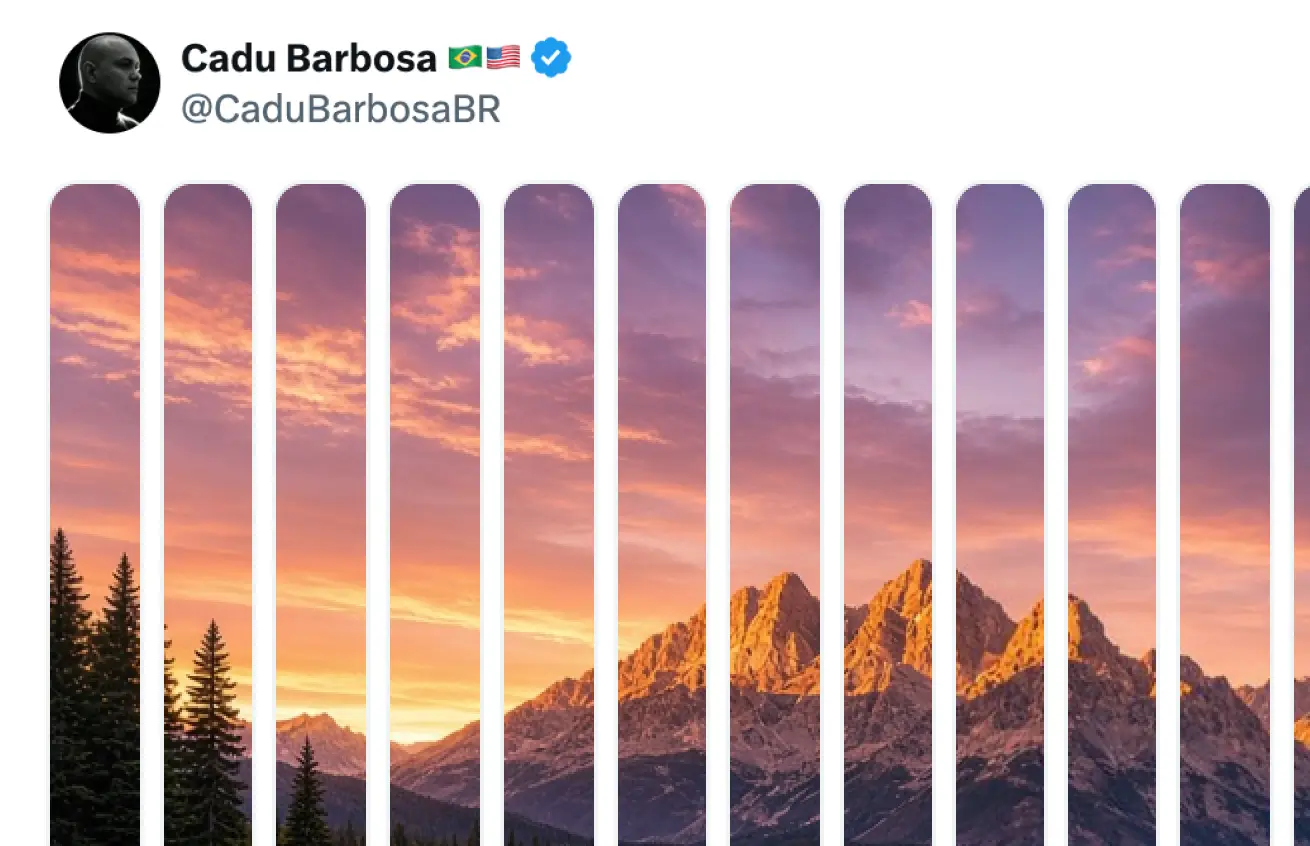
How to split an image for X
Choose an image
Select or drop a JPG, PNG, or WebP into the tool.
Set the slice count
Choose 2 to 20 slices. Use Cut lines to check the boundaries and X-style to preview the scrolling layout.
Download and post
Download the ZIP and extract the PNGs. In X, select the slices in filename order, starting with 01.png, and check the order before posting.
Related tools
Split your image for X
Add a photoFAQ
What is X Image Splitter?
X Image Splitter divides one image into 2 to 20 vertical PNG slices. You can preview the cuts and download all slices in a single ZIP.
Is X Image Splitter free?
Yes. You can split and download images for free with unlimited use. No signup, login, or credit card is required.
Are my images uploaded or saved?
Your browser processes the image locally. TwitterShots does not upload or store your images. When you download a ZIP, your browser saves it to your device.
Will the slices look the same on X?
The X-style preview shows the order and approximate spacing of the slices. Check the media count, order, and crop in X before publishing, as the layout can vary by client.