Twitter Converter for Every Format
Paste a Tweet URL, choose image, video, download, or slideshow, and continue in the right TwitterShots tool.
One URL, four useful formats
Open the dedicated TwitterShots tool for the output you need.
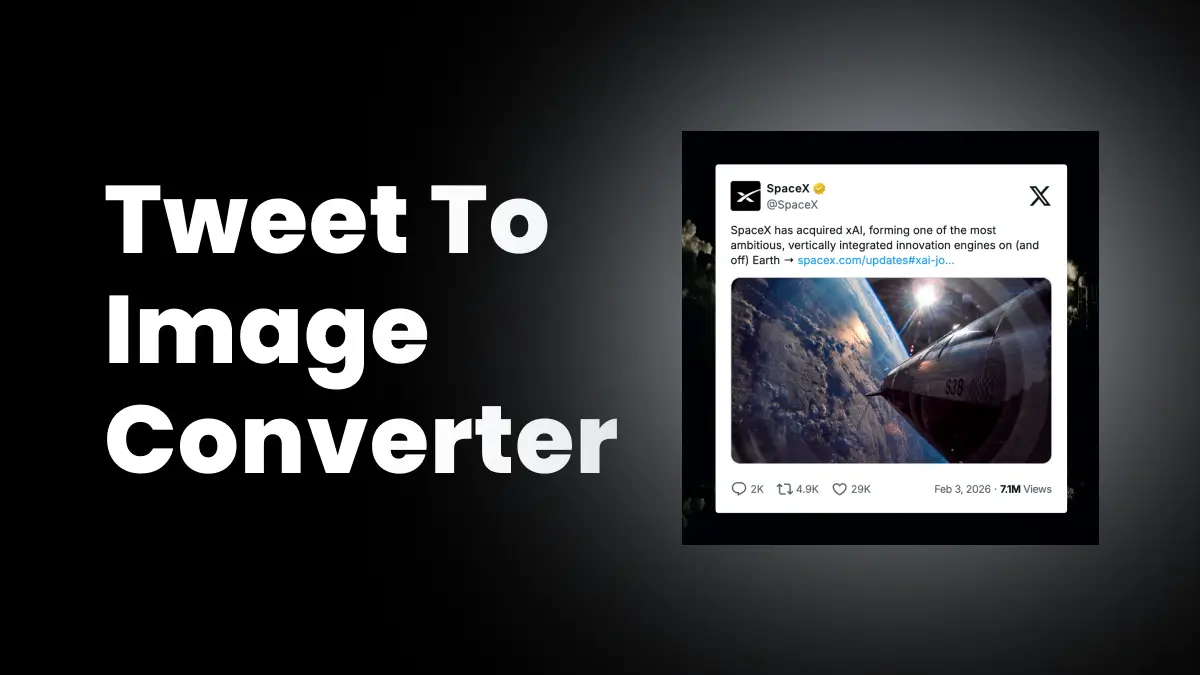
Convert a Tweet to an image
Open the screenshot editor for themes, layouts, backgrounds, and high-resolution image export.
Open tool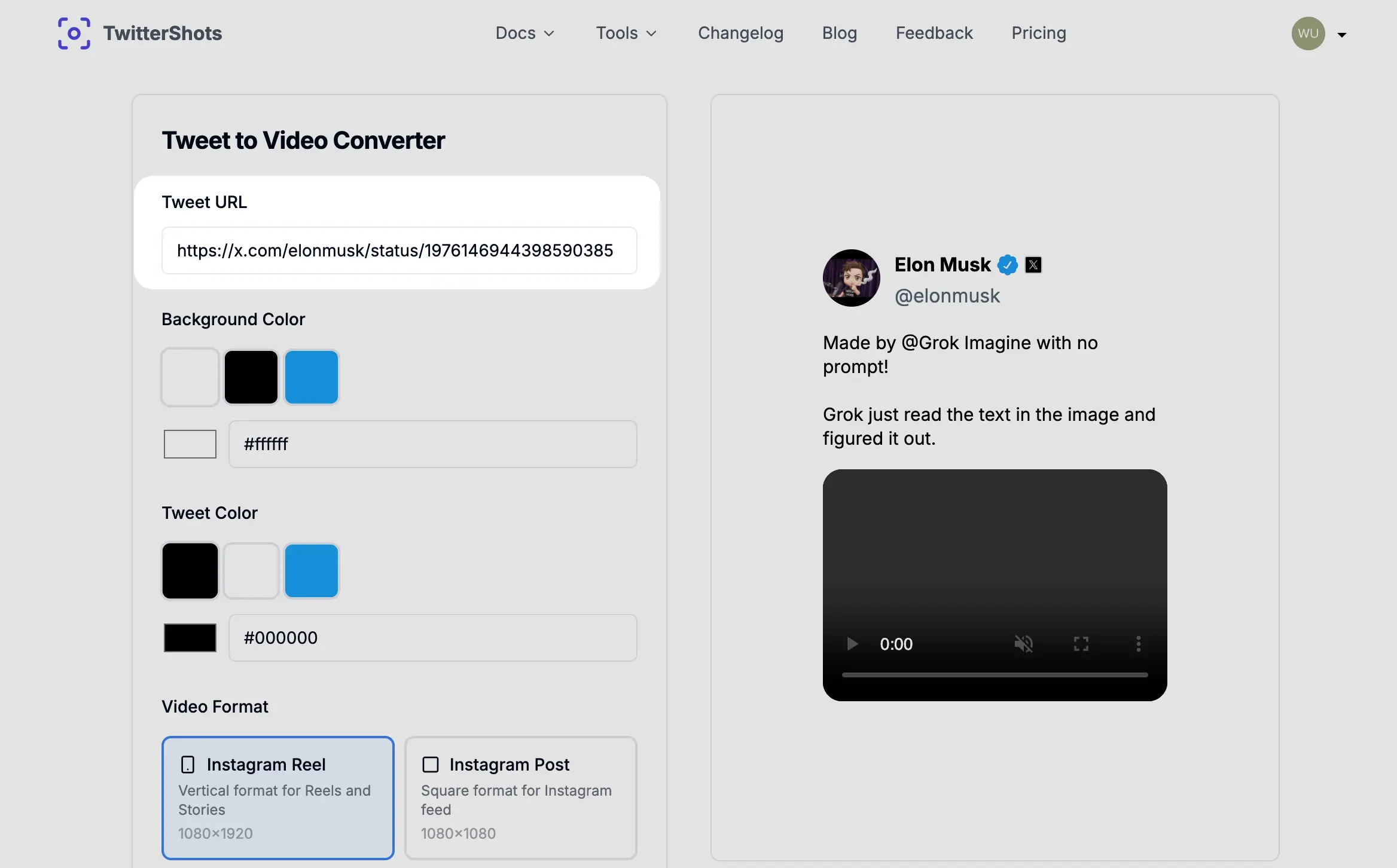
Turn a Tweet into a video
Create a social video from a Tweet and customize its colors, layout, and aspect ratio.
Open tool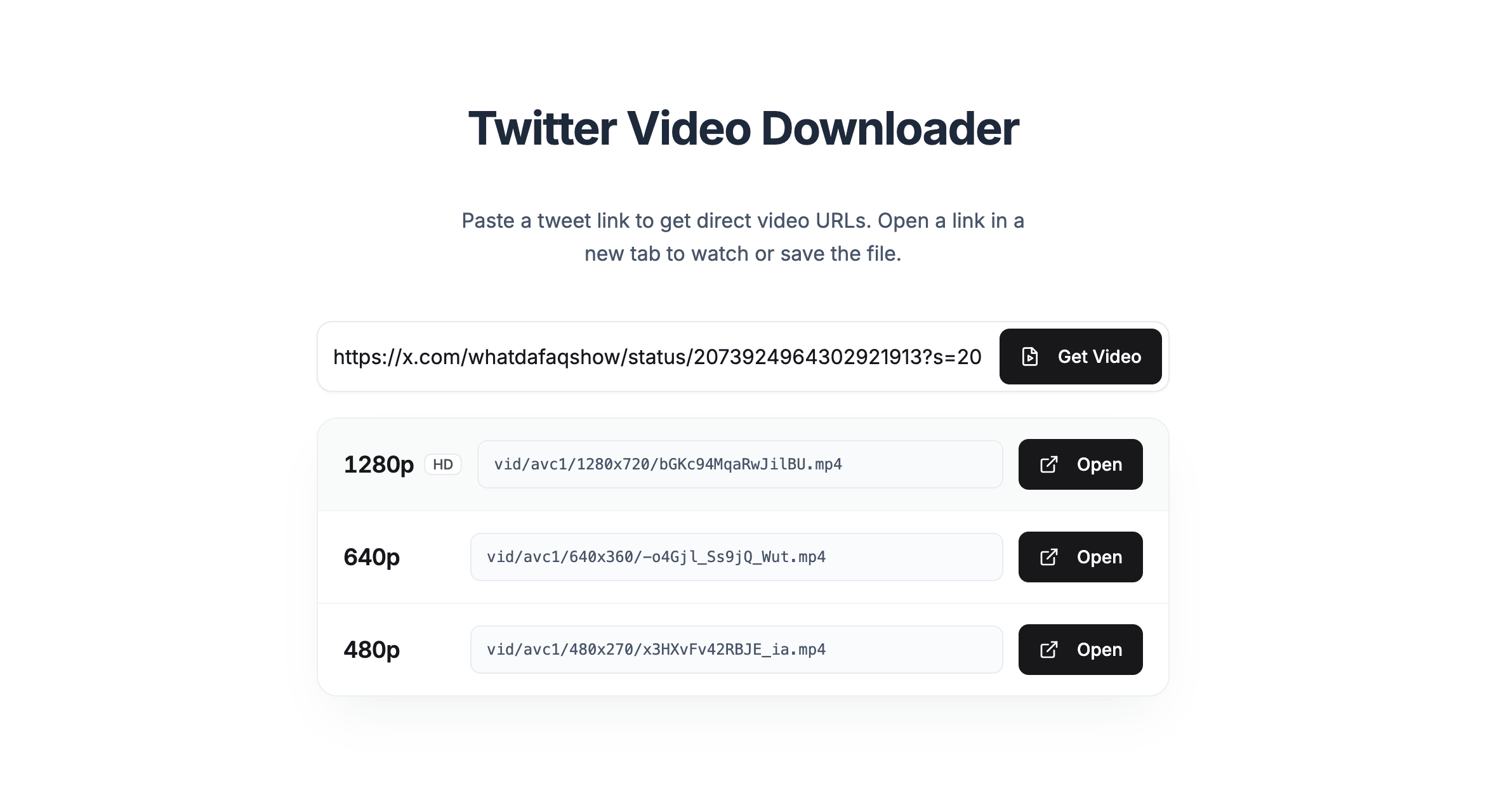
Download a video from X
Fetch the available MP4 variants from a public post that contains a video.
Open tool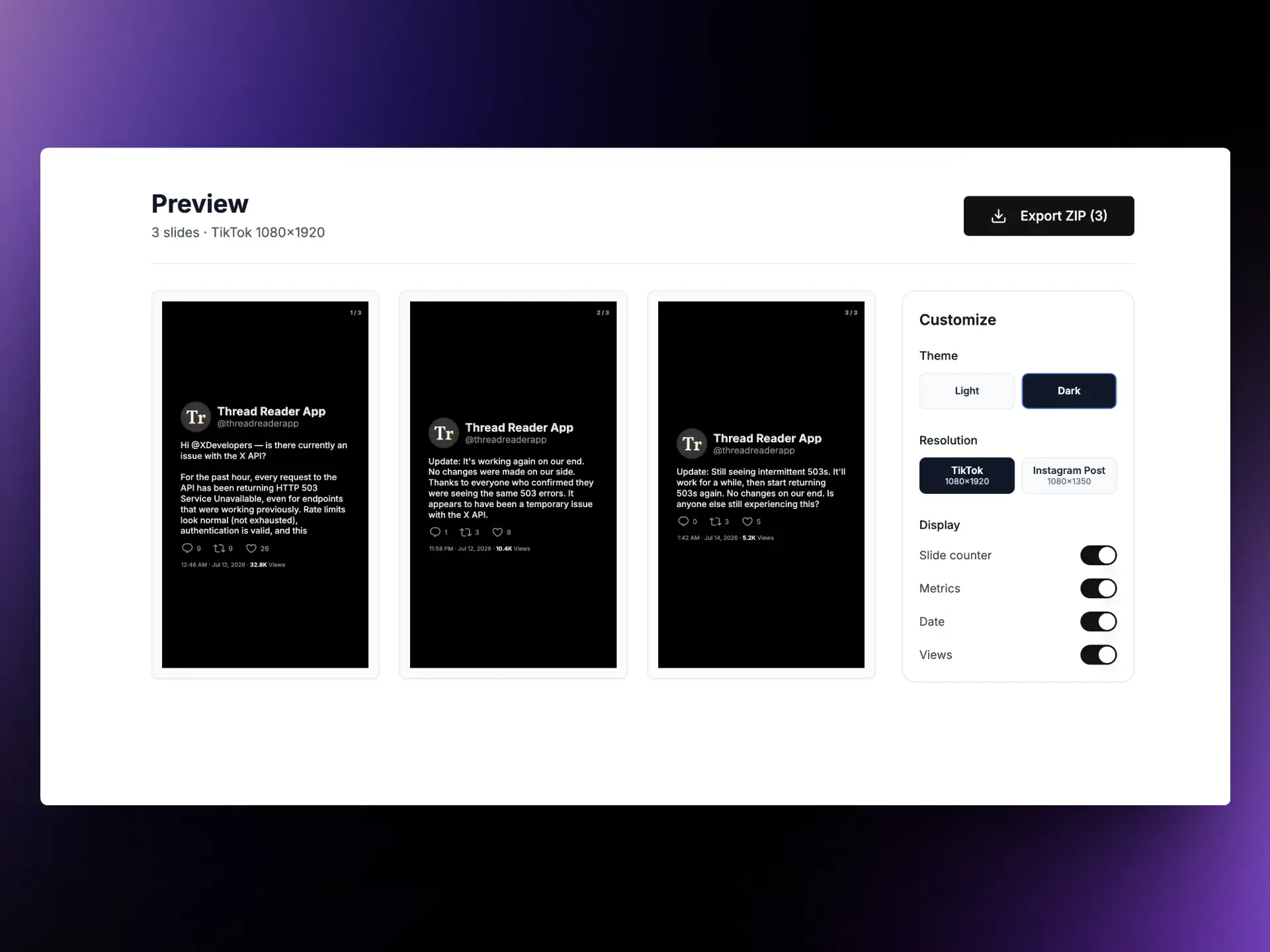
Convert a thread to a slideshow
Turn each post in a thread into a vertical slide for TikTok or an Instagram carousel.
Open toolHow the Twitter converter works
Choose once, then continue with your Tweet URL already filled in.
Paste a public Tweet URL
Copy the link to a public post or thread from x.com or twitter.com.
Choose the output
Select an image, generated video, downloadable video, or slideshow.
Continue in the right tool
TwitterShots carries the URL to the selected converter so you can customize or export it.
What creators say
Real posts from people using TwitterShots.
Twitter converter FAQ
What is a Twitter converter?
A Twitter converter takes a public Tweet or X post URL and sends it to a tool that can create an image, generate a social video, find downloadable MP4 files, or build a slideshow from a thread.
Which Twitter converter formats are supported?
You can convert a Tweet to an image, turn a Tweet into a social video, download an existing video from a public post, or convert a thread into slideshow images.
What is the difference between video and download video?
Video creates a new social video from Tweet content. Download video finds the available MP4 files already attached to a public X or Twitter post.
Can I convert a private Tweet?
No. TwitterShots works with public X and Twitter posts and does not bypass account privacy settings.
Can I convert an entire Twitter thread?
Yes. Choose Slideshow to turn the posts in a public thread into vertical TikTok slides or Instagram carousel images.
Do I need a TwitterShots account?
You can choose a format and open its converter without signing in. Some tools may ask you to sign in before processing or exporting content.
Ready to convert a Tweet?
Paste the public post URL and choose the format you want to create.
Start Converting