Available MP4 qualities
See the video variants provided for the public post and choose the resolution that fits your device.
Paste a public X or Twitter post URL to find the available MP4 video qualities and save one to your device.
Paste a Tweet URL with video
Public x.com and twitter.com status links are supported.
One public post URL, the available video qualities, and a direct path to the MP4 you want.
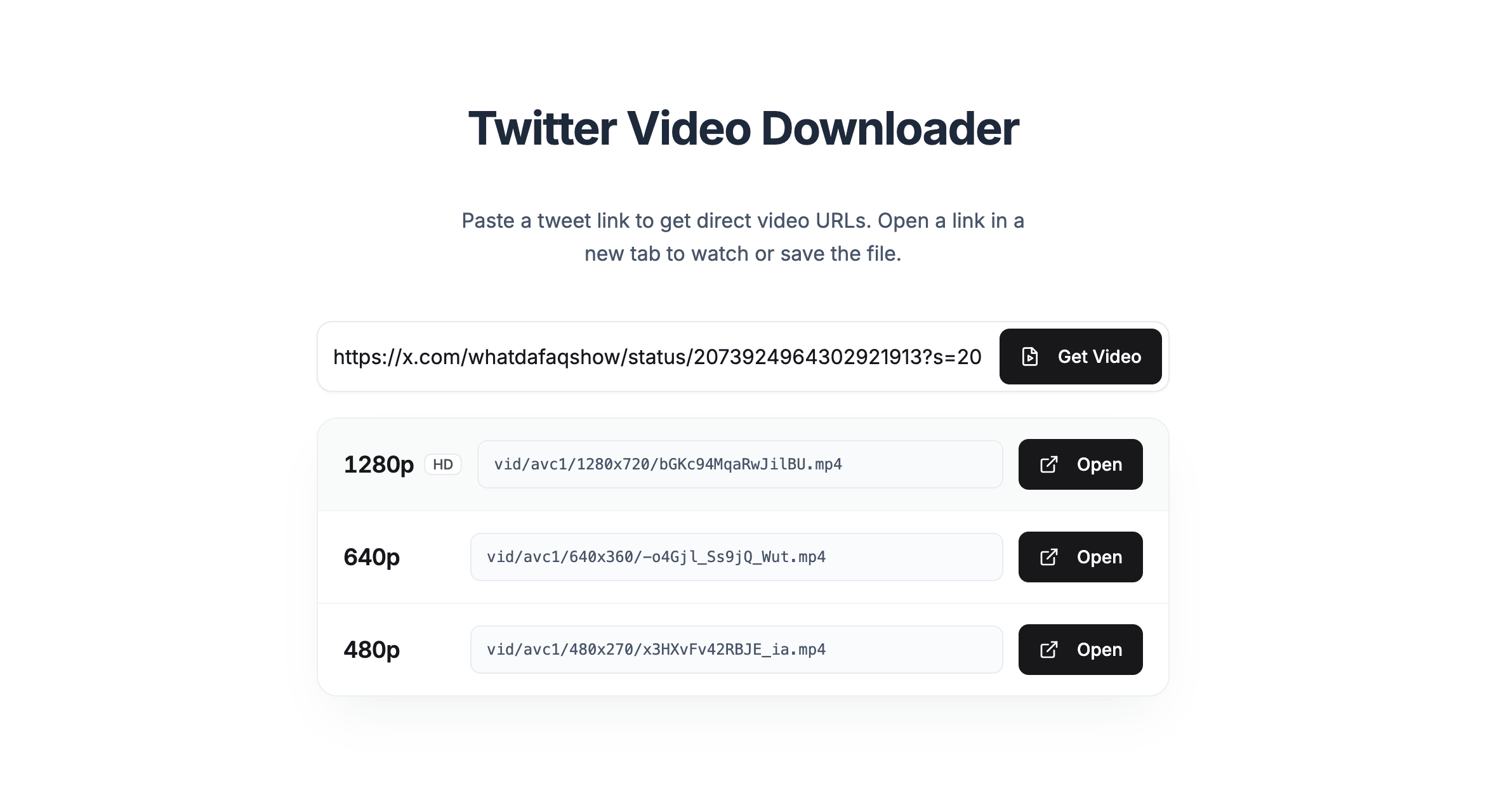
See the video variants provided for the public post and choose the resolution that fits your device.
Paste a public x.com or twitter.com status URL that contains a video.
Use the same focused workflow in a desktop or mobile browser without installing a separate downloader app.
Need another format? Open Twitter Converter.
Copy the public post link, retrieve its variants, and choose the quality you want.
Open the post on X, use the Share menu, and copy its status link.
Add the x.com or twitter.com URL to the downloader at the top of this page.
Open one of the available MP4 variants and save it with your browser.
SSS Twitter video guides
Use a focused guide for SSSTwitter, MP4 quality selection, mobile saving, or tool comparison.
Follow the complete public-post MP4 workflow and browser save action.
Read guideOpen a source quality without adding unnecessary quality comparisons.
Read guideComplete the save in Safari or Chrome and find the file afterward.
Read guideSee how current tools differ by account path, media, and source options.
Read guideReal posts from people using TwitterShots.
SSS Twitter Video is a focused TwitterShots page for finding downloadable MP4 variants from a public X or Twitter post. Paste the post URL, retrieve the available video qualities, and open the version you want to save.
Copy the public Tweet or X post URL, paste it into the field above, and select Download Video. When video variants are available, choose a quality and use your browser to save the MP4 file.
No. TwitterShots works with public posts and does not bypass account privacy settings, restricted content, or deleted posts.
The post may not contain a downloadable video, may be private or deleted, or may be unavailable in the current region. Check that the URL points to a public status containing video.
You can paste a URL without an account. TwitterShots may ask you to sign in before retrieving or opening the available video links.
No. This is an independent TwitterShots tool for people searching for an SSS Twitter video workflow. TwitterShots is not affiliated with SSSTwitter.com or X.
Paste the public post URL and choose one of the available MP4 qualities.
Download Video