Twitter Video MP4 Quality Guide: 1080p vs 720p


Twitter video MP4 quality depends on the variants available for the source post. Choose 1080p when maximum available detail matters, 720p for a practical balance, or 480p and below for faster mobile downloads. TwitterShots Twitter to MP4 Converter lists the retrievable source options instead of upscaling the video.
- Required link: use the full x.com or twitter.com status URL for a supported public post containing video.
- Source controls quality: a downloader can list available variants, but it cannot create missing 1080p detail from a smaller source.
- Quality: choose the highest available result when detail matters, or a smaller result for faster downloading and sharing.
How to Find the Available Twitter MP4 Qualities
Step 1: Start with the Source Post
Open the public Twitter or X post containing the video. Select Share, then Copy link to Post. X documents this option in its official post sharing guide.
A supported link normally looks like this:
https://x.com/username/status/1234567890
Copy the post URL rather than the account profile, search results, or a Direct Message link.
Step 2: Retrieve Its MP4 Variants
Open TwitterShots Twitter MP4 Downloader, paste the post URL, and select Get MP4. Sign in if prompted.
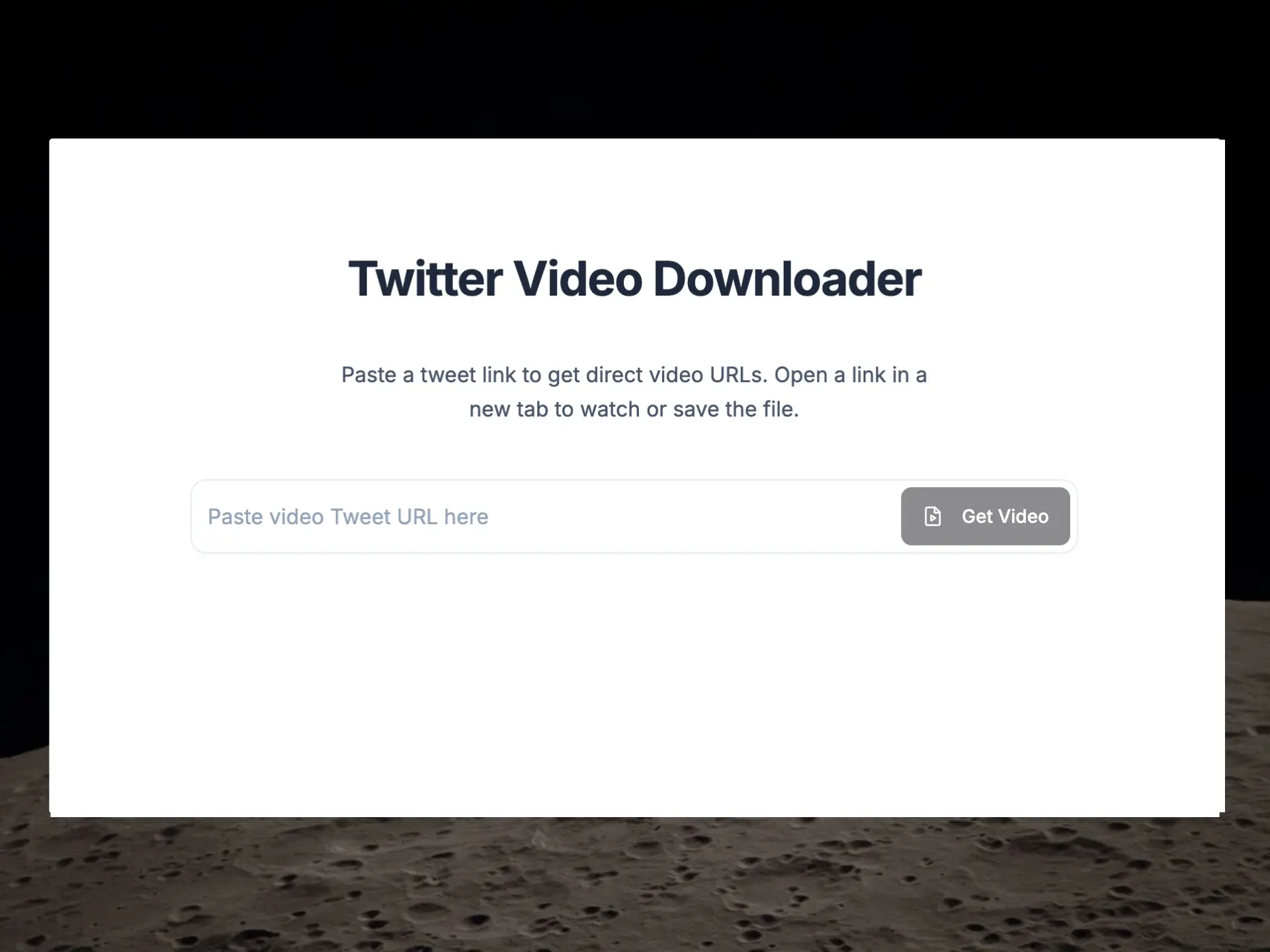
TwitterShots checks the post for retrievable MP4 variants. If the post is private, deleted, restricted, or does not contain supported video, results may not be available.
Step 3: Compare the Results and Save
Open one of the available quality rows. TwitterShots orders retrieved MP4 results by bitrate, with the highest available result first. The exact resolutions depend on the source post.
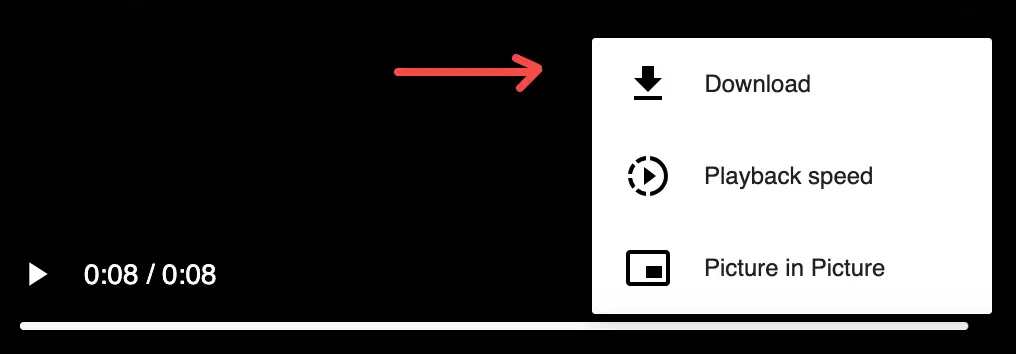
The MP4 normally opens in a new browser tab. Use the video player download icon, browser menu, Share menu, or Save video as command to save it. Opening the video first is part of the normal workflow, not a download failure.
Which MP4 Quality Should You Select?
Resolution describes the frame dimensions, while bitrate describes how much video data is delivered over time. Two files with the same resolution can still look different when their bitrates differ. TwitterShots orders retrieved results by bitrate so the strongest available source option appears first.
Keep the choice simple:
| Available option | Choose it when |
|---|---|
| 1080p | You want the most available detail for editing or a large screen |
| 720p | You want a practical balance for everyday viewing and sharing |
| 480p or lower | You prefer a smaller, faster mobile download |
Not every post supplies every resolution. TwitterShots retrieves available source MP4 variants; it does not upscale a lower-quality video, create missing 1080p detail, or add a TwitterShots watermark.
If the Expected Quality Does Not Appear
First confirm that the original public post still plays its video. Then copy the full post URL again and retry it in the downloader. If 1080p is absent but lower rows work, select the highest result shown—the missing resolution is not something a downloader can manufacture.
For device-specific saving instructions after the MP4 opens, see Download Twitter Videos on iPhone and Android.
Related Twitter Video Guides
- Twitter MP4 Downloader — paste a supported public post URL and retrieve available MP4 results.
- How to Download a Twitter Video as MP4 — complete cross-device download guide.
- Download Twitter Videos on iPhone and Android — mobile Safari and Chrome save steps.
Frequently asked questions
- How do I download a Twitter video as MP4?
- Copy the link to a supported public Twitter/X video post, paste it into the TwitterShots Twitter MP4 downloader, select Get MP4, and open an available quality. Then use the video player or browser download control to save the file.
- Which Twitter video quality should I download?
- Choose the highest available result when you need more detail for editing or a large screen. Choose 720p for general use or 480p and lower for a smaller, faster mobile download. Available options depend on the source post.
- Why is there no 1080p Twitter video option?
- The source post may not provide an accessible 1080p MP4 variant. TwitterShots lists the results it can retrieve and cannot create missing resolution or recover detail absent from the source.
- Why does the MP4 open in a new tab?
- Opening the retrieved MP4 in a new browser tab is an expected step. Use the video player download icon, browser menu, Share menu, or Save video as command to save the file.
- Does TwitterShots compress or watermark the video?
- No. TwitterShots opens a retrieved source MP4 variant rather than re-encoding or upscaling it, and it does not add a TwitterShots watermark. Any compression or branding already in the source remains.
Download a Twitter Video as MP4
Paste a supported public X or Twitter post URL, open an available MP4 quality, and save it from your browser.
Open Twitter MP4 Downloader- Public Post URLs
- Available MP4 Qualities
- Mobile and Desktop
- No Added Watermark