Long-form reading
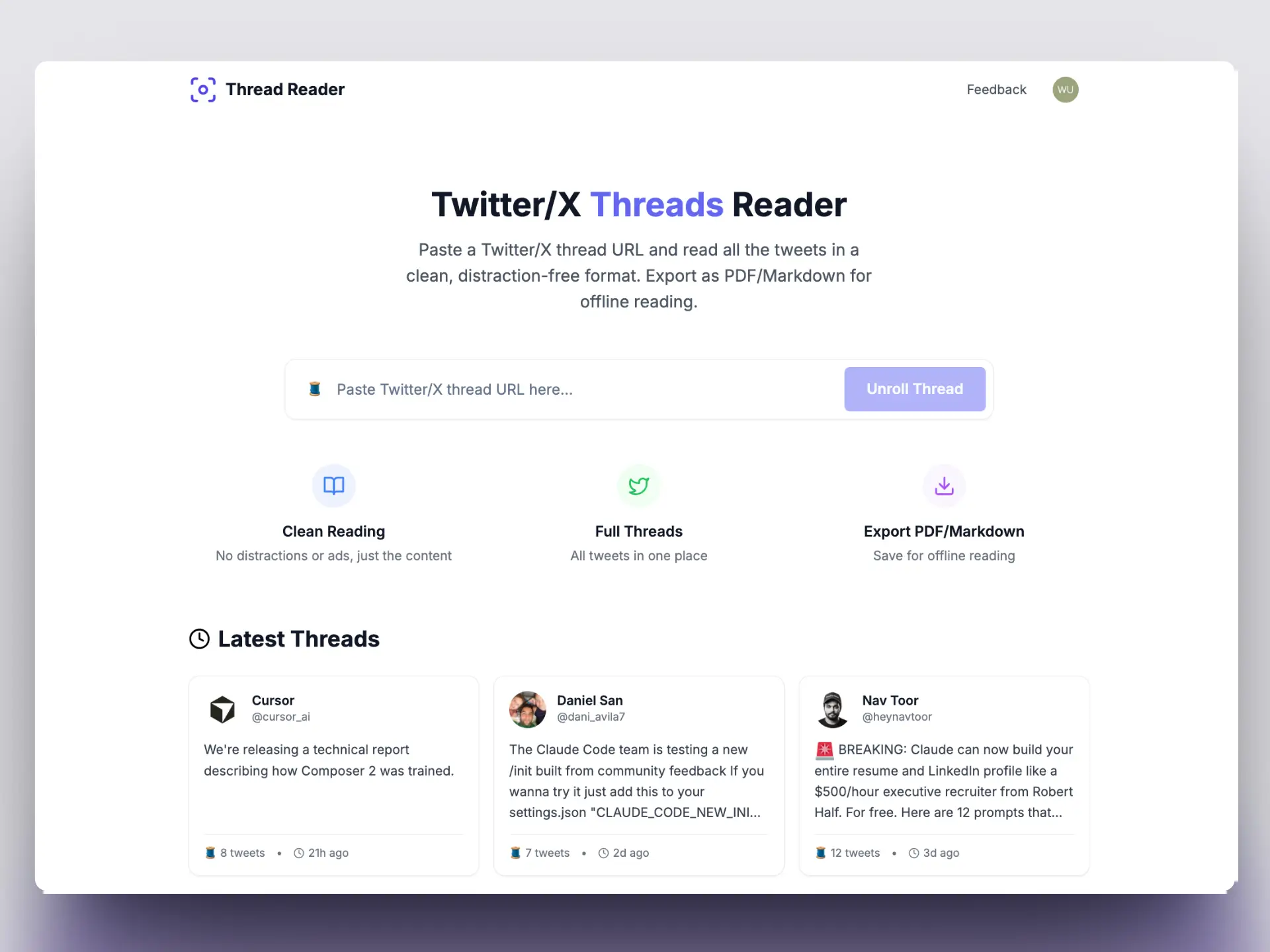
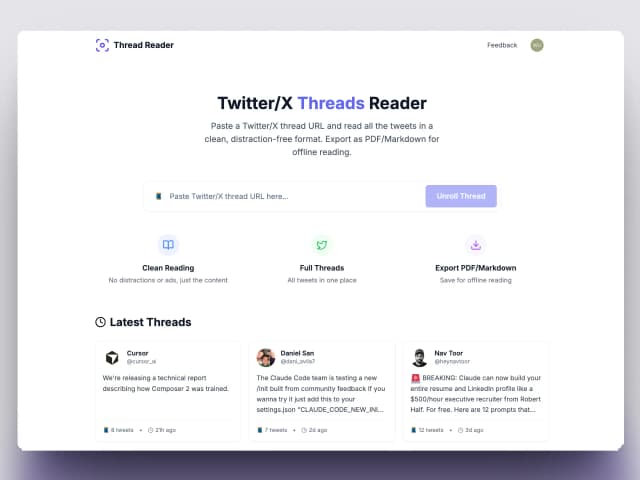
Read 20-tweet threads without tapping through each post. Perfect for research threads and essay-style content on X.
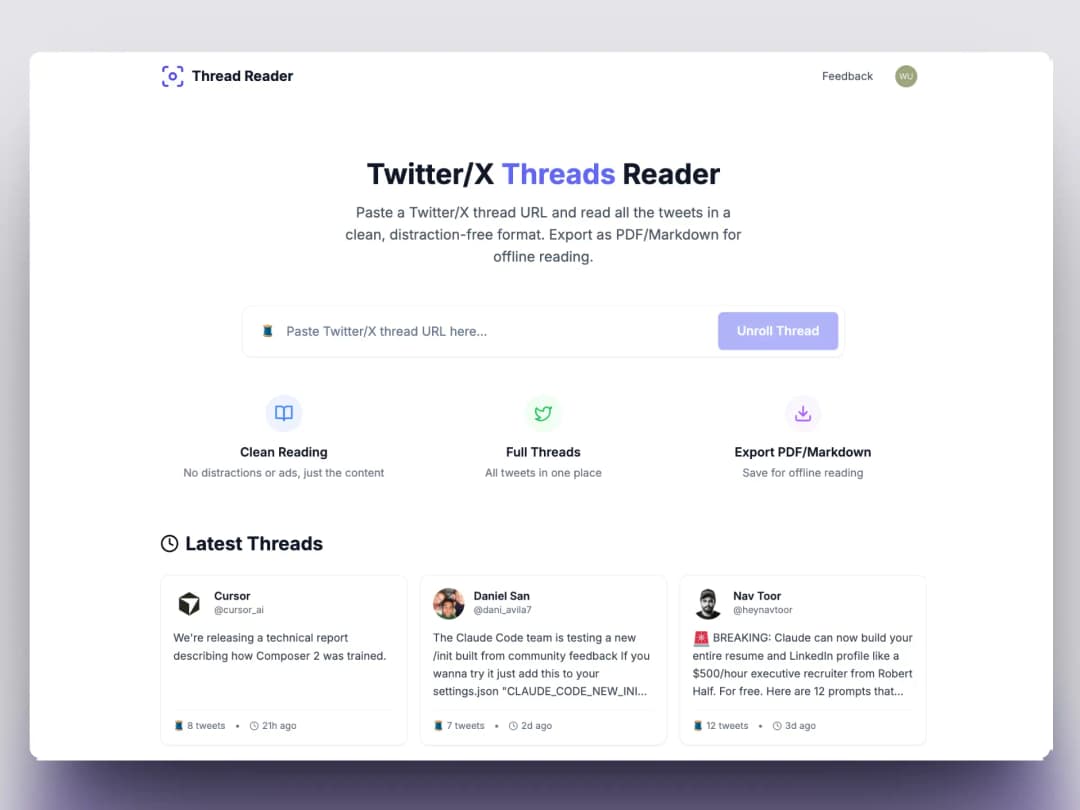
Paste a thread URL and read the full story as a single article. Export to PDF, Markdown, or screenshot every tweet — free, no signup.
Who uses TwitterShots to unroll threads?
Who is TwitterShots thread unroll suitable for?
Read 20-tweet threads without tapping through each post. Perfect for research threads and essay-style content on X.
Archive threads for offline reading, court records, or academic citations before tweets get deleted or hidden.
Unroll threads, screenshot key tweets, and embed clean images in Substack, Instagram carousels, or client decks.
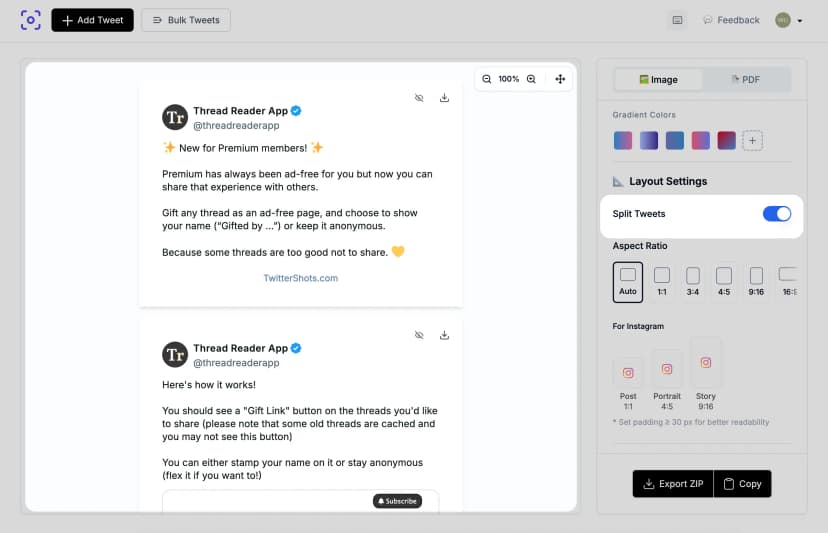
Twitter threads break stories across dozens of posts. TwitterShots fetches the entire chain and displays it as one continuous article — media, quotes, and author context preserved. No browser extension, no Twitter login.
Try thread unrollTwitterShots turns scattered tweet chains into clean, readable documents — trusted by creators, journalists, and newsletter writers worldwide.
23.62K
Screenshots
12K
New Users
45.2K
Page Visitors
Statistics as of April 30, 2025
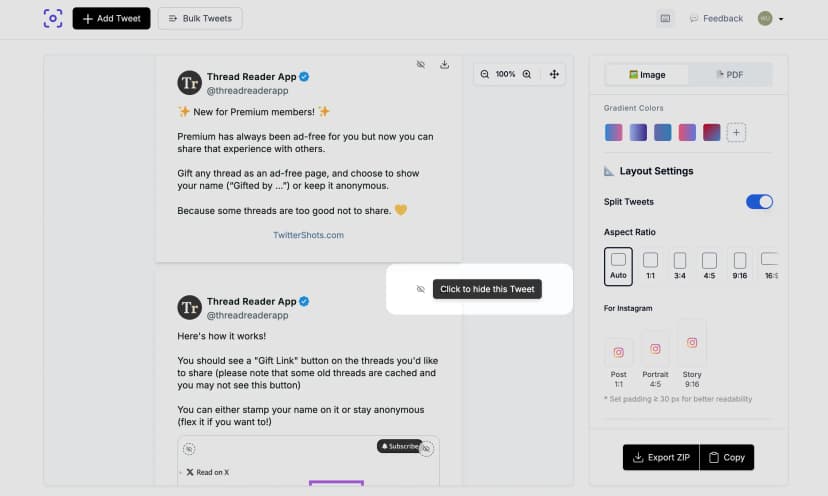
After unrolling, download a print-ready PDF, copy Markdown for Obsidian or Notion, or screenshot every tweet for Instagram carousels and TikTok slideshows. Pro plan includes unlimited exports with no watermark.
Learn moreRead, save, and share — one tool for the full thread workflow.
Paste any thread URL and get the full chain in under 3 seconds — no account needed.
Distraction-free article layout with preserved media, quotes, and author context.
Save threads for printing, note apps, or permanent offline archives.
Split unrolled threads into individual images or one long scrollable screenshot.
Grab the full thread text in one click for docs, emails, or research notes.
Unrolling happens server-side. The tweet author is never notified.
Three steps. No browser extension or Twitter login required.
Step 1
Copy the link to the first tweet in any X/Twitter thread. Works with public threads up to 50+ tweets.
Step 2
View the entire thread as one continuous article. Media, polls, and quoted tweets stay intact.
Step 3
Download as PDF for printing, Markdown for Obsidian/Notion, or screenshot each tweet for social.
A Twitter thread unroll converts a multi-tweet chain into a single, readable document. Instead of clicking “Show this thread” on each post, an unroll tool fetches every connected tweet and displays them in order — like turning a Twitter thread into a blog article.
TwitterShots goes further than basic unrollers: after unrolling, you can export the thread as PDF, copy the full text, or screenshot every tweet for Instagram and TikTok. It powers our Thread Reader and Thread Screenshot tools — optimized for the “unroll” search intent.
“We use TwitterShots to unroll long policy threads before they disappear. The PDF export saves our editorial team hours — no more screenshotting tweet by tweet or losing context when a thread gets deleted.”
Kevin Wu
CEO, Postpiper.ai
More than unrolling — read, screenshot, and archive in one place.
| Feature | TwitterShots | Thread Reader App | Manual reading |
|---|---|---|---|
| Free tier available | |||
| No watermark on exports | |||
| PDF export | |||
| Markdown export | |||
| Thread screenshots | |||
| Split thread to images | |||
| Bulk thread processing | |||
| API access |
Free tier available
No watermark on exports
PDF export
Markdown export
Thread screenshots
Split thread to images
Bulk thread processing
API access
Compare all thread tools in our 2026 thread reader guide
Learn how to unroll, save, and share Twitter threads with step-by-step tutorials.
Start free. Upgrade when you need unlimited unrolling, PDF export, or API access.
Perfect for individual creator workflow
Perfect for professional power creators
Perfect for teams and agencies
Everything about unrolling Twitter threads
A Twitter thread unroll is the process of expanding a multi-tweet chain into a single readable document. Instead of clicking through each tweet, an unroll tool fetches every connected post and displays them in order as one continuous article.
Yes. Free users can unroll up to 10 threads per day with no watermark on exports. Pro plans start at $5.83/month for unlimited unrolling, PDF export, and thread screenshots.
Both pages use the same TwitterShots engine. This page targets the 'twitter thread unroll' search intent — users looking specifically to unroll threads. The Thread Reader page focuses on the reading experience.
Yes. After unrolling, click Export PDF to download a print-ready document. Pro plan includes unlimited PDF exports with custom formatting.
No. Twitter and X do not notify users when someone unrolls or screenshots their thread. The process happens server-side with no interaction on the original tweets.
TwitterShots supports threads with 50+ tweets. Very long threads may take a few extra seconds to fetch, but the full chain is preserved including media and quoted tweets.
Need screenshot-only export? Try Thread Screenshot
No signup required · PDF & Markdown export · Thread screenshots included