5 Best Twitter (X) Thread Reader Tools: Read, Save, and Unroll Threads


Twitter (X) has great content, but reading a 20-tweet thread in the native app is annoying.
If you want to unroll a thread for a cleaner reading experience or save a thread as a PDF for offline study, a dedicated Twitter thread reader helps.
Based on a full day of hands-on testing and comparison, I shortlisted these five tools and evaluated them across usability, ad-free interface, thread unrolling convenience, and integrations.
Here are 5 tools that make long-form content on X actually readable.
1. TwitterShots Thread Reader – The All-in-One Simple Solution
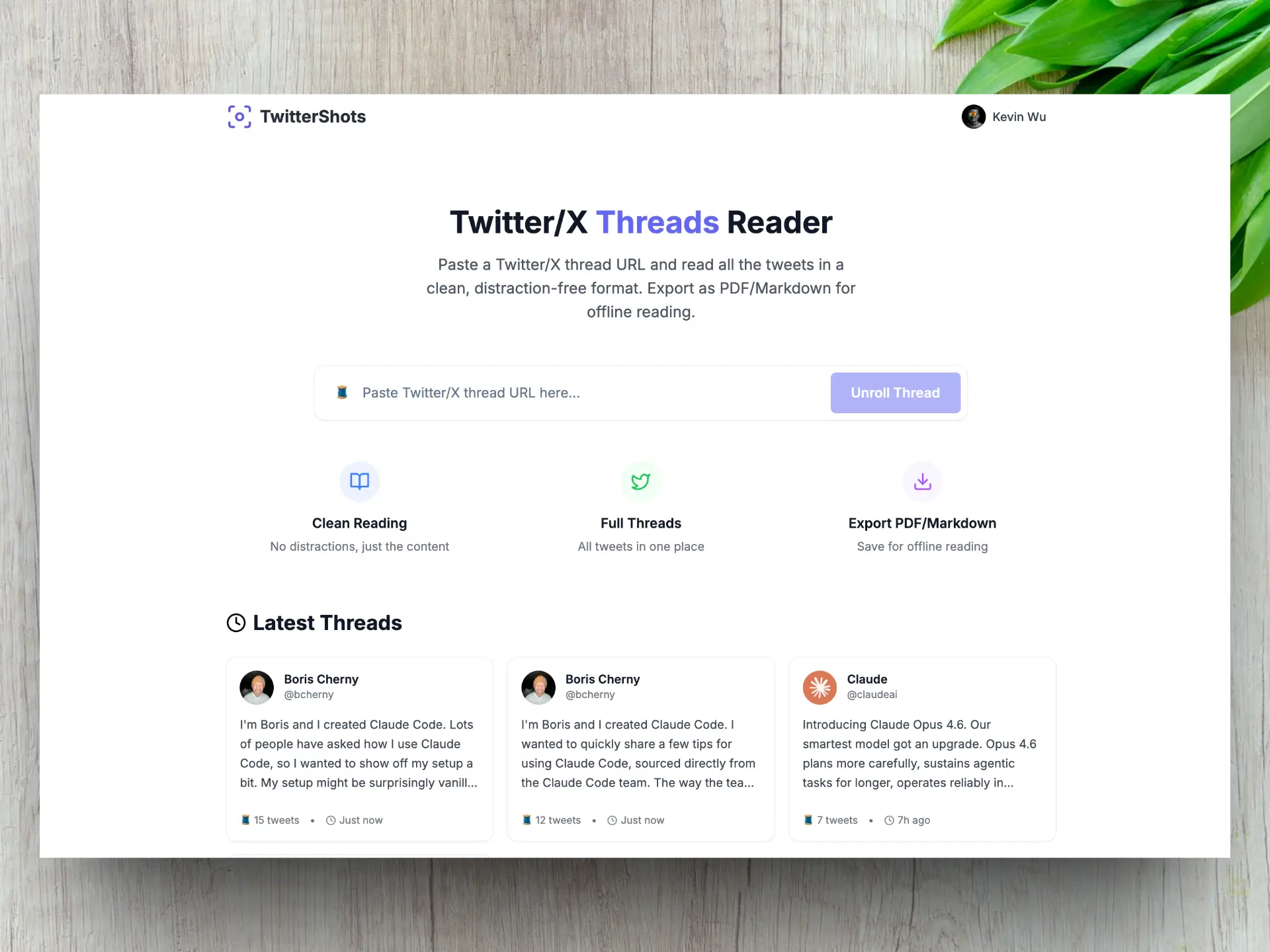
If you want a tool that works without needing to summon a bot or create an account, TwitterShots does the job.
I found many people search 'Twitter thread unroll' or Twitter thread reader on Google search.
My customer also ask twitter thread reader or summarizer in a long thread, I made this for them and used everyday by myself.
| Feature | Details |
|---|---|
| Best For | Quick unrolling and instant PDF export |
| Method | Copy-paste URL |
| PDF Export | Yes (Free & Instant) |
| Markdown Export | Yes (Copy to clipboard) |
| Interface | Clean, distraction-free |
| Summarizer | Yes can summarize long thread via AI |
Why it's different:
- No hide pricing, it's total free for you to read and unroll, only the token usage part is need to pay.
- TwitterShots lets you unroll any thread and export it as a PDF or copy it as Markdown immediately.
- You can publish you thread to online. so everyone can read an use it.
2. Thread Reader App – The Bot-Driven Option
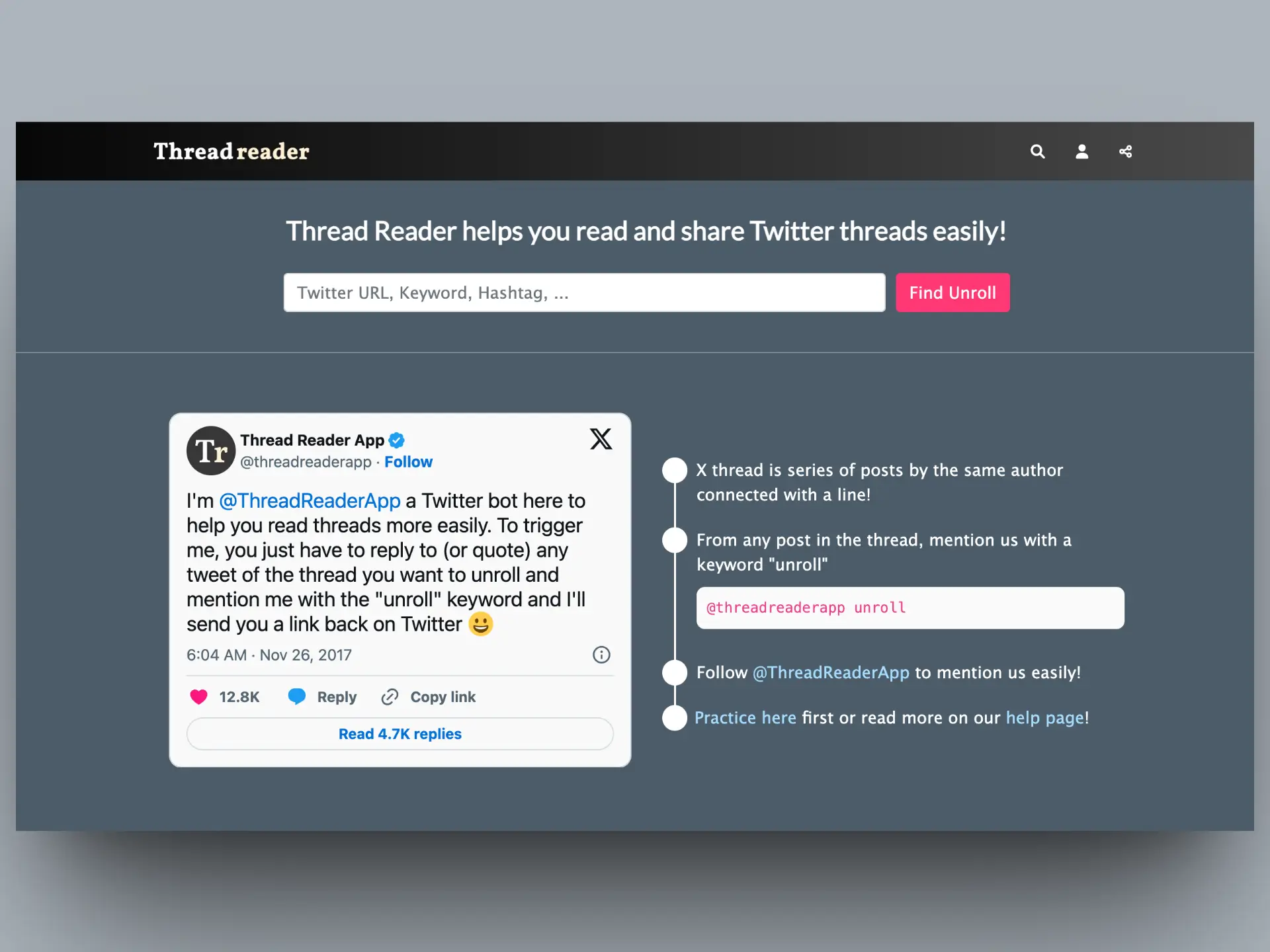
Thread Reader App popularized "unrolling" through a Twitter bot.
- How it works: Reply to a thread with
@threadreaderapp unroll, and the bot sends you a link. - Pros: Large archive of previously unrolled threads; reliable.
- Cons: The free website has ads everywhere. PDF export requires a paid subscription.
It works well if you prefer staying inside Twitter to trigger unrolls.
I've seen a lot of posts complaining about Twitter bots, which is one of the reasons we haven't added bot support yet.
3. Thread Navigator – For Notion Users
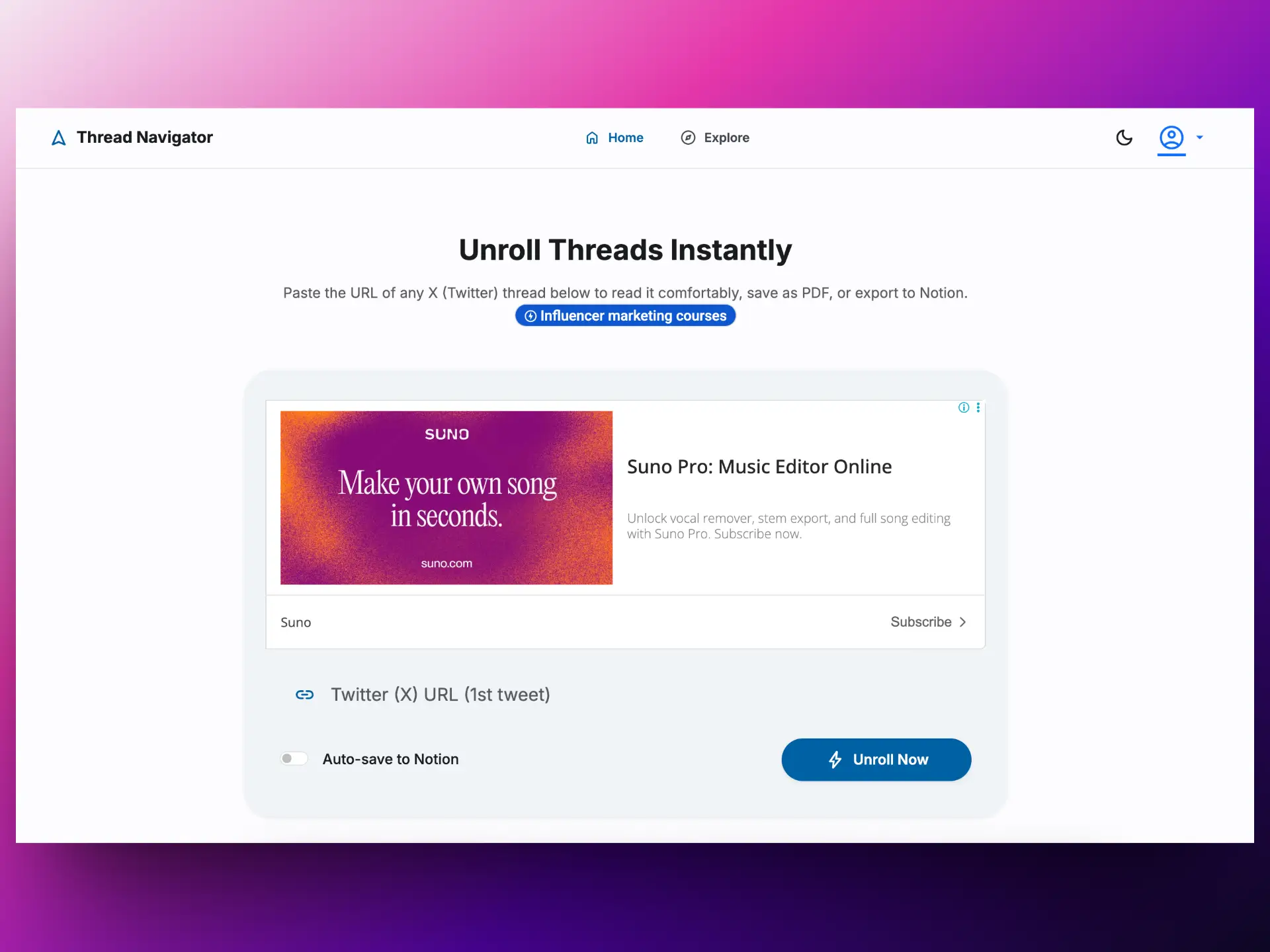
If you treat Twitter as a research tool, Thread Navigator integrates with your workflow.
Paste the URL of any X (Twitter) thread below to read it comfortably, save as PDF, or export to Notion.
- Key Feature: Saves unrolled threads directly to Notion, it same like Thread Reader App, it's a bot
- Bonus: Chrome extension adds an "Unroll" button to your Twitter feed, so you don't copy-paste URLs.
4. Readwise – For Remembering What You Read
Readwise is a reading system that makes it easy to revisit and learn from your ebook & article highlights.

If you want to remember what you read, this helps.
- The Workflow: DM a thread to the Readwise account, The thread goes to their "Reader" app.
- The Save bot: just use @Readwise save thread, the app auto save your thread
- Highlighting: You can highlight tweets, and highlights sync to Obsidian, Logseq, or Notion.
- Pricing: Paid service. Useful if you already use a knowledge management system.
5. Typefully – For Content Creators
Typefully is mainly a thread-scheduling tool, you can write, schedule, and publish great Twitter threads.
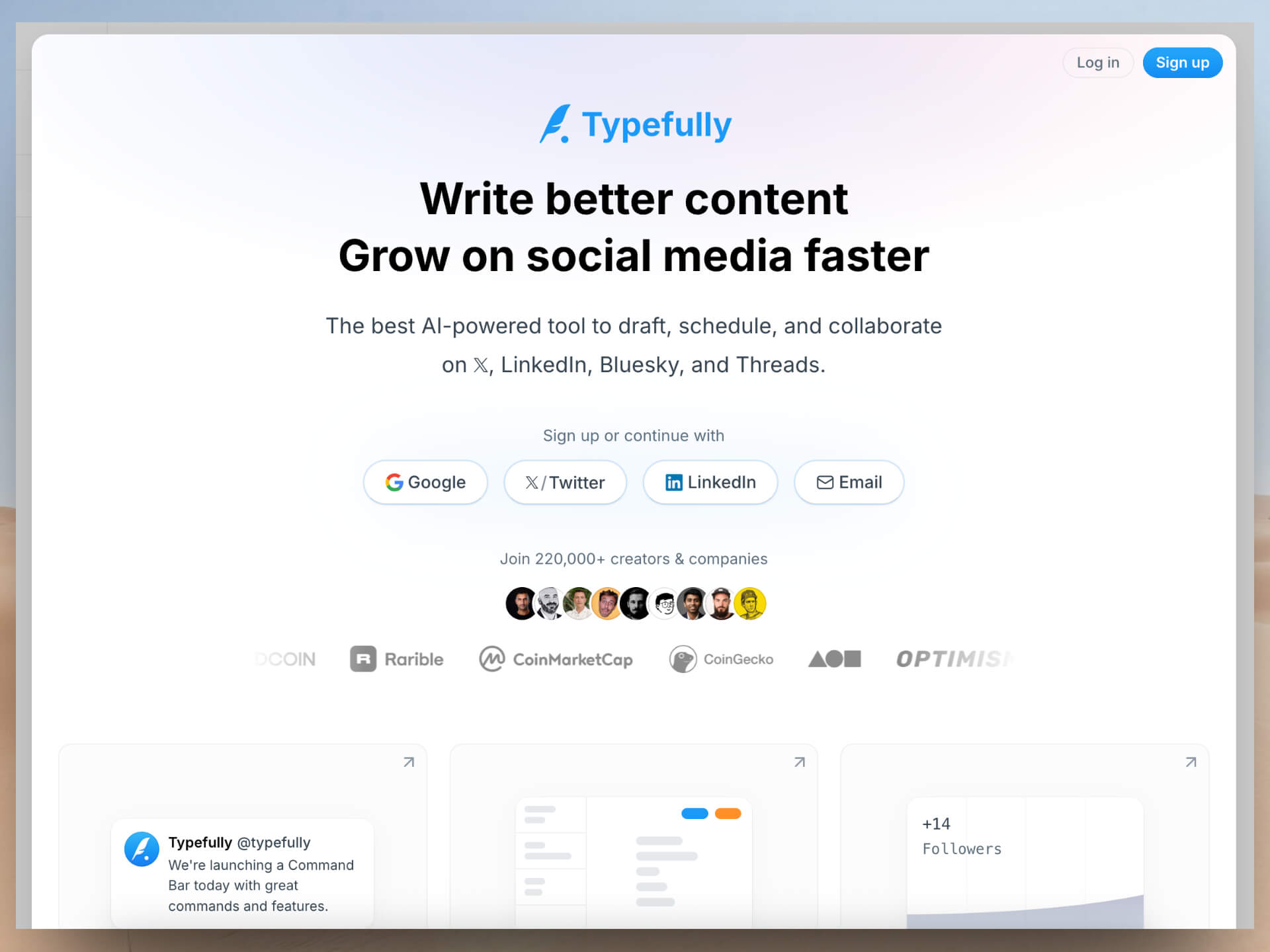
- Aesthetic: Clean layout and typography.
- Repurposing: Useful if you want to turn viral threads into permanent articles.
Feature Comparison
| Feature | TwitterShots | Thread Reader App | Thread Navigator | Readwise | Typefully |
|---|---|---|---|---|---|
| PDF Export | Free & Instant | Premium only | No | No | No |
| Markdown Export | Yes | Premium only | No | No | No |
| Ads | None | Yes (free version) | Yes | None | None |
| Account Required | Yes | Yes | Yes | Yes | Yes |
| Reading Experience | Clean, no ads, clean interface | with Ads | with Ads, clean interface | Clean with highlighting | Blog-like, clean interface |
| Integrations | Notion/Google Docs(coming soon) | None | Notion | Obsidian, Logseq, Notion | None |
| Browser Extension(coming soon) | Yes | No | Yes (Chrome) | Yes | No |
| Pricing | Freemium | Freemium | Paid | Paid | Freemium |
PDF Export
TwitterShots: Free & Instant
Thread Reader App: Premium only
Thread Navigator: No
Readwise: No
Typefully: No
Markdown Export
TwitterShots: Yes
Thread Reader App: Premium only
Thread Navigator: No
Readwise: No
Typefully: No
Ads
TwitterShots: None
Thread Reader App: Yes (free version)
Thread Navigator: Yes
Readwise: None
Typefully: None
Account Required
TwitterShots: Yes
Thread Reader App: Yes
Thread Navigator: Yes
Readwise: Yes
Typefully: Yes
Reading Experience
TwitterShots: Clean, no ads, clean interface
Thread Reader App: with Ads
Thread Navigator: with Ads, clean interface
Readwise: Clean with highlighting
Typefully: Blog-like, clean interface
Integrations
TwitterShots: Notion/Google Docs(coming soon)
Thread Reader App: None
Thread Navigator: Notion
Readwise: Obsidian, Logseq, Notion
Typefully: None
Browser Extension(coming soon)
TwitterShots: Yes
Thread Reader App: No
Thread Navigator: Yes (Chrome)
Readwise: Yes
Typefully: No
Pricing
TwitterShots: Freemium
Thread Reader App: Freemium
Thread Navigator: Paid
Readwise: Paid
Typefully: Freemium
Summary:
- TwitterShots: Instant unrolling with free PDF and Markdown export, no account needed
- Thread Reader App: Bot-based unrolling, ads on free version
- Thread Navigator: Notion integration
- Readwise: Highlighting and sync to note-taking apps
- Typefully: Good for turning your cntents into threads
Which Tool Should You Use?
- For quick, clean, free PDF/Markdown export: TwitterShots Thread Reader
- For bot-based unrolling: Thread Reader App
- For bot-based and Notion integration: Thread Navigator
- For highlighting and study: Readwise
- For turning threads into threads: Typefully
Try TwitterShots Thread Reader Free
Unroll Twitter threads instantly with our clean, ad-free reader. Export to PDF or Markdown for offline reading.
- Twitter Thread Unroll
- Twitter Thread PDF Export
- Twitter thread unroll free
- Twitter thread to PDF free
- How to unroll a Twitter thread