



Bulk Processing
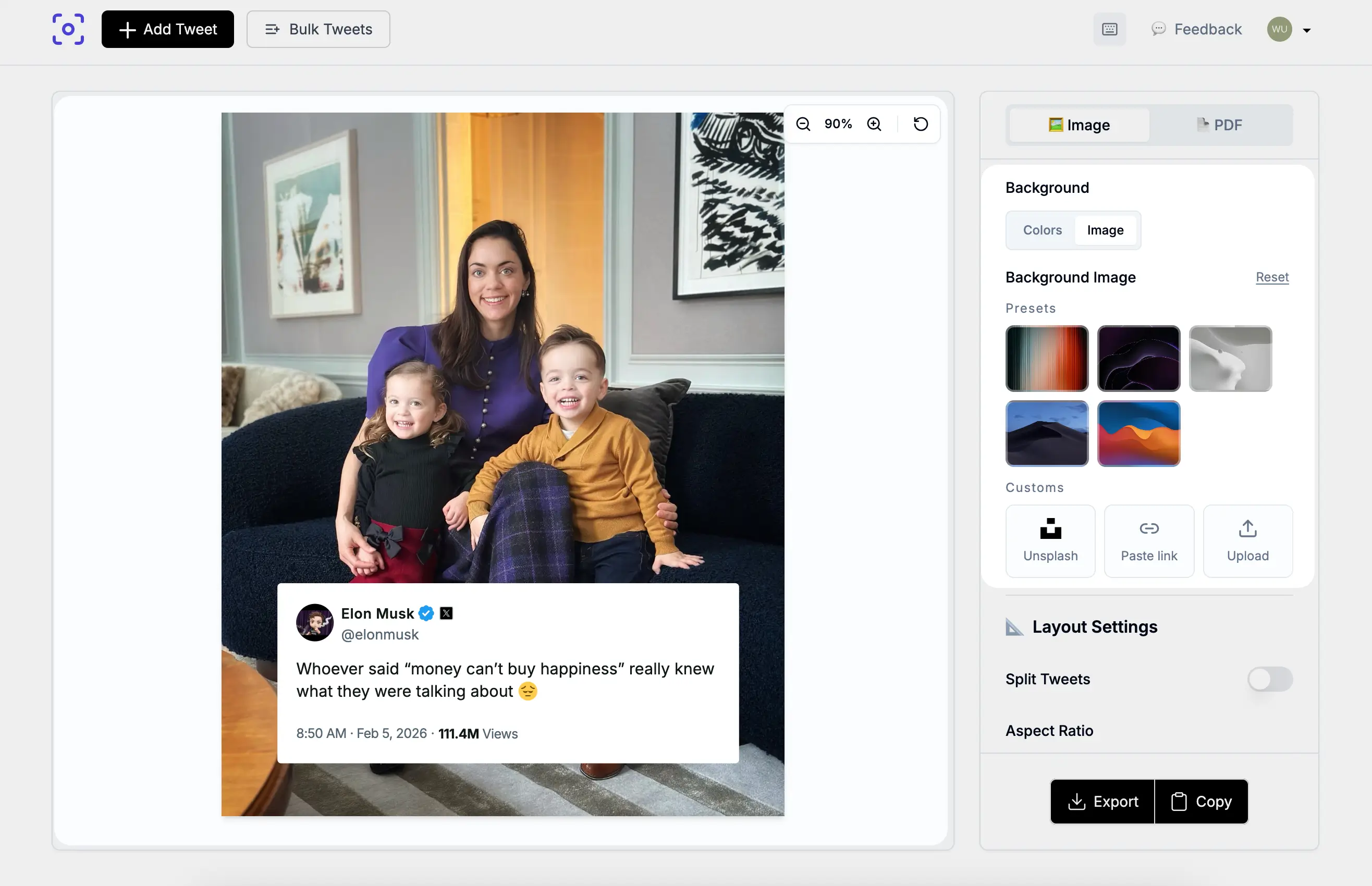
Screenshot multiple tweets at once. Perfect for newsletters and content batching. Process hundreds of tweets in minutes.
Tweet screenshots up to 4K. No watermark on paid plans. No browser UI in the shot. Just the tweet, clean and sized right for Instagram or TikTok.
Everything you need to create stunning tweet screenshots
Screenshot multiple tweets at once. Perfect for newsletters and content batching. Process hundreds of tweets in minutes.
Add your logo, choose custom colors, and remove TwitterShots branding. Make every screenshot uniquely yours.
Integrate tweet screenshots into your app or workflow with our simple REST API. Perfect for automation with n8n and Zapier.
Export crisp, high-resolution screenshots in HD quality. Perfect for professional presentations and social media.
Automatically translate tweets to any language with AI-powered translation. Reach a global audience effortlessly.
Convert entire Twitter threads into beautiful images or PDFs. Preserve the full context of any conversation.
How creators use TwitterShots to grow their audience
Convert tweets into stunning Instagram carousel posts with perfect 4:5 and 9:16 aspect ratios. Engage your followers with viral Twitter content.
Learn more →Create eye-catching TikTok slideshows from Twitter threads. Transform viral tweets into engaging short-form video content.
Learn more →Easily capture bulk tweet screenshots for your newsletter. Perfect for AI newsletter writers and content curators.
Learn more →No design skills needed. Paste a URL, pick a theme, and download a clean, high-resolution screenshot in under 30 seconds.
Open Twitter/X in your browser or app and find the tweet you want to capture. Tap the Share button below the tweet and select “Copy link” to copy the URL to your clipboard. This works on mobile and desktop.
Go to twittershots.com, paste the copied tweet URL into the input box, and click “Generate.” The tool fetches the tweet data directly from Twitter/X and renders it in a clean, professional format without browser clutter or UI distractions.
Choose your preferred theme (light, dark, or gradient), select the aspect ratio for your target platform—1:1 for Twitter, 4:5 for Instagram feed, 9:16 for Stories—and download as PNG, SVG, or PDF. The entire process takes under a minute.
Your phone’s built-in screenshot tool captures everything on your screen—tabs, notifications, battery icons, and Like buttons. The result is a cluttered image that needs manual cropping before you can post it anywhere.
TwitterShots pulls the tweet data directly and renders it at up to 4K resolution. You get clean, platform-optimized images with no UI clutter, proper aspect ratios for Instagram and TikTok, and automatic thread support that stitches long conversations into a single image.
See how we compare to Pikaso and TweetPik
| Feature | TwitterShots | Pikaso | TweetPik |
|---|---|---|---|
| HD Export | |||
| Bulk Processing | |||
| Free Tier | Limited to 5 free screenshots | Limited | Limited |
| API Access | Deprecated | Deprecated | |
| No Watermark | Pro | Pro only | Pro only |
| Thread Unrolling | |||
| Custom Branding | |||
| AI Translation |
Start free, upgrade when you need more
Perfect for getting started
For serious creators
For power users
For teams and agencies
Quick answers about HD Twitter screenshots.
Join 100+ creators who use TwitterShots to grow their audience on Instagram, TikTok, and newsletters.