How to View Twitter Without an Account: A Quick Guide

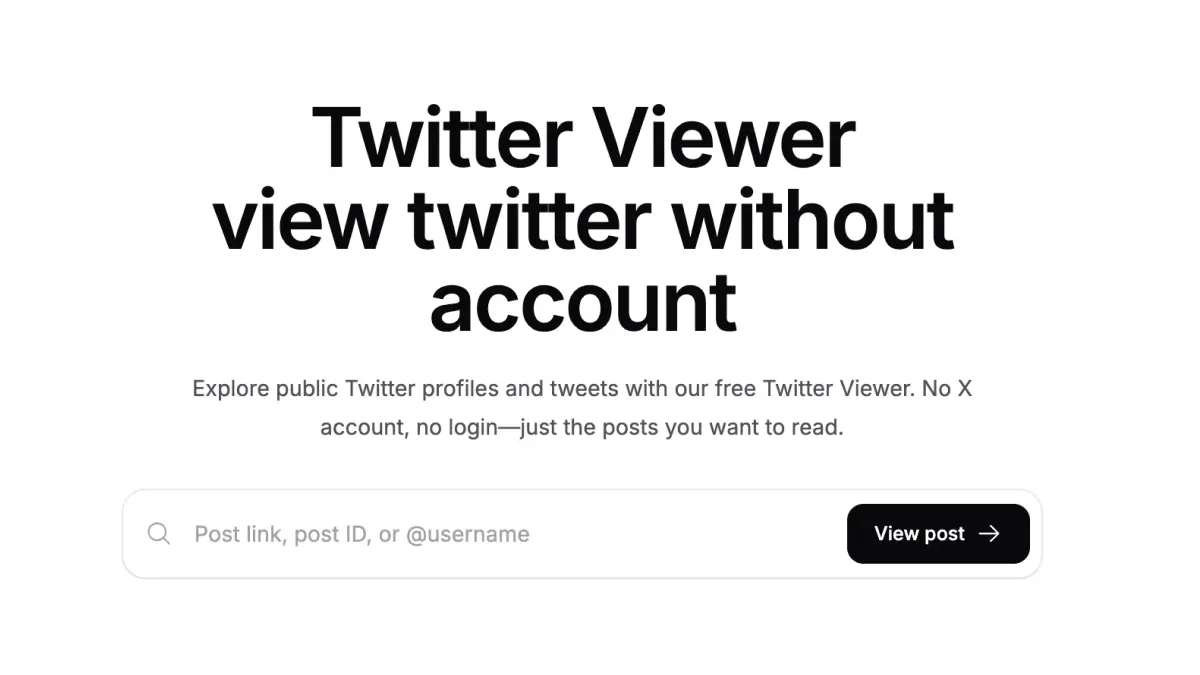
Yes, you can view Twitter without an account using TwitterShots Twitter Viewer.
Enter a tweet link or username to read available public posts for free, without an X login. Private accounts, deleted posts, and someone’s complete post history are not included.
Why does Twitter ask you to log in?
Opening a tweet can lead to a sign-in screen or app prompt, as a reader describes in this Reddit discussion about Twitter’s login wall.
X says public posts are visible without an account, but its interface can still interrupt browsing. A viewer offers another reading interface, not access to private posts.
How to view Twitter profiles and tweets without an account
- Open the free Twitter Viewer.
- Paste an
x.comortwitter.compost URL, a post ID, or a username such asNASAor@NASA. Profile links work too. - Submit to read the available text and media. Follow the original-post link to check the source.
A post lookup opens one tweet. A username lookup returns up to 10 recent public posts, excluding replies and reposts, with the official X data source. Older pages, keyword search, and regional trends are not currently supported. Availability and shared usage limits apply.
What is a Twitter viewer, and is it a Twitter stalker tool?
A Twitter viewer displays public X content outside X. Searches for “twitter stalker” or “tw stalker” may refer to TwStalker, a separate service advertising public-profile and trend browsing.
TwitterShots focuses on reading posts and converting them into images, PDFs, or videos. Neither public-content browsing nor the word “stalker” means a tool can identify your visitors.
Can you see who viewed your Twitter profile?
No named visitor list is available through TwitterShots Twitter Viewer. X’s post view counts report how many times a post was seen, including some repeat views. Those totals cannot answer “who stalks my Twitter” or identify a particular reader.
Anonymous browsing here means no X account connection, not invisibility or zero service logs. Public interactions such as replies are different from reading. See the TwitterShots privacy policy.
How to search Twitter by username
Enter the exact handle, not the display name, to find a user’s recent public posts.
For advanced Twitter profile search by author, date, or keywords, X Advanced Search requires login. TwitterShots offers username lookup, not full Twitter search.
How to turn a tweet into an image, PDF, or video
Once you find a post, select Screenshot below it, or open the adjacent dropdown for PDF or Video. Sign in to TwitterShots to continue in the selected editor. Browsing is free; export limits and paid-plan requirements still apply.
Need a complete thread? Use the separate Twitter thread reader; Viewer loads individual posts. Preserve attribution and obtain permission where needed when sharing.
Frequently asked questions
Does Twitter have profile views?
View metrics are counts, not visitor lists. TwitterShots does not provide profile-visitor identities.
How do I stop strangers from reading my tweets?
Protect your posts in X settings to limit access to approved followers. Existing followers retain access unless removed or blocked. Basic profile details may remain public, and protecting posts cannot erase copies others have already saved.
Why won’t a public post load?
Deletion, privacy restrictions, data-source outages, or usage limits can prevent a result. Check the original link or try later. Retrying cannot unlock restricted content.
Read a public tweet without logging in
Start with a post link or @username. Turn a useful find into a screenshot, PDF, or video when you’re ready.
- Free public-post browsing
- No X account required
- Image, PDF, and video workflows