Copy the X link
Open the tweet on x.com or the X app, tap Share, and copy the post URL.
Paste a public x.com or twitter.com link, pick HD MP4 quality, and save in your browser. Fast, free, and no extension required.
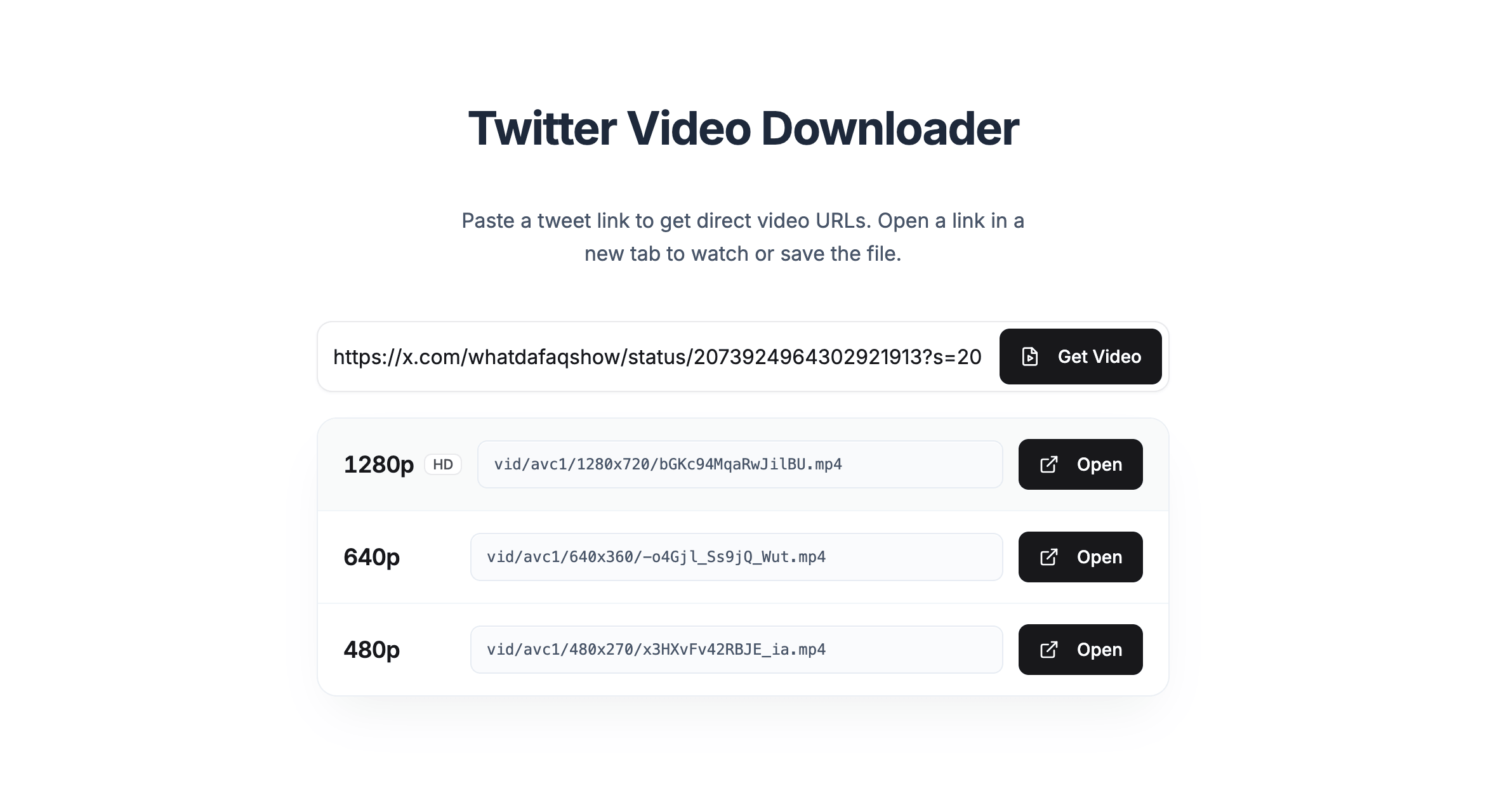
Three quick steps to save public X videos as MP4 on desktop or mobile.
Open the tweet on x.com or the X app, tap Share, and copy the post URL.
Paste the URL above and click Get Video to load every available quality for that tweet.
Pick HD or another quality, open the player on X, then use the menu to download the file.