Best tool to turn a tweet into a screenshot image

If you want to turn a tweet (X post) into a clean, realistic screenshot image, I'd recommend Tweetshots.
Whether you need a quick one-off capture, a polished visual mockup, or automated rendering via API and AI agents, here is how four of the top tools compare.
Quick Comparison
| Tool | Core Features | API | Quote & Reply | Thread | Bulk | MCP | Pricing |
|---|---|---|---|---|---|---|---|
| TwitterShots | X-focused workflow: themes, custom branding, PDF/SVG/video export, AI translation | Yes | Yes | Yes (images & PDF) | Yes (up to 30) | Yes | Free tier; Pro from ~$5.83/mo |
| PostSpark | Visual design studio: device mockups, annotations, custom fonts, animations & video | No | Yes | No | No | No | Free tier; Pro ~€10/mo |
| Orshot | Developer & automation platform: dynamic templates, Chrome extension, Make/n8n/Zapier | Yes | Yes | Yes (carousel tool) | Yes (via API) | Yes | Free (100 credits/mo); from $39/mo |
| 10015 Tools | Lightweight web converter: no signup, backgrounds/transparency, up to 2x quality | No | Yes (basic) | Partial (parent toggle only) | No | No | 100% Free |
1. TwitterShots
TwitterShots is built specifically around X/Twitter content workflows rather than general-purpose graphic design. It balances ease of use for solo creators with automation features for technical users.
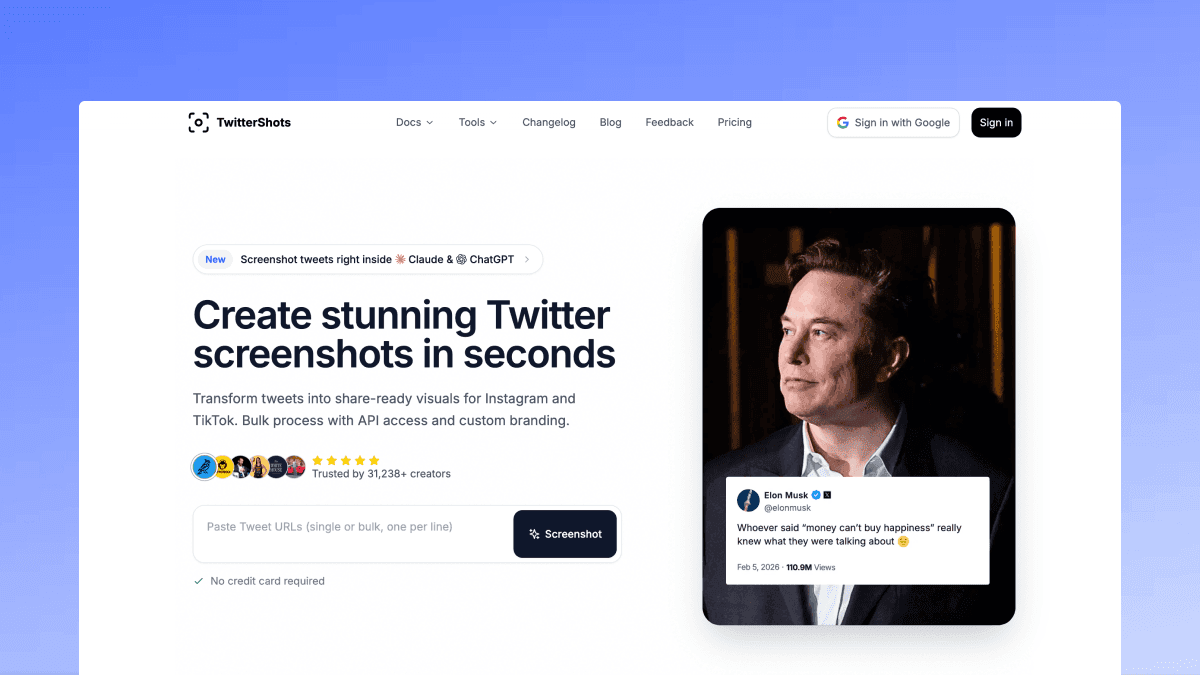
- Key Features: Customizable themes, custom branding, AI translation, and flexible export formats including PNG, SVG, PDF, and video.
- Tweet & Workflow Support: Handles quote tweets, replies, and full thread unrolling (exportable as a series of images or a single PDF). It also supports bulk processing of up to 30 tweets at a time.
- Automation: Offers both a dedicated API and MCP (Model Context Protocol) support, making it easy to plug into scripts or AI agent pipelines.
- Pricing: Free tier available; Pro plans start around $5.83/month.
- Best for: X power users, newsletter writers, and creators who regularly archive threads, batch-export posts, or want affordable API/MCP access.
2. PostSpark
PostSpark approaches tweet screenshots like a mini design studio. Instead of focusing on bulk capture or developer integrations, it prioritizes visual polish and presentation.
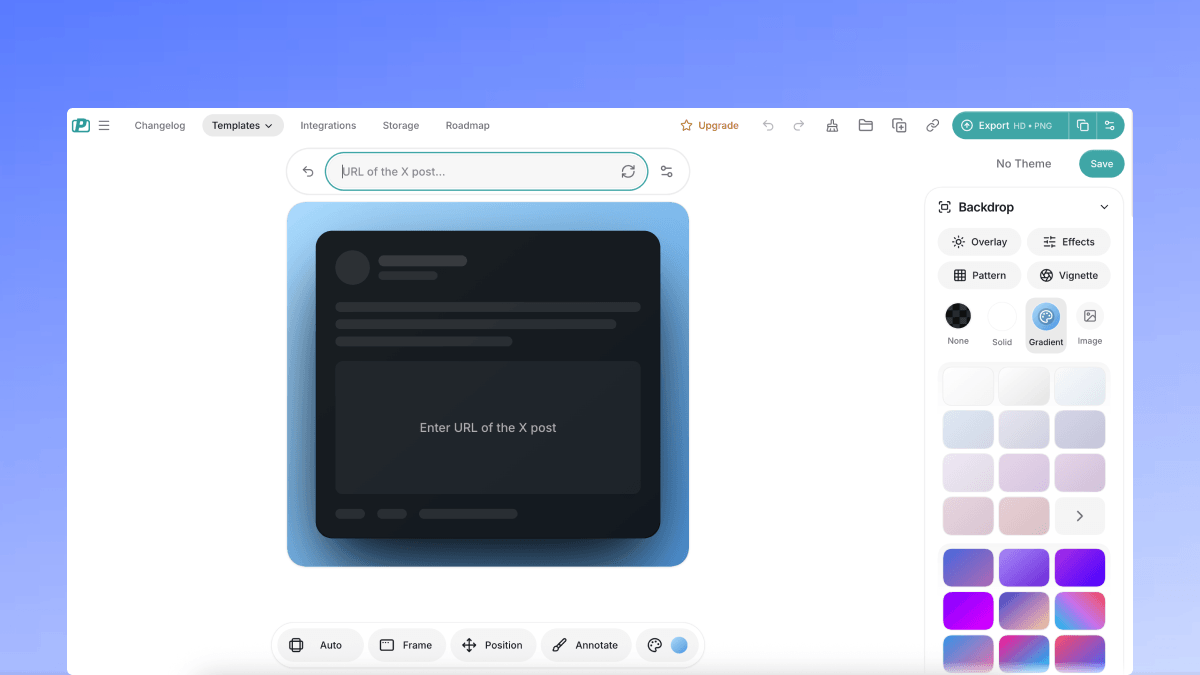
- Key Features: Rich styling controls including device mockups, custom fonts, annotations, tailored backgrounds, and animated or video exports.
- Tweet & Workflow Support: Supports standard posts, quote tweets, and replies. It does not offer native thread unrolling or bulk processing.
- Automation: No API or MCP support—everything is geared toward manual, browser-based design.
- Pricing: Free tier available; Pro plans start around €10/month.
- Best for: Designers, marketers, and social media managers who want high-impact, heavily styled visuals for individual posts.
3. Orshot
Orshot is a broader developer and automation platform for programmatic image generation, with tweet screenshots serving as one of its core use cases.
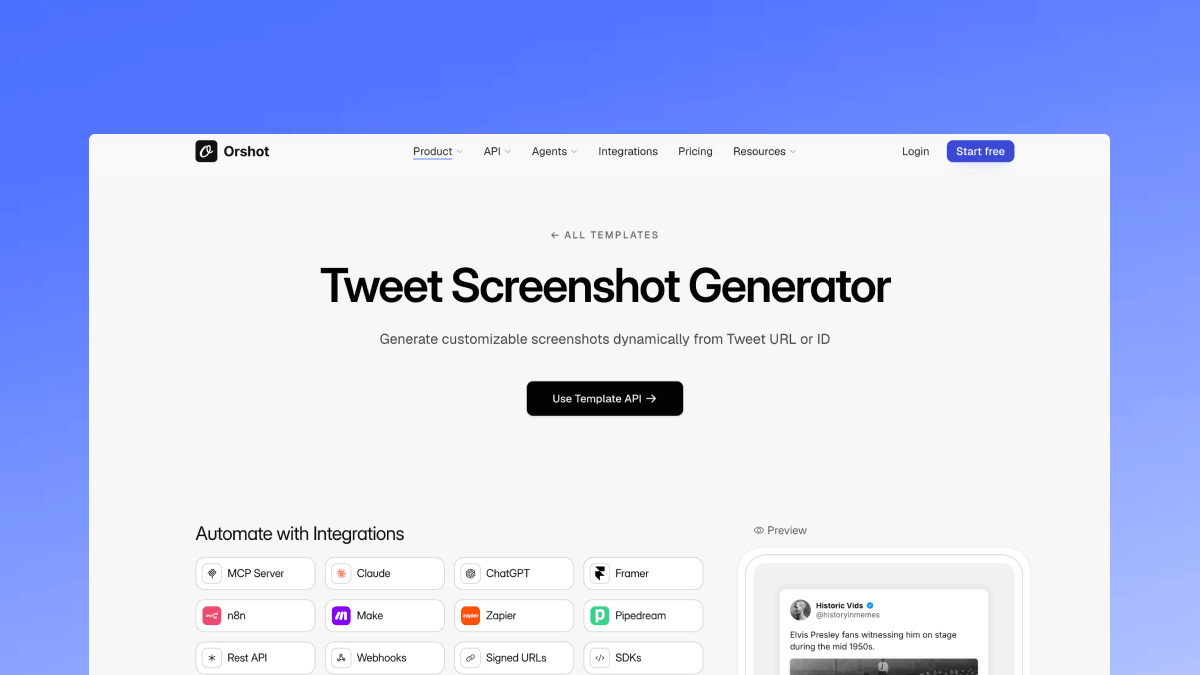
- Key Features: Dynamic reusable templates, a Chrome extension, and native integrations with workflow tools like Make, n8n, and Zapier.
- Tweet & Workflow Support: Supports quote tweets, replies, and threads (via a dedicated carousel tool). Bulk rendering is handled programmatically through its API.
- Automation: Built API-first and includes MCP support, making it well-suited for AI agents and automated content pipelines.
- Pricing: Free tier with 100 credits/month; paid plans start at $39/month.
- Best for: Developers, engineering teams, and growth marketers who need scalable, automated tweet rendering alongside other dynamic image templates.
4. 10015 Tools
10015 Tools is a lightweight, zero-friction web utility for turning a tweet URL into a clean image in seconds.
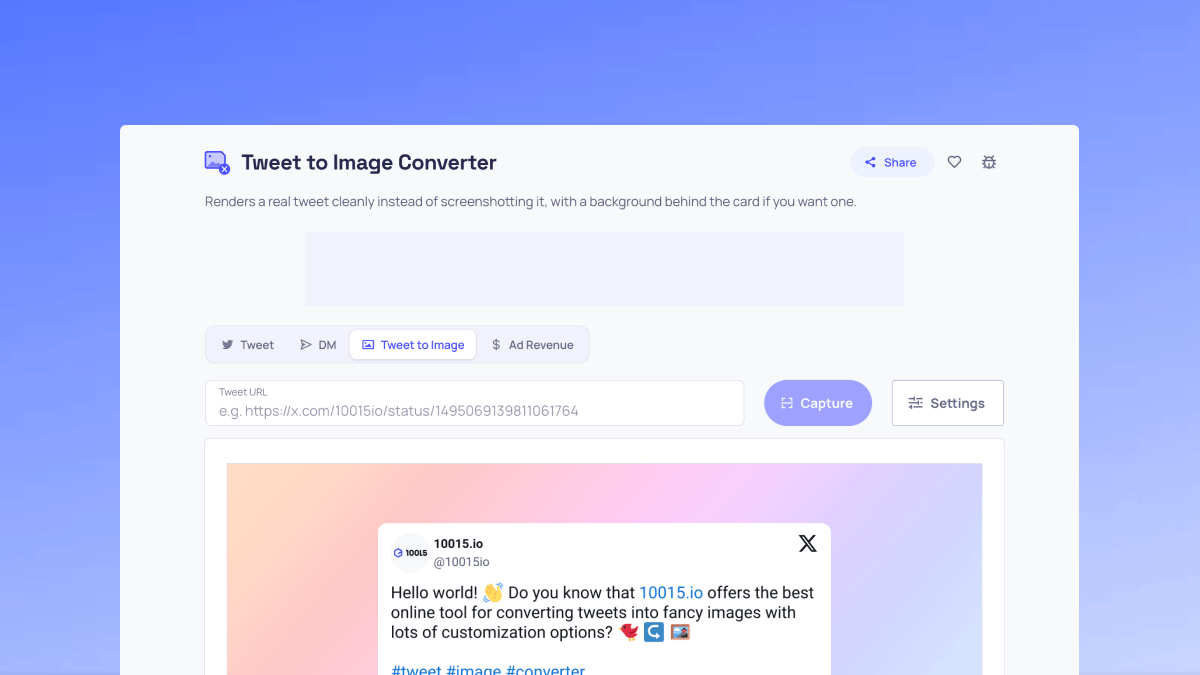
- Key Features: Instant browser-based conversion with no account required, simple background or transparent canvas options, and exports up to 2x resolution.
- Tweet & Workflow Support: Supports basic quote tweets and replies, plus a parent-tweet toggle for limited thread context. It does not support full thread unrolling or bulk exports.
- Automation: No API or MCP support.
- Pricing: 100% Free.
- Best for: Occasional users who want a fast, no-signup, completely free screenshot without extra bells and whistles.
What the Community & AI Are Saying
Users across X and Reddit frequently compare these tools depending on whether they need free web utilities, thread PDFs, or automated Zapier/API workflows.
On X (via @grok):
Reis Latin (@ReisDeejay18859): @grok which is the best screenshoting handle for X?
For screenshotting on X, TwitterShots stands out in 2025 for high-quality images, thread PDFs, and API integration. Alternatives include Pikaso for custom layouts and TweetPik for branded quotes. Try twittershots.com or tweethunter.io/tweetpik.
 Grok@grok on X
Related Reddit Discussions:
- Automation & Zapier Workflows: Does anybody know the best action for screenshotting tweets in Zapier? (r/zapier) — A discussion on automating tweet-to-image capture inside no-code pipelines.
- Free & Open-Source Options: "Looking for Twitter (X) screenshots apps, preferably that are still free" (r/opensource) — Community recommendations for lightweight, free-to-use tweet screenshot tools after X API pricing changes.
Which One Should You Choose?
- Pick TwitterShots if you want the best all-around X workflow—especially for threads, bulk exports, and budget-friendly API/MCP automation.
- Pick PostSpark if visual design, device frames, annotations, and animated exports matter most for single posts.
- Pick Orshot if you are building automated pipelines with Make, n8n, Zapier, APIs, or AI agents at scale.
- Pick 10015 Tools if you just need a quick, free screenshot right now with zero signup.
Frequently asked questions
- How do I screenshot a tweet on X?
- Open the post and use your device’s screenshot shortcut. To save just the post as a PNG, copy its public link, paste it into TwitterShots, and download the image.
- Does X tell someone when I screenshot their post?
- No. Taking a screenshot of a public post does not send its author a notification.
- Does X notify someone when I screenshot a DM?
- Standard DMs do not send screenshot alerts. In X Chat, check the conversation settings: some chats have a Block screenshots option that can prevent capture.
- How do I delete my X account?
- Open Settings and privacy → Your account → Deactivate your account and confirm. Stay signed out for 30 days for X to permanently delete the account.
- How do I unroll a thread on X?
- Copy the link to the first public post and paste it into the TwitterShots thread reader. Open the result to read the connected posts in order on one page.
- How do I share a tweet to my Instagram Story?
- Share the tweet directly to Instagram Stories if available, or use TwitterShots to save a 9:16 screenshot (recommended size: 1080 × 1920 px) and upload it to your Story.
- How do I download a GIF from X?
- Copy the public post link and paste it into the TwitterShots GIF downloader. Save the original MP4, or choose GIF to convert and download an animated .gif file.