OG Image Generator: Create a Social Preview in 3 Steps

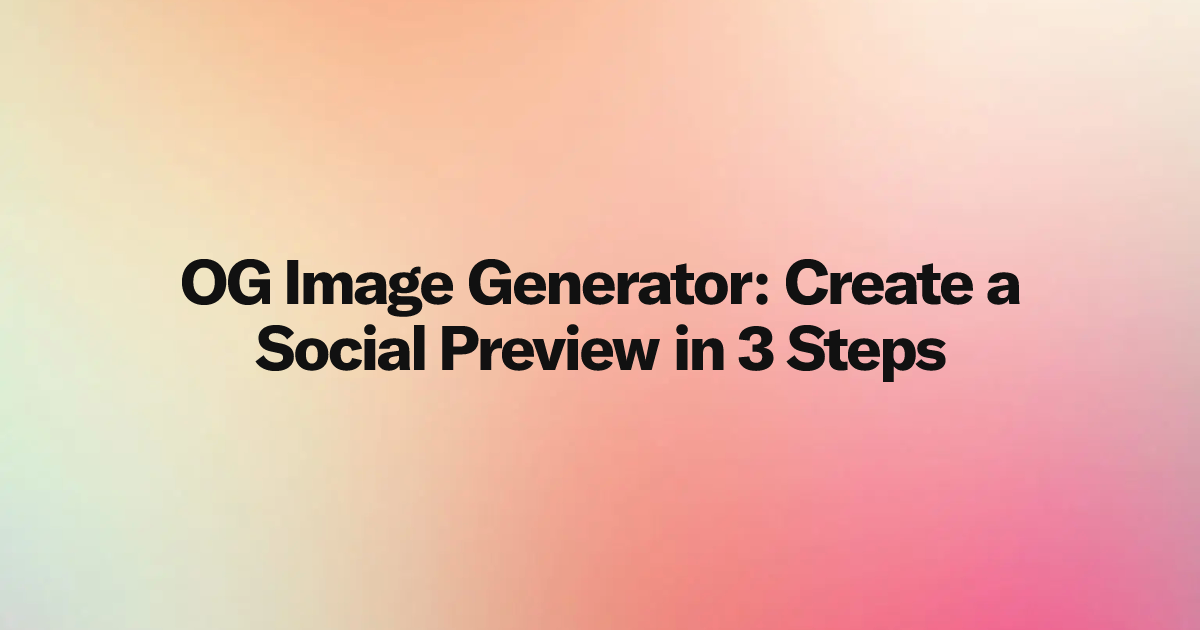
An OG image generator creates the social preview image displayed when a page is shared. With TwitterShots OG Image Generator, you can enter a title, choose a template and background, preview the result, and download a 1200 × 630 PNG without designing the card manually.
- Best for: articles, landing pages, product launches, documentation, changelogs, and automated publishing workflows.
- Output: a centered 1200 × 630 PNG plus an API image URL and ready-to-use social metadata.
- Workflow: enter the title, choose OpenAI Gradient, Linear Gradient, or Editorial, then download or publish the result.
What Is an OG Image Generator?
An OG image generator turns a page title and style choices into an image for the og:image metadata field. The Open Graph protocol defines og:image as one of the basic properties used to represent a webpage as a rich object when it is shared.
The generator handles repetitive layout work: canvas size, title wrapping, alignment, font weight, background, and export. Vercel's official OG image generation documentation recommends 1200 × 630 pixels, which is also the output size used by TwitterShots.
When Should You Use an OG Image Generator?
Use one whenever a page needs a clear, consistent link preview:
- Blog posts: show the exact article title instead of a generic site image.
- Landing pages: give product and campaign links a recognizable preview.
- Product launches: keep launch graphics consistent across many pages.
- Documentation and changelogs: make technical links easier to identify in chats and feeds.
- Programmatic SEO: generate many previews with one controlled template.
- AI agent workflows: create the article and its social metadata in the same task.
How to Create an OG Image in 3 Steps
Step 1: Enter the Page Title
Open the free OG Image Generator and enter the exact title you want people to see. Keep the main idea early in the title so it remains clear if a platform crops or compresses the preview.
Step 2: Choose a Template and Style
Select a template based on the content:
| Template | Best use |
|---|---|
| OpenAI Gradient | A title-led preview with a dreamlike image background |
| Linear Gradient | A bold title on a simple color gradient |
| Editorial | A title with optional description, site name, category, and accent color |
For title-only templates, select Small, Medium, Large, or a custom 32–96px size. The live preview shows the same title size and weight used by the exported PNG.
Step 3: Download or Publish the Image
Select Download PNG for a local file. Developers and AI agents can call the API to receive a public imageUrl, dimensions, alt text, and metadata for Open Graph and Twitter cards.
Can an AI Agent Use the Generator?
Yes. Give the agent the TwitterShots OG Image Generator Skill. The Skill guides it through account setup, X-API-KEY authentication, template selection, parameters, image generation, and result verification.
The minimum API input is a title. Optional fields control the template, theme or background, title size, editorial description, site name, category, and accent color. The public image URL can then be placed directly in page metadata.
Keep the Preview Simple
An effective OG image needs one clear headline, readable contrast, and enough space around the text. Avoid copying the full page description into a title-only template. If you need more context, use Editorial and add one short supporting sentence.
For dimensions and metadata examples, read Open Graph (OG) Image Size: 1200 × 630 Guide.
Frequently asked questions
- What is an OG image generator?
- An OG image generator creates the social preview image shown when a webpage is shared in social networks, messaging apps, and other services that read Open Graph metadata.
- What size image does the TwitterShots OG image generator create?
- TwitterShots creates a 1200 by 630 pixel PNG, a widely recommended Open Graph image size with an aspect ratio of about 1.91 to 1.
- Can an AI agent generate an OG image?
- Yes. An agent can read the TwitterShots Skill document, use an X-API-KEY, submit the title and style parameters, and receive a public image URL plus social metadata.
- Which OG image template should I choose?
- Use OpenAI Gradient for an image-led title card, Linear Gradient for a simple color background, or Editorial when the preview needs a title, description, site name, or category.
Create a Free OG Image
Enter a title, choose a template, and export a ready-to-publish 1200 × 630 PNG.
Open OG Image Generator- Three Templates
- Live Preview
- 1200 × 630 PNG
- Agent-Ready API