Best 5 Twitter Screenshot Tools for Single Posts, Threads, and Branded Images

TwitterShots turns X posts into images for Instagram and splits threads into carousel slides. You can capture up to 30 posts in one batch. To automate screenshots, call the TwitterShots API with a post ID. For other workflows, choose PostSpark to annotate a quote, Orshot to generate tweet images from a template, 10015 Tools to copy a single post image into a newsletter, or BrandBird to match a graphic to your brand colors.
The recommendations below use the five tools’ documented inputs, editing controls and export options as of November 26, 2026.
TwitterShots for a thread or a batch of posts
Paste a public post URL into TwitterShots to capture a single tweet, a quote tweet, or a reply with its parent. The free plan exports with a TwitterShots watermark. Pro at $6.99 per month removes the watermark, unrolls a thread into carousel images or one PDF, and includes 300 monthly API credits. TwitterShots pricing
Pro+ at $12.99 per month adds bulk screenshots of up to 30 post URLs in one batch. For a recurring workflow, the screenshot API accepts a post ID, and TwitterShots MCP lets ChatGPT, Claude, Cursor, and other assistants request the same capture from a public URL. Screenshot API

PostSpark for an annotated quote or reply
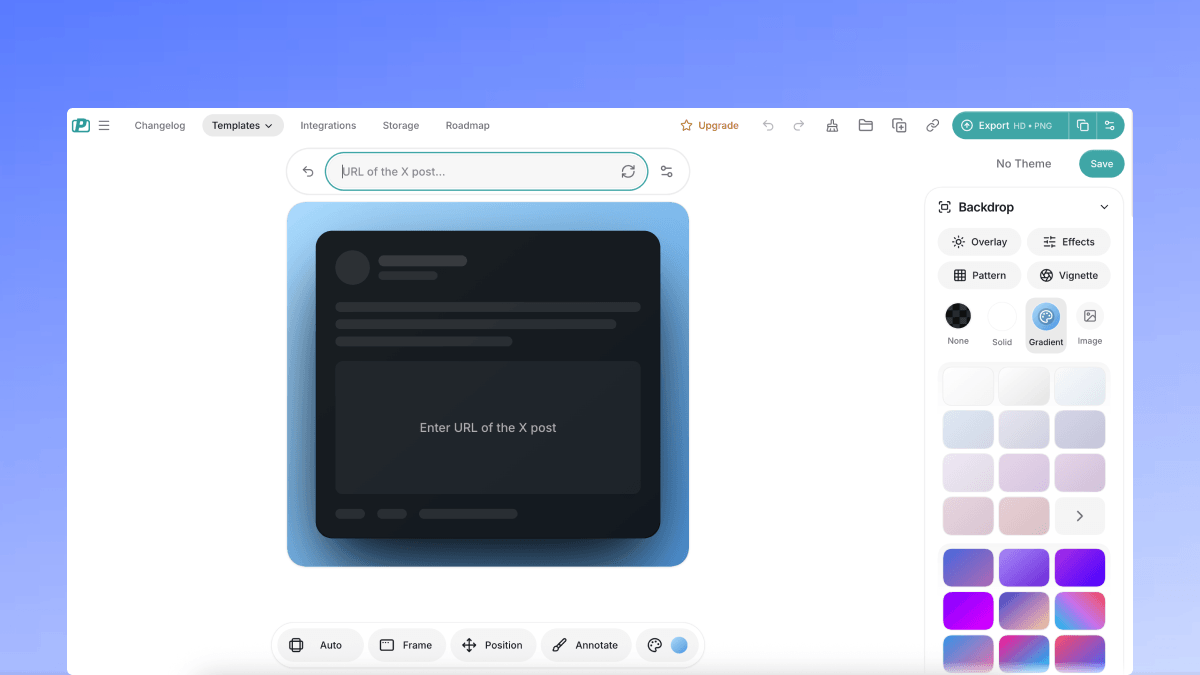
When a reply only makes sense alongside its parent, use PostSpark’s X post editor. Paste the URL, set the card width for your layout, and add an annotation beside the line you want readers to notice. Its support for replies and quote tweets makes it a good fit for a slide explaining an exchange. Check the preview at slide size so your annotation leaves both speakers’ words readable. PostSpark X post editor
Orshot for template-based tweet images
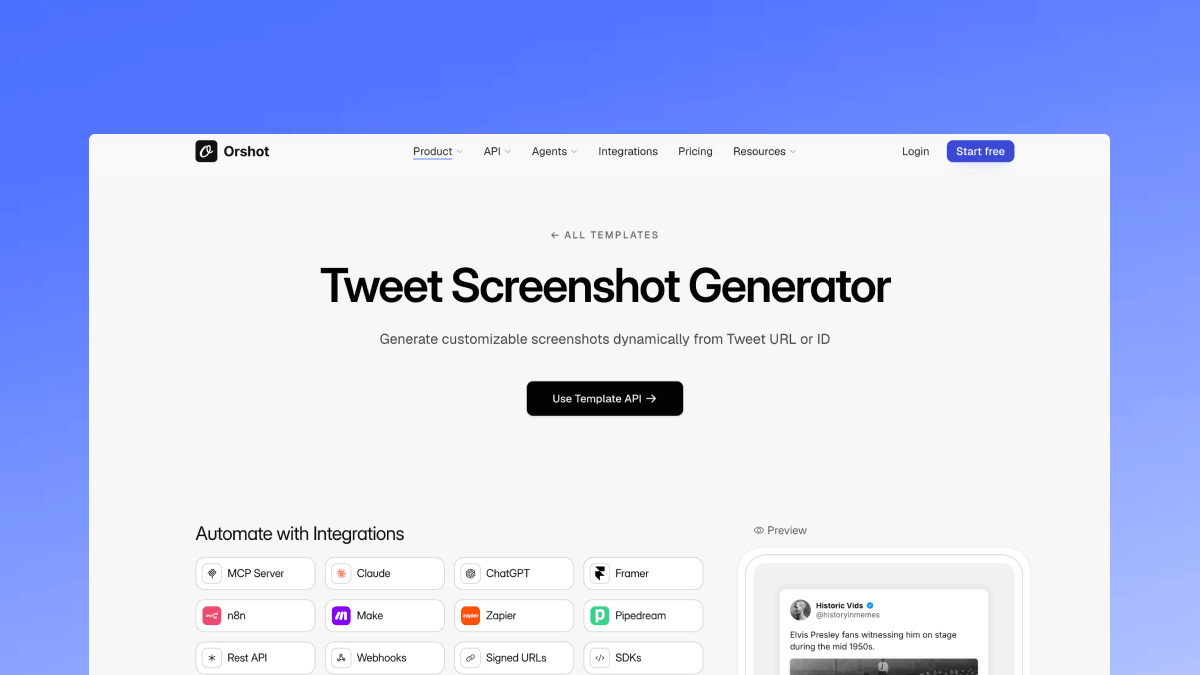
Enter a post URL or tweet ID in Orshot’s tweet-image template, then select Generate Image. If you already use Orshot to create other graphics, select Use Template API to generate tweet images in the same workflow. Orshot Tweet Screenshot Generator
10015 Tools for a one-off image from a link
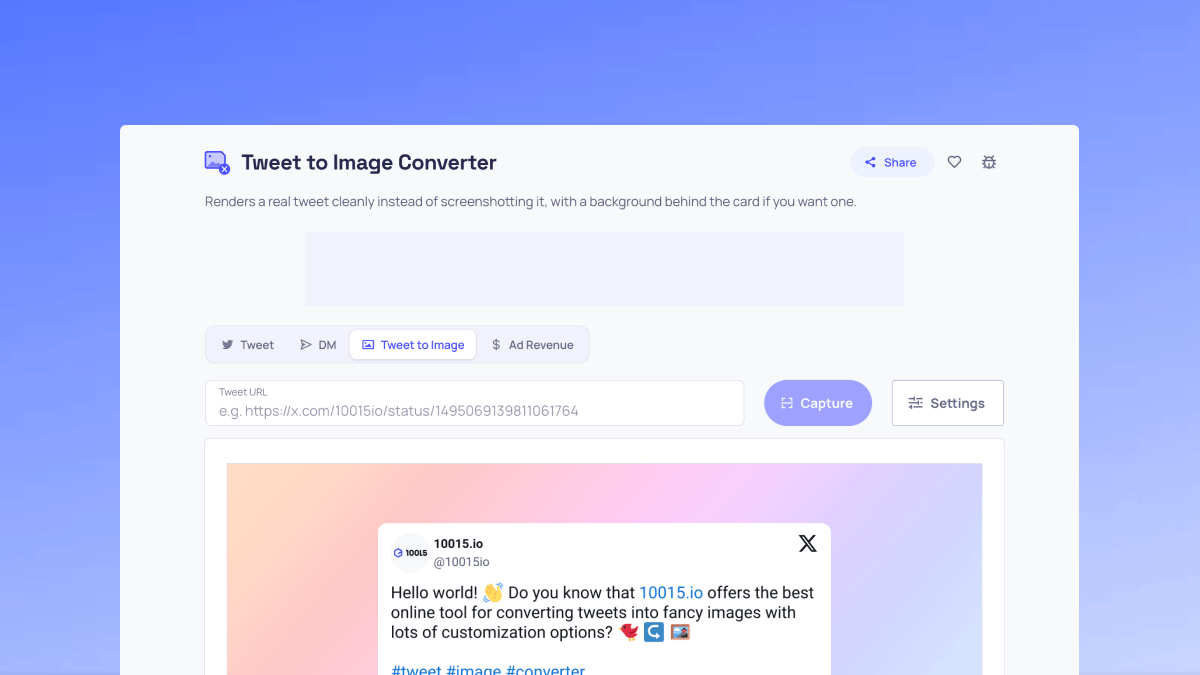
Open the free Tweet to Image Converter and paste the public post URL. Before clicking Capture, decide whether to include the parent tweet and the engagement footer. Keep the parent visible when quoting a reply whose meaning depends on the question. After capture, adjust the background and use Export Image to download the card or copy it to your clipboard. The converter needs access to the live post, so a deleted or protected post can fail at the capture step. 10015 Tools converter
BrandBird for branded social posts
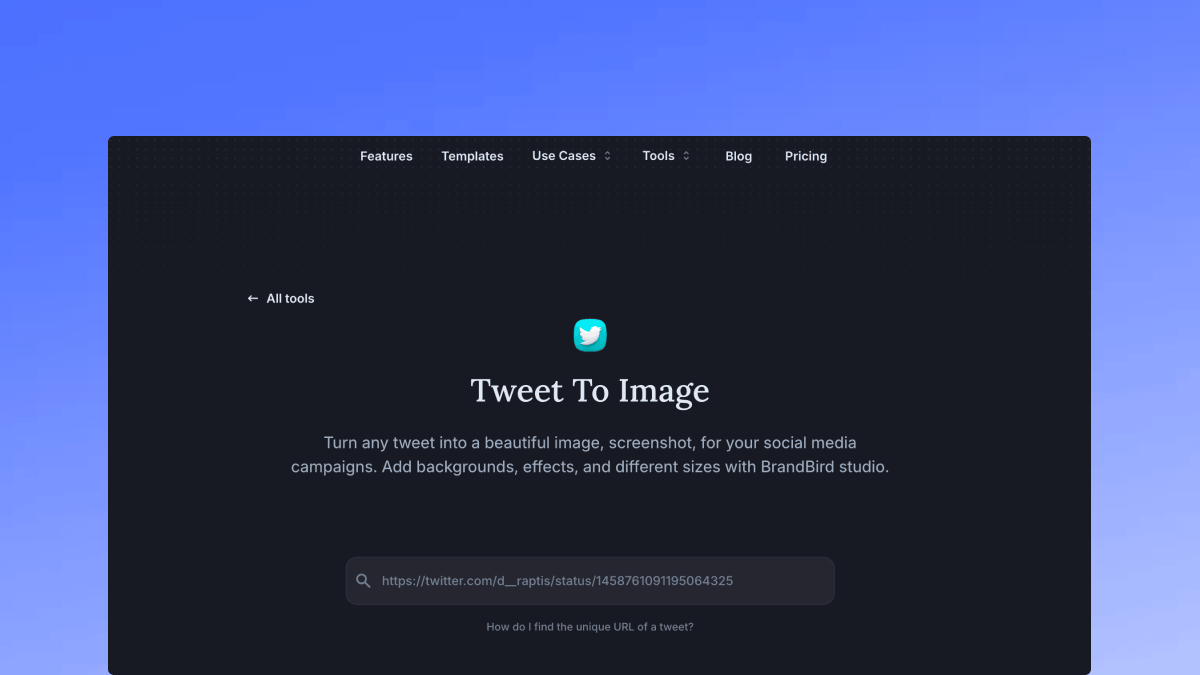
Paste the URL of a published post into BrandBird’s Tweet to Image tool. Choose whether the card shows the engagement metrics, publication date, and X logo. For a simple PNG, select Download. To match a campaign’s visuals, select Edit on BrandBird, choose a background in your brand colors, and resize the image for the feed where you’ll share it. BrandBird Tweet to Image
Frequently asked questions
How can I convert a tweet into a PNG for Instagram?
Paste the post URL into TwitterShots and select Screenshot. Adjust the layout for your Instagram post, then download the image as a PNG.
How do I screenshot a reply and include the original tweet?
Paste the reply URL into the 10015 Tools converter and leave Hide Parent Tweet turned off before selecting Capture. Check that both posts appear in the preview, then export the image.
Can I download just the photo from a tweet?
Yes. Open the attached photo on X and use the save option on your device. To keep the author, text, and photo together, paste the post URL into a tweet screenshot tool.
How can I save a Twitter thread as a PDF?
Open the thread in TwitterShots and use the thread PDF export included with Pro. To share the same thread as a carousel, choose the option to split it into images.
Can I take screenshots of several tweets at once?
Yes. TwitterShots Pro+ accepts up to 30 post URLs in one batch. Paste one URL per line in the screenshot field and select Screenshot.
Which tools can generate tweet screenshots through an API?
The TwitterShots screenshot API takes a post ID. Orshot’s tweet-image template accepts a tweet URL or ID and offers a template API for recurring image generation.
Screenshot a thread, a batch, or a branded PNG
Paste a post URL into TwitterShots. Split a thread for Instagram, export a PDF, or capture up to 30 posts at once.
- Thread PDF and carousel images
- Bulk tweet screenshots
- Screenshot API
- Custom branding
- High-quality PNG export