X Image Splitter
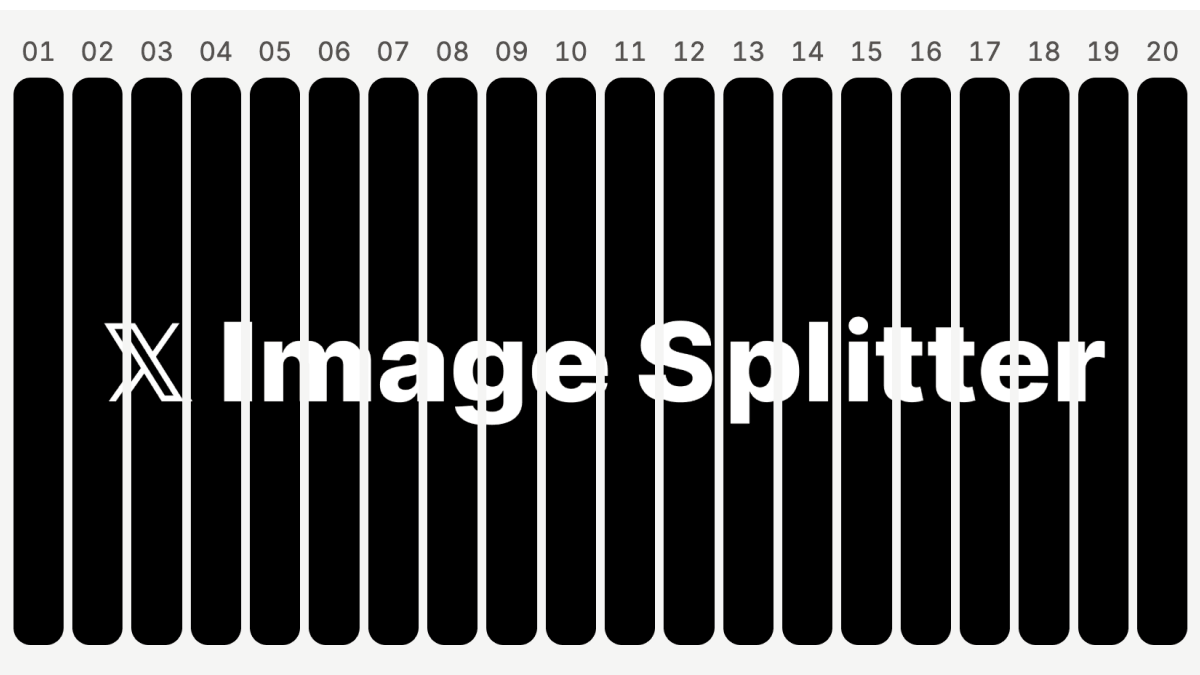
X raised the limit to 20 images per post. Turn one wide image into 20 vertical strips, preview how they line up, and download the numbered PNGs in a ZIP.
Try X Image SplitterFree · No login · Processed in your browser
How to make a split-image post on X
1. Choose a wide image
Select or drop a JPG, PNG, or WebP into the splitter.
2. Preview the slices
Choose 2–20 slices. Use Cut lines to check the boundaries and X-style to see the panels side by side.
3. Download and post
Extract the ZIP, select the PNGs in order starting with 01.png, and check their order and crop before posting on X.
See the strips in a real post
The numbered strips turn a panorama into a sequence that reads from left to right. If a cut runs through a face or a line of text, change the slice count and check the preview before downloading.

People on X were already asking how to make the narrow strips that form one larger image. The full story collects four of those requests and Grok’s reply about the tool. Why we built X Image Splitter.