Step 1
Paste the thread URL
Copy the link to the first tweet in any public X/Twitter thread. Works with threads up to 50+ posts.
Free thread viewer
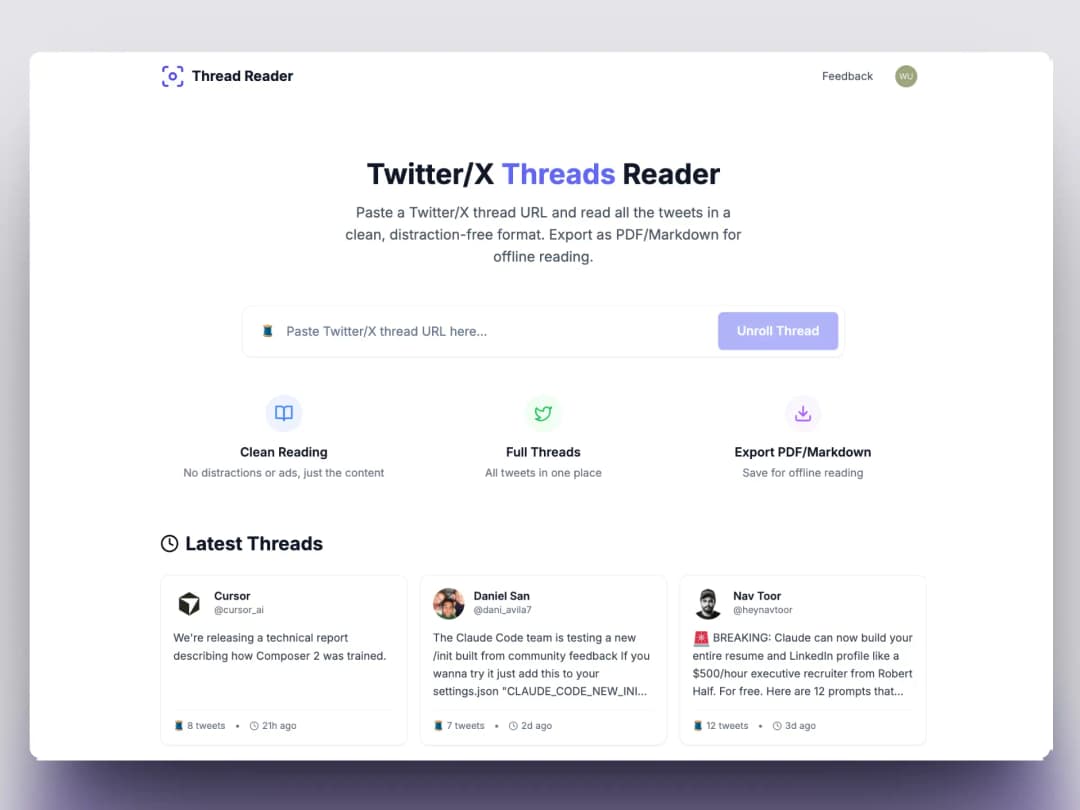
Paste any X thread URL. Read every post in one calm column, then export to PDF or Markdown when you are done.
No credit card required.
How it works
Twitter threads split long stories across dozens of posts. This viewer pulls the entire chain into one page so you can read without tapping through each tweet.
Step 1
Copy the link to the first tweet in any public X/Twitter thread. Works with threads up to 50+ posts.
Step 2
Every tweet appears in order inside one distraction-free column — media, quotes, and author info preserved.
Step 3
Download as PDF for offline reading, export Markdown for Obsidian or Notion, or copy the full text.
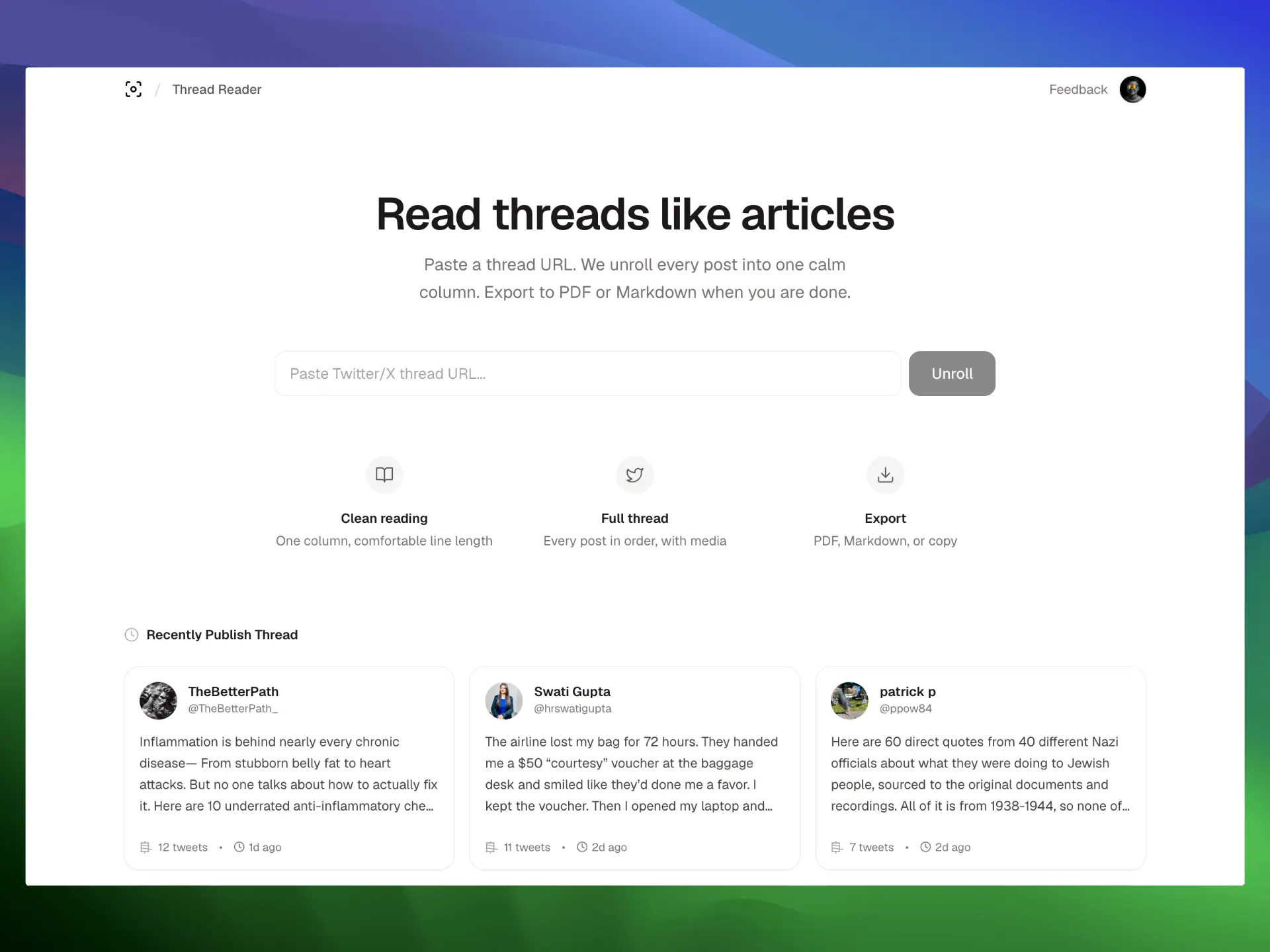
A Twitter thread viewer is a tool that displays an entire multi-tweet chain on one page. Instead of scrolling through replies on X, you get a blog-like reading experience with the full story in order.
TwitterShots powers this page and our Thread Reader tool. Need PDF export? Use our Thread Reader to view and export any thread as PDF.
FAQ
A Twitter thread viewer displays every tweet in a thread on a single page. You paste the URL of the first tweet, and the tool fetches the full chain so you can read it like an article instead of clicking through each post on X.
Yes. Free users can view up to 10 threads per day with no watermark on exports. Pro plans start at $5.83/month for unlimited viewing, PDF export, and thread screenshots.
Both pages use the same TwitterShots engine. This page targets the 'twitter thread viewer' search intent — users who want to view threads in a clean layout. The Thread Reader page focuses on the full reading and export workflow.
Yes. After viewing a thread, click Export PDF to download a print-ready document. You can also export Markdown for note-taking apps or copy the full text to your clipboard.
No. Twitter and X do not notify users when someone views, unrolls, or screenshots their thread. The process happens server-side with no interaction on the original tweets.
Paste a URL. View the full thread. Export when you need a copy.