Original MP4, No Extra Watermark
TwitterShots lists direct MP4 links from X’s CDN. We never stamp a logo or overlay on your download.
Paste a public tweet link to get original MP4 files from X — no TwitterShots overlay, no re-encoding. Pick HD quality and save on iPhone, Android, or desktop in your browser.
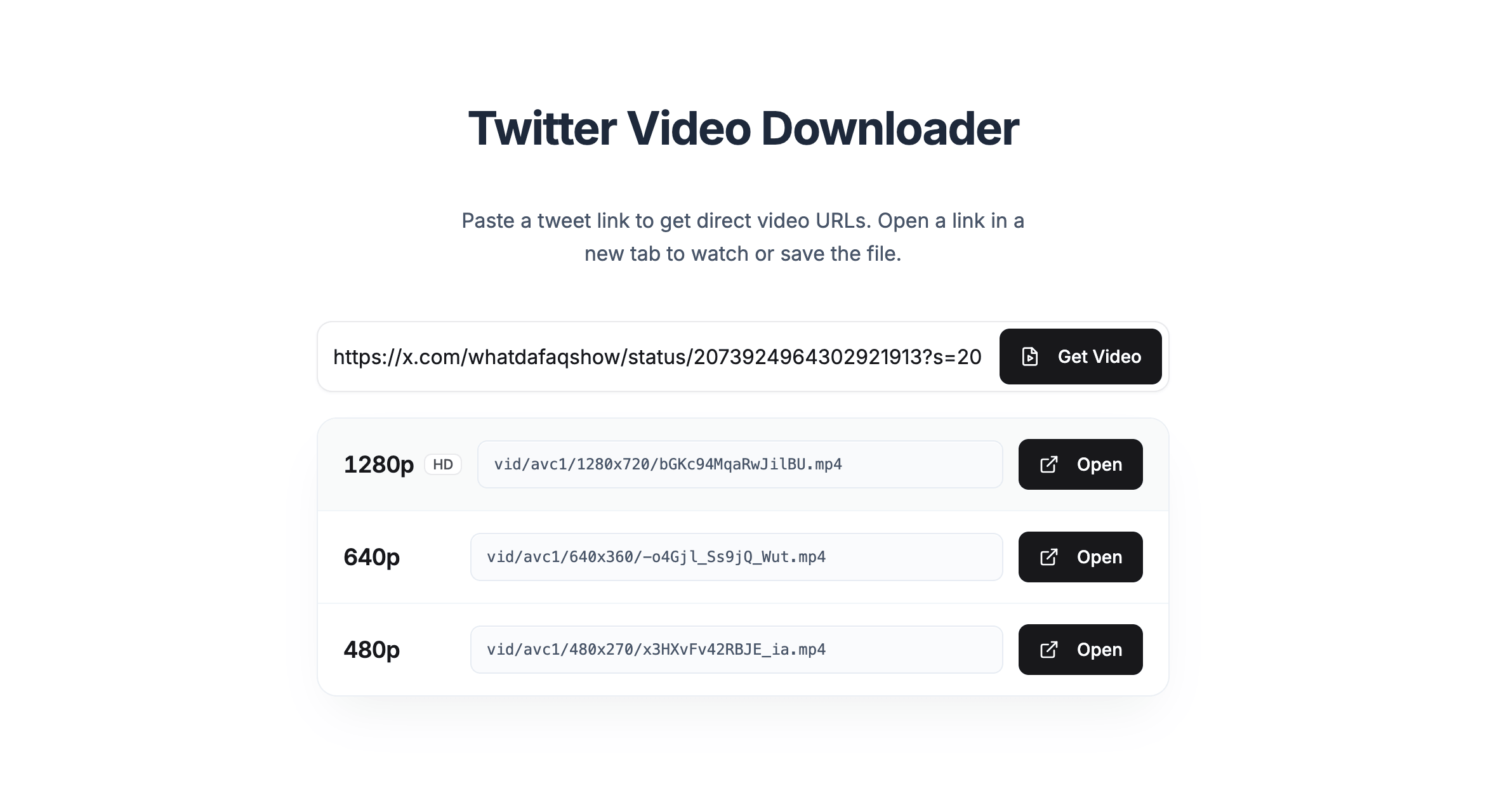
TwitterShots lists direct MP4 links from X’s CDN. We never stamp a logo or overlay on your download.
Use Safari on iPhone: paste the link, get video, open on X, and save from the player — same clean file.
Every bitrate variant is shown highest-first so you can save the sharpest MP4 the author uploaded.
Three steps to save the original MP4 on any device.
On X or twitter.com, open the post with video and copy the public URL.
Paste above and click Get Video. TwitterShots returns original MP4 URLs with no added watermark.
Open your chosen quality on X and download from the player menu to keep the native file.