Free Twitter Downloader Online
Use free Twitter downloader in any browser. No extension or desktop app required. Paste a public x.com or twitter.com link, preview MP4 qualities sorted by bitrate, and save the file from X’s CDN.
TwitterShots pulls MP4 links from public tweets. Paste the URL, pick HD, and save without ad-heavy download sites.
Paste a link, get video URLs, then open and save on X.
On the X app, tap Share and Copy link. On the web, copy the URL from the address bar.
Paste the URL into the box above and click Get Video to load every MP4 variant for that tweet.
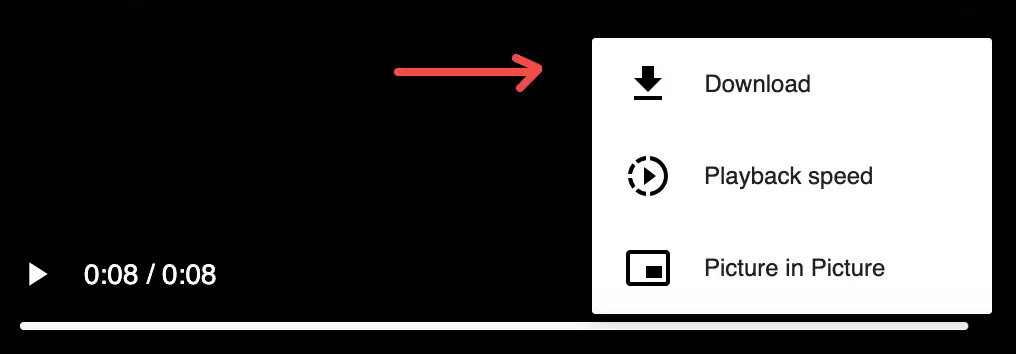
Pick a quality (HD is highest) and click Open. On the player, tap at the bottom right, then Download to save the file.
Common questions about the Twitter downloader
Copy a public tweet URL, paste it into the box above, and click Get Video. TwitterShots lists every MP4 variant sorted by quality. Pick HD, open the link on X, and save from the player menu.
Yes. Free TwitterShots accounts can fetch video links from public tweets at no extra charge. You save files directly from X after opening the link.
Yes. Open this page in Safari or Chrome on your phone, paste the tweet link, pick MP4 quality, and save. No app install required.
This page focuses on video MP4 downloads. For tweet screenshots or thread exports, use TwitterShots home. The same account covers both workflows.
No. Like other Twitter downloaders, TwitterShots only works with public tweets. Private or protected accounts cannot be accessed.