Capture X screenshot in bulk
Bulk screenshot is on the Pro+, Business plan.
UpgradeWhat it does
Enter multiple tweet URLs in one session and generate multiple PNG screenshots in a single workflow—ideal for campaigns, reporting, content batches, and archives when one-at-a-time capture is too slow.
How it works
- Add several tweet links (one per line or as your input UI allows).
- TwitterShots loads each tweet and applies your styling choices.
- Export multiple images from that batch instead of repeating the flow for every link.
Where to use it
There are two ways to start bulk capture. In both places, enter tweet links with line breaks—one URL per line.
-
Homepage — On the home page, paste multiple tweet URLs directly into the main input field. Use a new line for each link, then submit. When more than one valid URL is detected, you continue in the bulk flow.
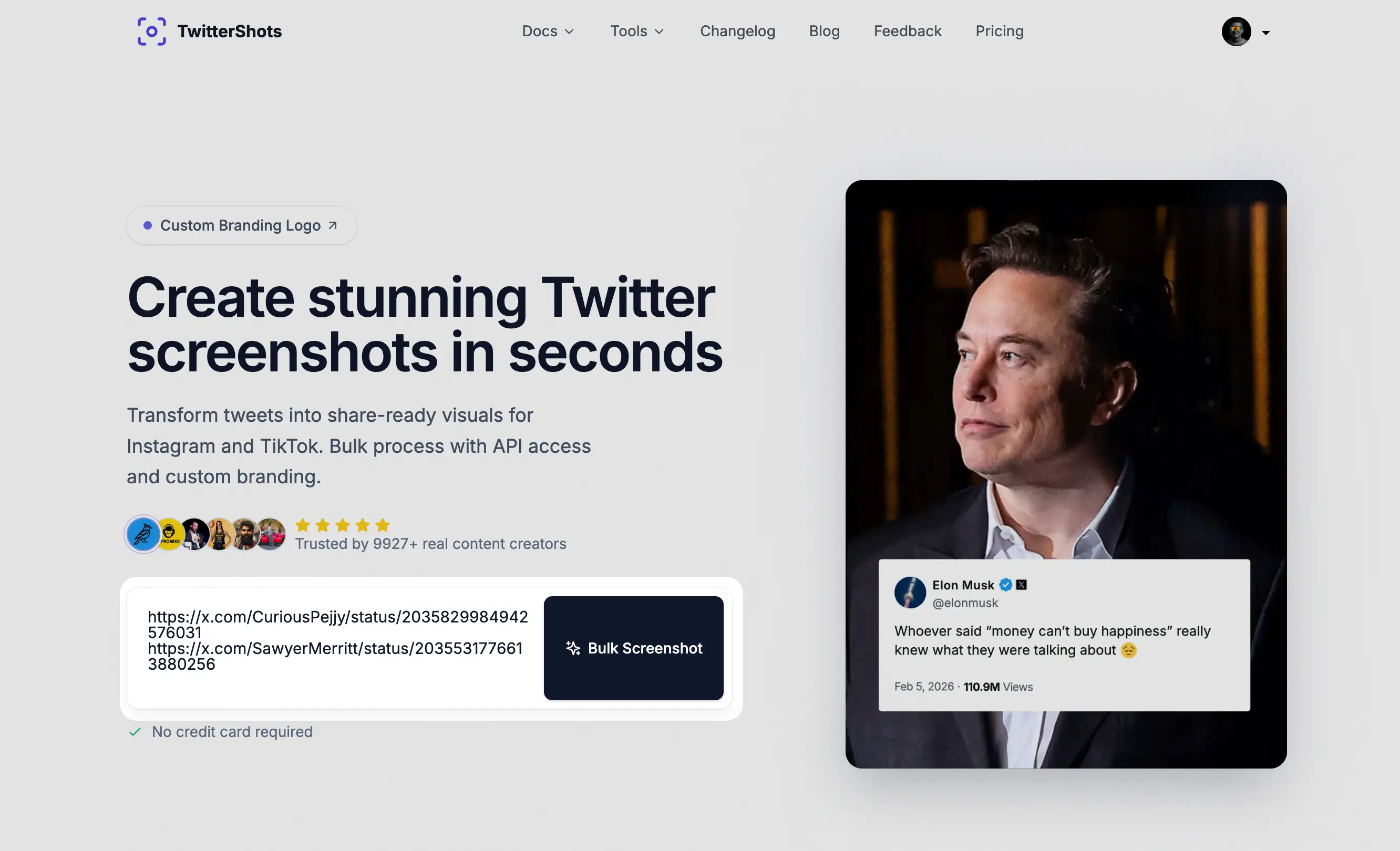
-
Bulk tweets — Open Bulk tweets and use the dialog to paste several tweet URLs (again one per line), then confirm to load the batch.
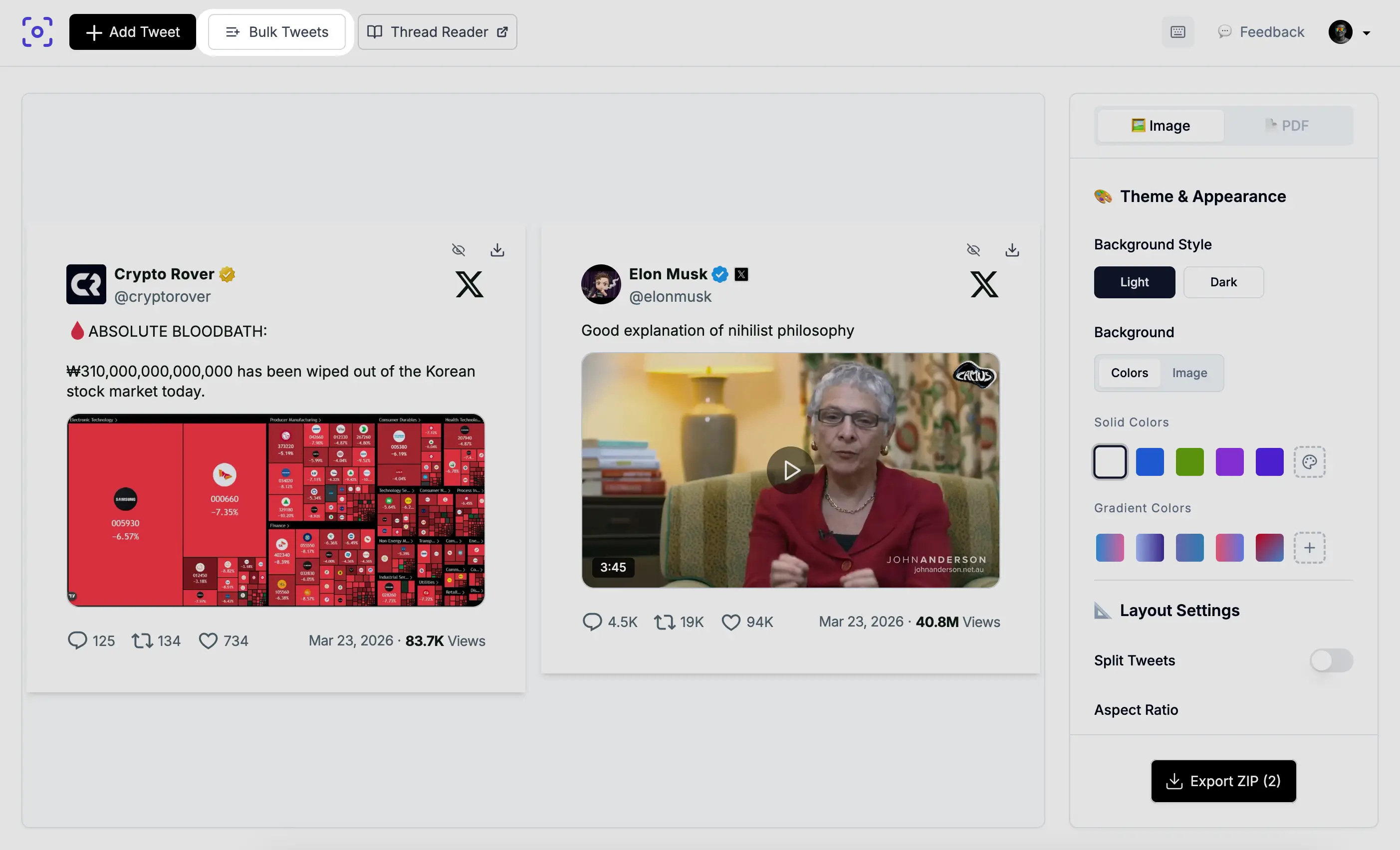
The same screenshot quality and customization you use for single tweets apply to each item in the list.
Summary
- Input: many tweet URLs at once
- Output: multiple tweet screenshot images (PNG)
- Plan: Pro+ and higher