Quickstart
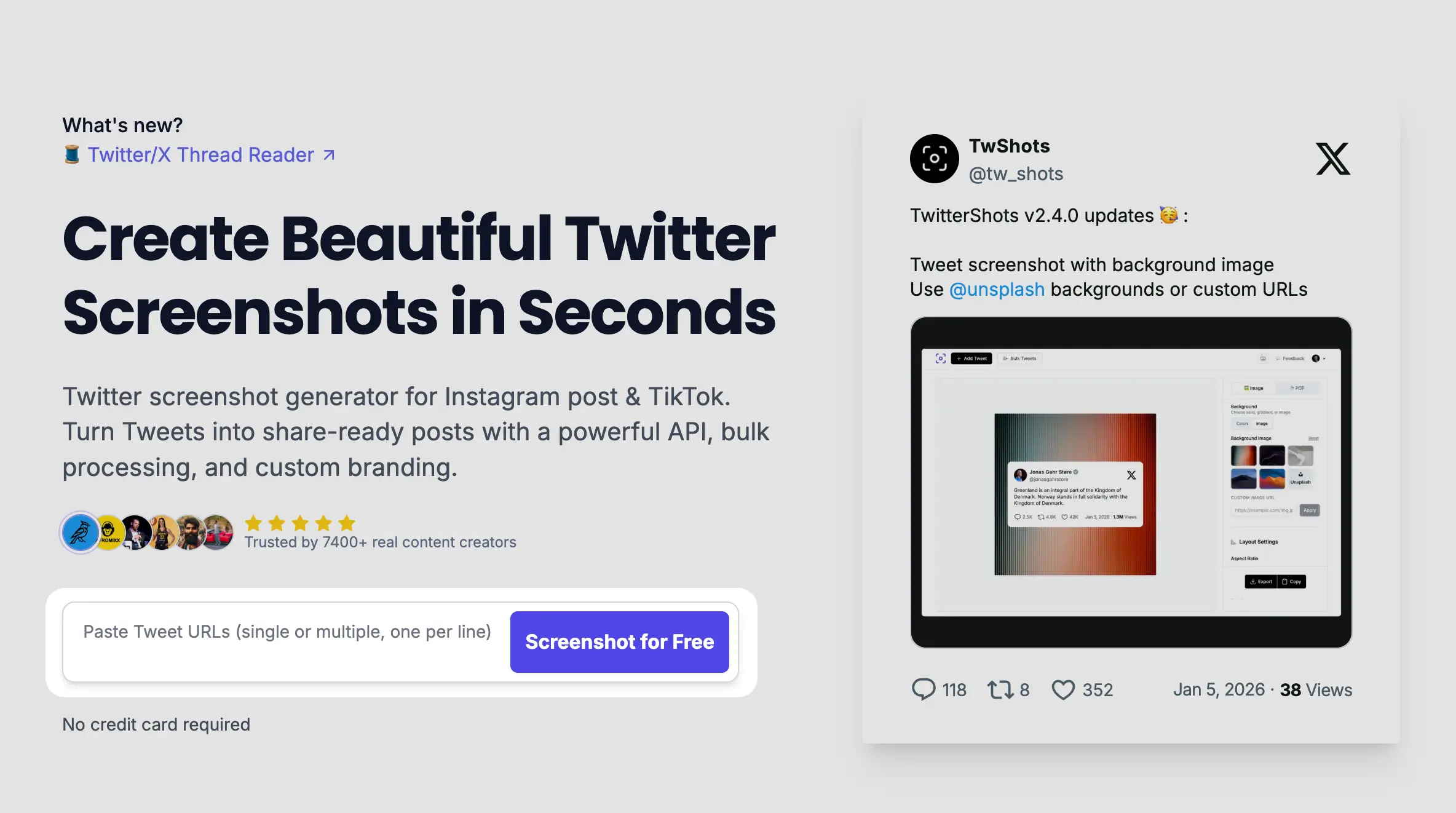
Get started with TwitterShots in 1 minutes. This guide walks you through creating your first beautifull tweet screenshot.
1
Create an account
Sign up for a free account at TwitterShots. You can start creating screenshots immediately.
2
Paste a tweet URL
Copy any tweet URL from Twitter/X and paste it into the TwitterShots editor. The tweet will load automatically.
3
Customize (optional)
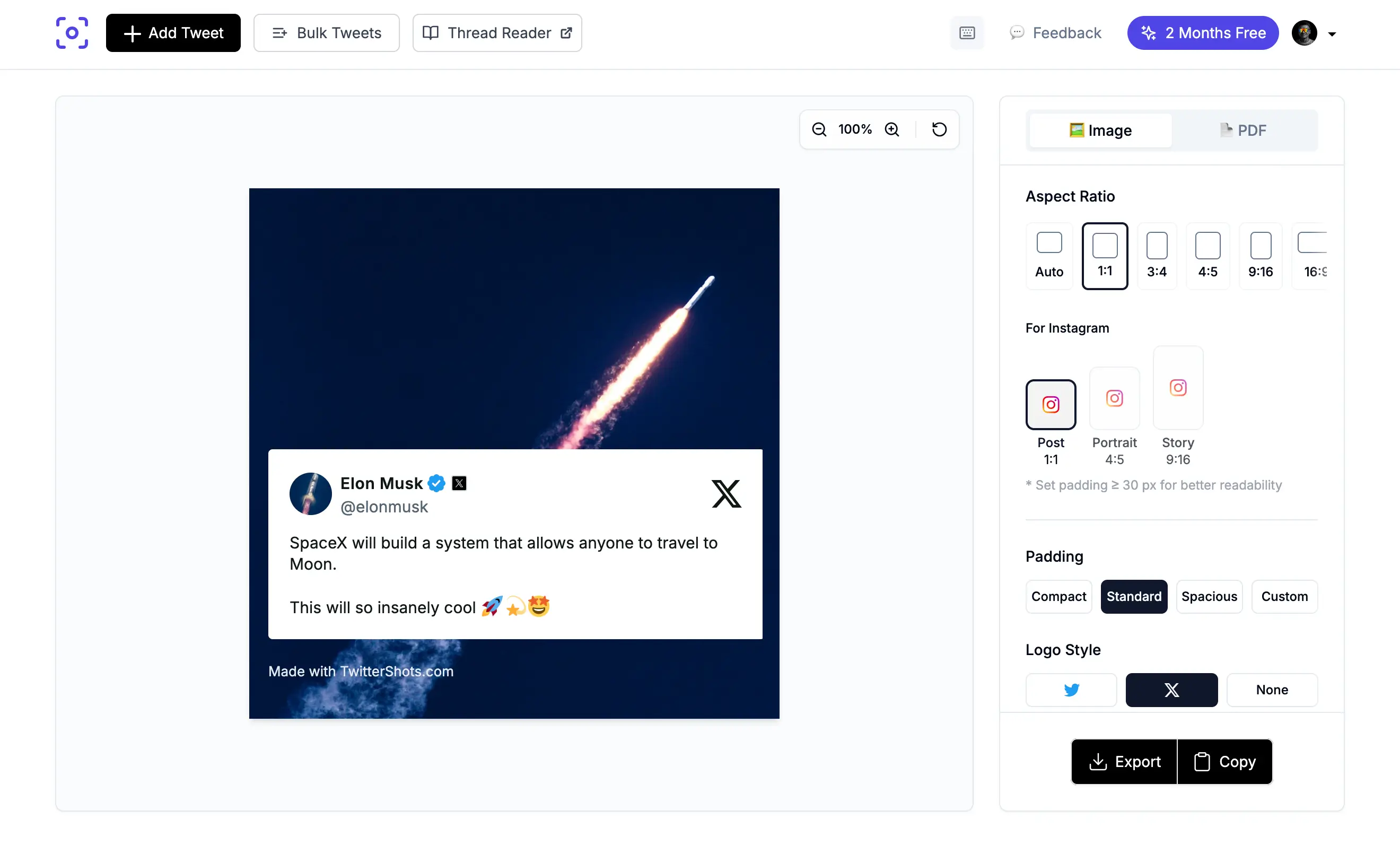
Use the customization options to change themes, backgrounds, fonts, and layouts. Your changes appear in real-time.
4
Export or copy to clipboard
Export your screenshot as PNG or share it directly to Instagram, TikTok, or other platforms.