Custom Themes
Choose from dark, light, gradient, and branded themes. Match your screenshot to your Instagram feed or brand guidelines with one click.
For the complete documentation index, see llms.txt
The best Twitter screenshot maker for creators. Custom themes, no watermark, HD export, and bulk processing. Turn any tweet into a shareable image in seconds.
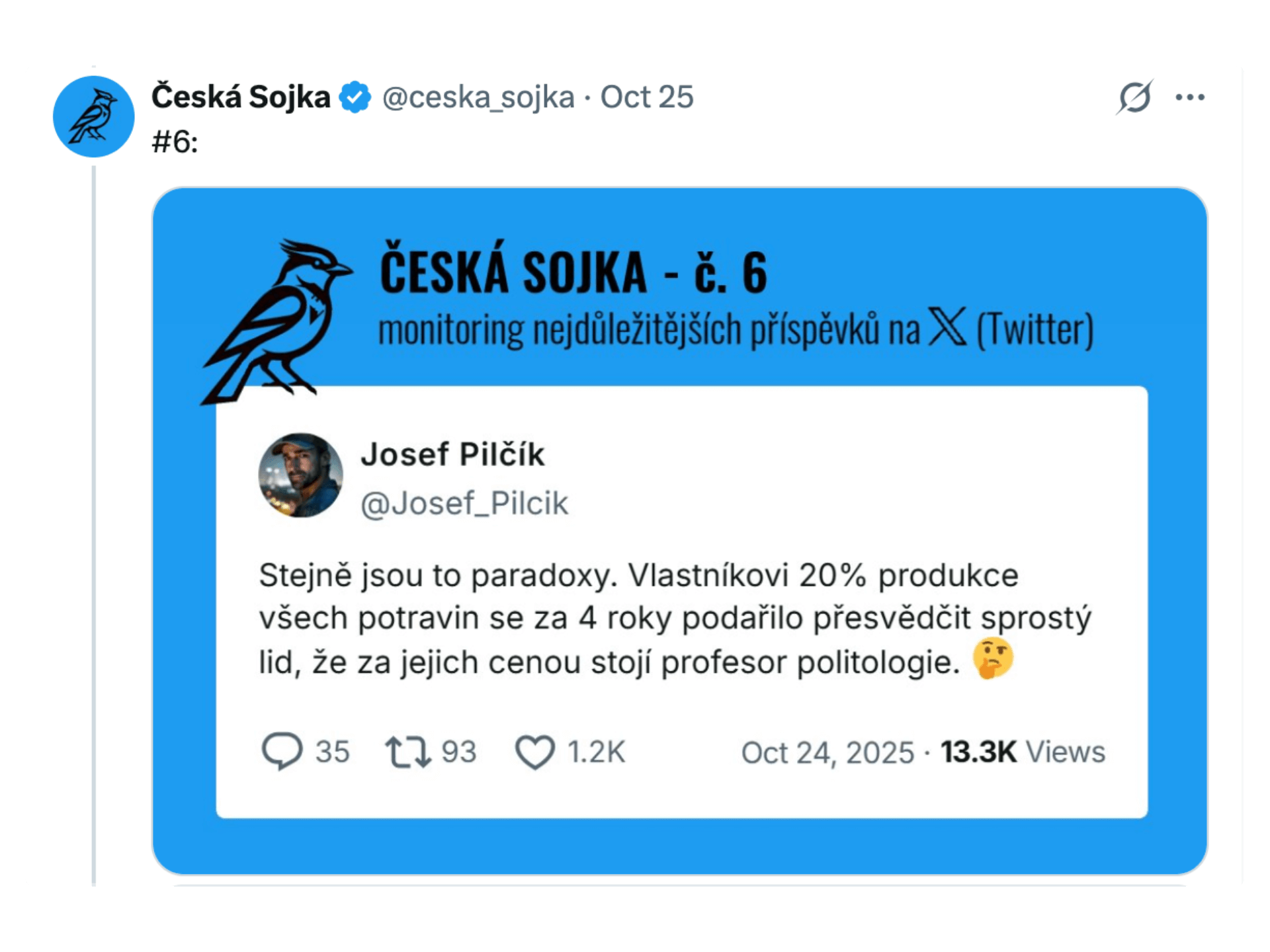
Professional-grade customization without the learning curve
Choose from dark, light, gradient, and branded themes. Match your screenshot to your Instagram feed or brand guidelines with one click.
Use Unsplash photos, paste a custom image URL, or upload your own background. Make every screenshot visually unique.
Adjust fonts, sizes, and spacing. Pick the perfect typeface for your audience—clean sans-serif for business, bold display for social.
Add your own logo watermark or remove ours entirely. Pro+ and Business plans support full white-label branding.
Export as PNG for social media, SVG for scaling, or HTML for embedding. Every format is optimized for its use case.
1:1 for Instagram feed, 4:5 for maximum reach, 9:16 for Stories and Reels, 16:9 for Twitter and YouTube.
Three steps from tweet URL to polished image
Copy any tweet link from Twitter/X and paste it into the input field. Our tool instantly fetches the tweet content, media, and metadata.
Pick a theme, choose a background, set your aspect ratio, and toggle elements like timestamps or stats. Preview changes in real time.
Download your screenshot as PNG, SVG, or HTML. Use it on Instagram, TikTok, newsletters, or embed it directly on your website.
One screenshot maker. Unlimited use cases.
Turn tweets into eye-catching Instagram content. Use 1:1 for feed posts, 4:5 for maximum reach, or 9:16 for Stories and Reels. Add gradient backgrounds to match your aesthetic.
Create 9:16 vertical tweet screenshots for reaction videos, commentary, and viral tweet breakdowns. Export as PNG or convert directly to video with our built-in converter.
Embed polished tweet screenshots in Substack, Beehiiv, or Medium articles. HTML export preserves crisp text at any zoom level. Perfect for tech roundups and quote curation.
Add your company logo watermark, match brand colors, and remove all third-party branding. White-label exports for client presentations and social media campaigns.
Capture tweet threads as searchable PDFs or high-resolution images. Preserve timestamps, engagement stats, and full context for citations and archival.
Share tweet highlights in Discord servers, Slack channels, and community forums. PNG exports load instantly and look great in dark mode.
Start free. Upgrade when you need more power.
Perfect for individual creator workflow
Perfect for professional power creators
Perfect for teams and agencies
Compare all features across our plans
| Feature | Pro | Pro+ | Business |
|---|---|---|---|
Core Features | |||
| Manual Screenshots | Unlimited | Unlimited | Unlimited |
| Remove branding | |||
| Split Thread into Images | |||
| Save Thread as PDF | |||
| AI-Powered Translation | |||
| Bulk Tweet Processing | |||
| Tweet to Video | |||
| Custom Background | Unsplash | Unsplash, Paste link, Upload | Unsplash, Paste link, Upload |
| Custom branding logo | |||
API & Automation | |||
| Monthly API Credits | 300 / month | 1,000 / month | 6,000 / month |
| Output Formats | PNG, SVG, HTML | PNG, SVG, HTML | PNG, SVG, HTML |
Support | |||
| Support | Priority Human Support | Priority Human Support | Priority Human Support |
| Choose Your Plan | |||
Common questions about turning tweets into screenshots
A Twitter screenshot maker is a tool that converts tweet URLs into polished, shareable images. Unlike manual screenshots from your phone or desktop, a dedicated maker preserves tweet text, media, timestamps, and engagement stats in a clean layout with customizable themes and backgrounds.
Yes. The free plan includes 10 screenshot credits per month with no watermark, custom themes, and background images. Paid plans start at $5.83/month for unlimited manual screenshots, API access, and bulk processing.
TwitterShots supports PNG for social media, SVG for scalable web graphics, HTML for embedding in newsletters and blogs, and PDF for document archives. Business plan users get all formats with priority rendering.
Yes. The free plan has no watermark by default. You can generate clean screenshots without any branding. Pro+ and Business plans add custom logo watermarking for your own brand.
Absolutely. Paste any tweet URL and TwitterShots automatically detects if it is part of a thread. You can export the entire conversation as a single long image, split it into carousel slides, or save it as a PDF.
Yes. The TwitterShots API lets you generate screenshots programmatically via REST endpoints. Integrate with n8n, Zapier, Make, or your own backend. Business plans include 6,000 API credits per month.
Paste any tweet URL and get a polished screenshot in seconds. No signup required for your first 10 exports.