Free Twitter / X thread viewer

Twitter / X Thread Viewer

Summary
A Twitter/X thread viewer turns multi-tweet chains into one readable page. Paste the first tweet URL into TwitterShots, read the full thread in order, then export to PDF or Markdown — free, no browser extension.

Paste any public thread URL below. Read every tweet in one clean column, then save as PDF or Markdown — free, works on iPhone and desktop, no extension required.

Use the URL of the first tweet in the thread. Public threads only.

Also see thread reader, Twitter thread viewer, or our thread viewer guide.
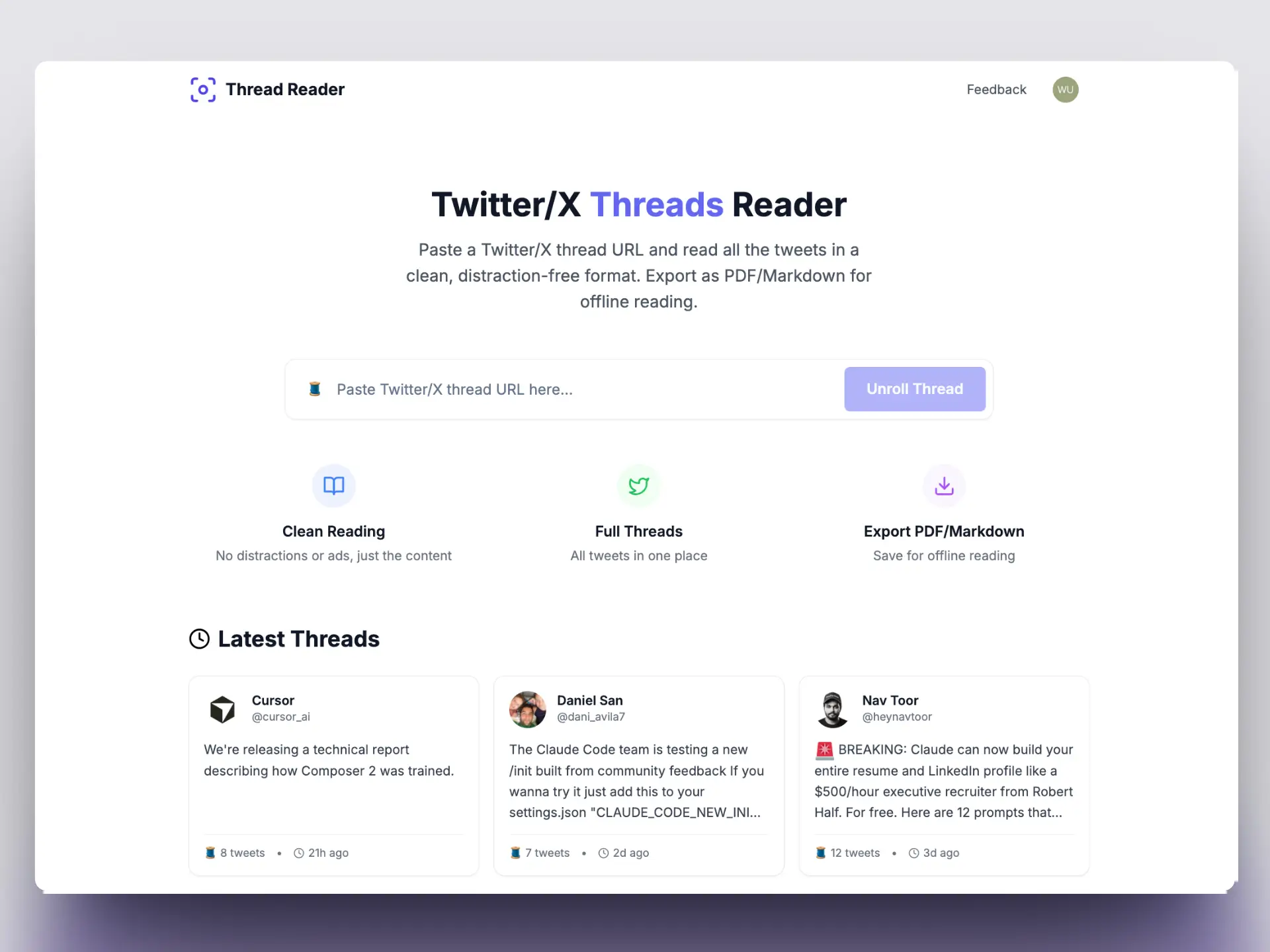
Twitter X thread viewer showing expanded thread in clean reading layout
How to use

How to better read & export a Twitter / X thread

Three steps to unroll any public thread into a single article-style page — no app install required.

  1. Copy the thread URL

    Open the first tweet in any public thread on x.com, tap Share, and copy the link.

  2. Paste and view the thread

    Paste the URL above and click View thread. Every tweet loads in order on one readable page.

  3. Export or save

    Download PDF for offline reading, export Markdown for note apps, or copy the full text.

FAQ

Twitter / X thread viewer — common questions

Answers about viewing, unrolling, and exporting Twitter threads for free.

What is a Twitter/X thread viewer?
A Twitter or X thread viewer expands a multi-tweet chain into one readable page. Paste the first tweet URL and the tool fetches every reply in order — so you read the full thread like an article instead of tapping through posts on X.
Is the TwitterShots thread viewer free?
Yes. Free users can unroll and view up to 10 threads per day with PDF and Markdown export. No credit card required to start reading threads.
How is a thread viewer different from a thread reader?
They mean the same thing for most users. "Thread viewer" emphasizes reading the full chain on one page; "thread reader" often includes unroll bots like @threadreaderapp. TwitterShots does both — view, unroll, export, and screenshot.
Can I save a thread as PDF or Markdown?
Yes. After viewing a thread, export a print-ready PDF, download Markdown for Obsidian or Notion, or copy the full text to your clipboard.
Do I need to sign in to view a thread?
No account is required for basic viewing. Paste a public thread URL and read instantly. A free TwitterShots sign-in unlocks higher daily limits and screenshot tools.
Does X notify the author when I view their thread?
No. Viewing, unrolling, or exporting a public thread does not send a notification to the tweet author on X or Twitter.

Want the full walkthrough? Read our Twitter / X thread viewer guide.